
Wondershare Filmora X
Description
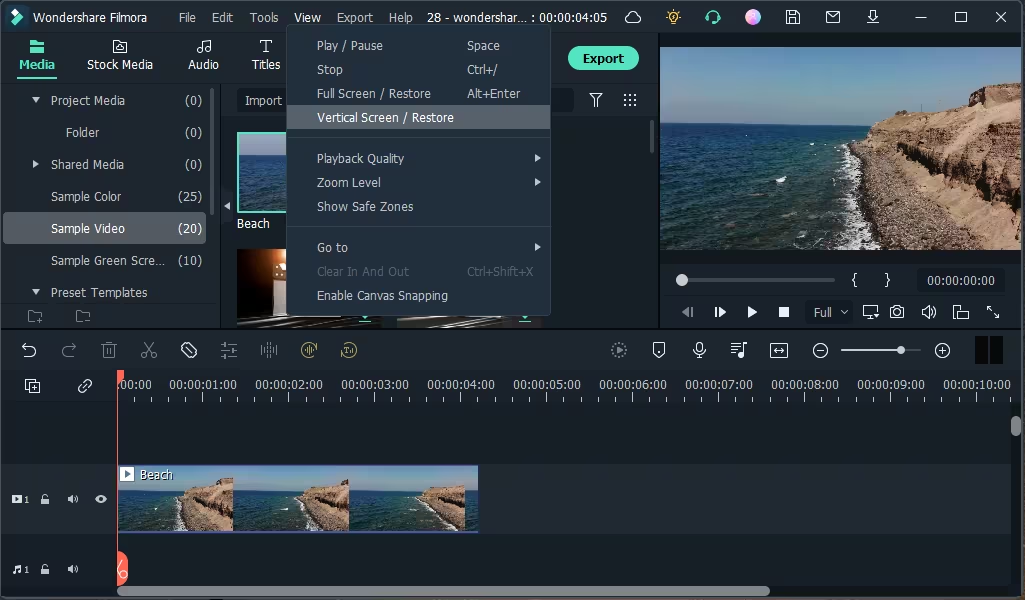
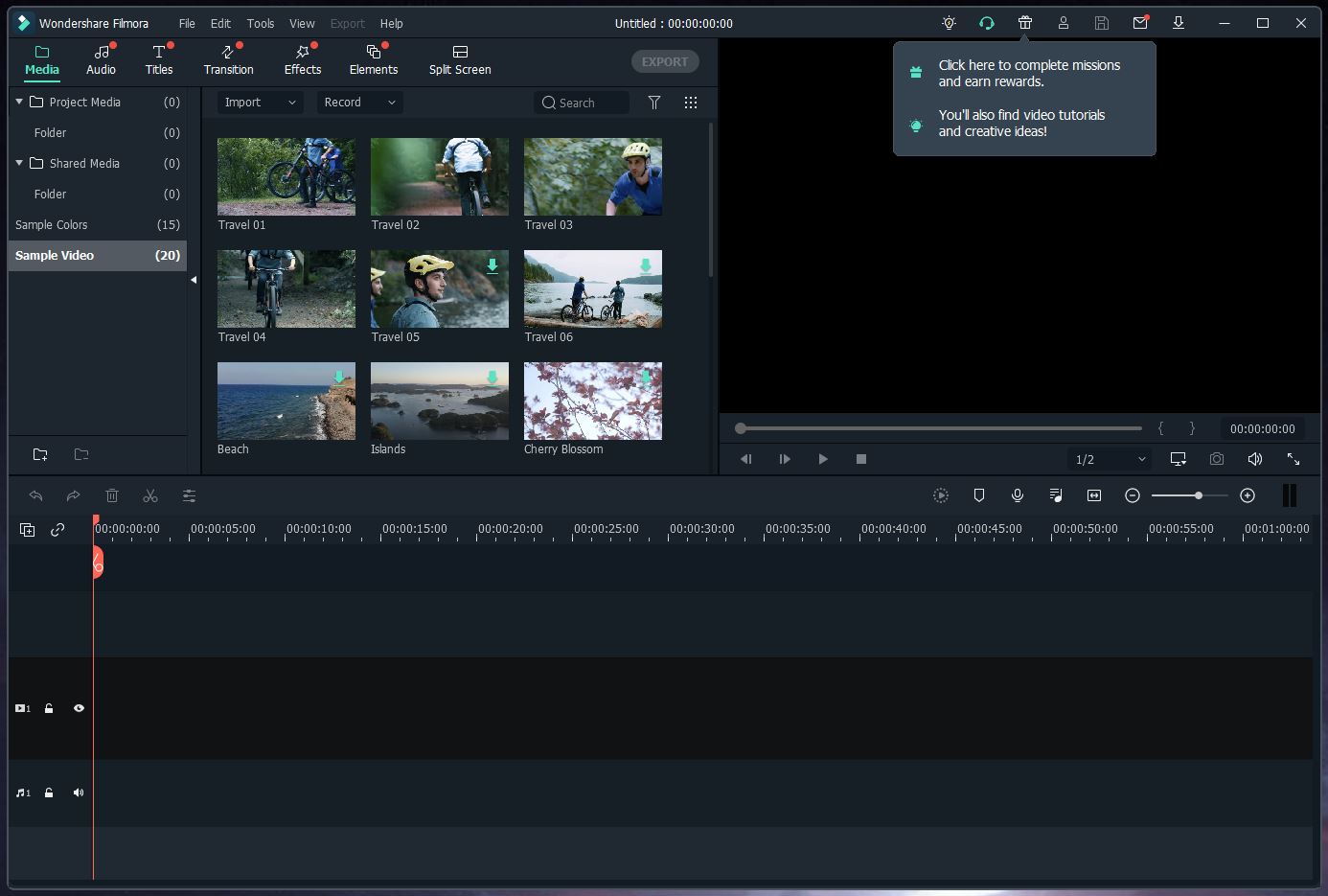
Wondershare Filmora X is a rather interesting and feature-rich tool for working with multimedia files on your Mac.
What I personally really liked is that working with the program is simple, everything is quite intuitive and easy to understand, and most importantly there is a well-designed, localized interface available.
Thanks to this application, you can genuinely create something close to a real movie right on your Mac computer.
At the same time, you can use your own video clips, audio tracks, photographs, and other media as source material — the possibilities are quite broad.
It is worth mentioning that the application includes a large number of excellent effects, among which you can find various transitions, filters, overlays, and much more beyond that.
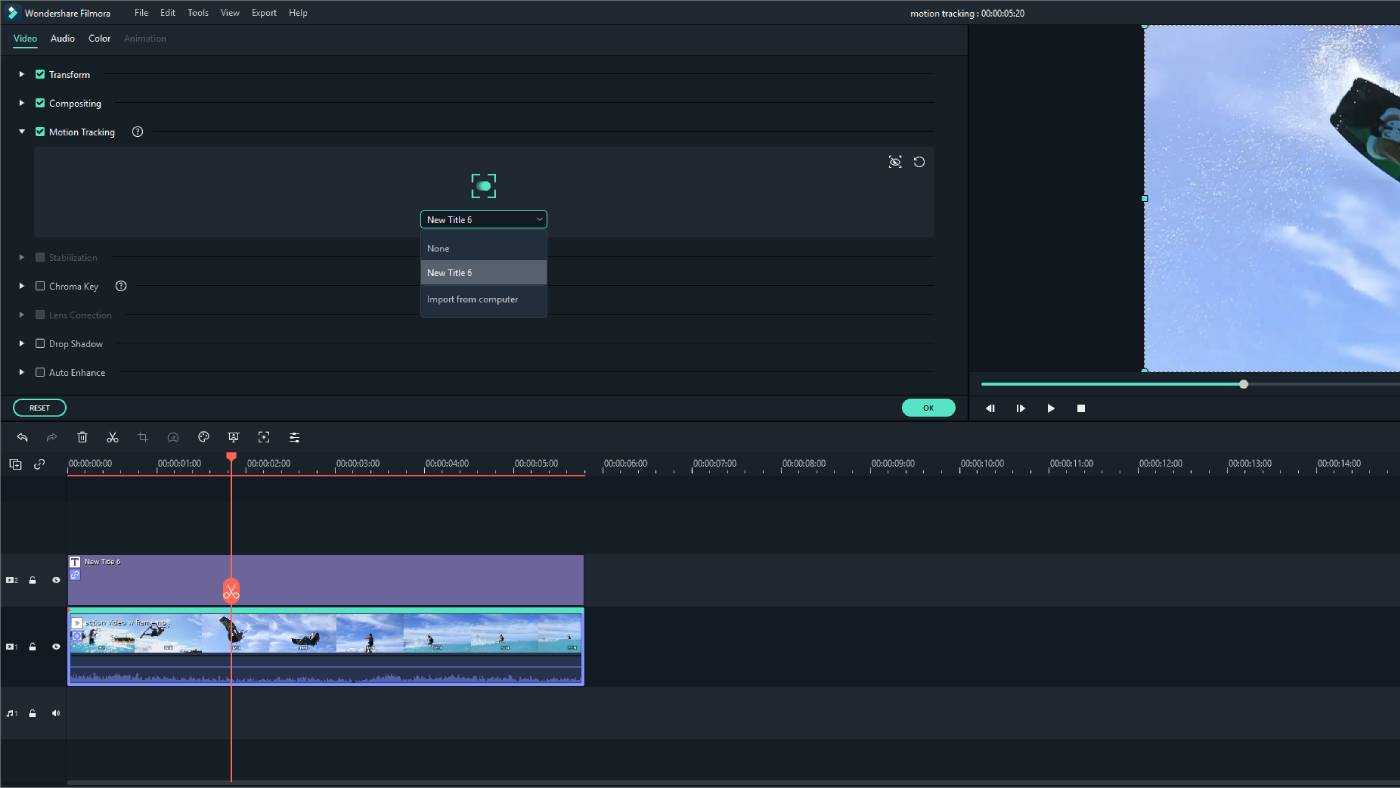
By the way, there is also the ability to add your own text captions onto the video, meaning for example, you can create a title for your clip, or even add full subtitles to accompany the visuals.
The app supports working with HD quality video on Mac, and if you happen to have footage whose quality is, let's say, not particularly great, you can try to enhance it using a special built-in improvement tool.
Of course, you should not expect miracles from it, but the result will definitely be noticeably better than the original.
Using this program, you can trim video and rotate it in any direction you need.
Beyond that, you can even split it into several separate individual clips for different purposes.
If in one session you do not manage to finish working on your film project, that is no problem at all — you can save it as a special project file, and then open it at any convenient time and continue working from exactly where you stopped.
If wondershare filmora x cannot open project files occasionally, simply restarting the application usually resolves the issue.
Once you complete the filmora wondershare x download and install it on your Mac, and your so-called masterpiece is finally ready, you can save it in one of the numerous supported formats to your computer, and then proudly show it to your family and friends.
By the way, wondershare filmora x mac also supports exporting your finished videos directly to popular online services and platforms for easy sharing.
Frequently Asked Questions
You May Also Like
Reviews & Comments
No comments yet. Be the first to share your thoughts!