
VueScan Pro
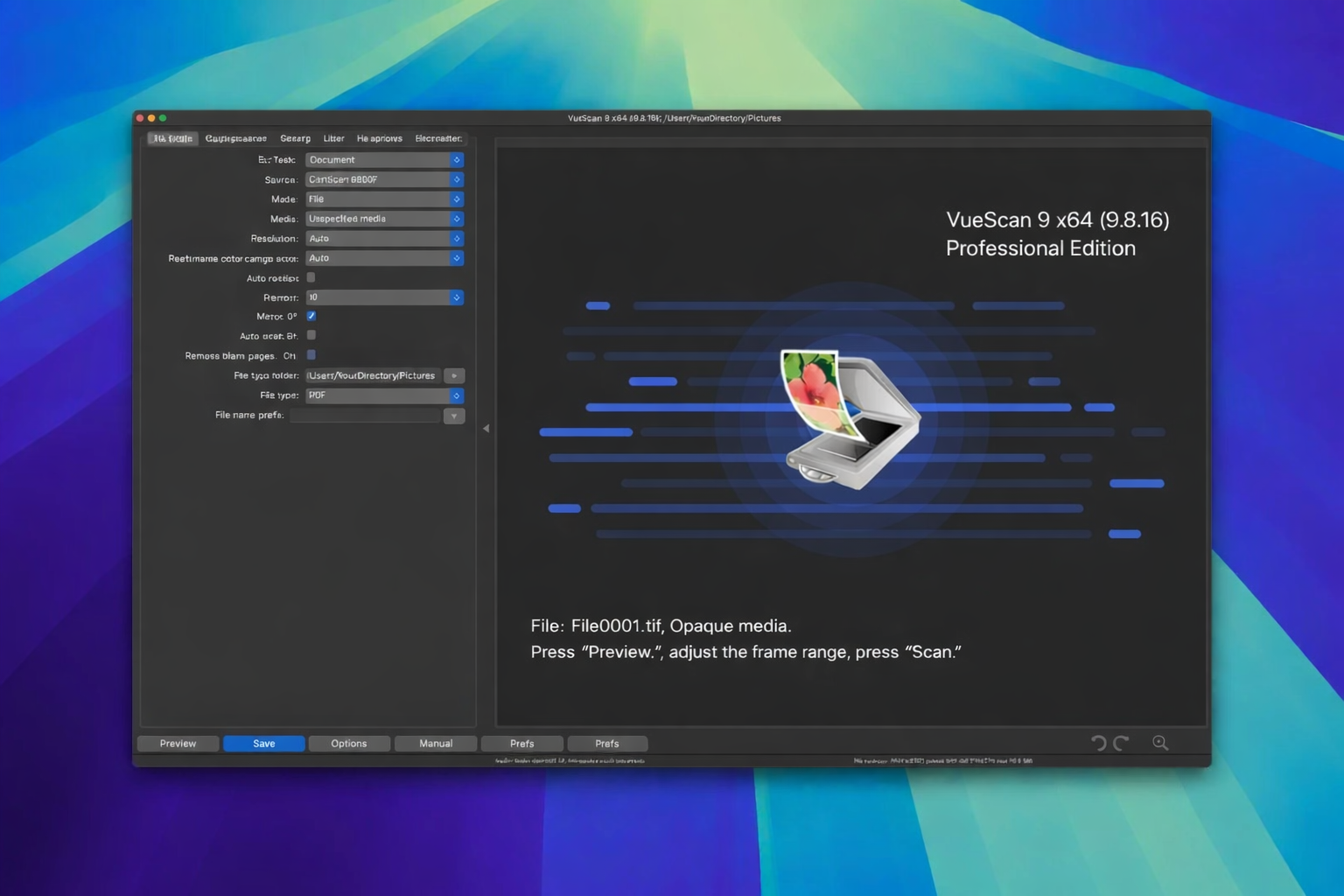
Description
VueScan Pro is a powerful application for Mac designed to work with scanners from HP, Minolta, Nikon, Polaroid, Epson, Canon, and many other manufacturers. It is capable of operating with the full internal color depth of your scanning hardware. The vuescan pro app supports both automatic and manual adjustment of most scanning parameters and also offers a convenient batch scanning mode. Over 6000 scanner models are supported, with a particular emphasis on film and slide scanners — including Nikon, Minolta, Polaroid, Microtek, and Epson devices. The application provides automatic removal of image defects using the infrared scanning channel, as well as multi-pass scanning with subsequent averaging of results — effectively suppressing the scanner's own internal noise. Built-in filters for grain suppression, unsharp masking, and removal of unwanted color casts from originals are also included. There are tools for manual correction of dynamic range and tonal response curves, with independent control over R, G, and B channels, giving you precise command over the final image output on your Mac.
Key Features of the Application:
-Flexible configuration of scanning and image processing workflows. You can adjust exposure settings, perform color correction, select the maximum color bit depth, and choose the desired output file format for saving your scanned images. After vuescan pro download and installation on your Mac, all these options become immediately accessible.
-Automatic removal of image defects and imperfections. This is achieved through the use of the infrared scanning channel, which detects and eliminates dust particles and scratches from scanned film and slides automatically.
-Saving raw scanner data to a file for subsequent offline processing when the scanner device is turned off or disconnected from the Mac. This eliminates the need for repeated scanning of the same originals and significantly extends the service life and overall longevity of your scanning equipment.
-Saving user-defined settings to a dedicated configuration file. The vuescan pro mac application allows you to create individual custom profiles tailored to each specific type of scanning work, ensuring consistent and repeatable results across different projects.
Frequently Asked Questions
You May Also Like
Reviews & Comments
No comments yet. Be the first to share your thoughts!