VideoProc Converter AI
Description
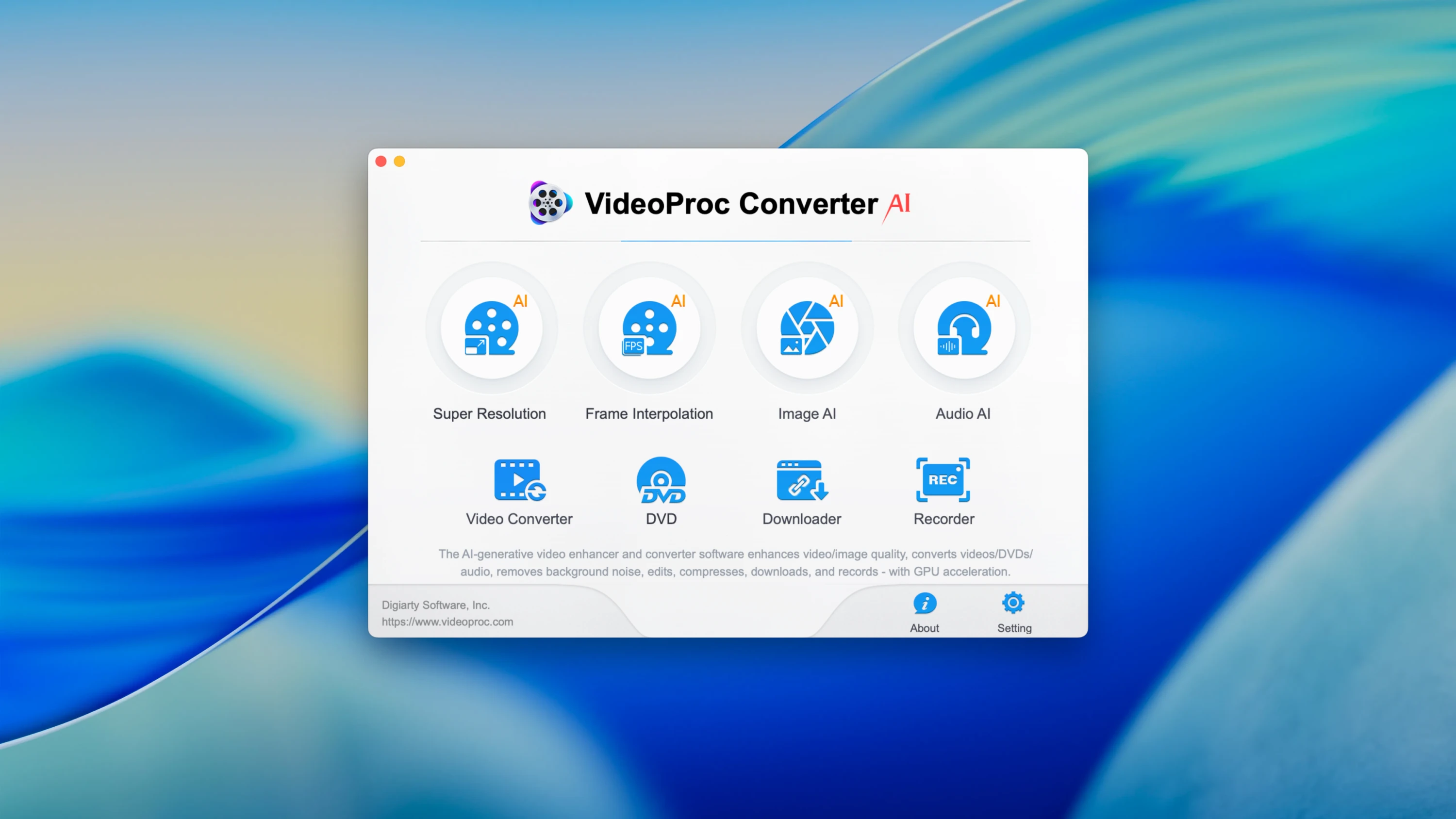
VideoProc Converter AI is an all-in-one application for processing video, photo, and audio on Mac powered by artificial intelligence technology. It seamlessly combines the functionality of a converter, editor, compressor, and downloader, delivering exceptional processing speed and outstanding output quality for all your multimedia tasks.
Features:
- Video Conversion
- Support for 1000+ formats, including 4K/8K, HDR, HEVC, ProRes, MP4, MOV, MKV, AVI.
- Conversion optimized for iPhone, iPad, Apple TV, Sony, GoPro, and many other devices.
- Hardware acceleration (Metal, Intel, Apple M1/M2) for significantly faster processing on Mac.
AI-Powered Video and Photo Enhancement
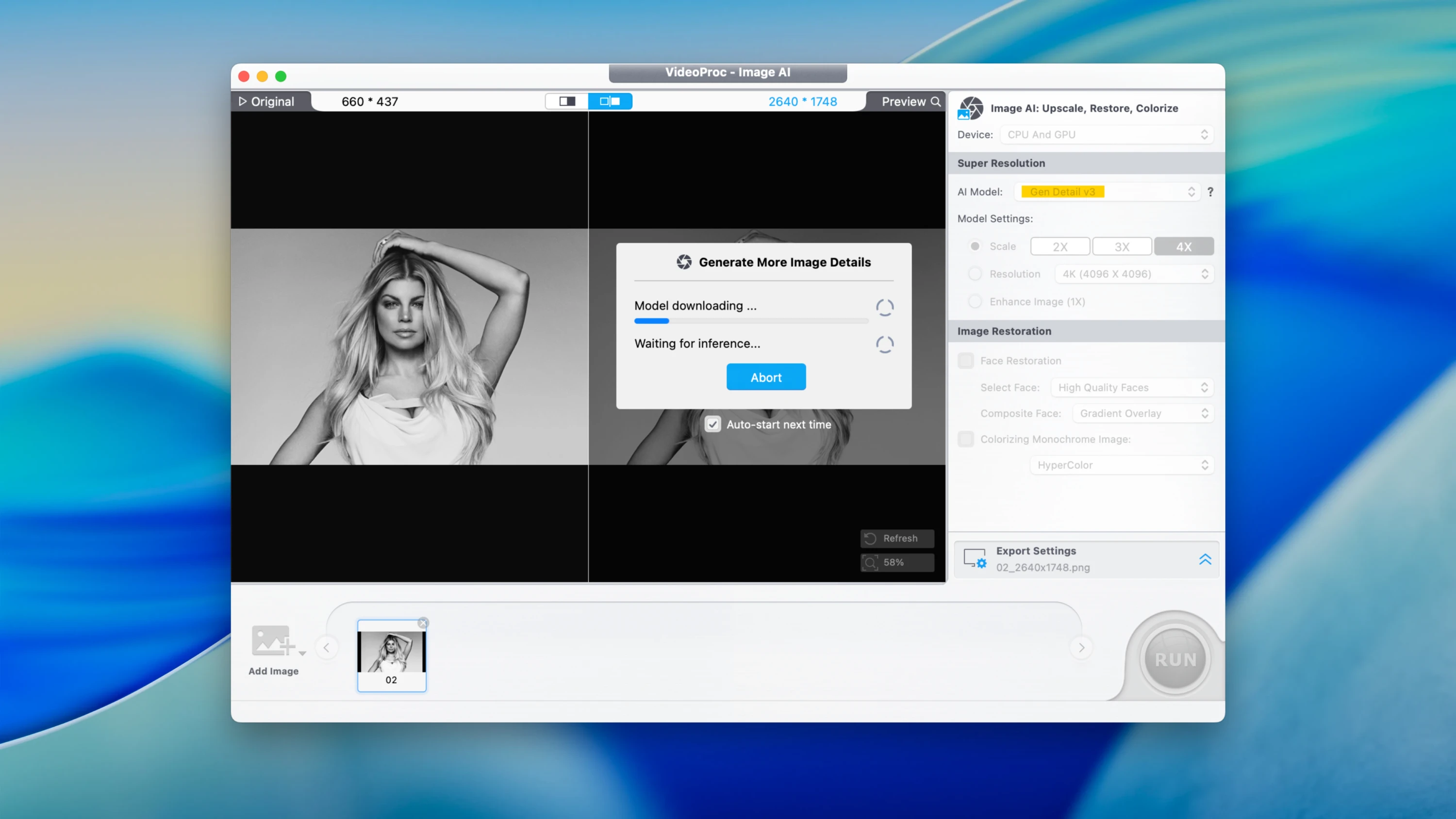
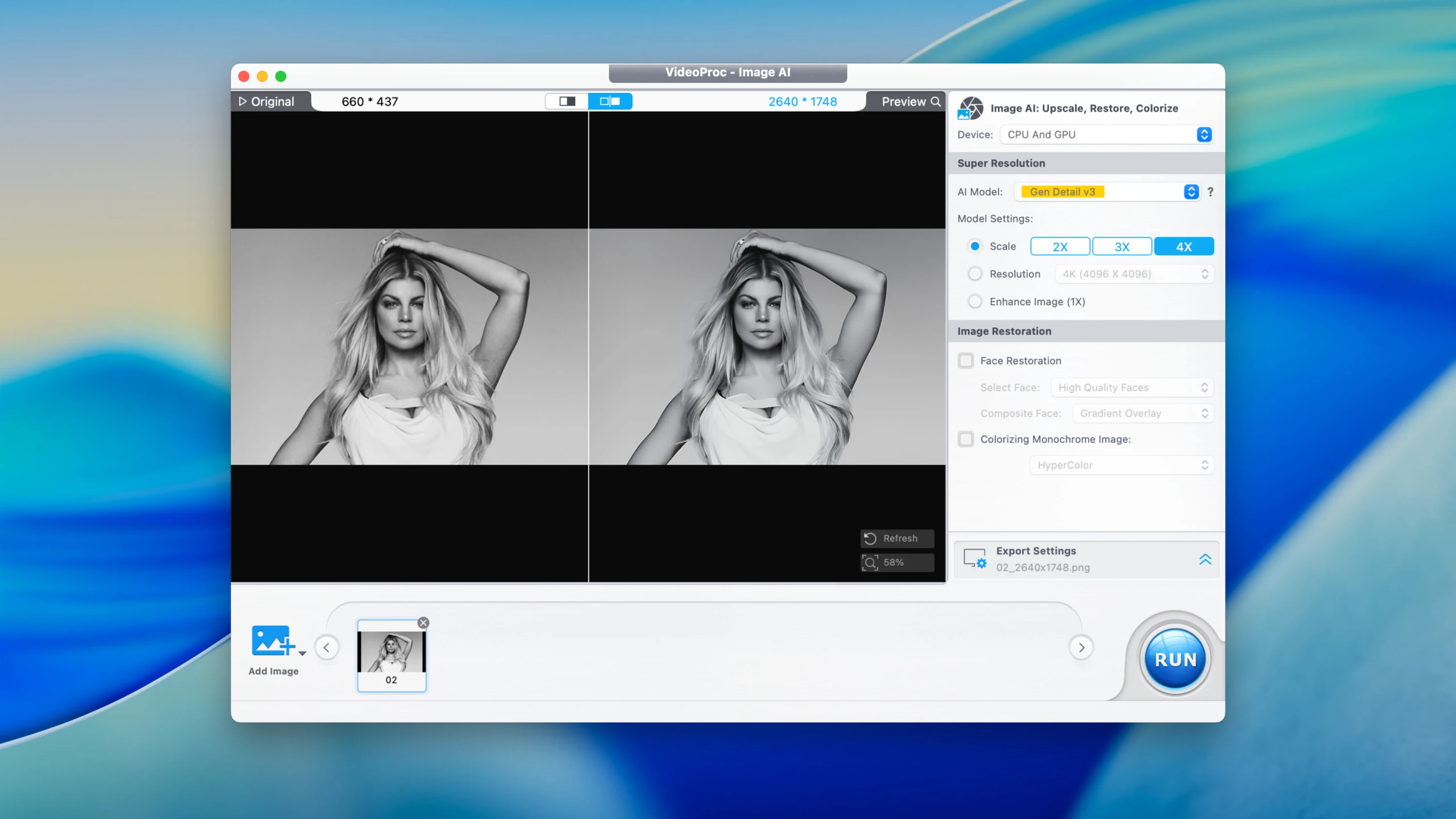
- Upscaling up to 4K/8K – boosting sharpness, clarity, and fine detail in your footage.
- Denoising – removing visual noise, grain, and compression artifacts effectively.
- Stabilization – smoothing out shaky and unsteady video recordings.
- Restoration of old footage – enhancing VHS, DV, and other low-quality video recordings.
Editing - Trimming, merging, and splitting video clips with precision.
- Color correction, brightness adjustment, and contrast fine-tuning.
- Adding subtitles, watermarks, and visual effects to your projects.
- Slow motion/speed up (0.1x – 2x) without any loss in quality.
Video Compression - Reducing file size by up to 90% without significant quality degradation.
- Optimization tailored for social media platforms (Instagram, YouTube, TikTok).
Audio Processing - Conversion to MP3, AAC, FLAC, and various other audio formats.
- Extracting audio tracks directly from video files.
- Adjusting volume levels, bitrate, and sample rate settings with ease.
Video/Audio Downloading - If you videoproc converter ai download mac content, you can save from YouTube, Vimeo, TikTok, Facebook in MP4, MP3, and more.
- Screen and Camera Recording
- Mac screen capture combined with voice-over commentary for tutorials and presentations.
- Recording from webcam sources (including external cameras) is fully supported. With videoproc converter ai mac, you get a comprehensive multimedia toolkit designed specifically for macOS users who demand professional-grade results.
Frequently Asked Questions
You May Also Like
Reviews & Comments
No comments yet. Be the first to share your thoughts!