
UPDF 2 - AI-Powered PDF Editor
Description
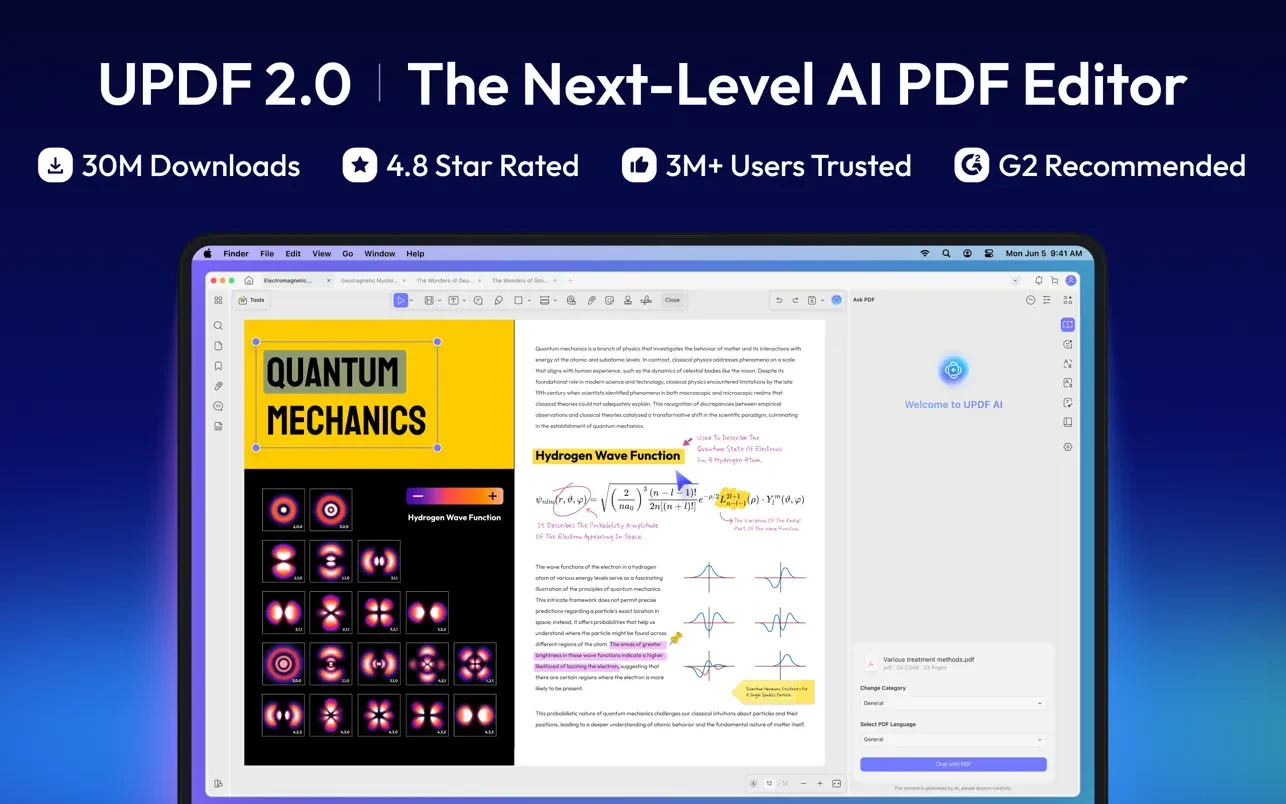
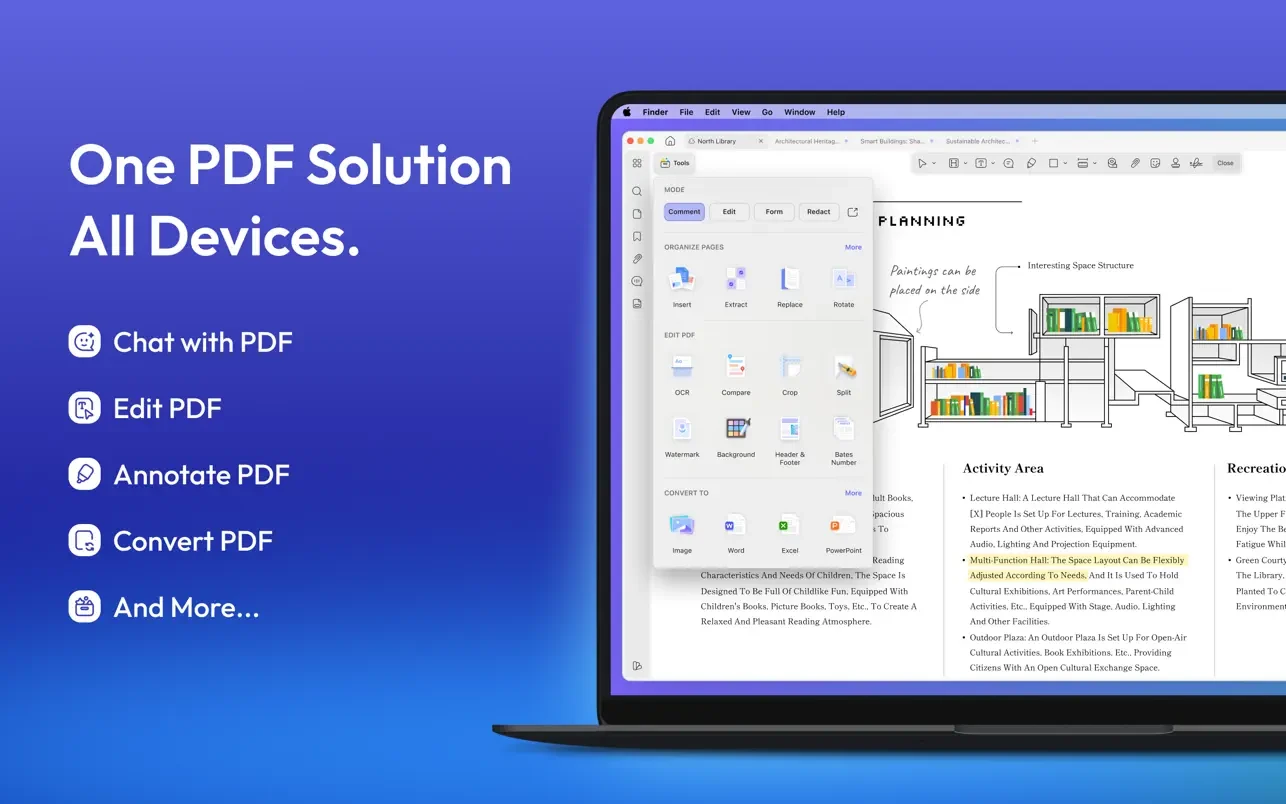
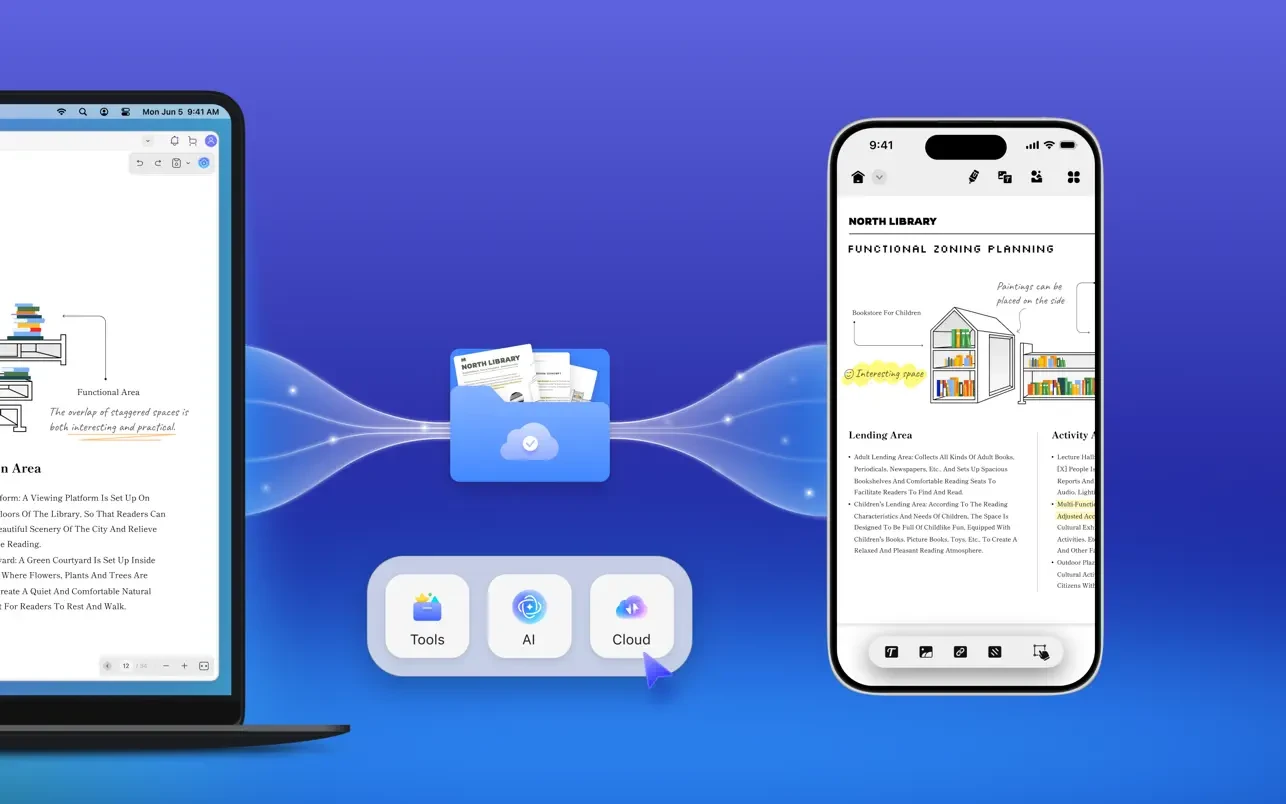
UPDF 2 is a comprehensive AI-powered PDF editing software for Mac that you can use for AI chat with PDF files, editing, annotating, converting PDFs, and much more. With the updf 2 download, a single license allows you to use it across all platforms, including macOS/iOS/iPadOS (universal purchase). This updf 2 ai pdf editor delivers a complete toolkit for handling every aspect of your PDF workflow directly on your Mac.
FEATURES:
## AI Assistant
- Powered by GPT-4.1 and Full DeepSeek (R1).
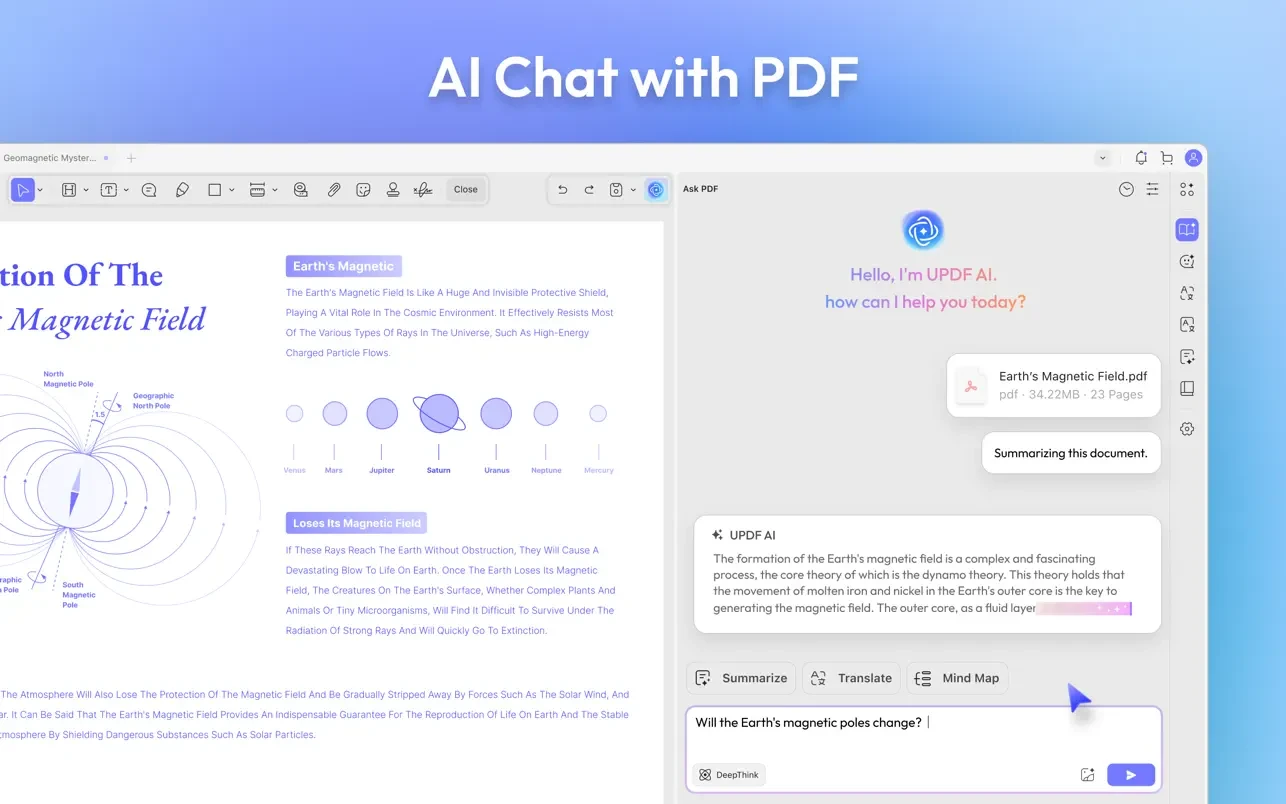
- AI chat with your PDF file for summarizing, translating complete PDF documents without losing formatting, and getting answers related to your PDF files.
- Convert PDF files into mind maps for better visual organization of content.
- Chat with images and ask any questions about the visual content within images.
- Ask any questions on any topic and receive instant AI-generated answers.
## PDF Editing
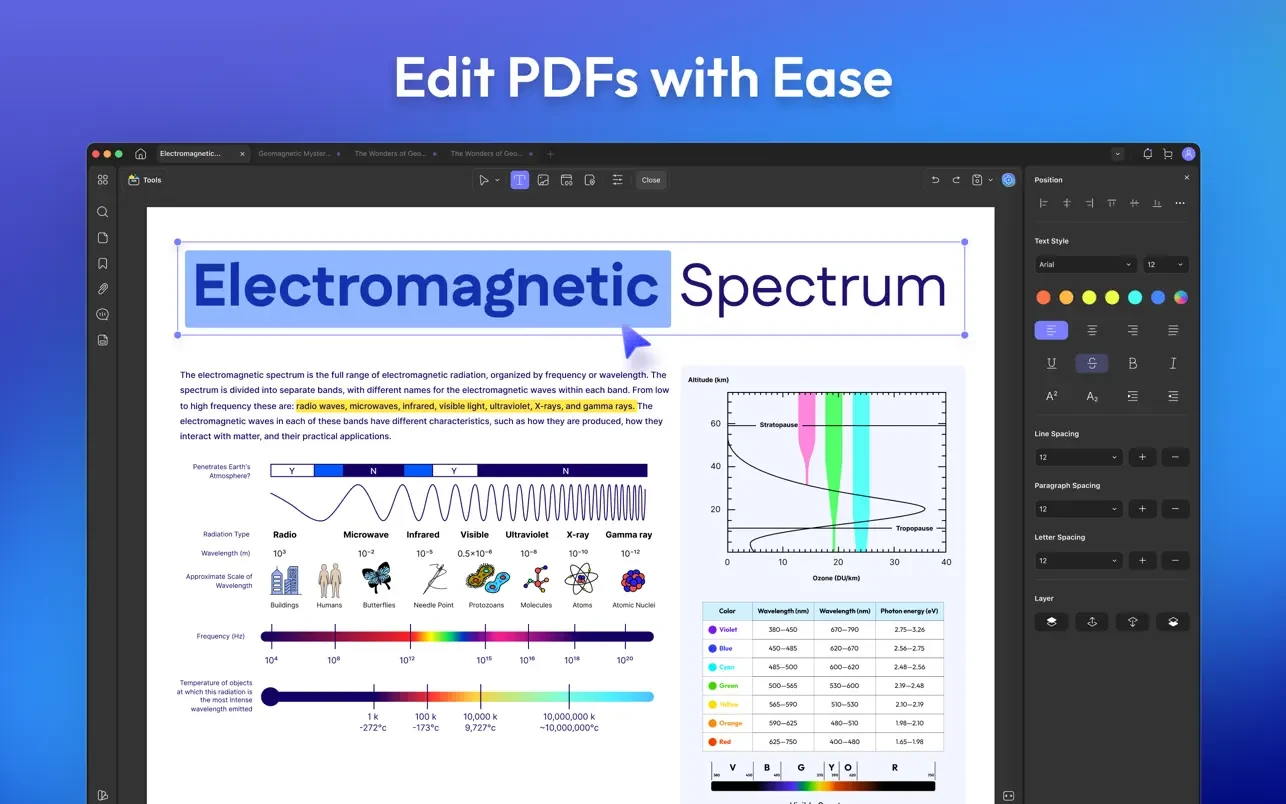
- Edit text in PDF files to change text properties such as color, font, size, and more.
- Edit images in PDF files to resize, crop, rotate, extract, replace, delete, and more.
- Add or remove links to a website or a specific page within the document.
## PDF Annotation
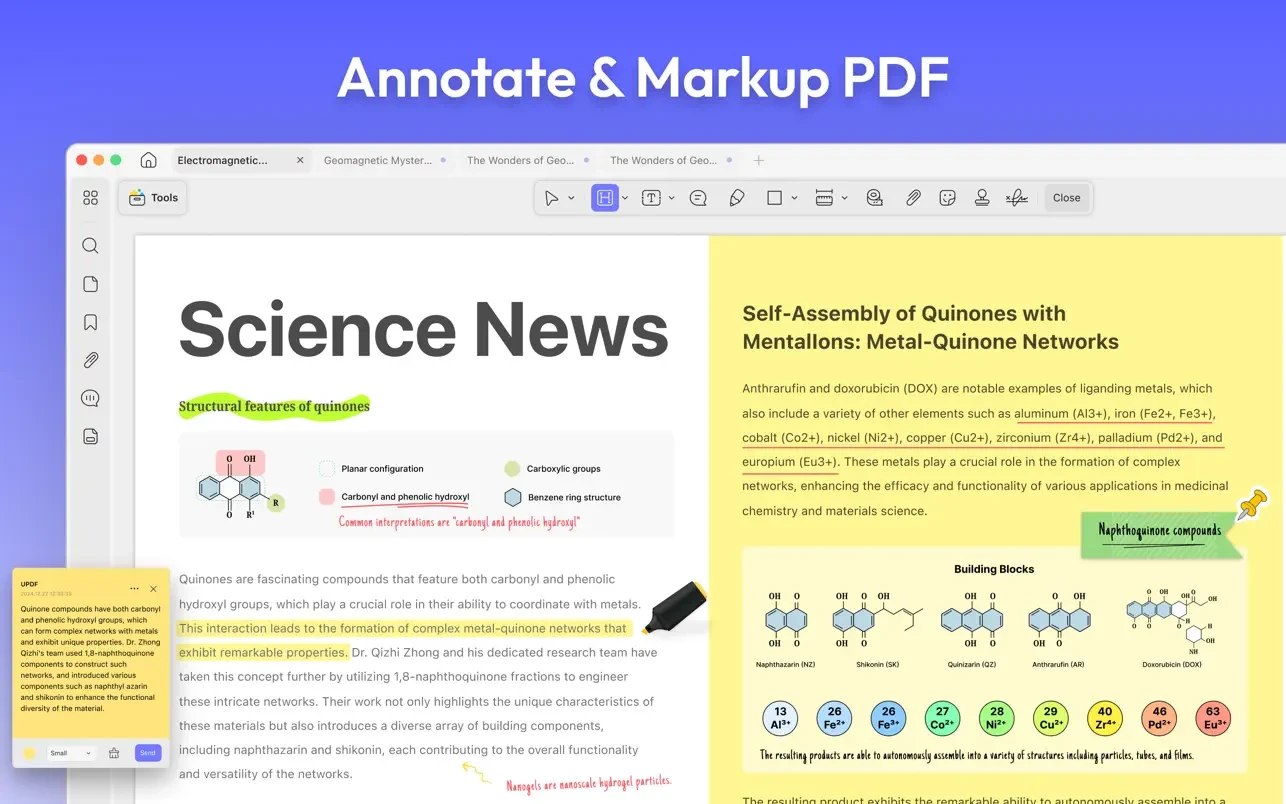
- Highlight, underline, strikethrough, or add squiggly lines to text in PDF files.
- Add sticky notes, text boxes, text comments, text callouts, or shapes to PDF files.
- Freehand drawing directly in PDF files on your Mac.
- Add stamps, stickers, and signatures to PDF files.
- Measure elements within PDF files.
## PDF Conversion
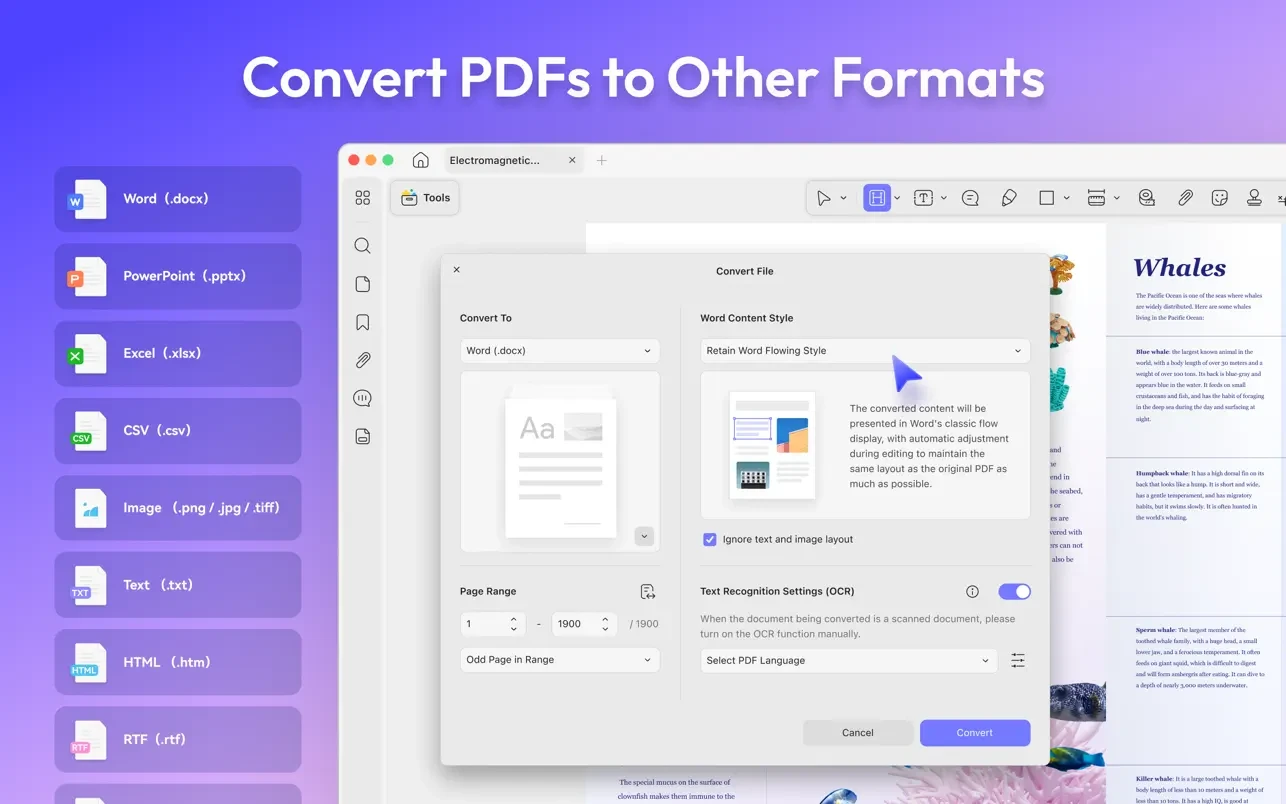
- Convert PDF files to: DOCX, XLSX, and PPTX formats.
- Convert PDF files to images: PNG, JPEG, BMP, TIFF, and GIF.
- Convert PDF files to TXT, RTF, CSV, HTML, and XML formats.
## Organize PDF Pages
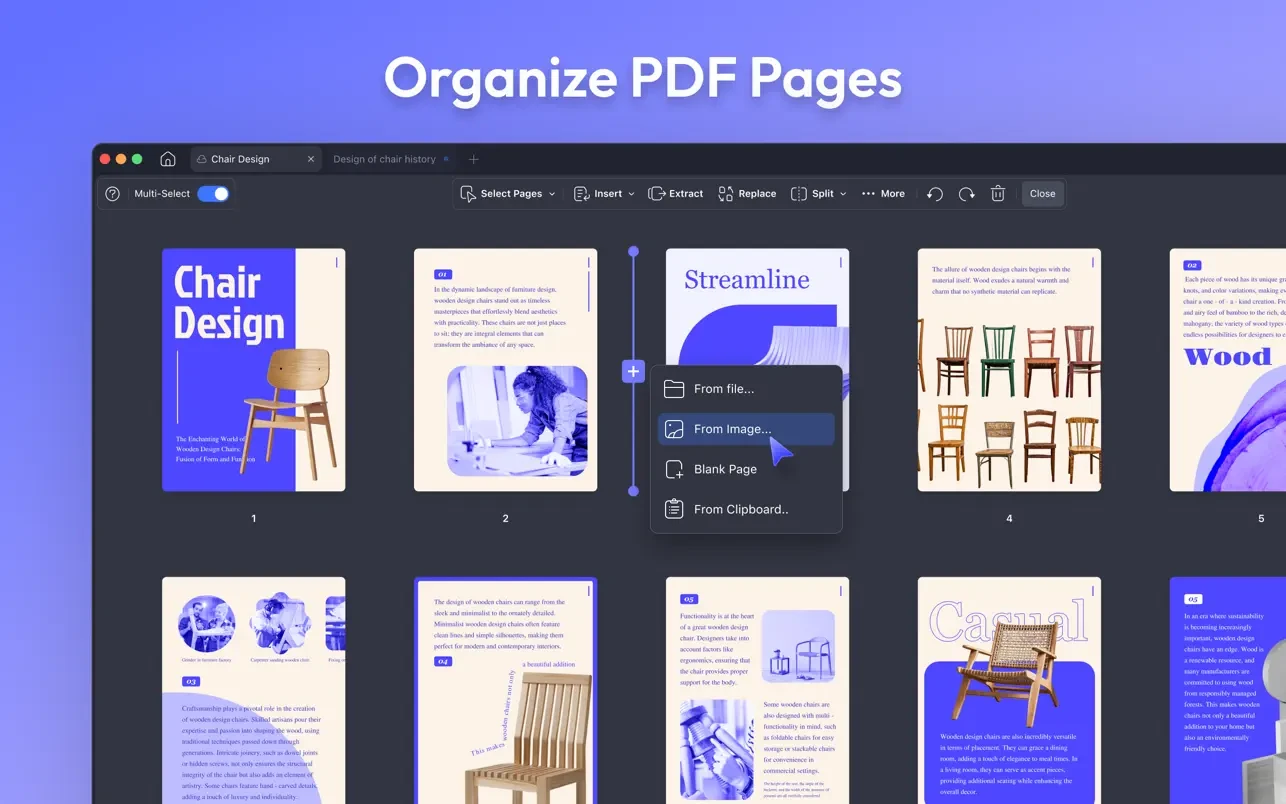
- Insert, replace, extract, split, rotate, delete, and reorder pages in PDF files.
- Crop or expand page margins to adjust the visible area of your documents.
- Split a long page into multiple separate pages for easier navigation.
## Protect PDF Files
- Add an open password or permission password to protect PDF files from unauthorized opening, copying, editing, and printing.
## Form Preparation
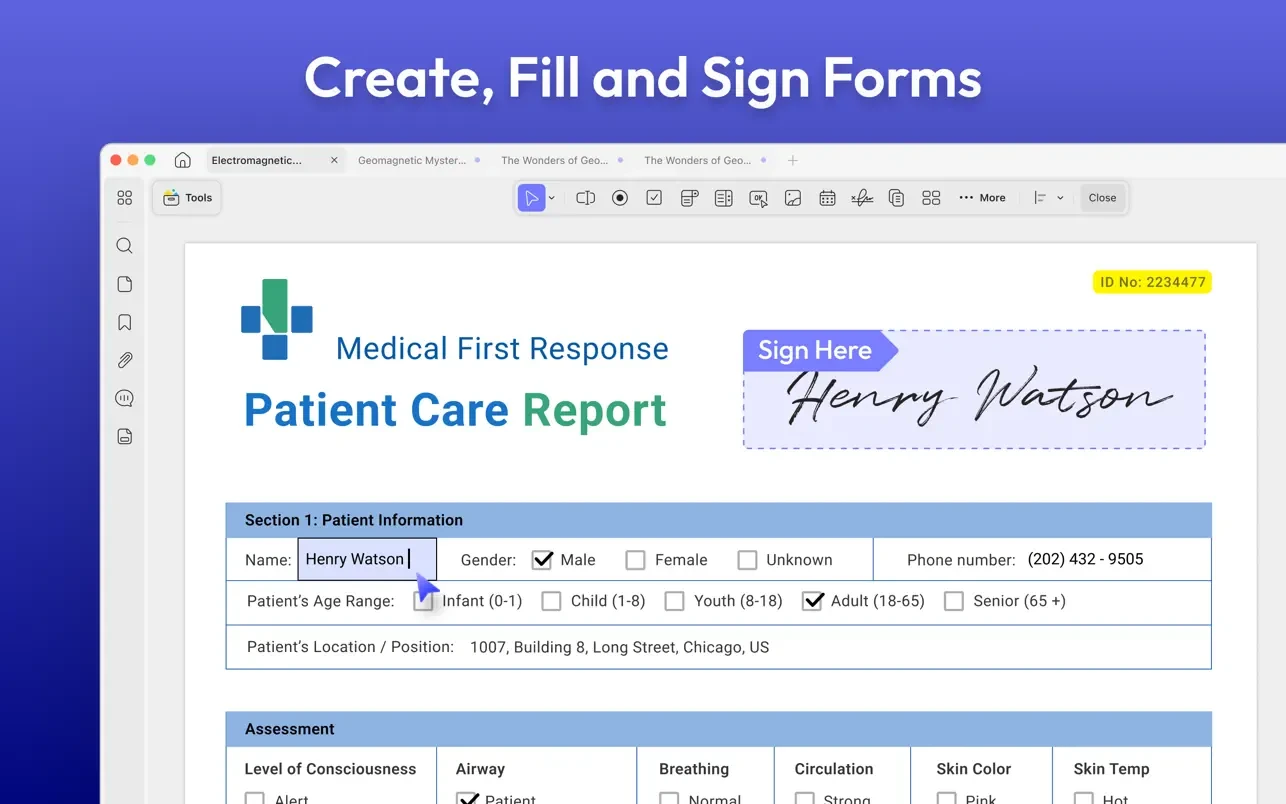
- Create fillable PDF forms by adding interactive form fields to your documents.
- Fill in PDF forms and add electronic signatures with ease on your Mac.
- Add digital signatures to verify and confirm the identity of the sender.
## Batch PDF Processing
- Support for batch processing to convert, merge, OCR, compress, print, create, insert, and encrypt PDF files simultaneously.
- Batch add or remove backgrounds, watermarks, headers and footers, and Bates numbering across multiple PDF files at once.
- Batch remove text markup, measurements, stamps, form fields, and signatures from documents.
## Reading and Printing PDF Files
- View PDF files in single page or two-page mode with scrolling options on your Mac.
- Convert text to speech for hands-free document consumption.
- Search and find specific text within your PDF documents quickly.
- PDF slideshow presentation mode for displaying documents.
- Support for both light and dark mode to match your macOS appearance preferences.
- Add and manage bookmarks for quick navigation through documents.
- Print PDF files with customizable print settings.
## Creating PDF Files
- Create a blank PDF file with different backgrounds or generate PDFs from Word/Excel/PPT/Image/CAJ/Paperwork/selection capture/window capture/screen capture/clipboard/scanner directly on your Mac.
MORE:
- Compare PDF files side by side to identify differences between document versions.
- Redact sensitive and confidential information in PDF files to protect private data.
- Add, edit, or remove watermarks from PDF files to manage document branding.
- Edit and customize background settings for PDF files.
- Edit headers and footers in PDF files for consistent document formatting.
- Save documents as PDF/A for long-term archival compliance.
- Flatten PDF files to merge all annotations and form data into the document.
- Share PDF files via link, QR code, or email directly from the updf 2 mac application.
Frequently Asked Questions
You May Also Like
Reviews & Comments
No comments yet. Be the first to share your thoughts!