
Things 3

Description
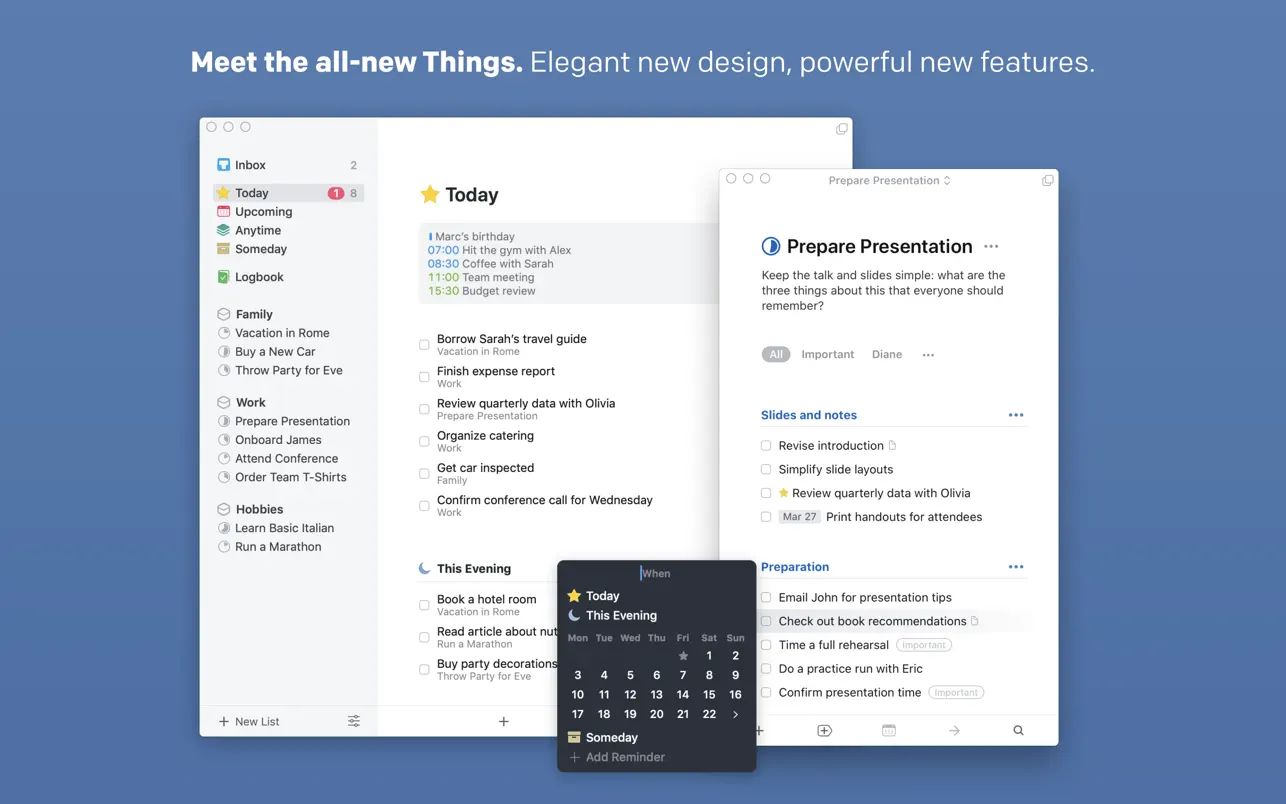
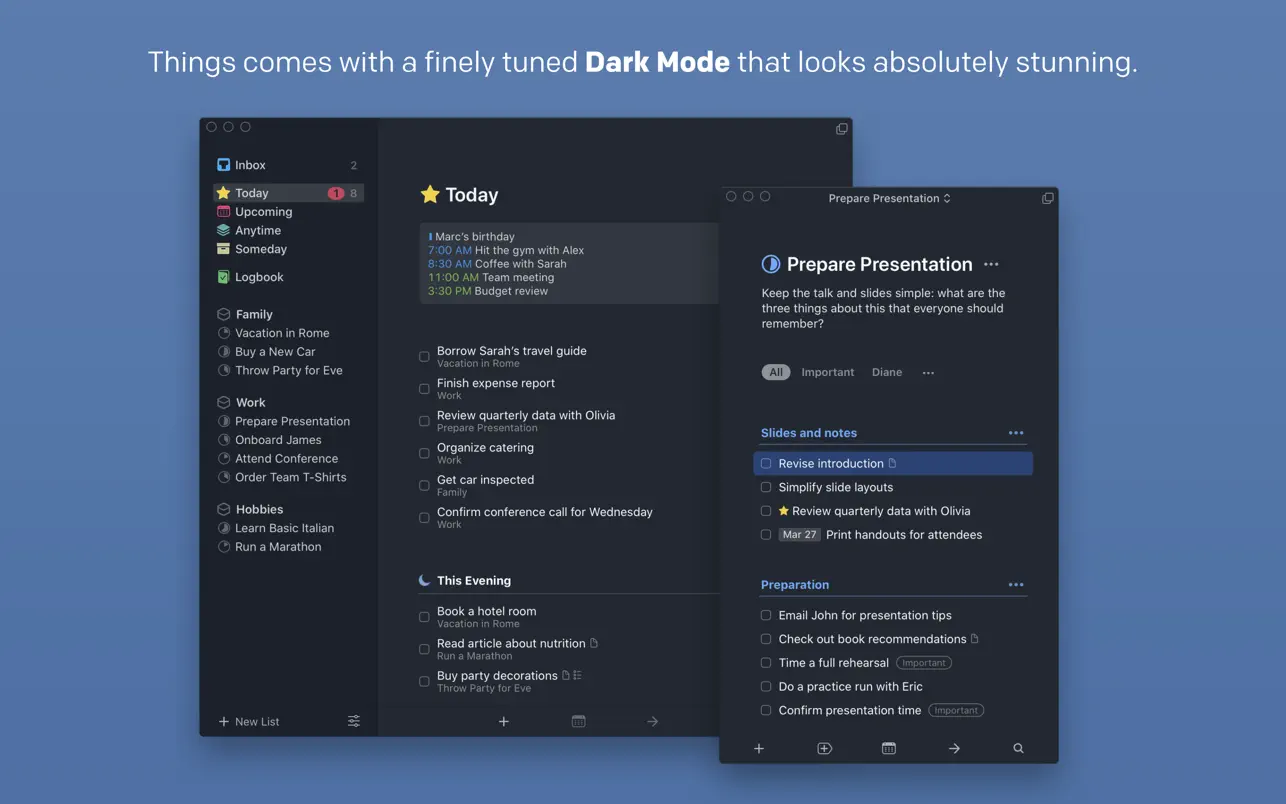
A clean and simple interface, a thoughtfully designed structure, and powerful functionality. The beloved task planner is back on your Mac – familiar yet refreshed and thoroughly updated!
Here are the core principles behind Things 3.
1. Capture everything that comes to mind
Don't keep tasks floating around in your head – write them down the moment they occur to you. Adding tasks in Things 3 mac is as easy as pressing a keyboard shortcut (which works from within any application on your Mac) or simply asking Siri to do it for you.
2. Organize your tasks by context and projects
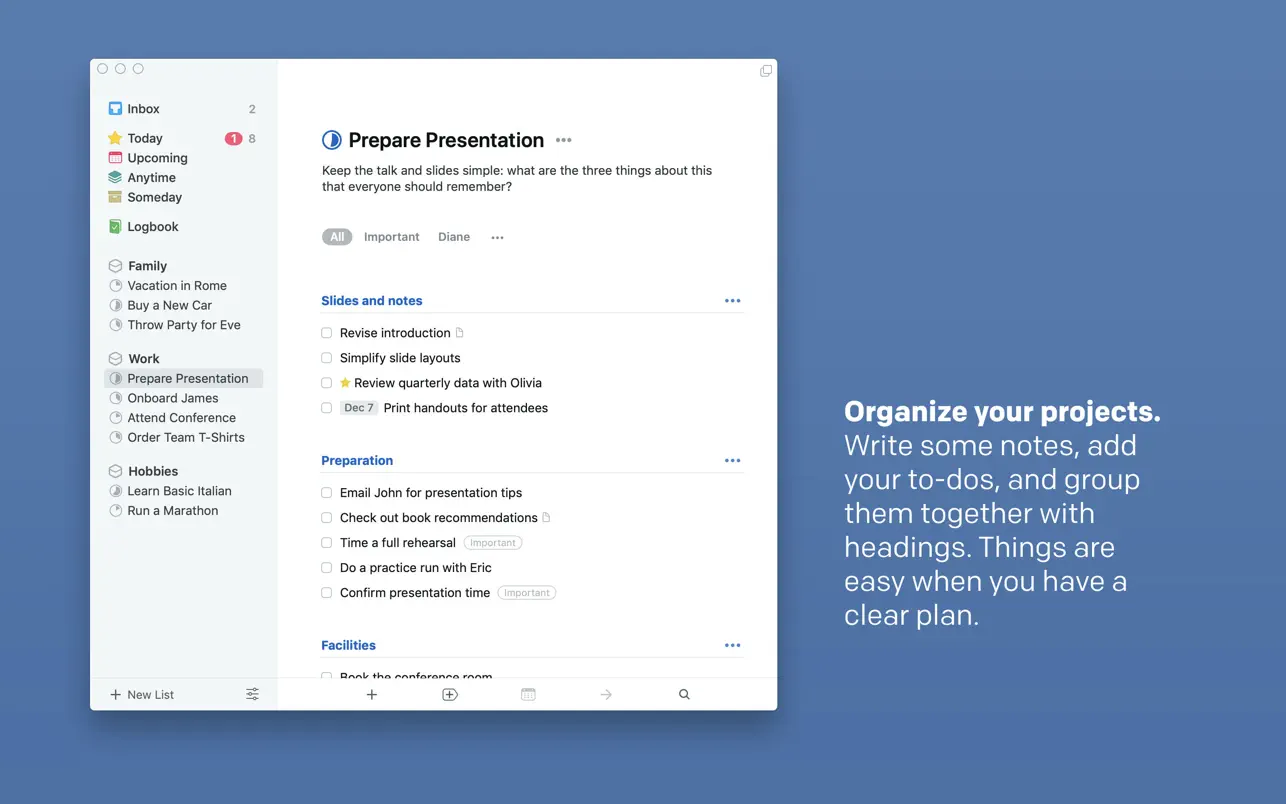
Create a dedicated project for each major goal, then fill it with specific, actionable tasks that you can complete in a single sitting. Additionally, you can group projects and tasks into broader areas of responsibility – for example, "Work," "Hobbies," or "Health." Make it a habit to regularly look through all your areas and keep them up to date.
3. Plan your time wisely and efficiently
Events from your macOS Calendar and your tasks within Things 3 for mac are displayed together as one unified list, so you can quickly build out your schedule for the entire week without missing a single thing. For recurring tasks, it's easy to set up automatic repeats at exactly the time you need them.
4. Cut away the unnecessary distractions
Each morning, open your Inbox, pick the tasks you want to tackle today from the unsorted pile, and move them into the "Today" section. Any tasks you've already scheduled for today will automatically appear there as well. That's it! You don't need to look at any other lists. Calmly begin your focused work session on your Mac.
5. Structure your tasks in a way that makes perfect sense to you
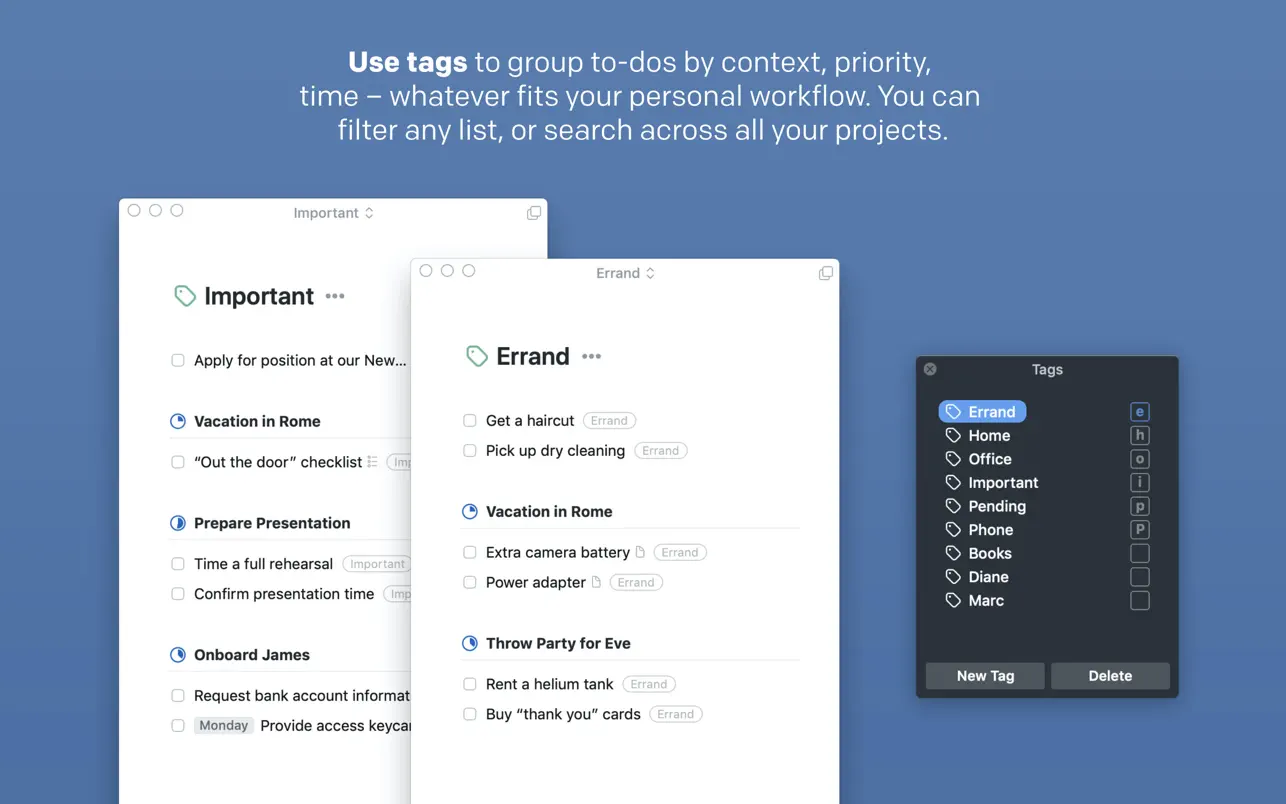
To further organize your tasks, tag them with your own custom labels. Apply a "Work" tag when writing a quarterly report, or a "Household" tag for dropping off a jacket at the dry cleaner or ordering cat litter. You can create as many tags as you want, and easily search for specific ones or filter your entire task lists by them.
REASONS YOU WILL FALL IN LOVE WITH THINGS
1. Things 3 app never gets in your way while you work.
It features a clear, thoughtfully crafted, and human-friendly interface where everything is exactly in its right place. No intrusive special effects, no unsolicited pop-up windows, and no menus with a hundred confusing options. Just you and your tasks on your Mac.
2. Things is laser-focused on your tasks.
Within a list, tasks appear as concise line items that you can simply check off with a satisfying tick. But just double-click any task with your mouse – and it expands into a clean white canvas on your screen, spacious enough to hold all the information you need, including notes, clarifications, step-by-step checklists, tags, deadlines, and reminders.
3. It's full of delightful little details
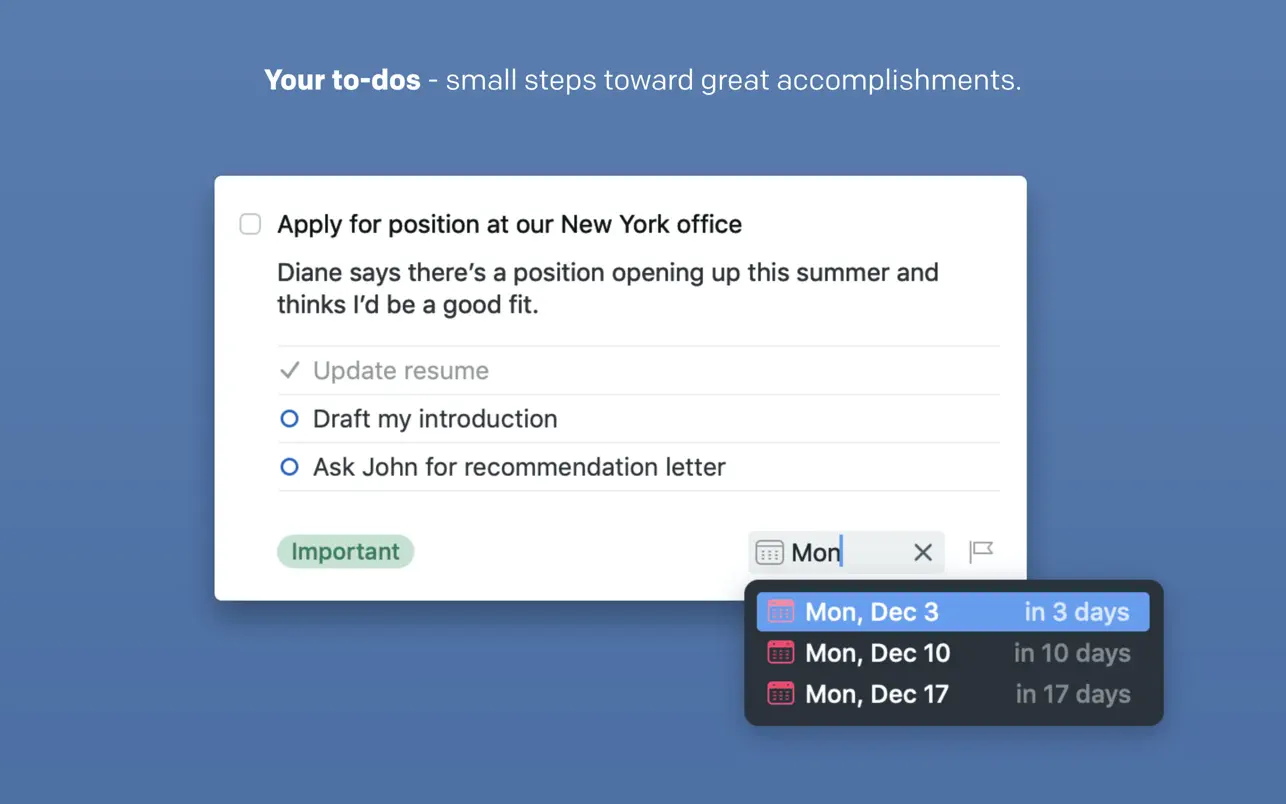
Take the Type Travel feature alone – an incredibly transparent way to search and navigate through all your sections. Or the natural language date parser, which correctly understands you when you type "tomorrow," "in three days," or "next Tuesday" and sets the date accordingly.
4. It is one of the most beautifully crafted applications available for macOS.
Things 3 supports every key system capability of macOS: the Touch Bar panel, the Notification Center widget, the Share extension, Handoff mode, seamless data exchange with the built-in Calendar and Reminders applications, as well as powerful automation through AppleScript scripting.
5. Your own personal favorite feature.
If you were to ask twenty different people, each one would have their own unique list of the most useful and well-executed things within this app. That's why user testimonials are published on the website: thingsapp.com
WORK WHEREVER AND WHENEVER IT SUITS YOU
Things is also available for iPad, iPhone, and Apple Watch (each sold separately) to help you stay productive on the go. To synchronize all your data seamlessly between your devices, all you need is a complimentary account on the Things Cloud platform.
Frequently Asked Questions
You May Also Like
Reviews & Comments
No comments yet. Be the first to share your thoughts!