
TextSniper
Description
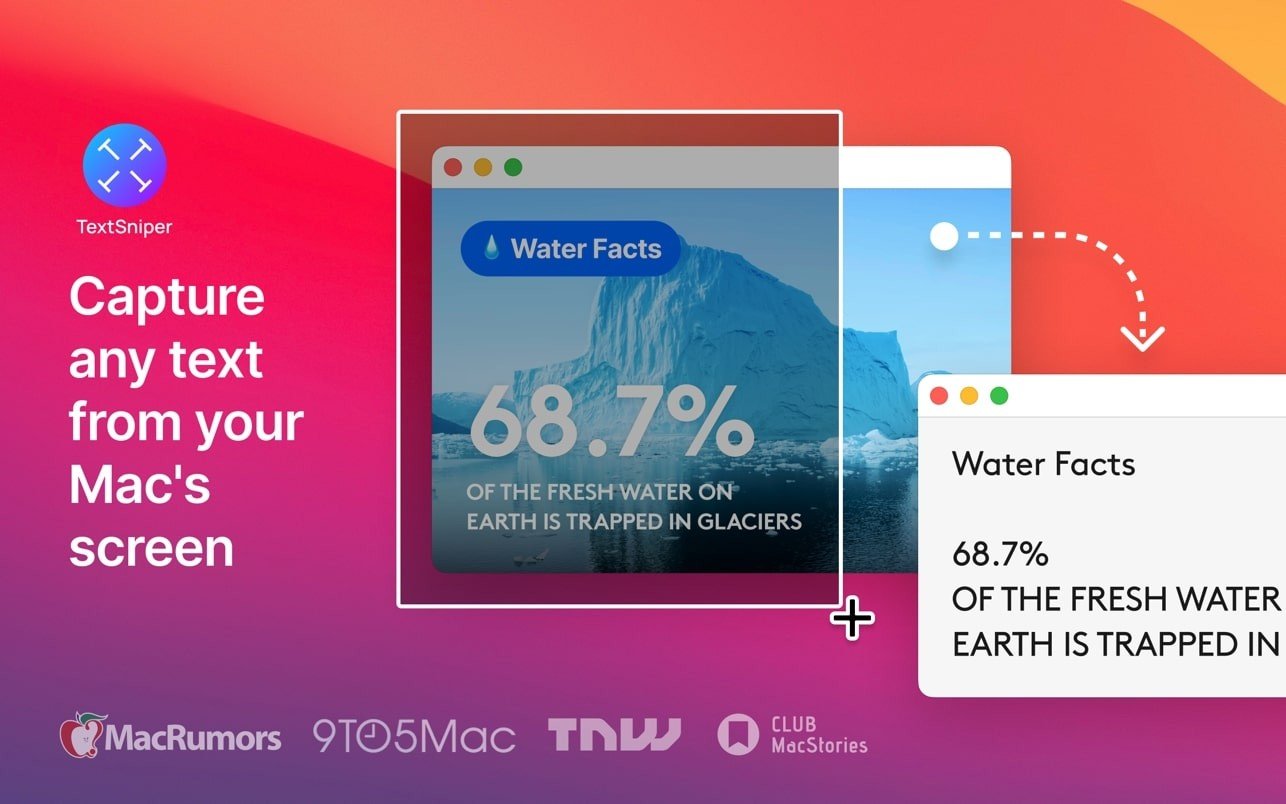
Discover lightning-fast text recognition on your Mac. TextSniper is an application that can extract text from any selected area on your screen. Forget about taking manual notes — install the TextSniper app for capturing and saving all the important information you need.
Extract text from graphics, documents, or videos
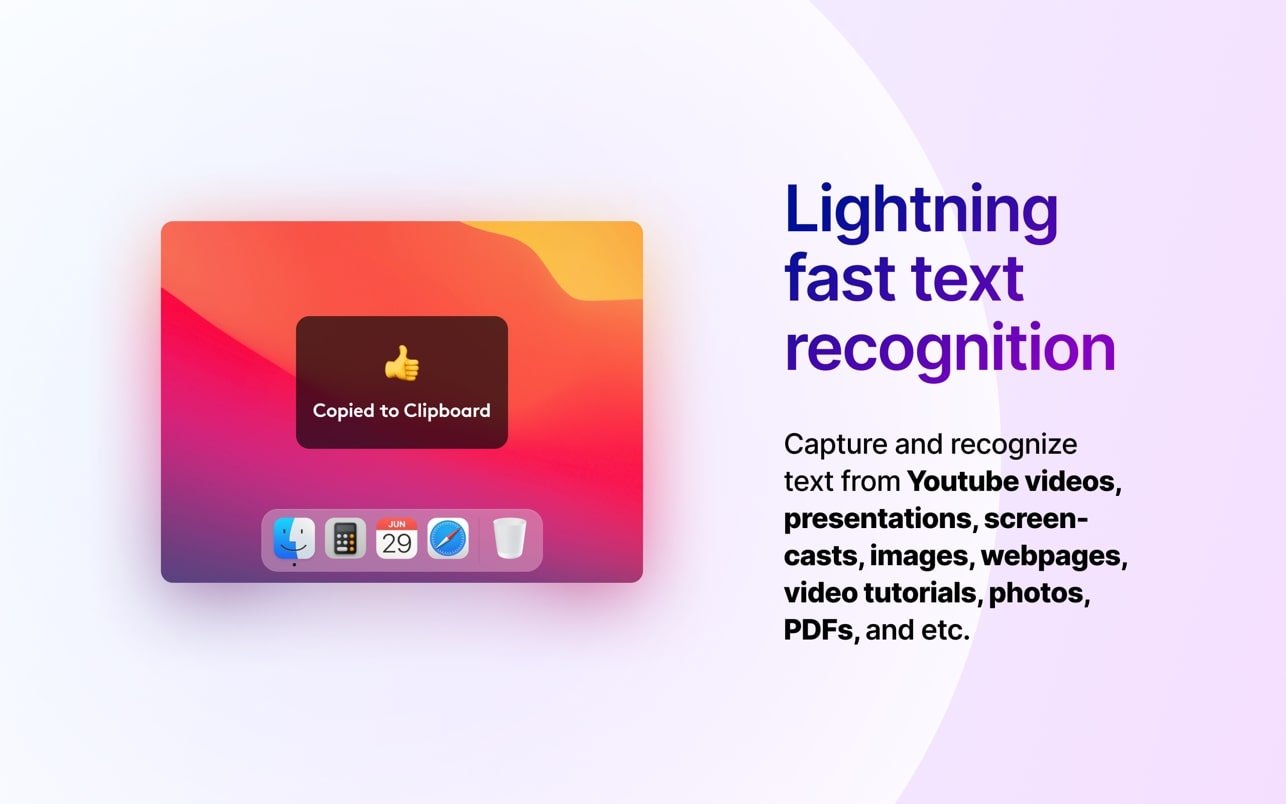
For TextSniper Mac, nothing is beyond recognition. The application leverages advanced OCR technology for instant text extraction from any region on your Mac screen. Whether it is an online presentation, a YouTube video, a graphic image, or a PDF document — use TextSniper and transform virtually anything into fully editable text in a matter of seconds.
As simple as copy and paste
To extract text, press Cmd+Shift+2 and select any area on your screen. TextSniper macOS will automatically recognize all the text within the captured region and save it directly to your clipboard. Then, use the familiar Cmd+V shortcut to paste the extracted text wherever you need it. You can also customize the keyboard shortcut if you prefer a different combination.
Keep what matters most
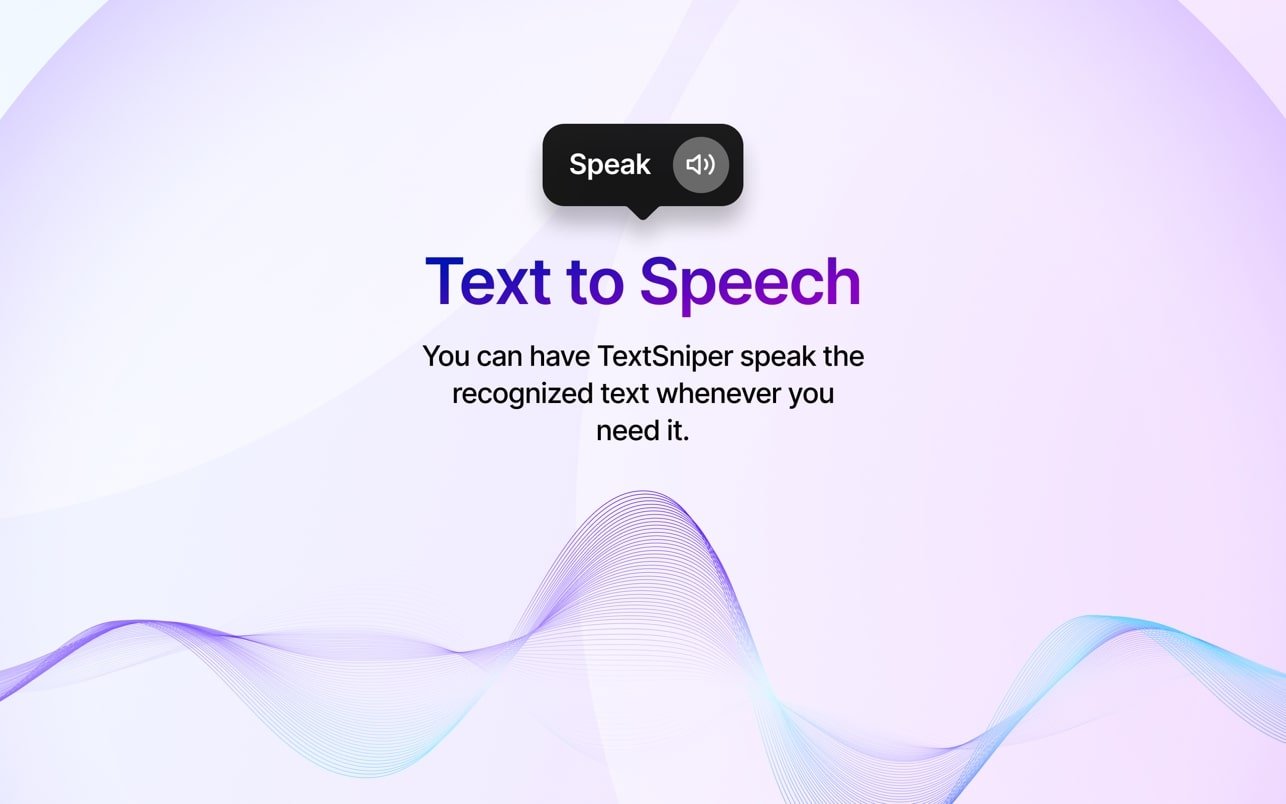
TextSniper essentially helps you avoid unnecessary clutter by quickly capturing only the most important information from your screen. Save text as a single paragraph or preserve line breaks to maintain the original formatting. The TextSniper app even offers a text-to-speech conversion feature, so the application can read the captured content aloud for you.
Accessible from the menu bar
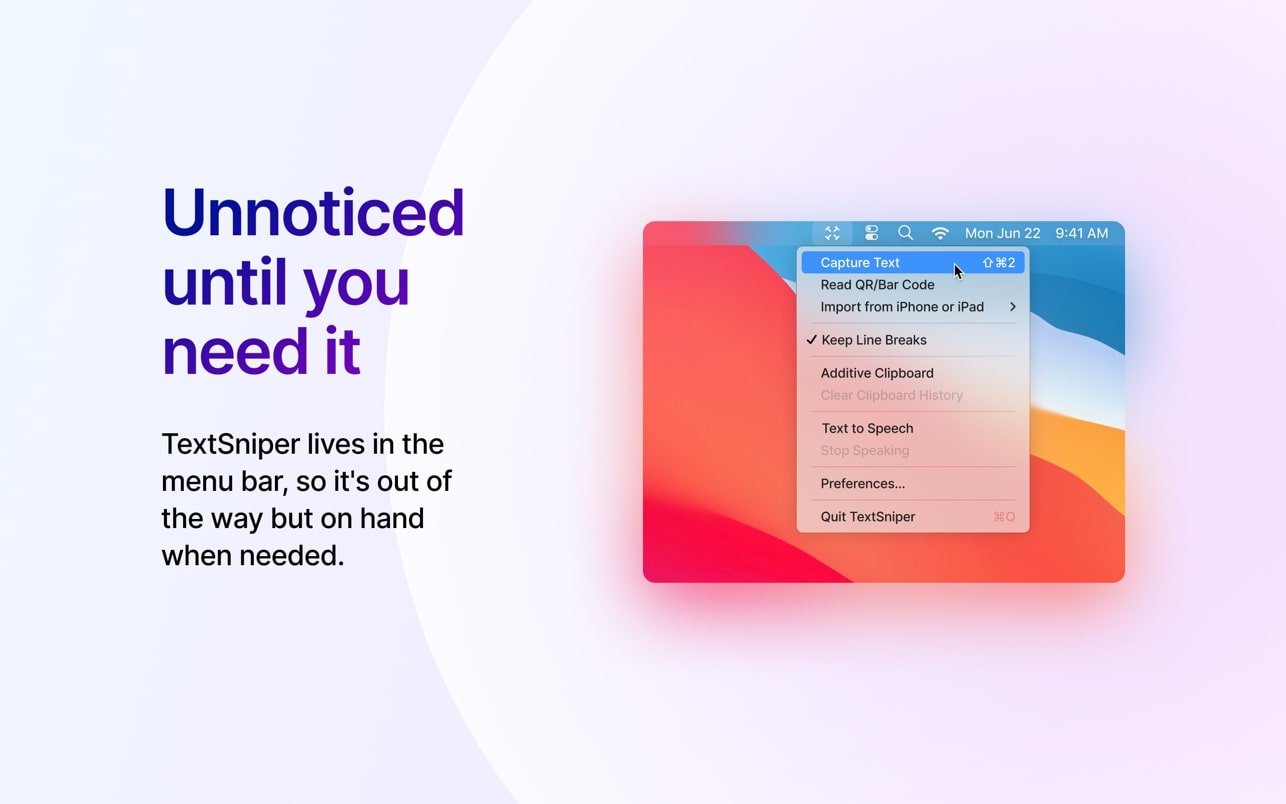
You can open TextSniper Mac right from the macOS menu bar to start capturing or to adjust specific settings (change keyboard shortcuts or choose the option to preserve line breaks when copying text). The rest of the time, the application stays quietly in the background and does not interfere with your workflow at all.
Frequently Asked Questions
You May Also Like
Reviews & Comments
No comments yet. Be the first to share your thoughts!