






Description
Stoic is your dedicated mental health companion and daily journal for Mac, designed to help you understand your emotions, become happier, more productive, and effectively overcome life's obstacles. At its core, the stoic app is built upon the timeless principles of Stoic philosophy, thoughtfully adapted and refined for the demands of a modern lifestyle on your Mac desktop.
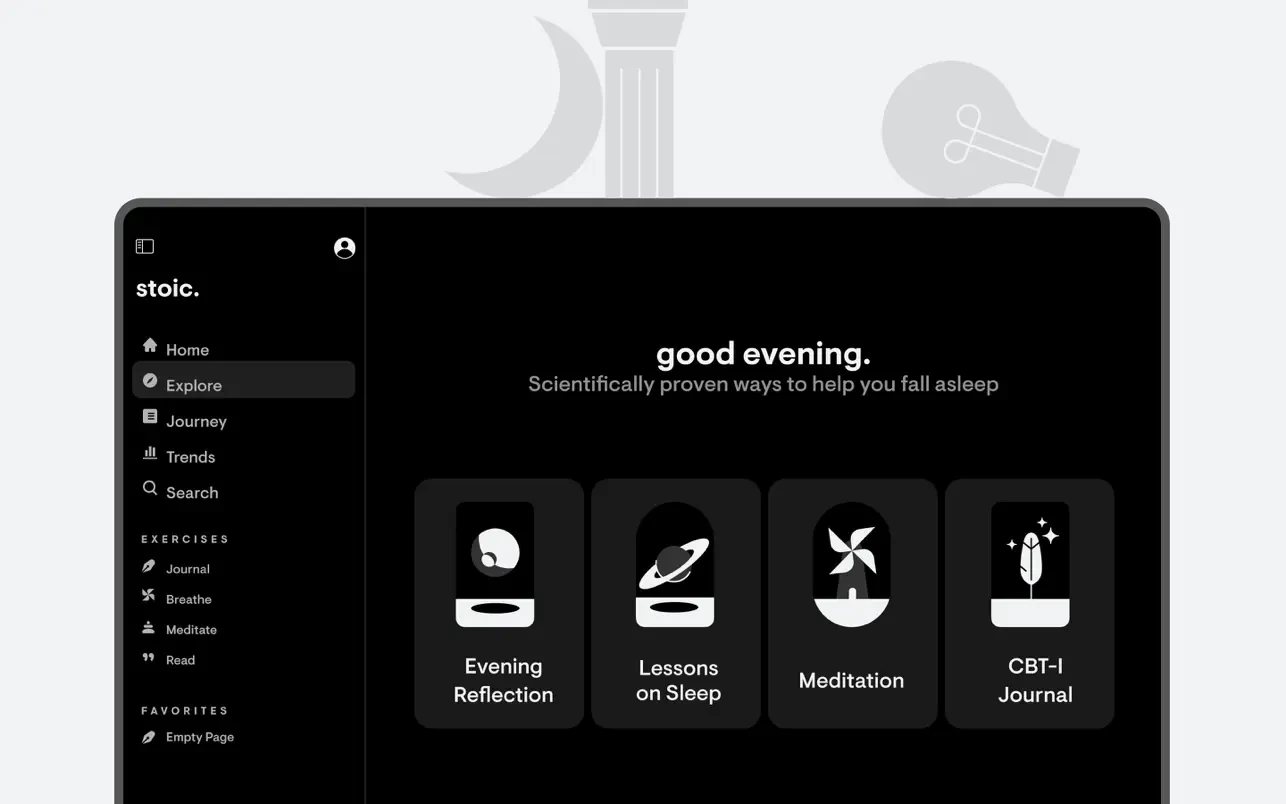
Key features and capabilities: -Morning and evening rituals: The application offers carefully structured sessions that help you prepare for the upcoming day each morning and reflect thoughtfully on the events that have passed each evening, building a consistent daily practice right on your Mac.
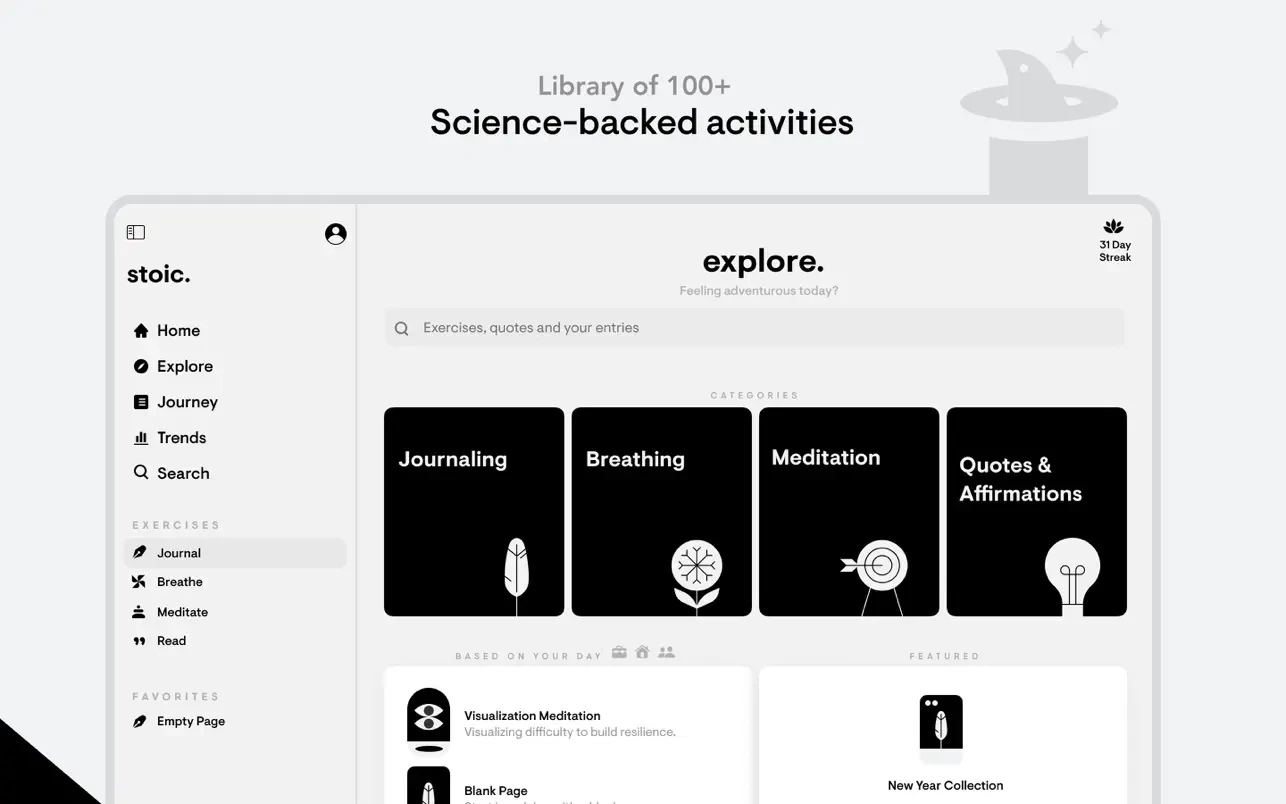
-Guided Journaling with prompts: If you find yourself unsure of what to write about, the stoic mac experience provides thought-provoking questions and inspiring topics that change every week. This thoughtful approach helps you initiate and deepen the process of meaningful self-reflection and personal discovery.
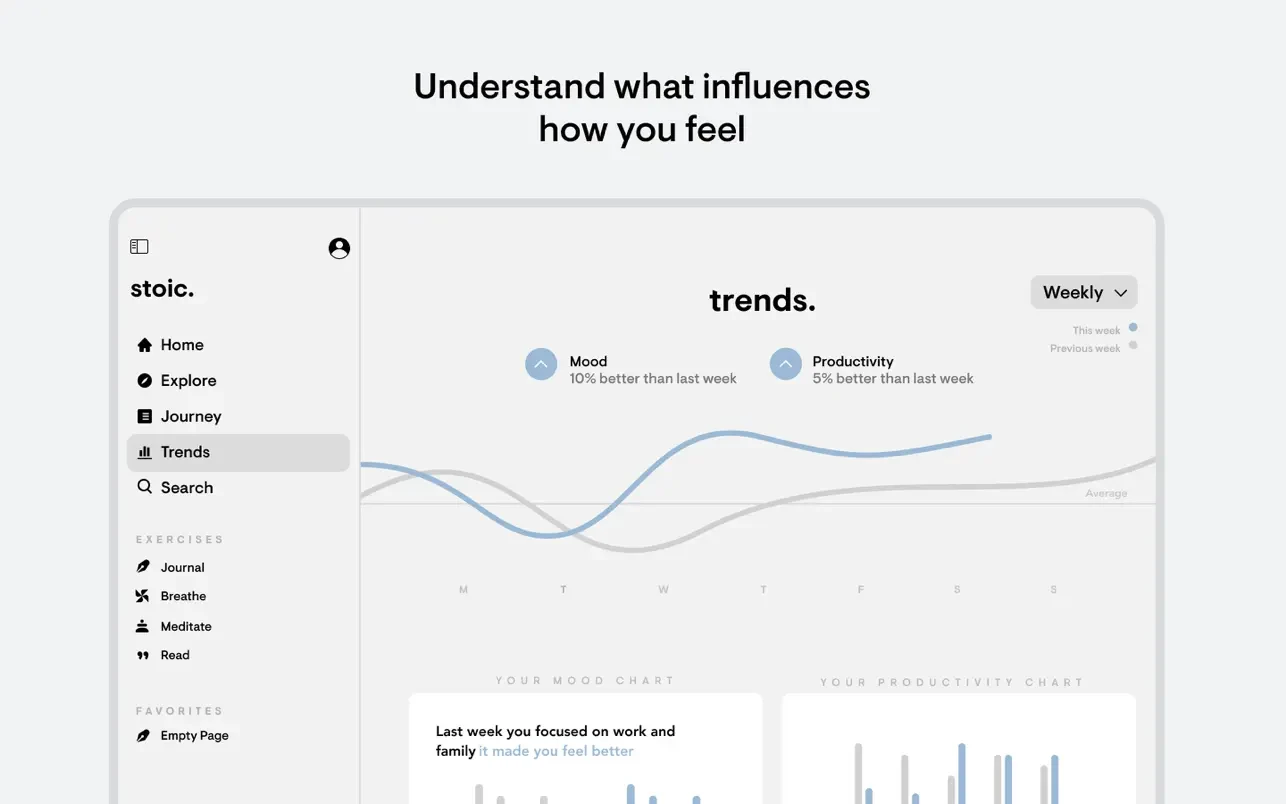
-Mood and habit tracking: You can log your mood throughout the day and identify the specific factors that influence it. Over time, the application reveals patterns and trends in your emotional landscape, helping you develop a much deeper and more nuanced understanding of yourself and your behavioral tendencies.
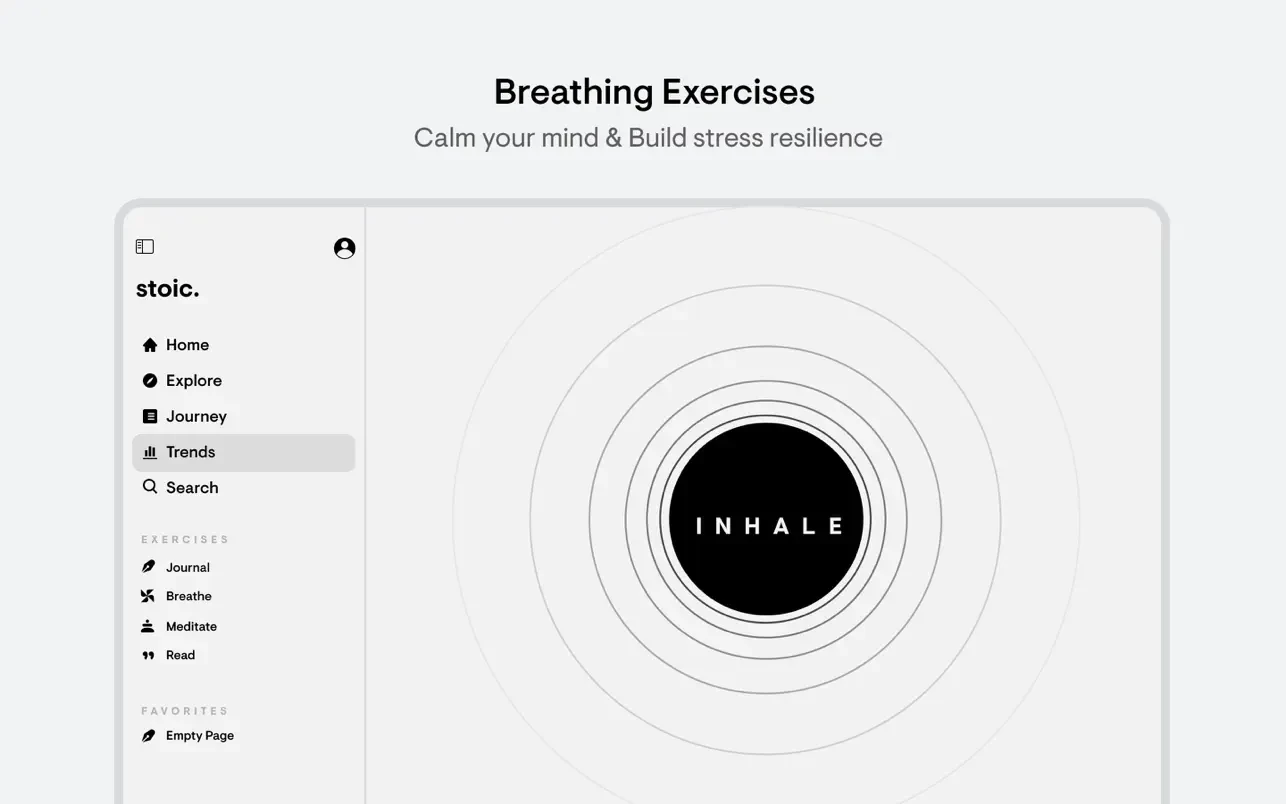
-Practices and exercises: Within the application, you will find a variety of powerful mental health tools, including guided breathing exercises and short focused meditations, all specifically designed to help you manage stress, reduce anxiety, and cultivate inner calm directly from your Mac.
-Statistics and progress: A comprehensive progress tracking system featuring streaks (consecutive days of use) and achievement badges helps you stay motivated, accountable, and consistent in your ongoing commitment to nurturing and improving your mental well-being over time.
When you stoic download to your Mac, it helps you shift your focus away from external chaos and toward inner clarity, serving as a powerful reminder that you are always in control of your own perception and your response to the events unfolding around you.
Frequently Asked Questions
You May Also Like
Reviews & Comments
No comments yet. Be the first to share your thoughts!