
Sound Control icon

Sound Control

Audio utilities , Programs

Description

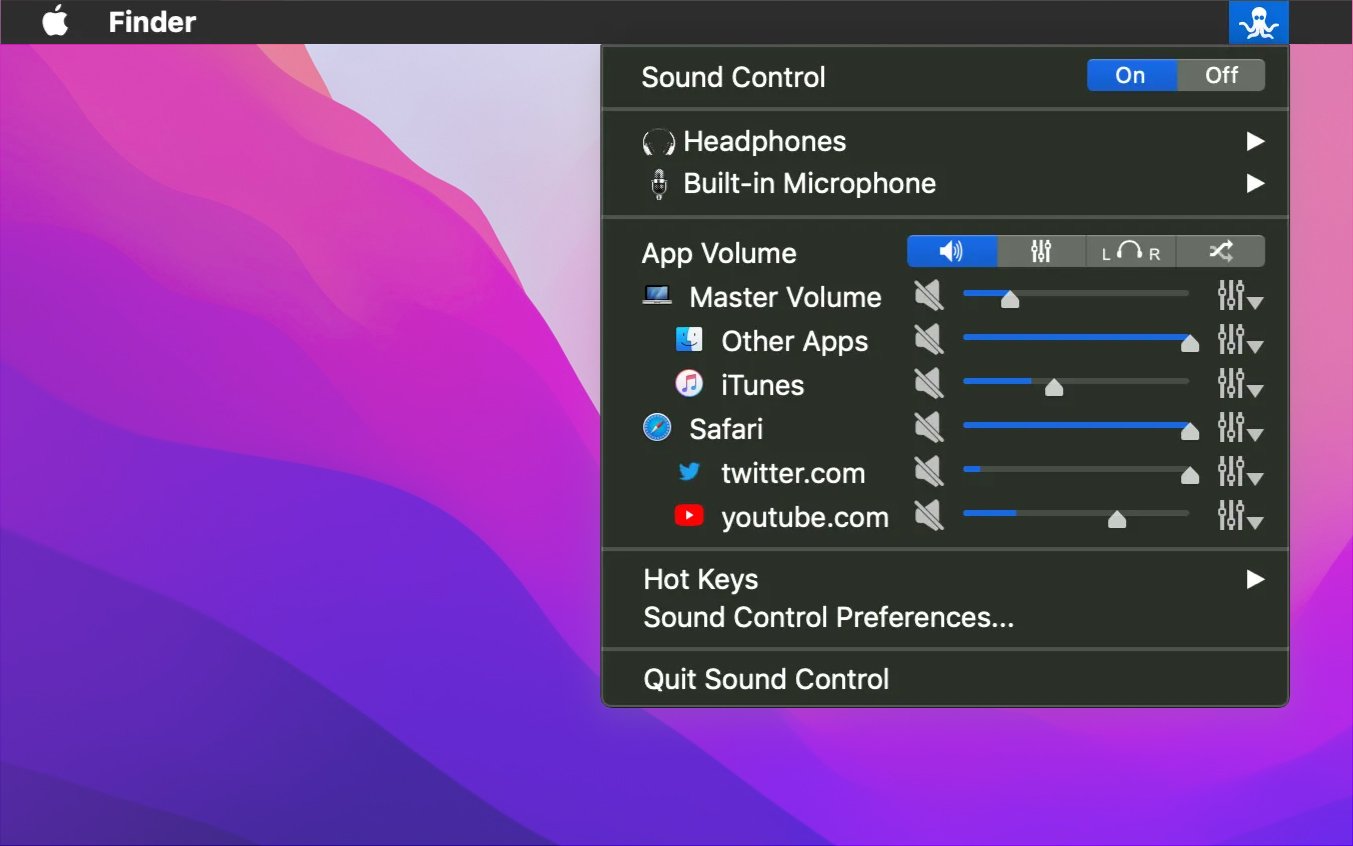
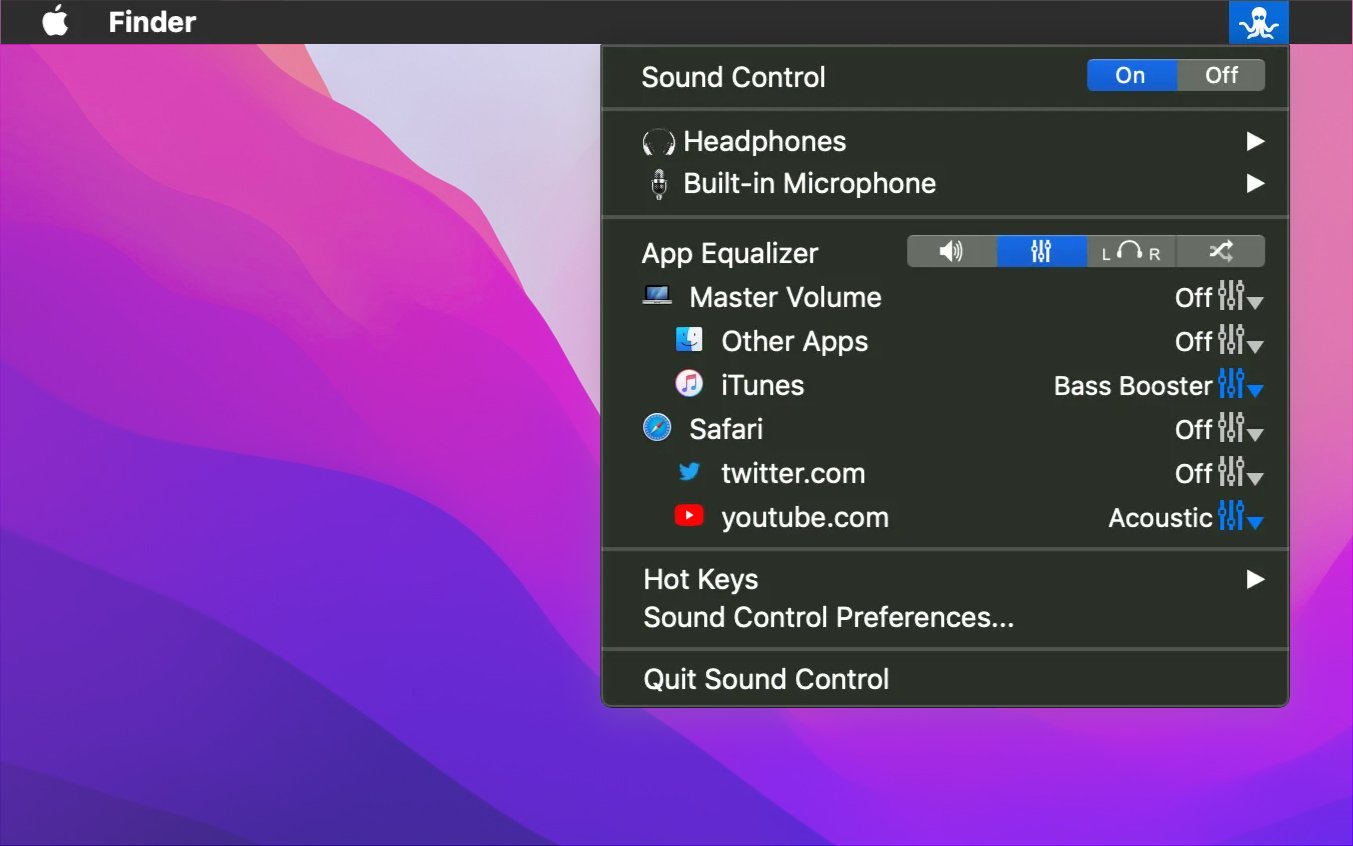
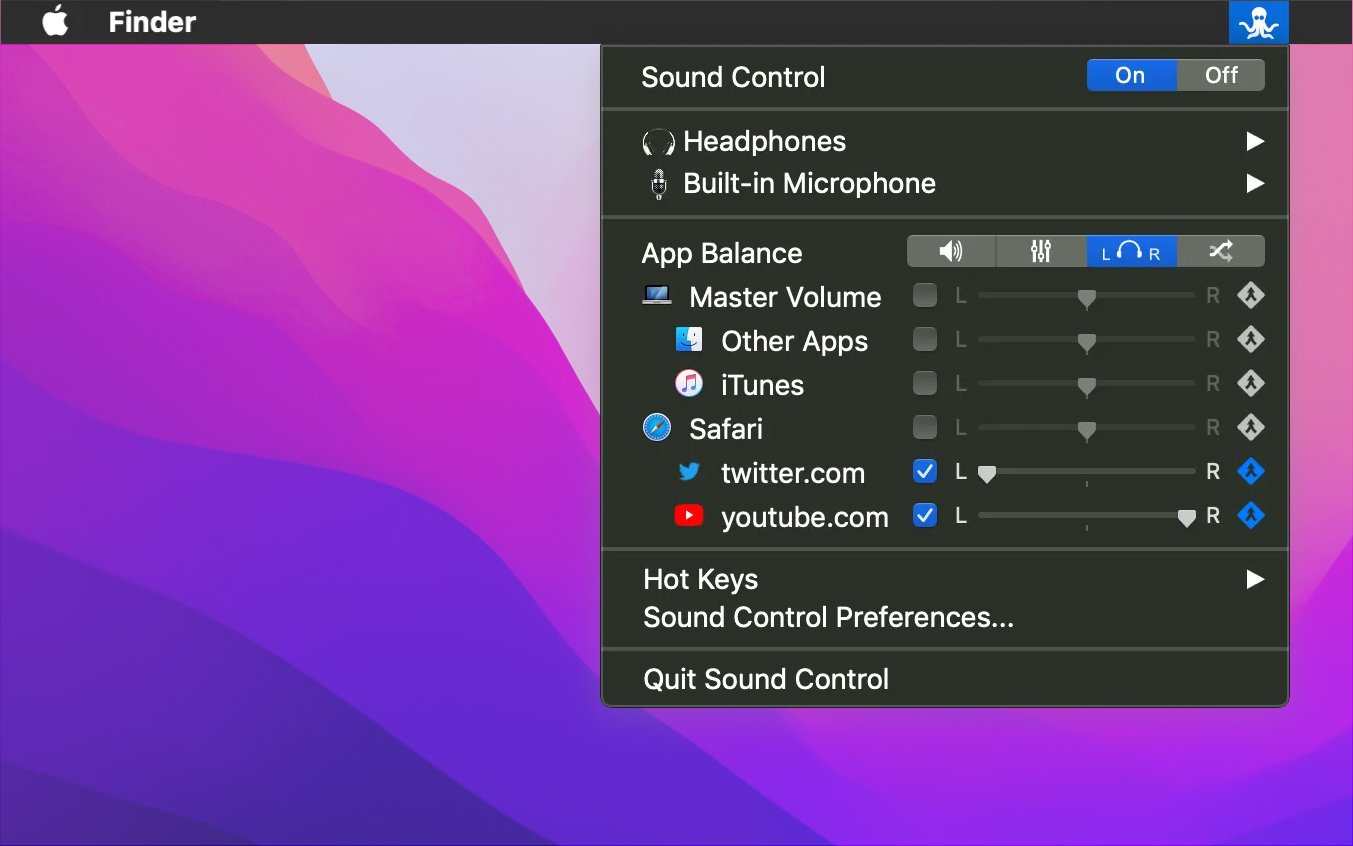
Sound Control takes the software volume mixer experience to an entirely new level on your Mac. This sound control app allows users to quickly and easily adjust the volume of individual applications and selectively apply a full audio equalizer to any specific application running on your system. Sound Control mac integration lets you add a convenient software mixer directly to the menu bar of your Mac for instant access. In addition to the per-app volume mixer, sound control also provides a powerful software equalizer for audio output, making it simple to adapt the sound from your Mac to your personal preferences or to properly calibrate the frequency response of your speakers and headphones.

Features:

Individual volume control for each application, including the ability to mute specific apps

System-wide equalizer with a choice of 10 or 31 bands for precise tuning

Simple and intuitive management through a dedicated menu bar item or customizable hotkeys

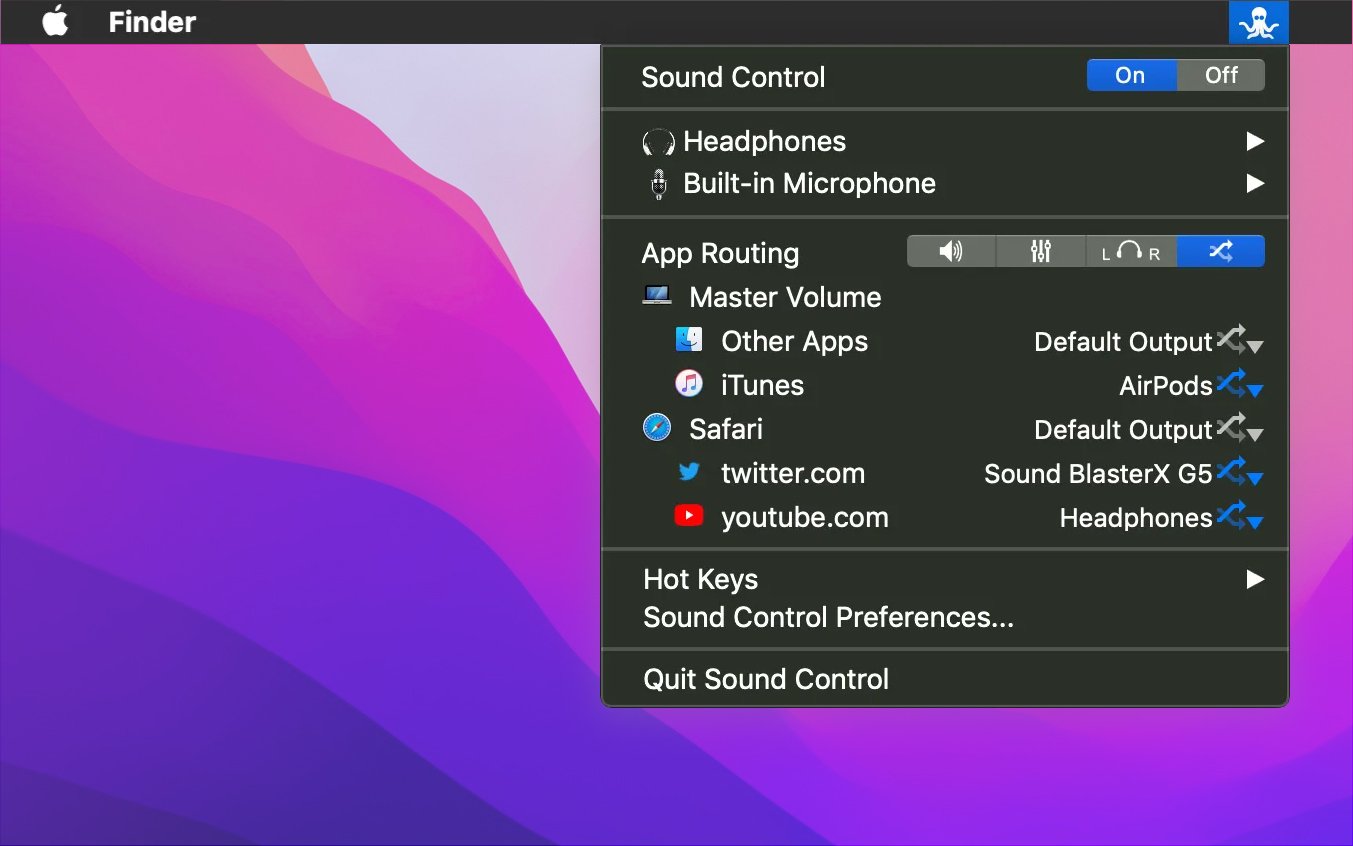
Sound control app download adds software-based volume management and full keyboard control to HDMI and other connected audio devices on your Mac


Frequently Asked Questions

Is Sound Control free?
Please check the developer's website for current pricing information.
The program is damaged or the file isn't working? Are there other problems?
Please read the installation instructions on the Download page carefully before proceeding. Additional help can be found in our article: Errors when installing applications on a Mac.
How do I update the app? Will my activation be affected?
Official updates can break activation unless the installation guide states otherwise. Download the latest version and install it over the existing one — this typically preserves your settings and activation.
How do I get the file? The download link isn't working. What does a .torrent file mean?
For large files, using a dedicated download manager like FDM is strongly advised. Chrome or a download manager handles file hosts much better than Safari. If the file ends in .torrent, you will need a torrent client such as Transmission. Some hosting sites may be blocked in your region, so a VPN could be required.
A newer version is out. When will the site be updated?
The site administration does not create or patch software. Updates are submitted by independent contributors when ready. How soon a new build appears depends on when someone prepares and uploads it.
Can I request an application? Where do I submit requests?
Neither the administration nor the editors build or patch software themselves. You can support the project and submit app requests through donation comments.
How can I switch the interface language?
Go to System Settings → General → Language & Region → Applications → "+", pick the app, then choose your preferred language. For Adobe products, language is typically selected during installation. Most games have a language option inside their own settings menu.
What is the right way to remove an app?
Use a dedicated tool such as App Cleaner & Uninstaller for a thorough cleanup. For Adobe software, the Creative Cloud Cleaner Tool ensures a fully complete removal.
Looking for assistance?
Paid remote support is available on the site (through AnyDesk, Zoom, or Skype) to guide you through installing apps on Mac or PC.

You May Also Like


Reviews & Comments

No comments yet. Be the first to share your thoughts!