
Description
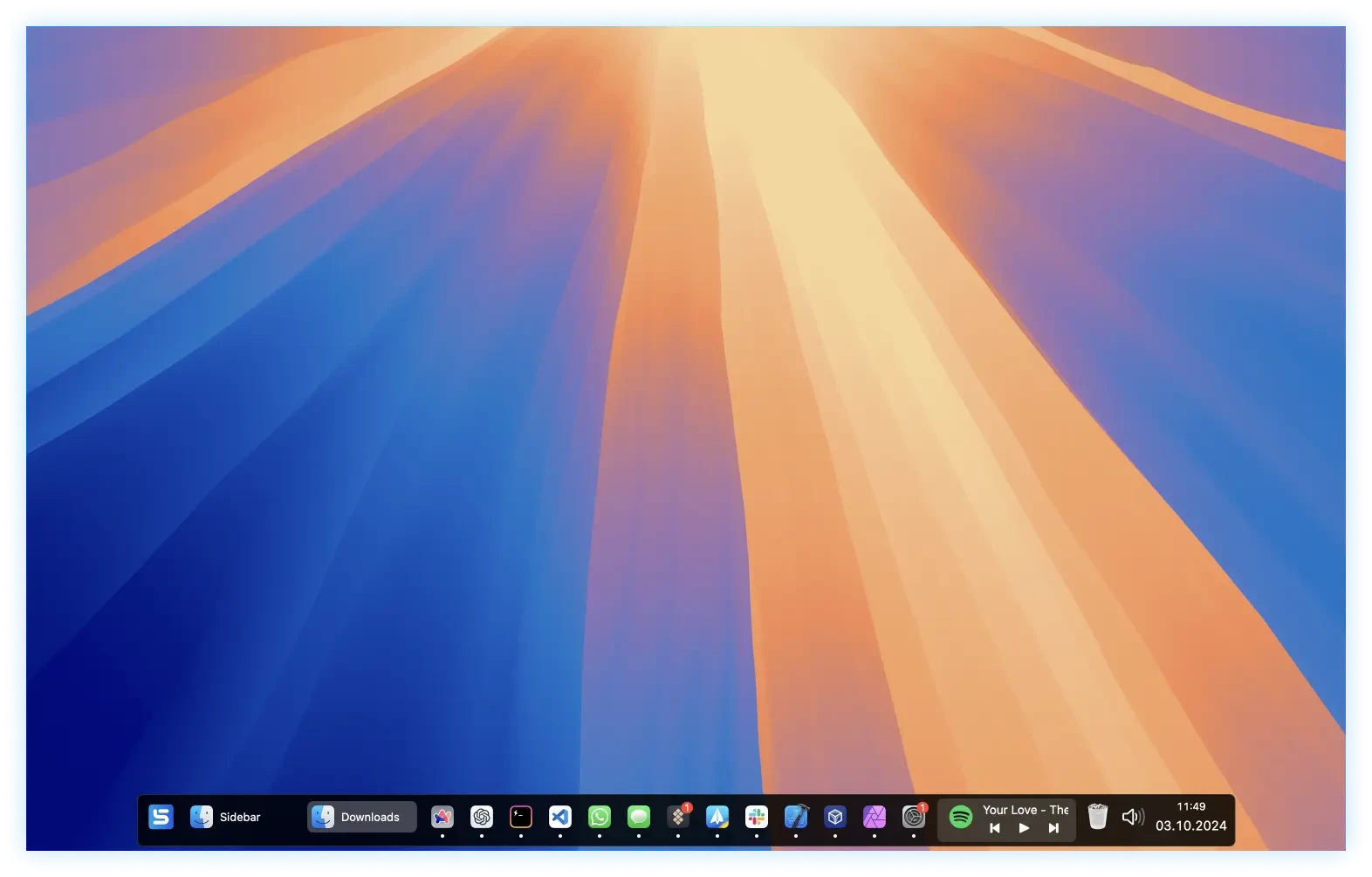
Sidebar is a modern replacement for the Dock, designed specifically for Mac. This sidebar app significantly enhances the macOS experience and multitasking capabilities thanks to its intuitive user interface and a wide range of practical, well-thought-out features.
Some notable features of Sidebar:
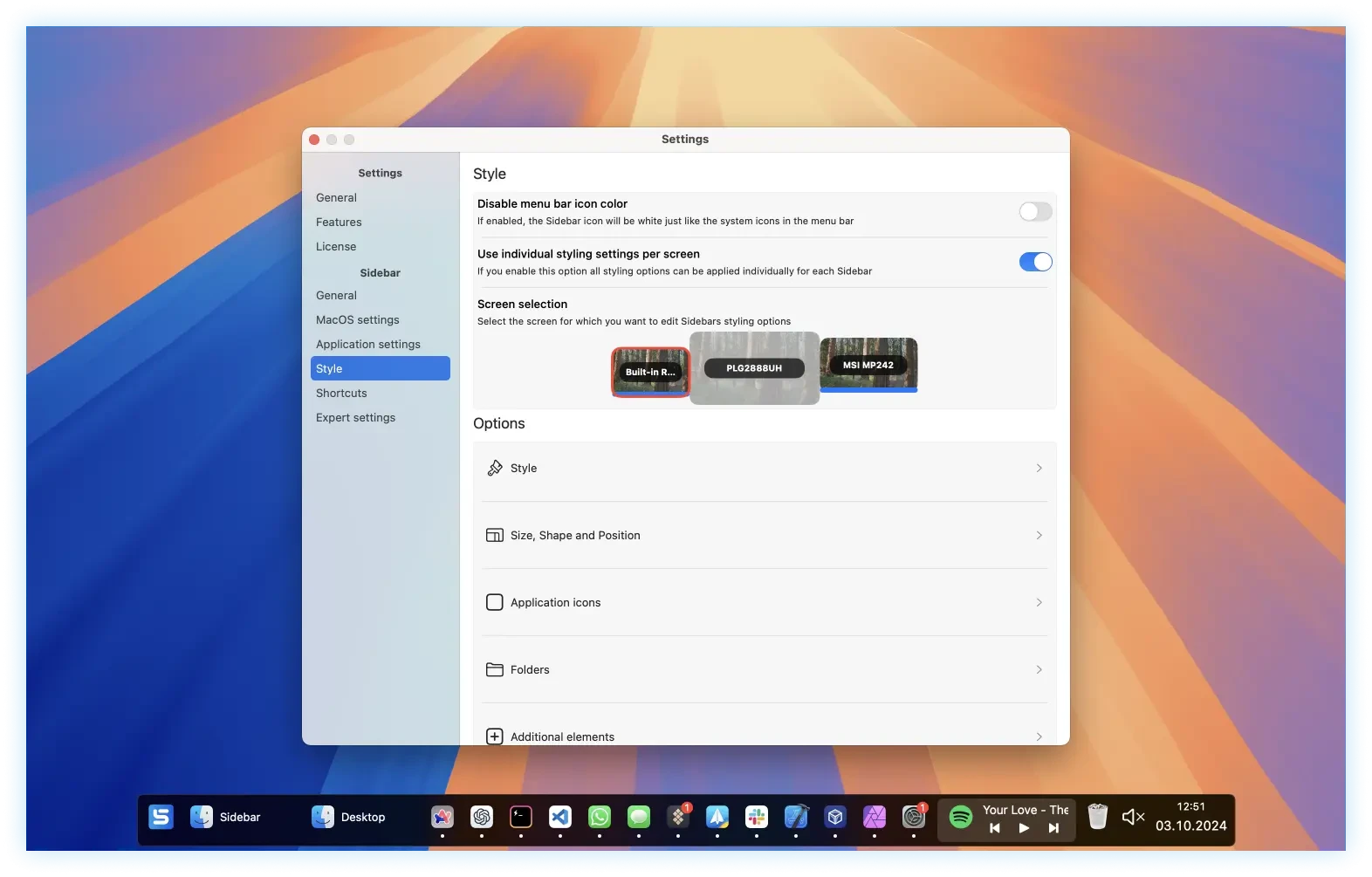
- Multi-display support. You can add the sidebar to one, several, or all connected displays and configure it individually for each screen to suit your workflow.
- Screen space reservation. When this feature is enabled, Sidebar prevents application windows from overlapping with it, keeping dedicated free space on your screen for easy access.
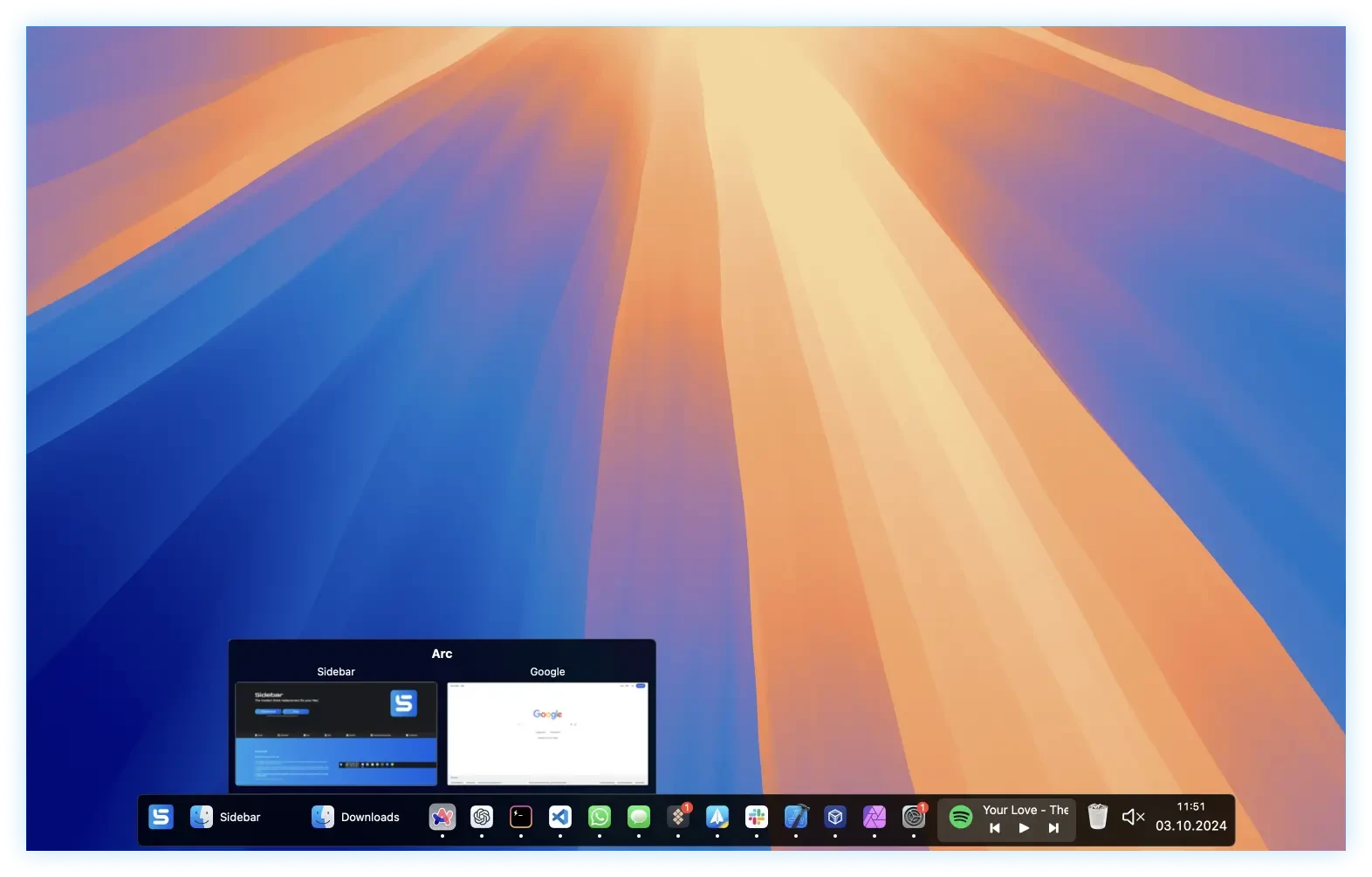
- Window previews. Hovering your mouse over an application icon reveals a preview of all its currently open windows for quick navigation.
- Media controls. Sidebar mac users can control playback of any currently running media application directly from the sidebar panel without switching windows.
- Stack organization. Applications and folders can be grouped into convenient stacks for better organization and a cleaner workspace.
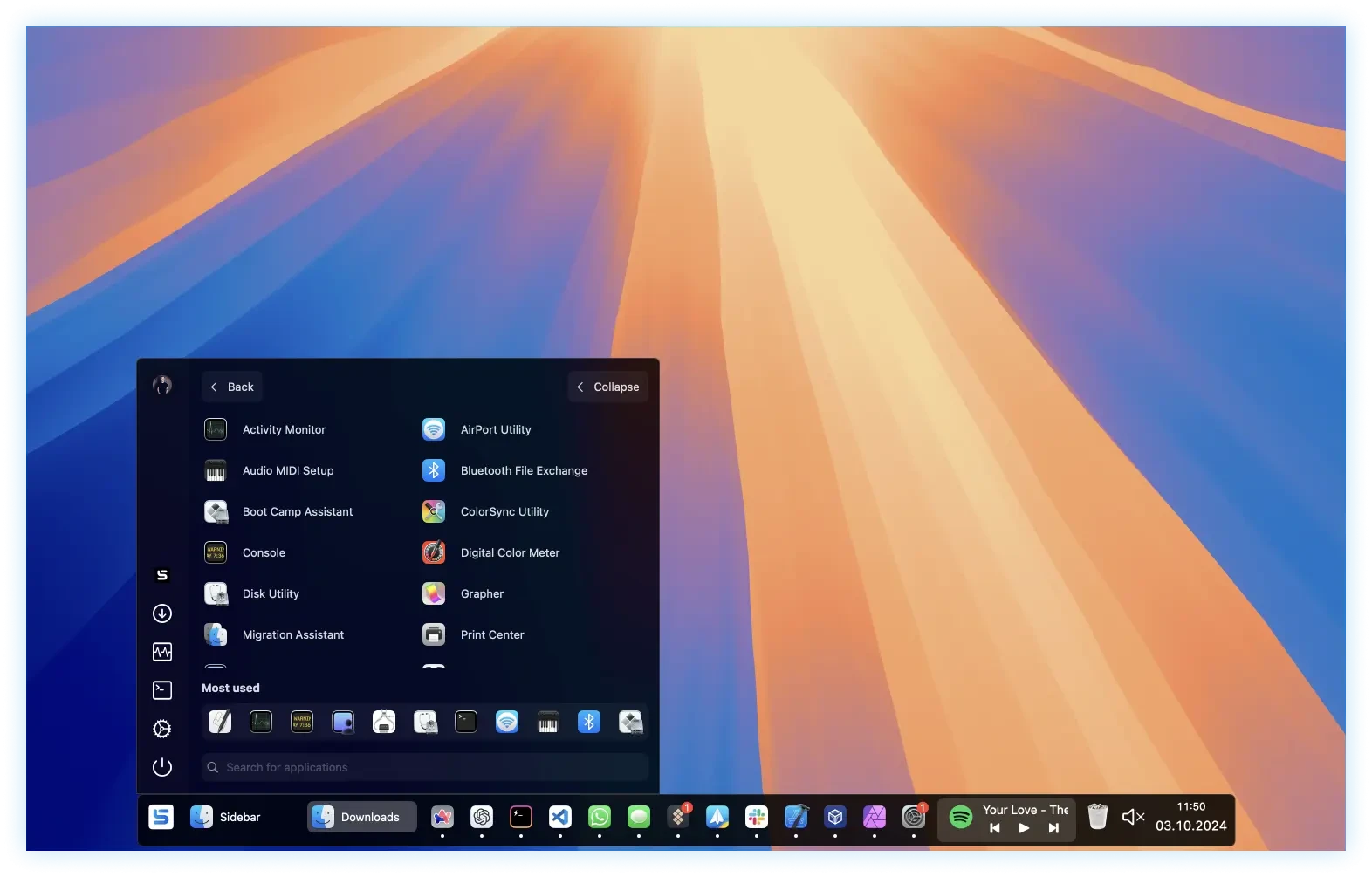
- Built-in application launcher. You can manage the system volume level or quickly mute the sound entirely using the integrated controls.
- Integrated calendar. This feature allows you to quickly check your upcoming schedule and appointments without opening a separate calendar application.
- Trash folder access. You can quickly access the Trash folder or empty it completely right from the sidebar interface with just a single click.
- Customizable shortcuts. You can assign application shortcuts or open any desired application directly within Sidebar. After the sidebar download and setup, all preferences are fully customizable.
Frequently Asked Questions
You May Also Like
Reviews & Comments
No comments yet. Be the first to share your thoughts!