
Shimo
Description
Want to regularly enjoy an anonymous, reliable, and secure internet connection without any restrictions whatsoever? How about a top-tier application for VPN management on Mac? You will be truly delighted with Shimo, because this VPN client delivers an enhanced user interface combined with military-grade security. When it comes to creating, editing, and managing VPN connections on your Mac, this is the undisputed leader in the field. Supporting more protocols than other VPN solutions, this shimo mac app contains an impressive set of advanced capabilities and features. Additionally, it employs AES 256-bit encryption, certified by governmental organizations, international corporations, and the military.
Key Features of Shimo
VPN Protocols at Your Disposal
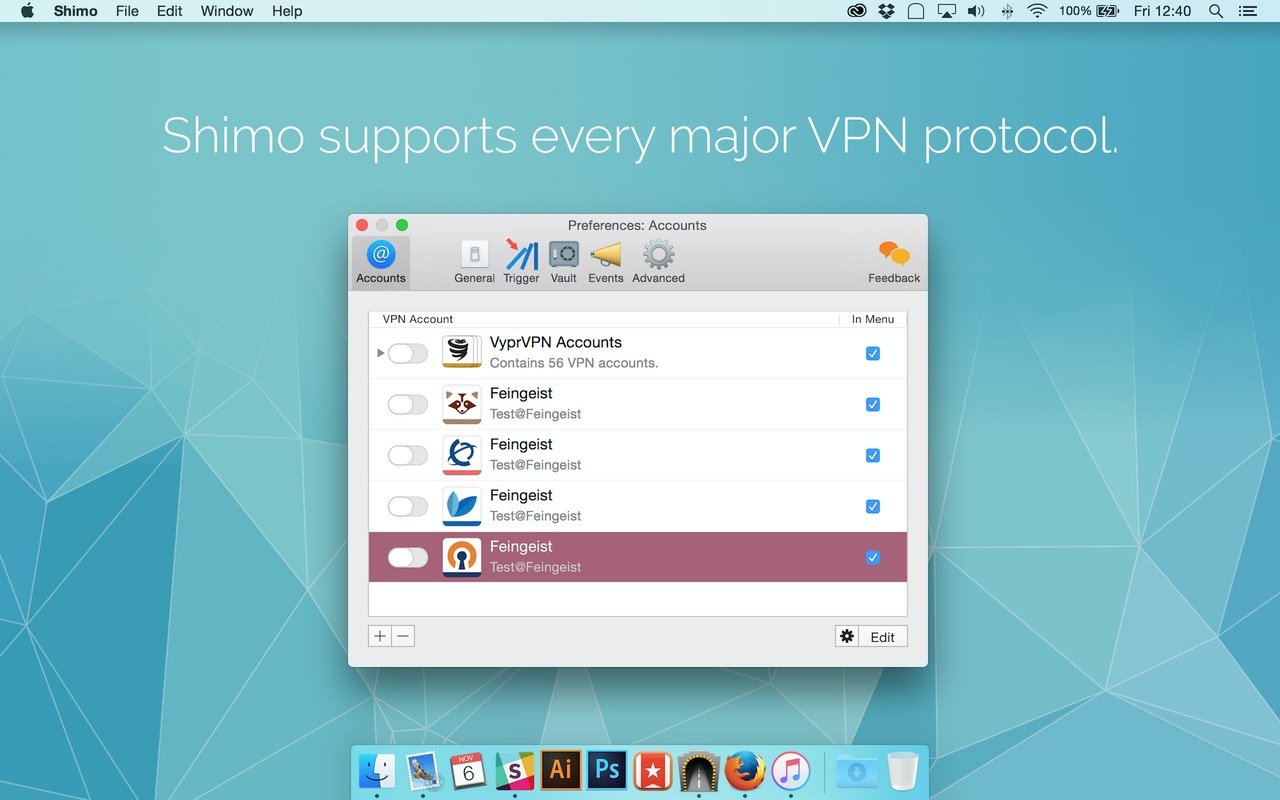
Do not limit yourself to just one protocol! With this convenient VPN utility for Mac, you have the wonderful opportunity to use any of the existing ones available today. These include top-tier SSL VPN client, IPSEC VPN client/PPTP VPN client plus port forwarding, all ensuring safe and secure browsing activity in your web browser.
Data Encryption and Other Bank-Level Protection
The application offers military-grade protection with AES 256-bit encryption built right in. For you, this means that your most valuable and sensitive data will remain under robust and reliable protection at all times. Secure web browser operation capability is included as a standard feature. Moreover, shimo for mac provides two-factor authentication support (Smart Cards/Tokens) for an extra layer of security.
Simultaneous Connections
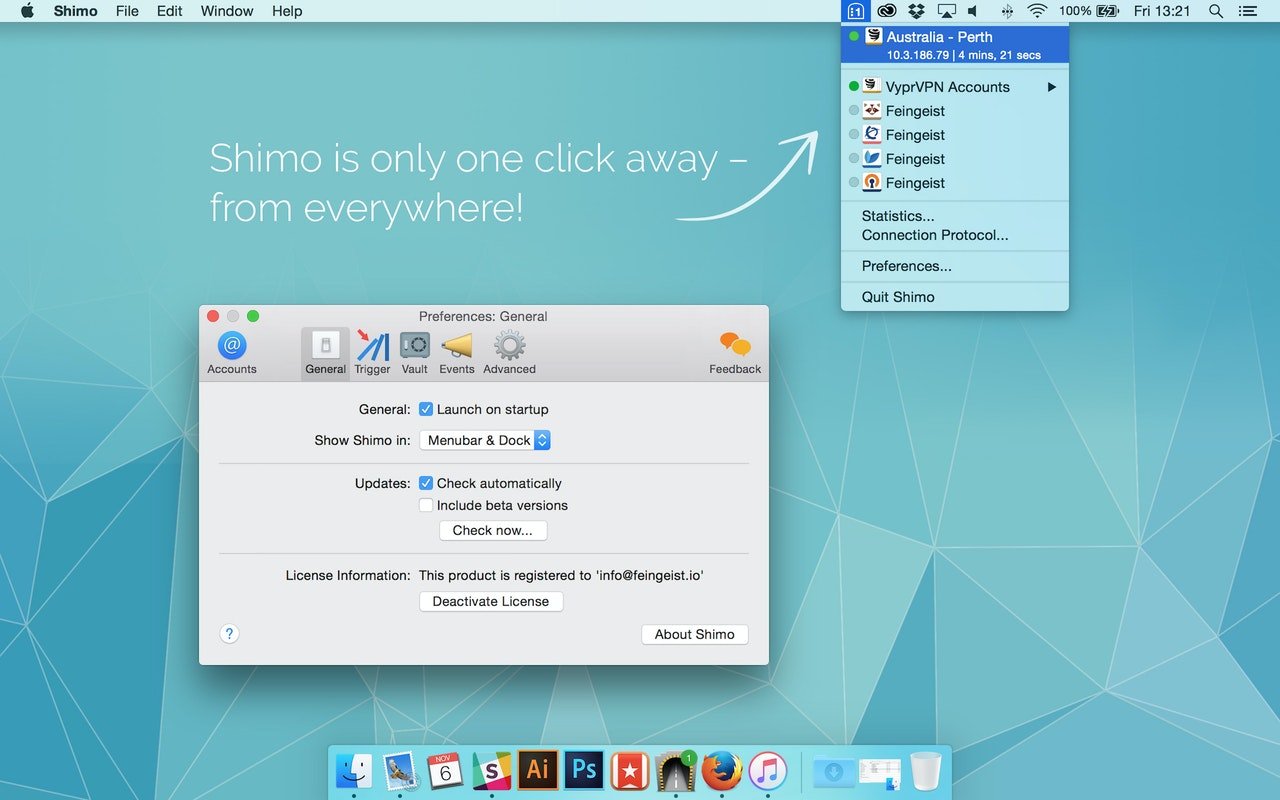
How about setting up multiple connections all at once on your Mac? Want the ability to use several connections simultaneously without any hassle? Shimo allows you to quickly and effortlessly use as many connections as you need at any given moment. Different protocols can also be utilized in parallel, giving you maximum flexibility and convenience.
Trigger Automations
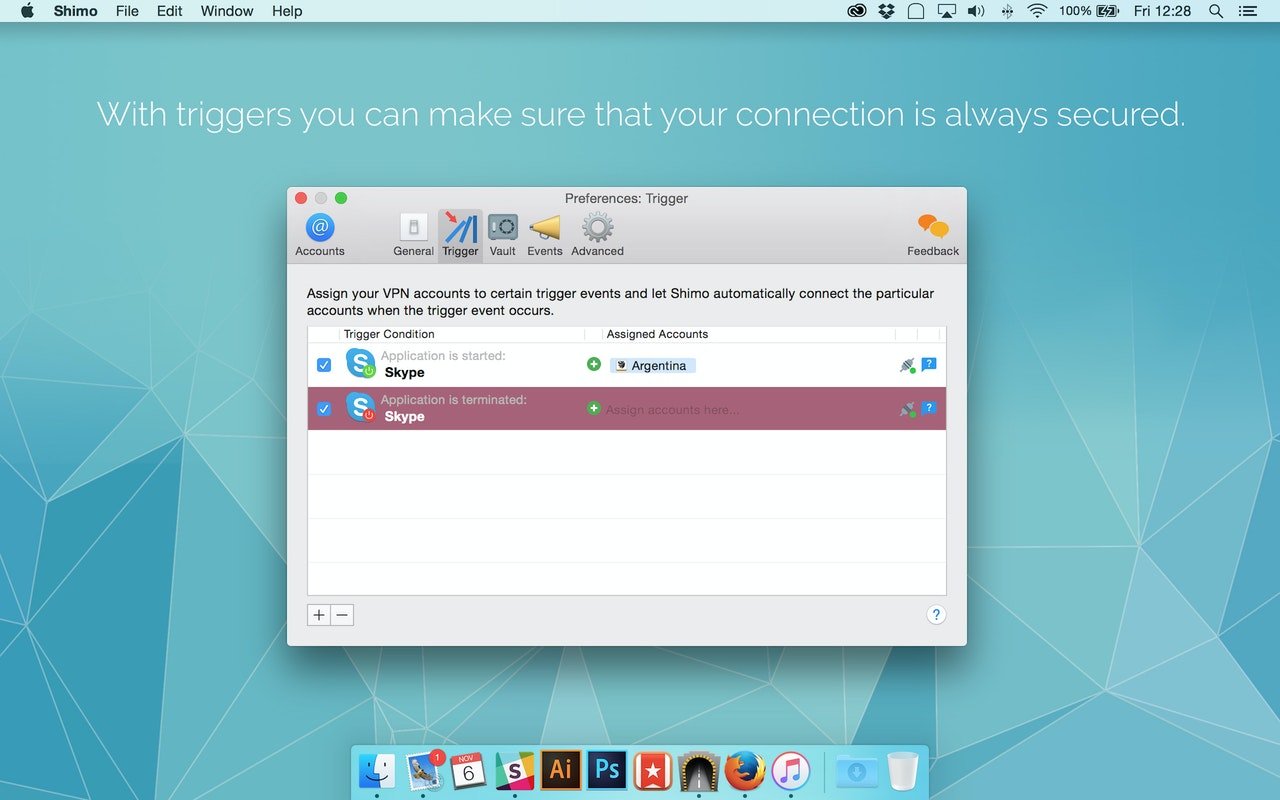
Select the trigger conditions that suit your workflow, and your VPN accounts will be able to connect automatically. You can set triggers based on network configuration, wireless network, geographic location, and encryption type. Assign specific actions to be executed after a particular connection is established or after it is disconnected from your Mac.
The Right Tool for the Job
Effortlessly create secure connections even if you are a complete beginner in the world of networking and VPN clients for Mac. It is also great that you do not need any technical background or training to use shimo mac effectively. Yes, it is that simple, intuitive, and easy to understand for everyone.
Comprehensive Accounting and Statistics
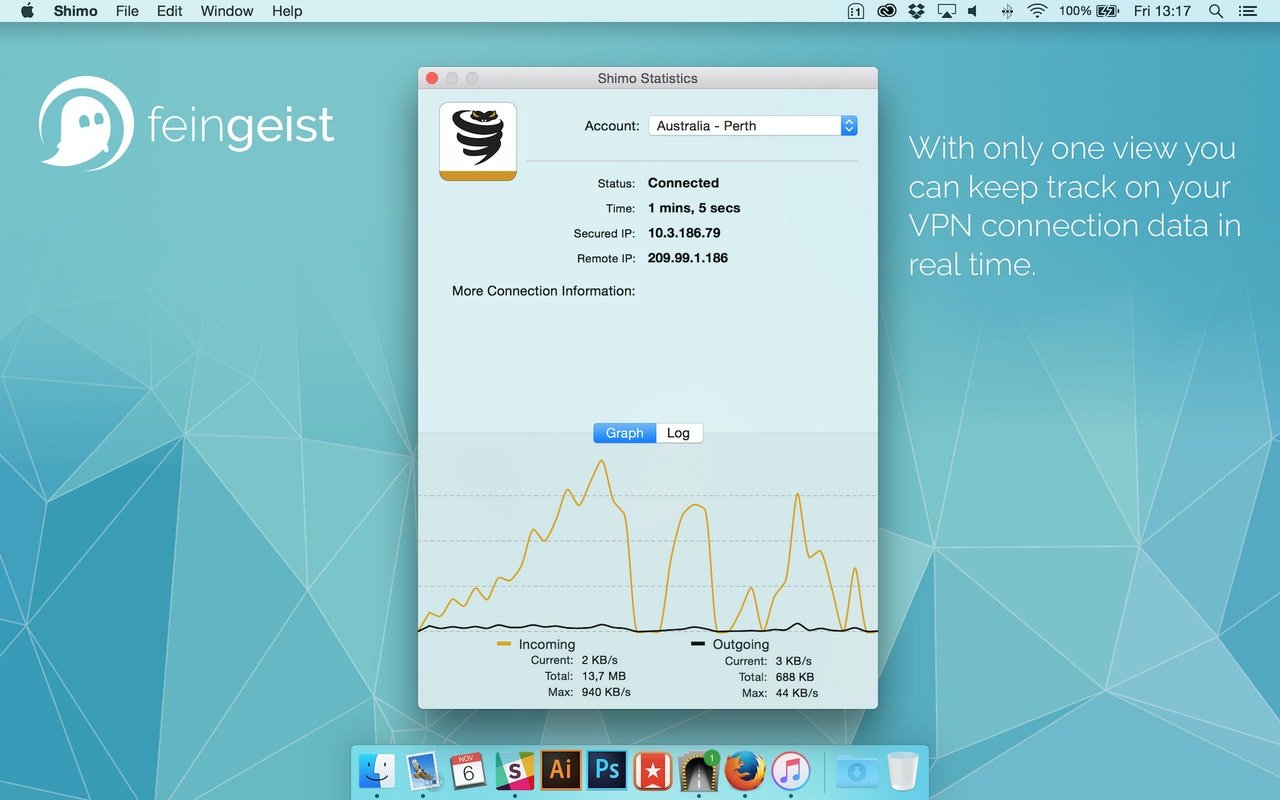
The application provides a precise time tracking option available right within the interface. Generate detailed CSV reports after each financial cycle for accurate record-keeping. Explore dynamic real-time statistics to determine exact data regarding your VPN connections that are currently active at any given moment on your Mac.
Frequently Asked Questions
You May Also Like
Reviews & Comments
No comments yet. Be the first to share your thoughts!