Remote Desktop
Description
Apple Remote Desktop is the ultimate remote desktop mac app for managing Mac computers across your network, distributing software, providing real-time support to end users, generating detailed reports on both software and hardware configurations, and automating routine IT processes – all directly from your own workstation.
Software Distribution
-Effortlessly copy and install software onto remote Mac computers with minimal effort.
-Use encryption when copying packages and files across your network to ensure data security.
-Configure a task server to schedule and install software on Mac computers that are currently offline or away from the network.
Remote Support
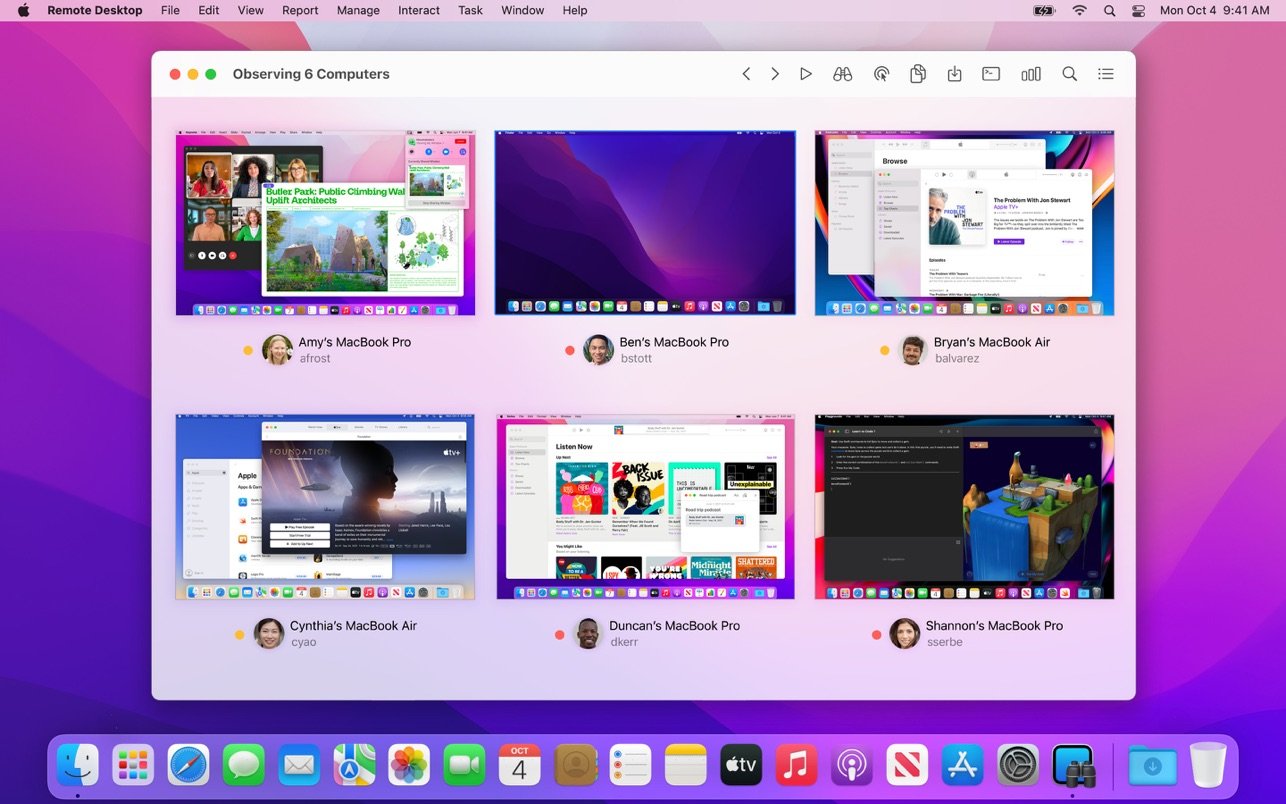
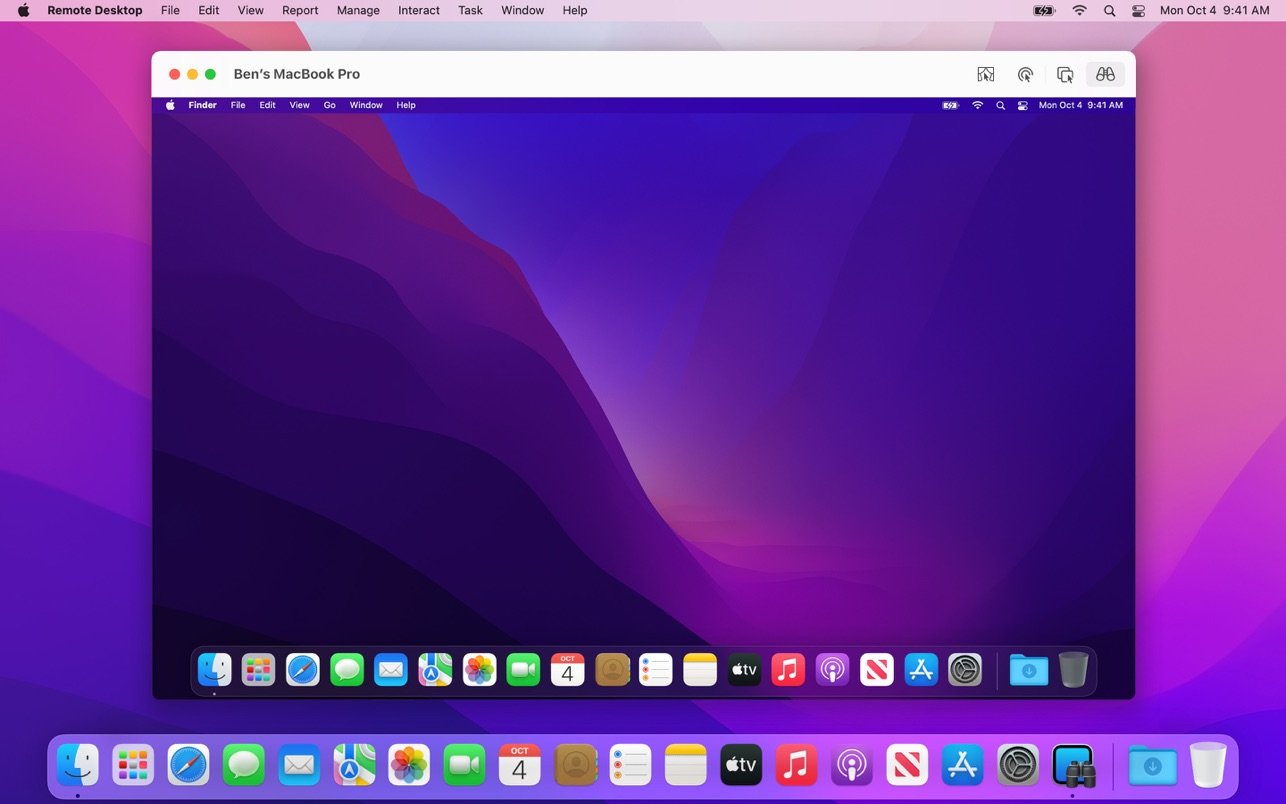
-Observe and control Mac computers remotely using the remote desktop mac interface.
-Move files between Mac computers simply by dragging and dropping them from one system to another.
-Use copy and paste functionality to transfer information seamlessly from one computer to another.
-Prevent end users from viewing your screen while you manage their client computers by utilizing the dedicated Curtain Mode feature.
-Control VNC-compatible computers, including those running Windows, Linux, and UNIX operating systems.
Remote Administration
-Securely execute a wide variety of administrative commands on remote Mac computers.
-Remotely lock screens, put computers to sleep and wake them up, restart, and shut down Mac systems as needed.
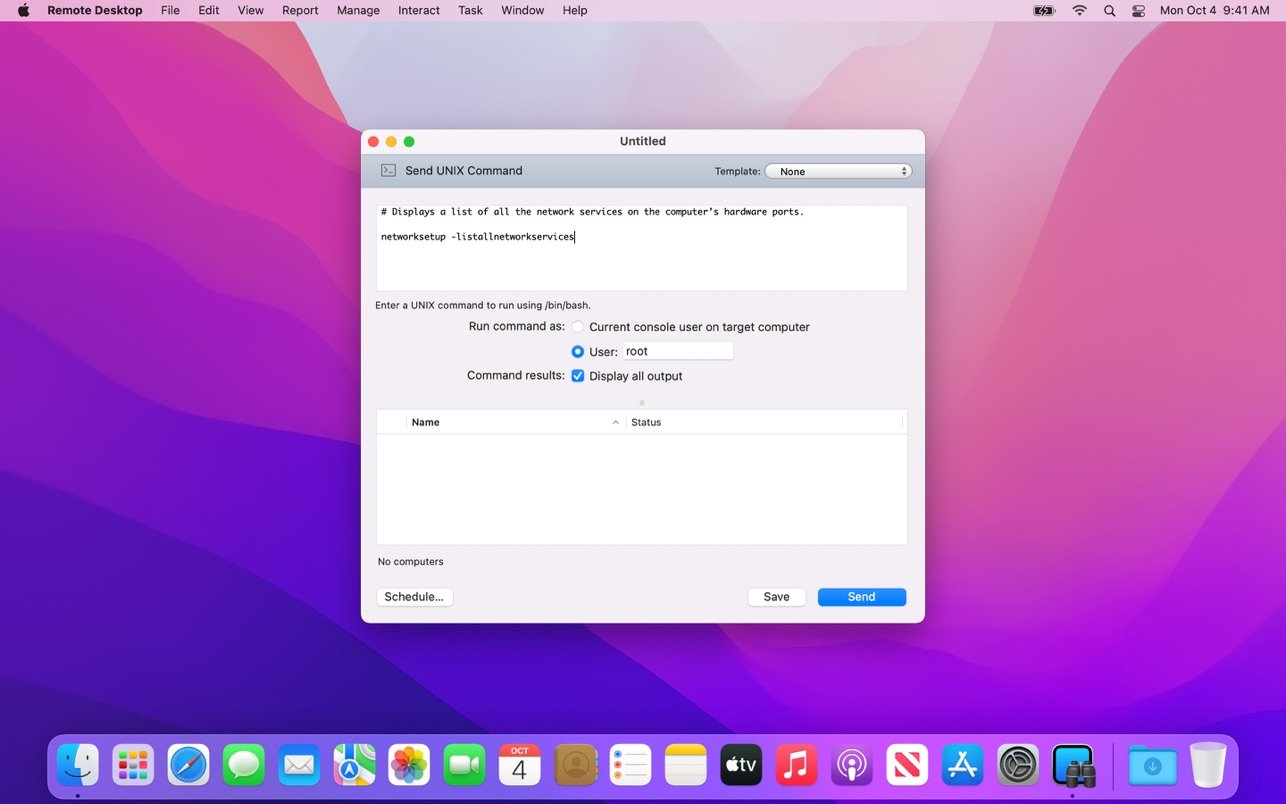
-Run scripts and UNIX shell commands directly on client systems for advanced configuration and troubleshooting.
Asset Management and Reporting
-Perform fast searches across remote systems using the powerful Remote Spotlight search functionality.
-Collect comprehensive reports covering more than 200 hardware attributes of your Mac computers.
-View detailed reports on user login activity and application usage patterns across your managed systems.
-Use the task server to gather reports even from mobile devices and Mac computers that are not currently connected to the network.
Automation
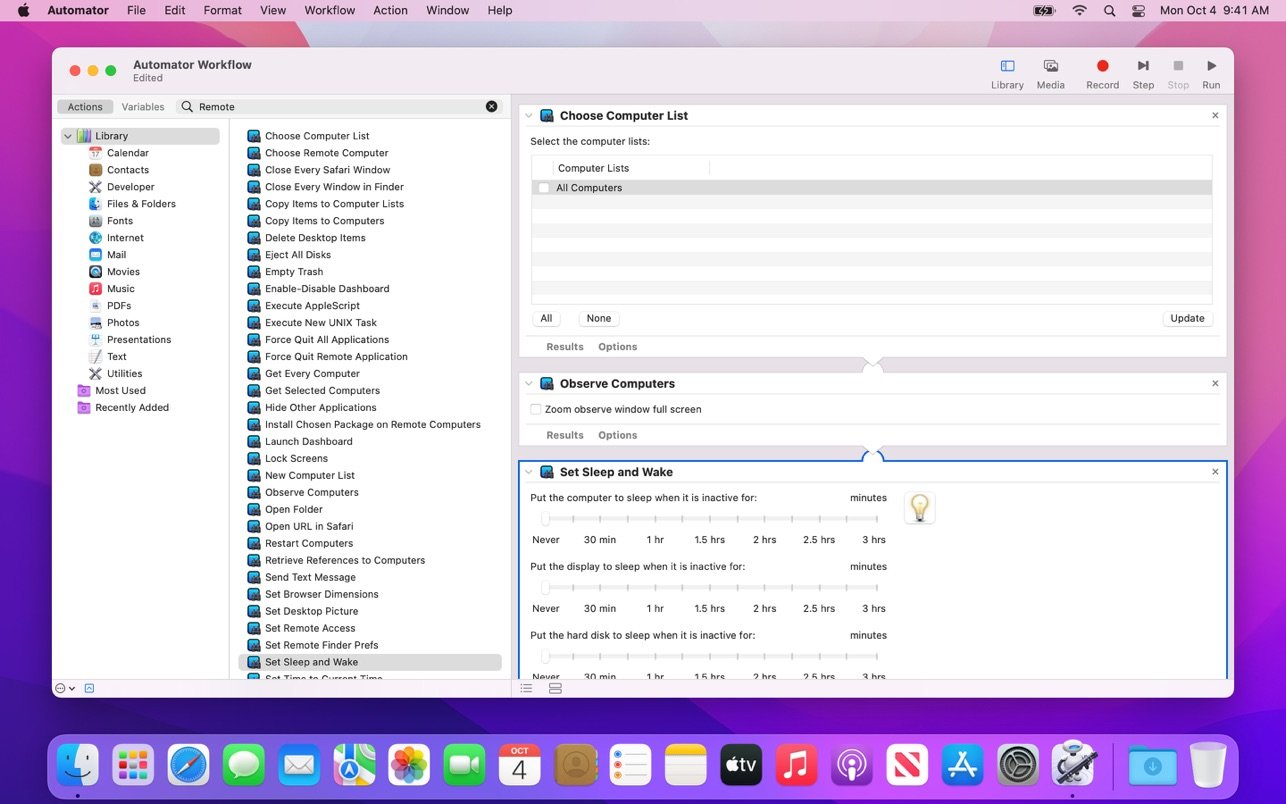
-Automate complex and repetitive tasks using Automator integration in OS X.
-Get started immediately with more than 40 built-in actions designed for common administrative tasks.
-Chain individual actions together into powerful workflows for streamlined administration of client computers.
-Combine remote desktop actions with actions from other applications to build comprehensive and customized solutions.
-Save your workflows as plugins to provide a simple, convenient, and user-friendly interface for Apple Remote Desktop functions. After the remote desktop mac download, you can begin managing your entire Mac fleet efficiently.
Frequently Asked Questions
You May Also Like
Reviews & Comments
No comments yet. Be the first to share your thoughts!