
Description
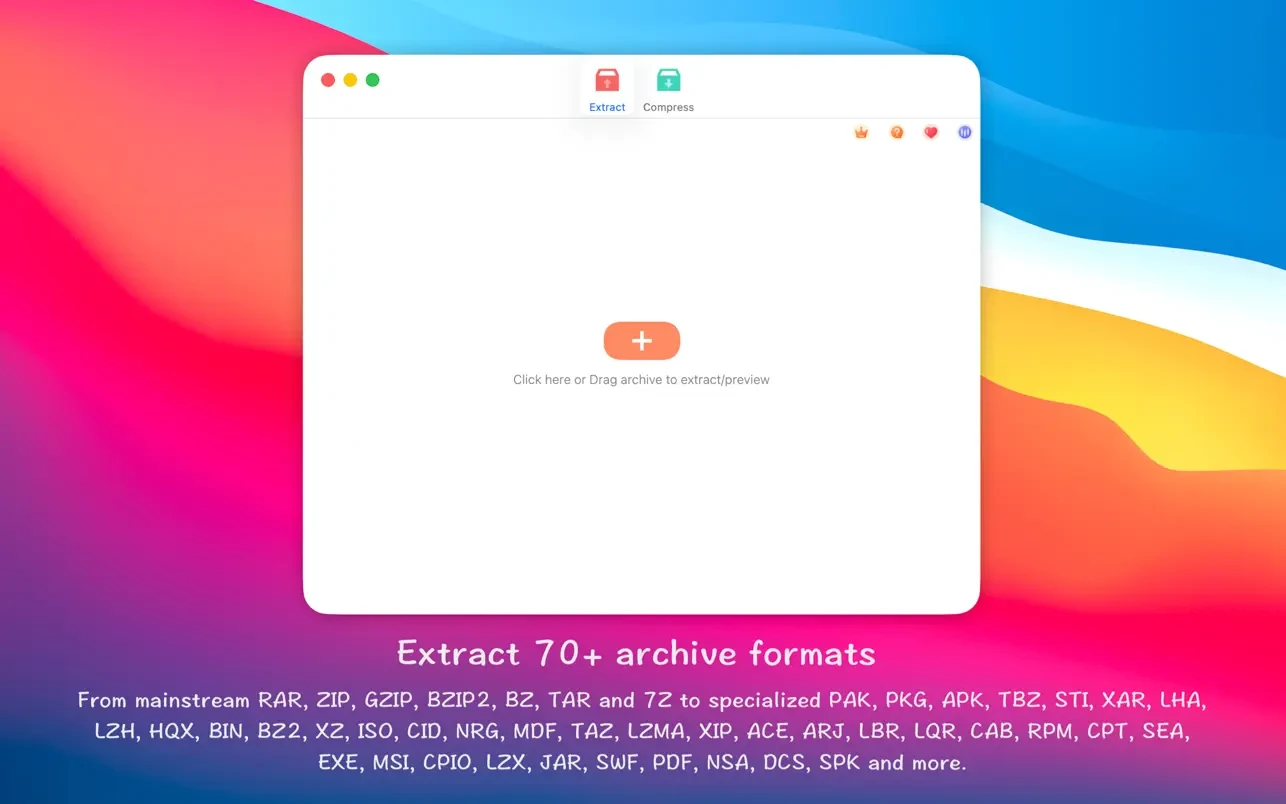
RAR Extractor - unzip can extract compressed files in the vast majority of formats (over 50 formats supported) on your Mac.
Supports unpacking RAR, ZIP, 7z, pak, pkg, apk, tbz, sti, tar, xar, lha, lzh, hqx, bin, bz2, bzip2, bz, xz, iso, cid, nrg, mdf, taz, lzma, xip, ace, arj, lbr, lqr, cab, rpm, cpt, sea, exe, msi, cpio, lzx, jar, swf, pdf, nsa, dcs, spk…
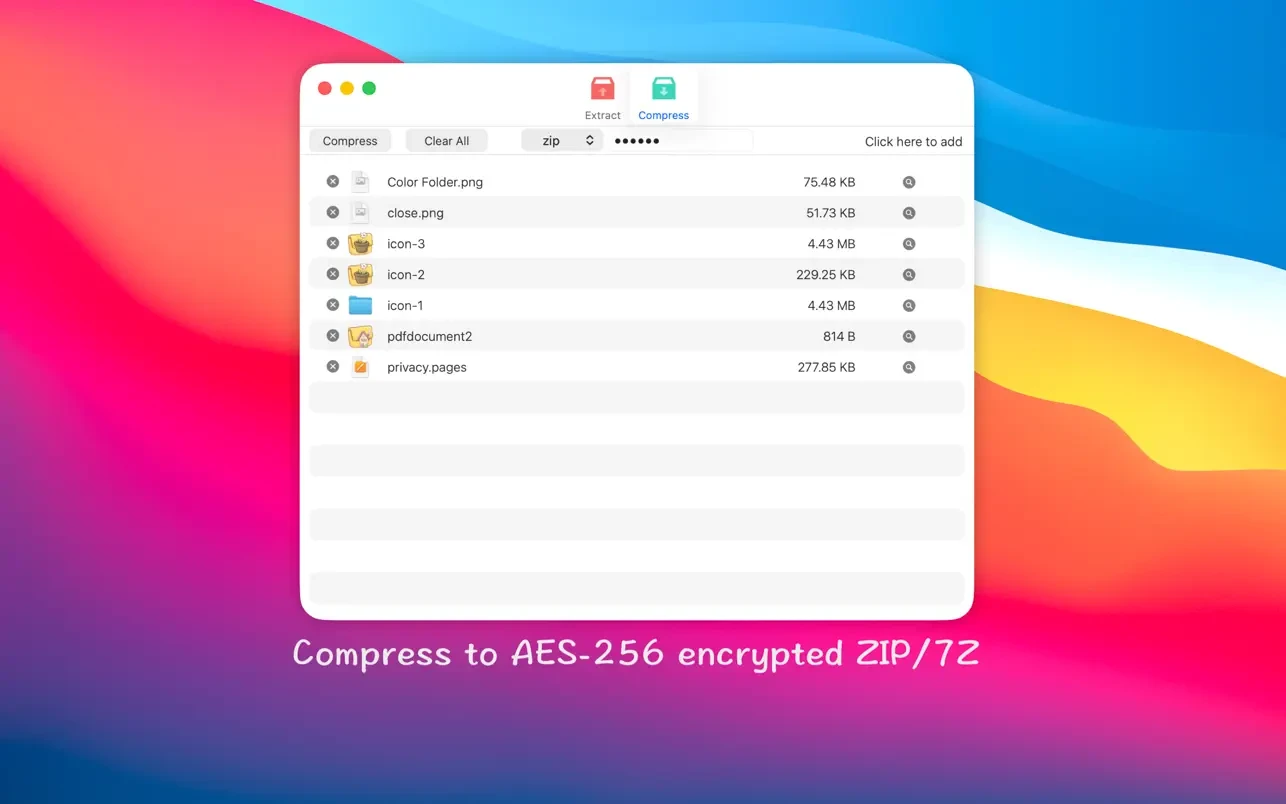
Compress files into password-protected ZIP and 7Z archives directly on your Mac
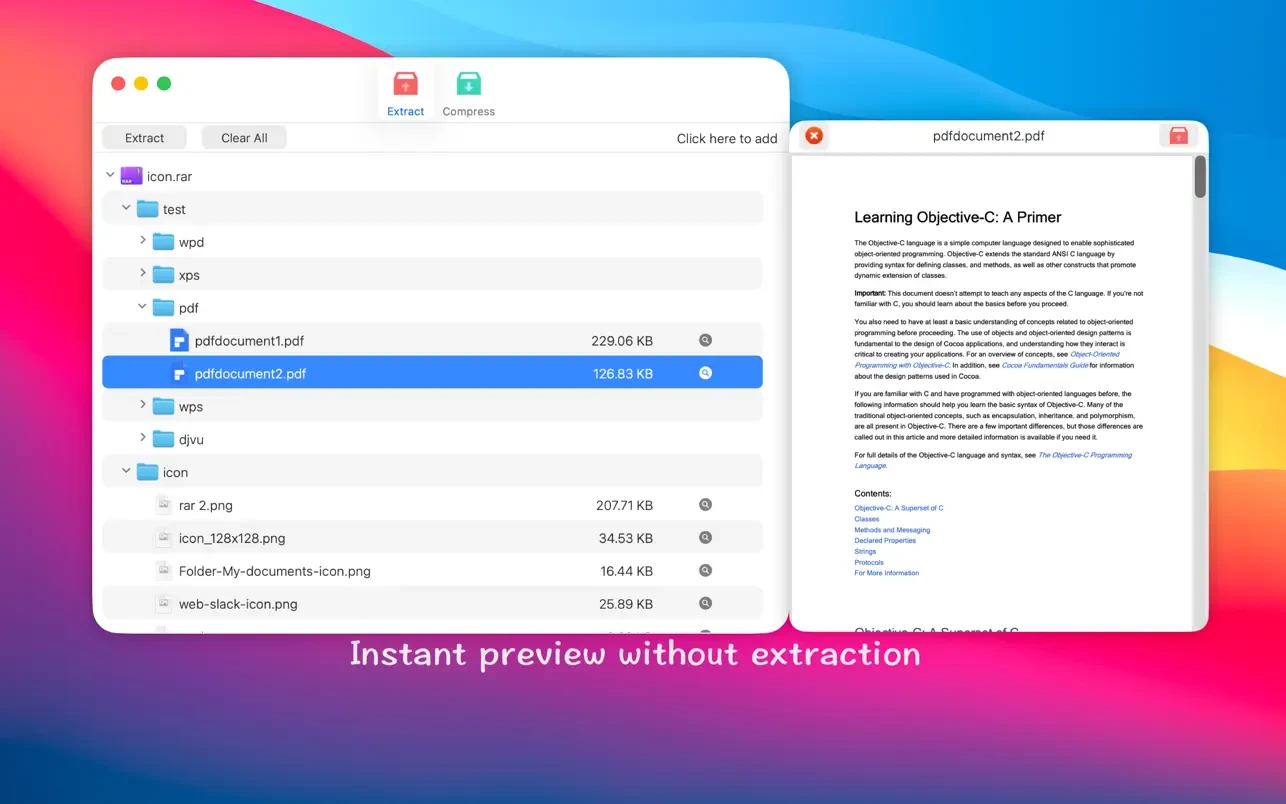
Preview archives before extracting their contents
Features:
Extract compressed files in the vast majority of archive formats (over 50 formats supported on Mac). This powerful unzip rar extractor handles virtually any archive type you encounter.
Unarchive non-encrypted archives quickly and effortlessly on your Mac.
Conveniently browse and view the complete list of files inside any archive.
QuickLook files within an archive without needing to fully unpack them first.
Unarchive and extract a selected individual file or folder from within an archive. As a versatile unzip zip & rar extractor, it gives you full control over extraction.
Double-click to display or extract immediately after setting this application as your default archiver on macOS.
Drag and drop archives onto the Dock icon for direct extraction or content display on your Mac.
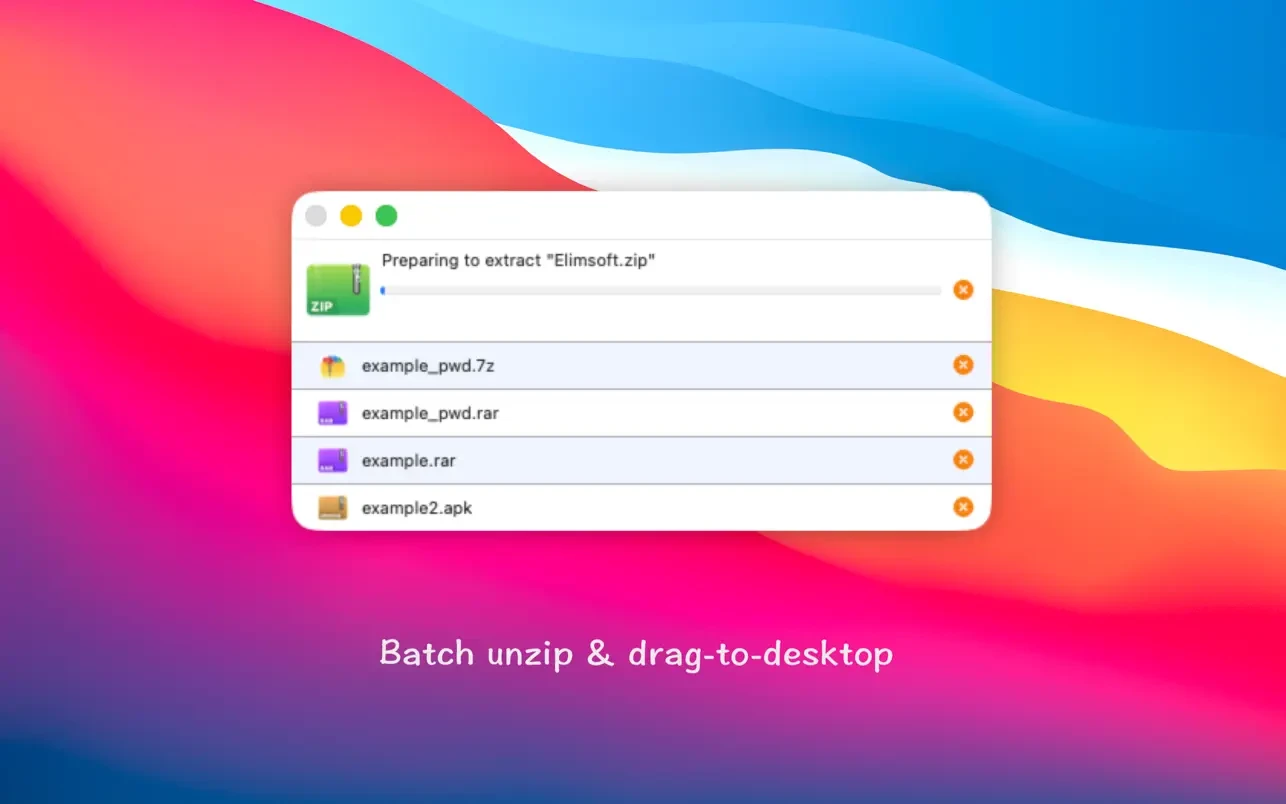
Batch unpack multiple archives at once for improved workflow efficiency. This unzip one rar zip extractor capability saves significant time when handling many files.
Create password-protected ZIP and 7Z archives to keep your sensitive data secure on Mac.
AES256 encryption algorithm is used for creating secure ZIP and 7Z archives, ensuring robust protection of your files.
Drag and drop a file from within the archive directly onto your Mac desktop to extract it instantly. Works similarly to an unzip-online rar extractor but runs entirely offline on your macOS system.
Frequently Asked Questions
You May Also Like
Reviews & Comments
No comments yet. Be the first to share your thoughts!