
Prompt 3 icon

Prompt 3

Developer tools , Programs

Description

Prompt 3 — an application for managing servers and configuring websites, available on Apple devices including Mac.

Welcome to Prompt 3. For over a decade, Prompt has been the best SSH terminal available, and we are thrilled to finally release the long-awaited version for Mac. But that is not all. With two brand-new connection types, port forwarding capabilities, and a significantly faster terminal engine, the Prompt 3 app has become better and more powerful than it has ever been before.

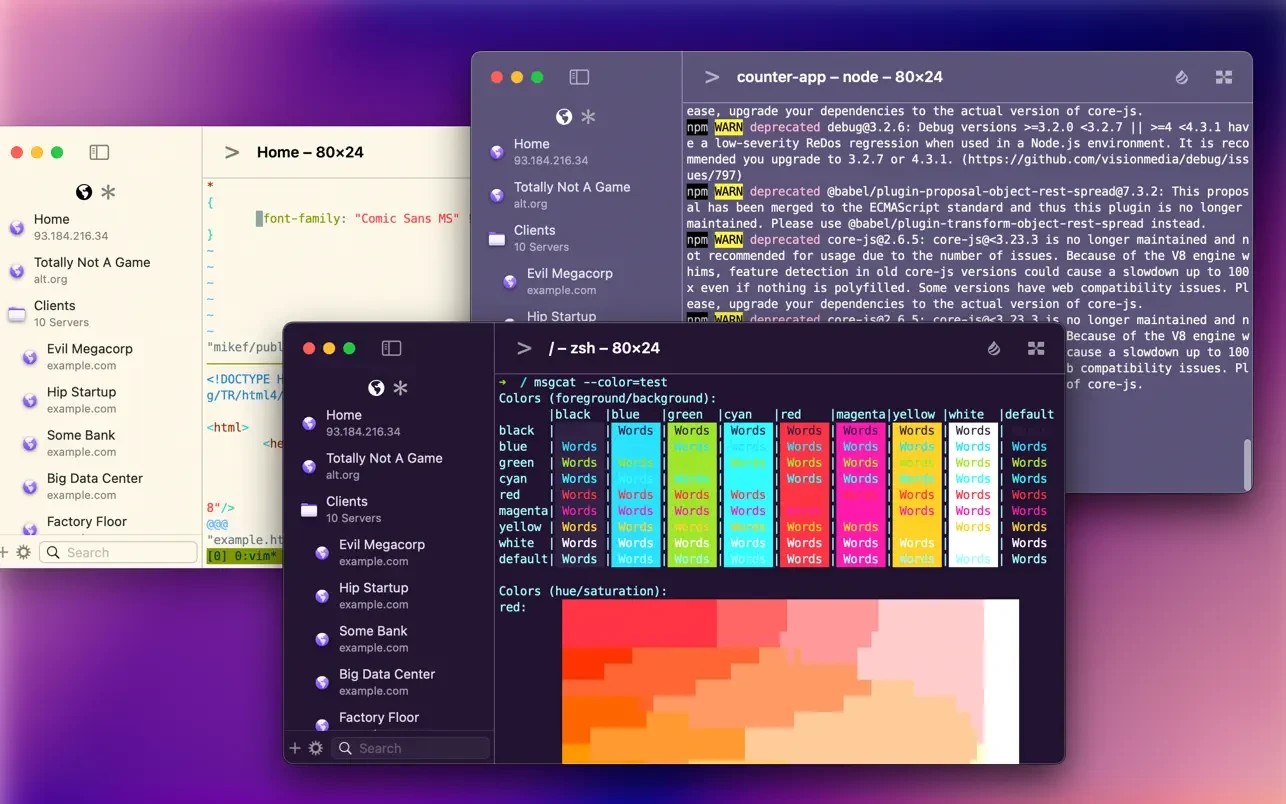
Some notable features of the program: -Ultra-Fast SSH. The text rendering engine in Prompt 3 now runs up to 10 times faster, with full terminal emulation support and GPU-accelerated rendering for smooth performance on Mac.

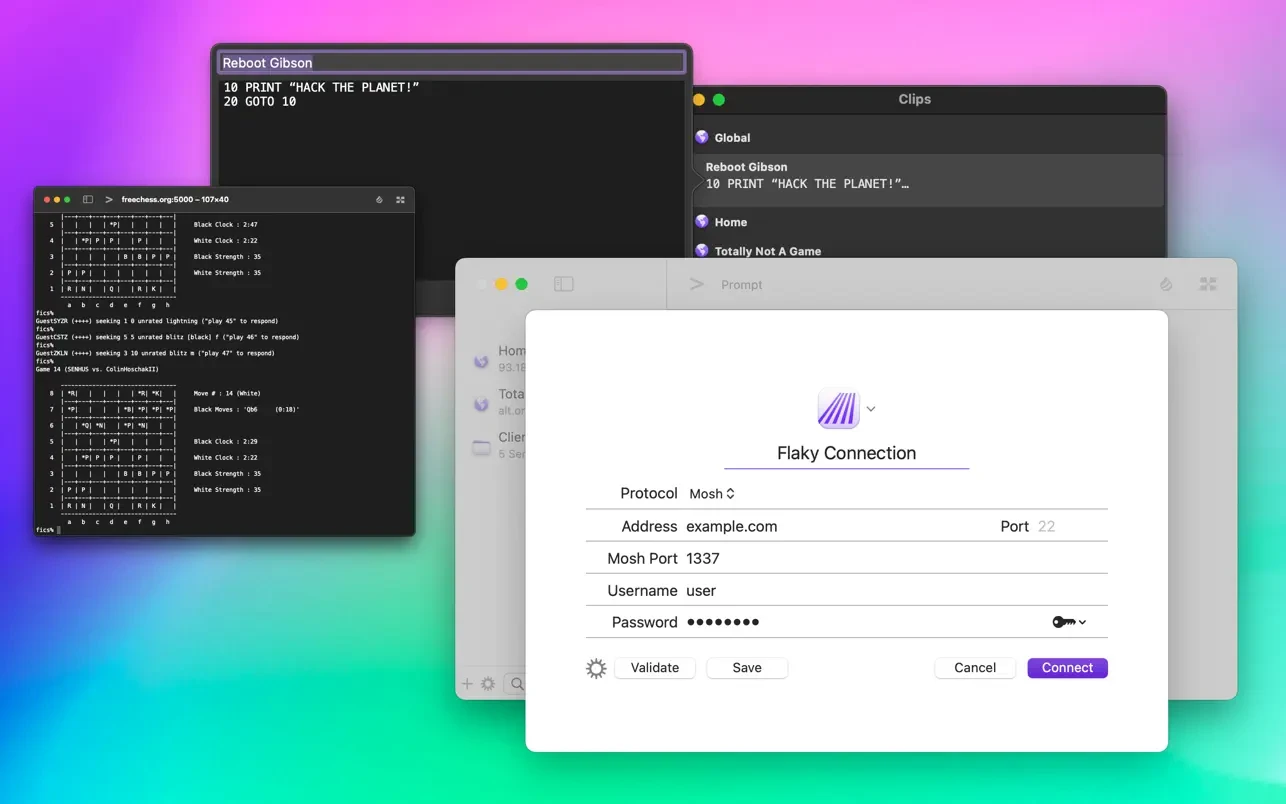
-Clips. Users can save their most frequently used commands and text snippets into clips and access them instantly with a single tap through the Prompt keyboard panel.

-Secure Enclave. Authentication using FaceID and TouchID ensures that encryption keys remain safely stored on the device at all times.

-Panic Sync. Seamlessly synchronize your favorite servers, saved passwords, private keys, and clips across Prompt on all your Apple devices including Mac.

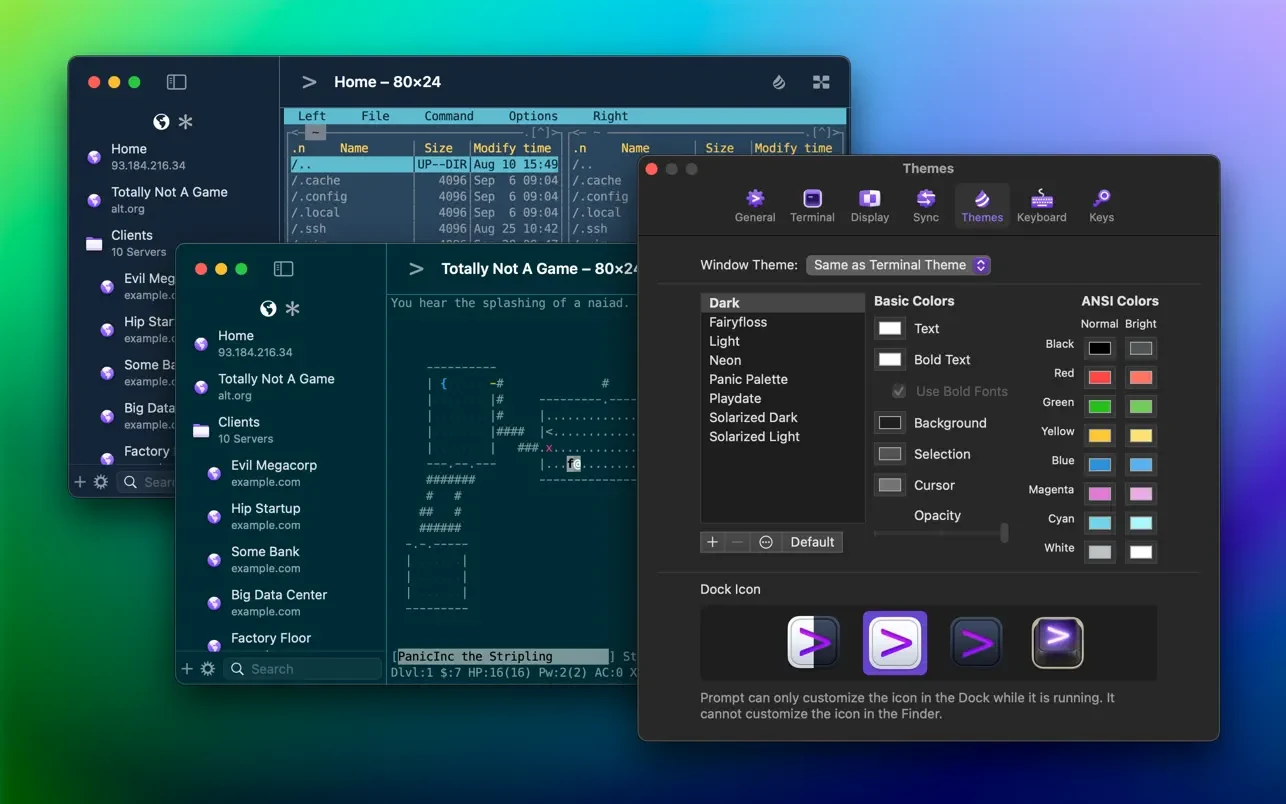
-Customization. Users can personalize Prompt with a wide variety of new themes, fonts, and a fully customizable keyboard layout tailored for their workflow.

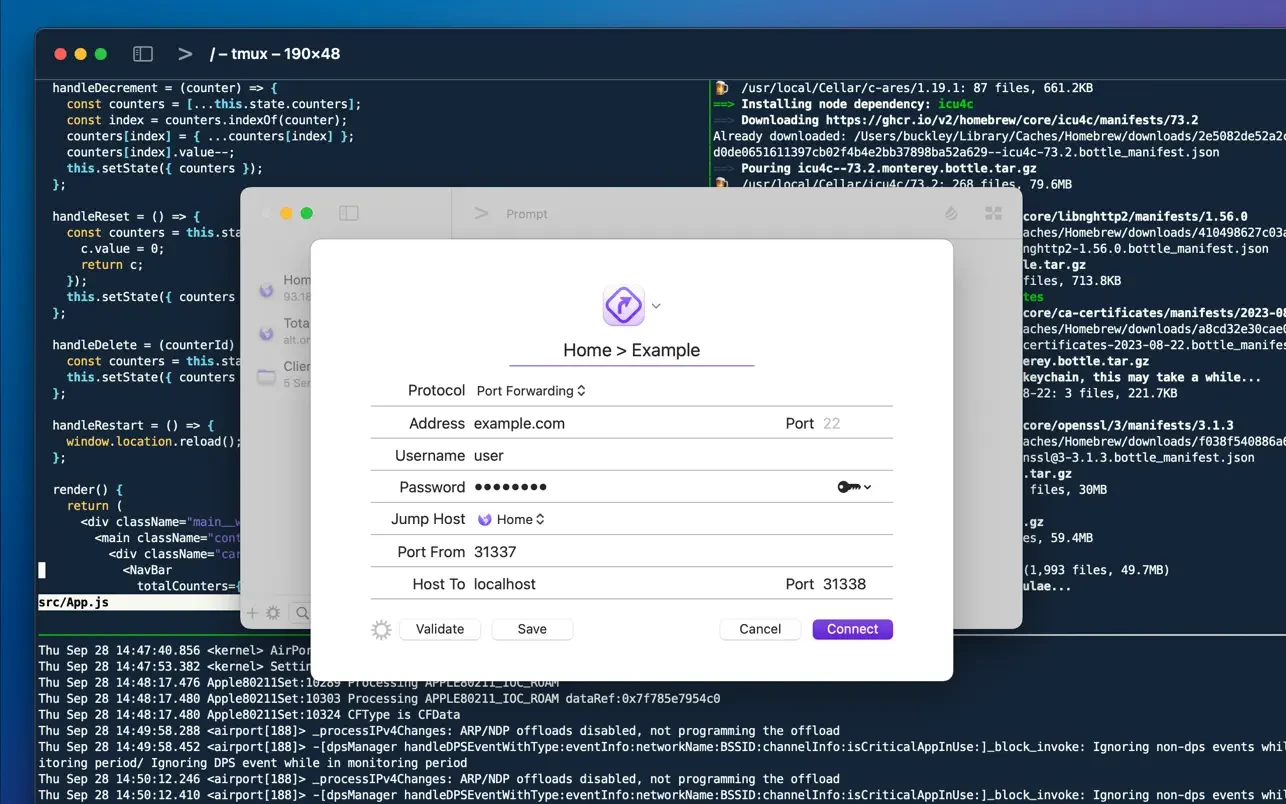
-Jump Hosts and Agent Forwarding. Securely access corporate and enterprise servers through intermediate jump hosts with ease.

-Mosh and Eternal Terminal Support. The terminal session stays open and active even when network disconnections or interruptions occur unexpectedly.

-Mouse Support. Users can interact with TUI-based applications running through the terminal using full mouse input, making the Prompt 3 mac experience intuitive. If you are looking for a Prompt 3 download, this is the definitive SSH solution for your Mac setup.


Frequently Asked Questions

Is Prompt 3 free?
Please check the developer's website for current pricing information.
The program is damaged or the file isn't working? Are there other problems?
Please read the installation instructions on the Download page carefully before proceeding. Additional help can be found in our article: Errors when installing applications on a Mac.
How do I update the app? Will my activation be affected?
Official updates can break activation unless the installation guide states otherwise. Download the latest version and install it over the existing one — this typically preserves your settings and activation.
How do I get the file? The download link isn't working. What does a .torrent file mean?
For large files, using a dedicated download manager like FDM is strongly advised. Chrome or a download manager handles file hosts much better than Safari. If the file ends in .torrent, you will need a torrent client such as Transmission. Some hosting sites may be blocked in your region, so a VPN could be required.
A newer version is out. When will the site be updated?
The site administration does not create or patch software. Updates are submitted by independent contributors when ready. How soon a new build appears depends on when someone prepares and uploads it.
Can I request an application? Where do I submit requests?
Neither the administration nor the editors build or patch software themselves. You can support the project and submit app requests through donation comments.
How can I switch the interface language?
Go to System Settings → General → Language & Region → Applications → "+", pick the app, then choose your preferred language. For Adobe products, language is typically selected during installation. Most games have a language option inside their own settings menu.
What is the right way to remove an app?
Use a dedicated tool such as App Cleaner & Uninstaller for a thorough cleanup. For Adobe software, the Creative Cloud Cleaner Tool ensures a fully complete removal.
Looking for assistance?
Paid remote support is available on the site (through AnyDesk, Zoom, or Skype) to guide you through installing apps on Mac or PC.

You May Also Like


Reviews & Comments

No comments yet. Be the first to share your thoughts!