
Planner 5D
Description
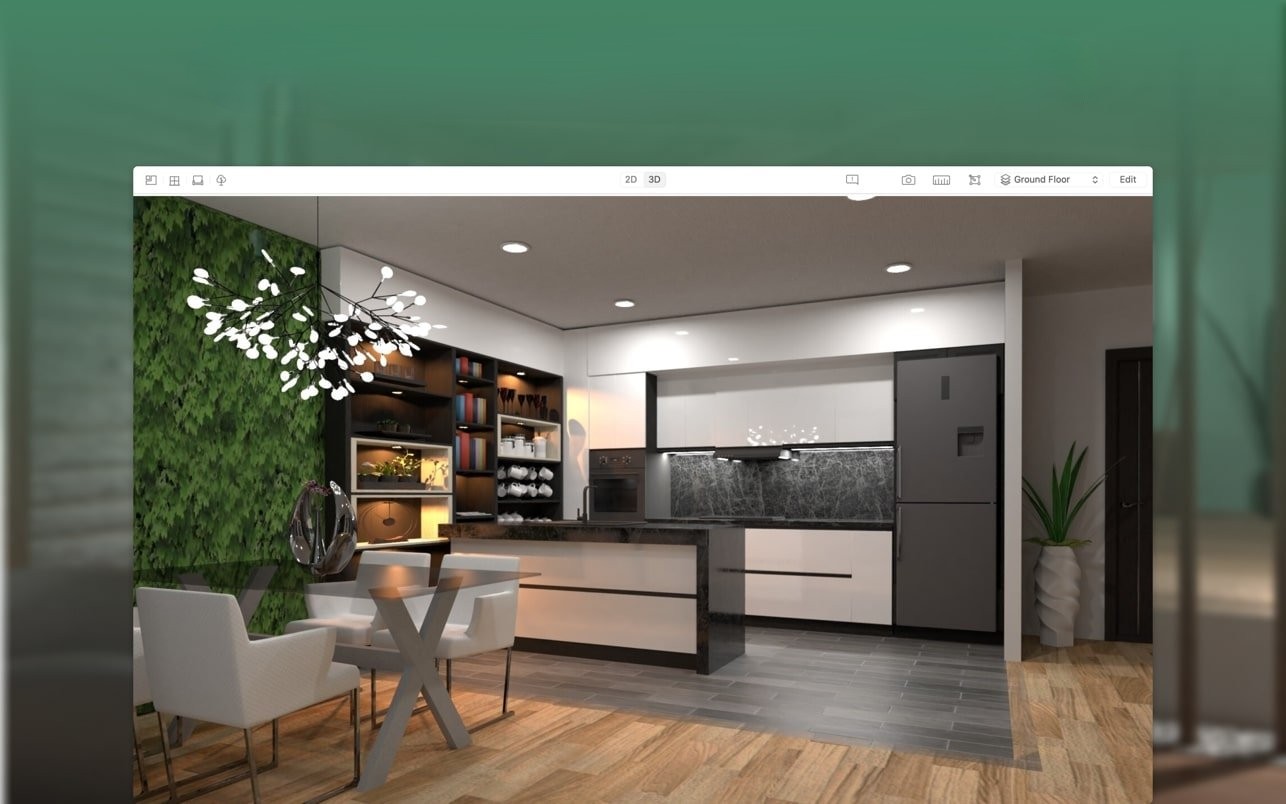
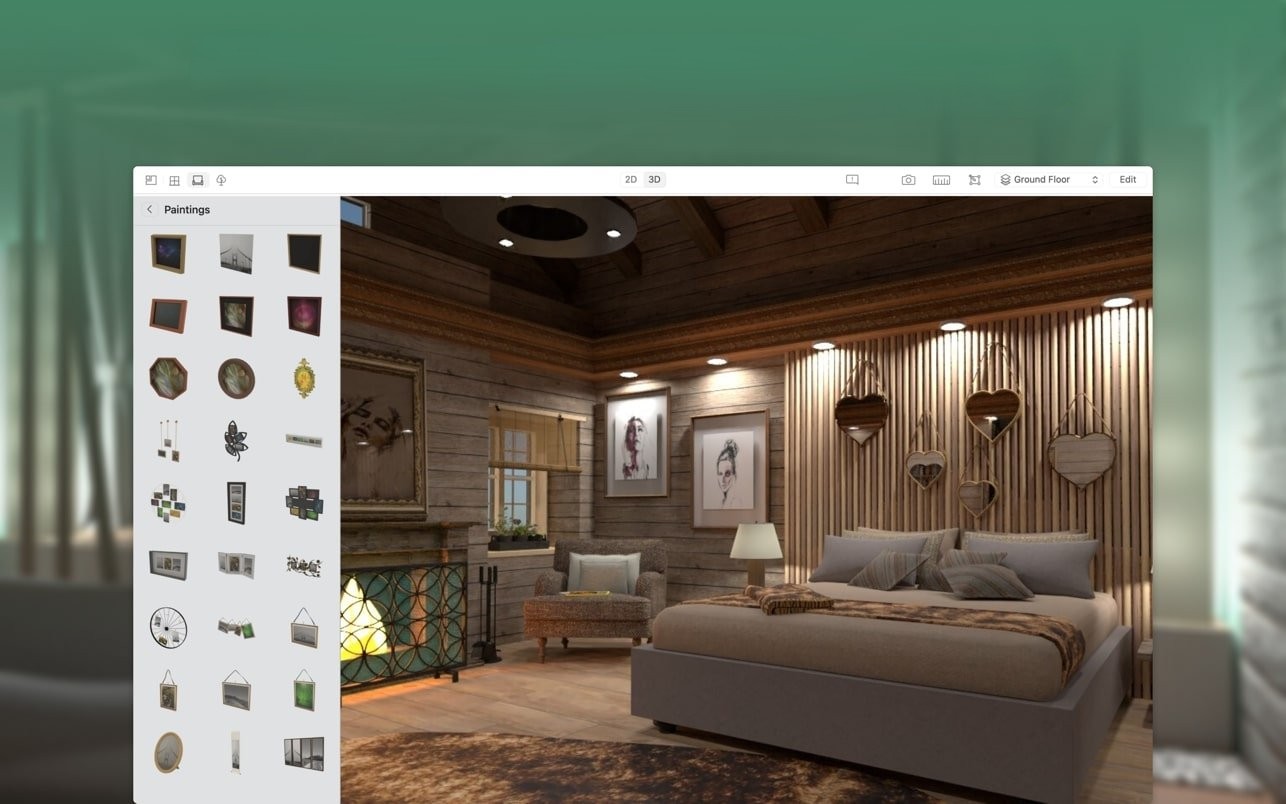
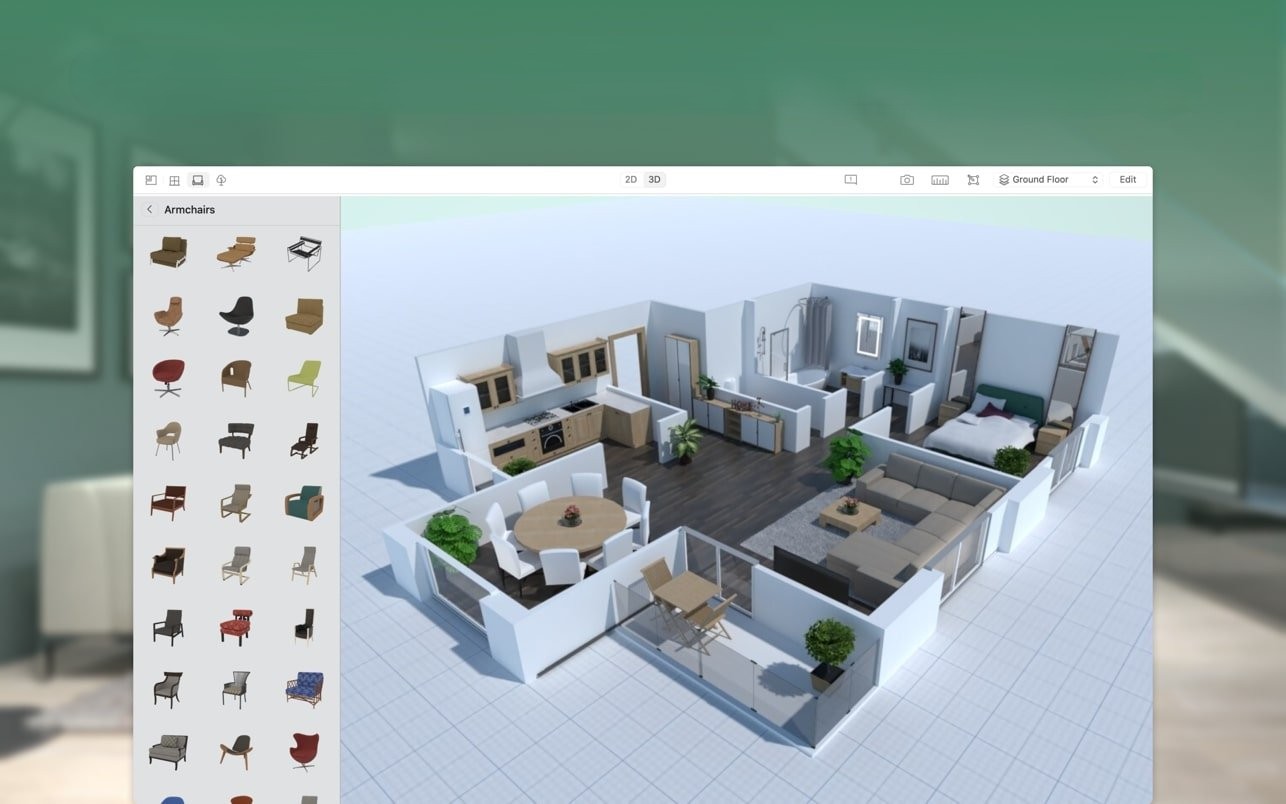
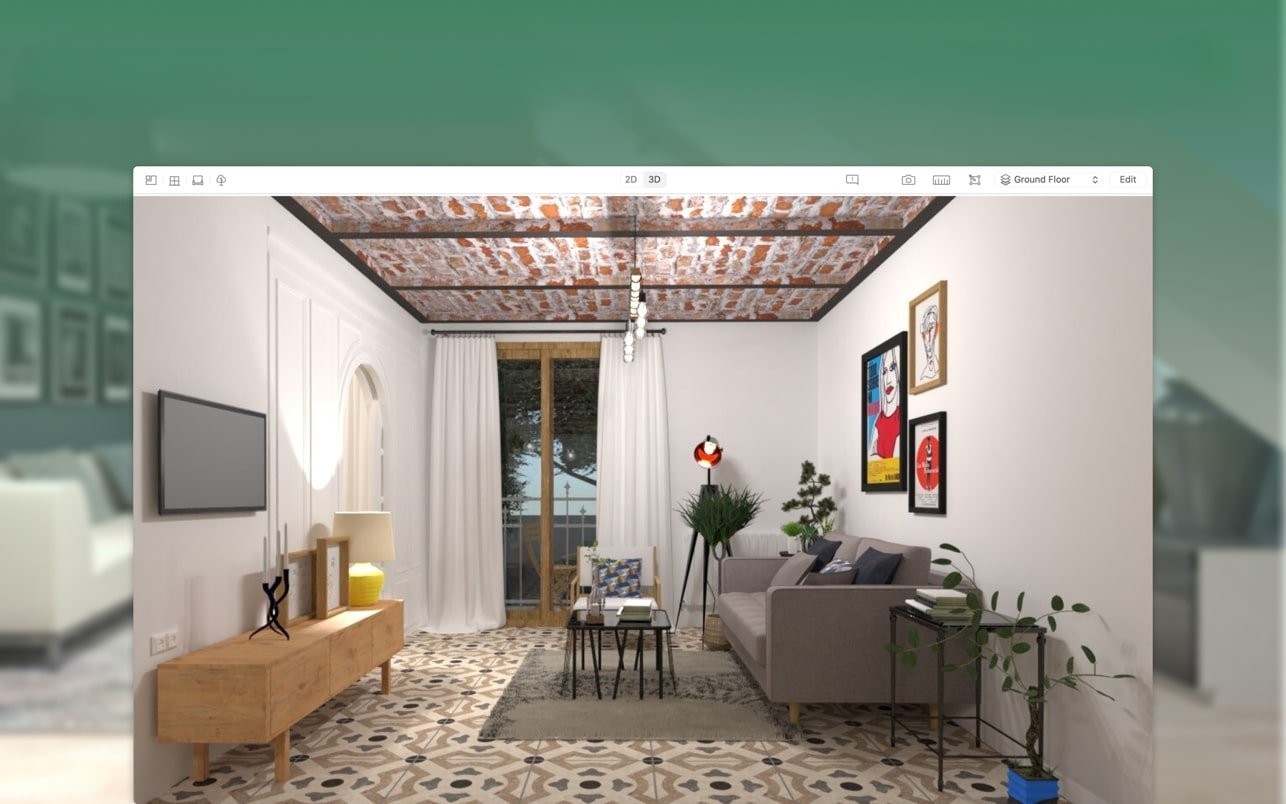
Planning interior design with Planner 5D on your Mac is easy: detailed 2D and 3D floor plans, a catalog with 5000+ items, and photorealistic renderings of your projects. Create the home of your dreams right from your desktop!
Whether you are renovating your space or designing your dream home, the planner 5d app for Mac is your indispensable assistant. Create detailed floor plans in both 2D and 3D formats, browse a catalog featuring more than 5000 items, and generate photorealistic images of your completed projects. Over 20 million users have completed a planner 5d download across various platforms, making interior design on Mac easier and more accessible than ever before!
FEATURES
Plan your rooms using intuitive Drag-and-Drop controls on Mac
- Create fully editable floor plans, layouts, and furniture arrangements directly on your Mac
- Easily drag and drop walls, doors, windows, furniture, and decorative elements into your project
- Design seamlessly in both 2D and 3D viewing modes
- A straightforward Mac application that requires no specialized design skills or prior experience
- Design individual rooms, bathrooms, kitchens, bedrooms, entire apartments, full houses, office spaces, and even outdoor landscape areas
- An invaluable tool for decorating a new home, rearranging existing furniture, undertaking major renovations, or completing cosmetic updates
Full project customization with 5d planner
- Create a completely unique design by starting from a professionally crafted sample project template
- Browse a regularly updated catalog containing more than 5000 objects, including furniture pieces, appliances, decorative accessories, household items, landscaping elements, and much more
- Customize the color, texture, and dimensions of every furniture piece in your design
- Adjust colors and materials for floors, walls, and ceilings throughout your project
- Create exceptionally detailed, fully personalized interior and exterior design projects on your Mac
Save, view your projects, and share them with others
- Save as many projects as you need without any limitations on your Mac
- View your completed projects in immersive 3D mode from any angle or perspective
- Sign in through Google+ or Facebook to seamlessly access and work on your projects across any platform, including Mac laptops and mobile devices
- Export your finished projects in various formats for easy sharing
- The built-in "Snapshot" feature allows you to create and send high-quality photorealistic images of your projects complete with realistic lighting, detailed textures, and natural shadows
- Save your projects and share them effortlessly with friends, family members, or contractors working on your renovation
Additional capabilities using Planner 5D on Mac
- Work on your design projects entirely offline without an internet connection
- Completely ad-free experience throughout the entire application
- Full support for multiple languages for international users
- Easily switch between metric and imperial measurement systems at any time
Frequently Asked Questions
You May Also Like
Reviews & Comments
No comments yet. Be the first to share your thoughts!