
Photo Mechanic
Description
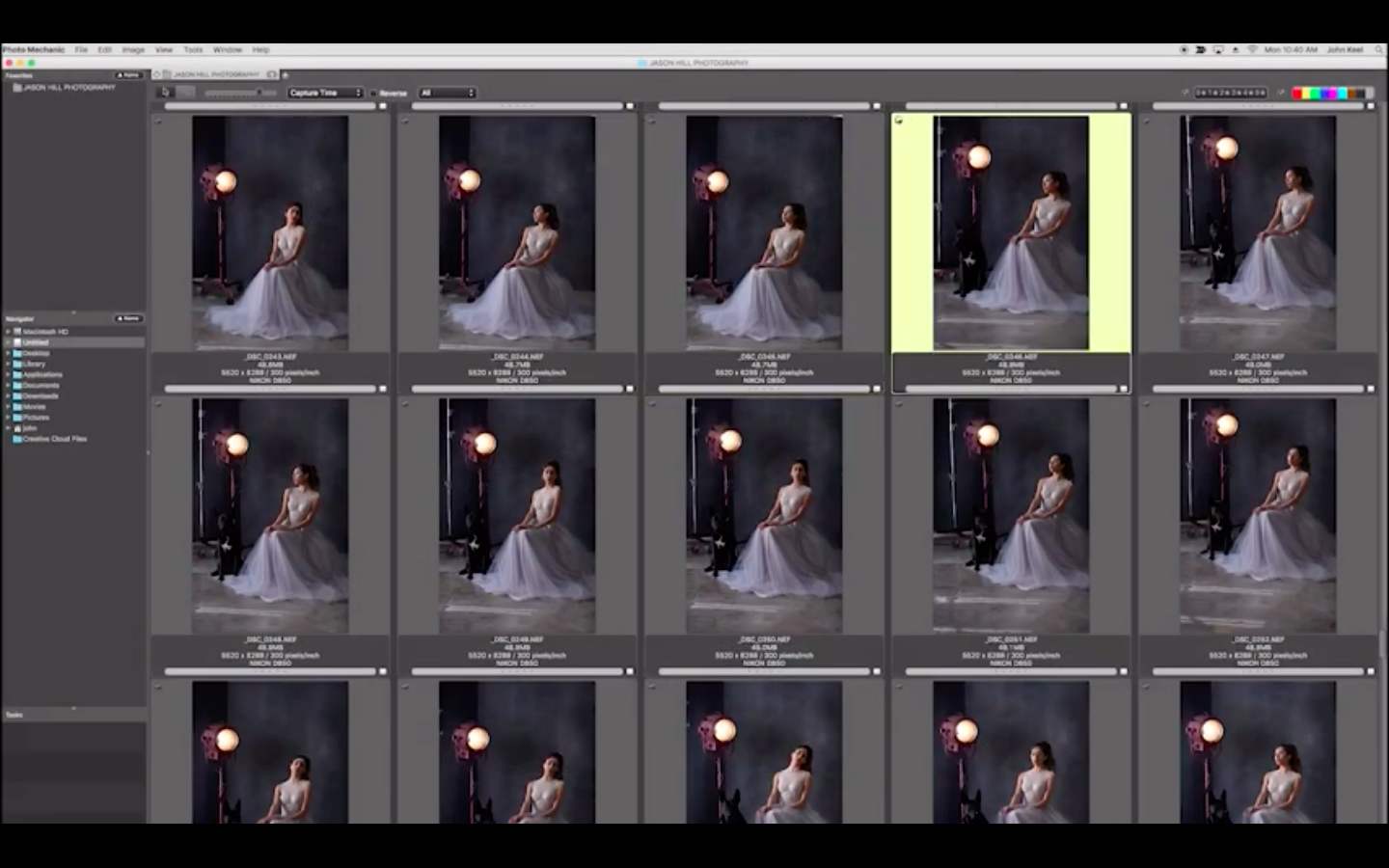
Photo mechanic software designed for photographers and photography enthusiasts on Mac. It is created to help you organize and manage an extensive photo collection with ease. The application allows you to rate your photographs, assign tags to them, view and edit detailed information about each photo, and much more.
If you take a lot of photographs, you have most likely accumulated a massive number of images on your Mac's hard drive. To sort through piles of photos and arrange them in a clear and structured way, you need the right application. This is one of such applications for Mac. It provides a comprehensive set of essential features and powerful tools to handle the task.
Key Features of Photo Mechanic
Sorting and searching through photographs;
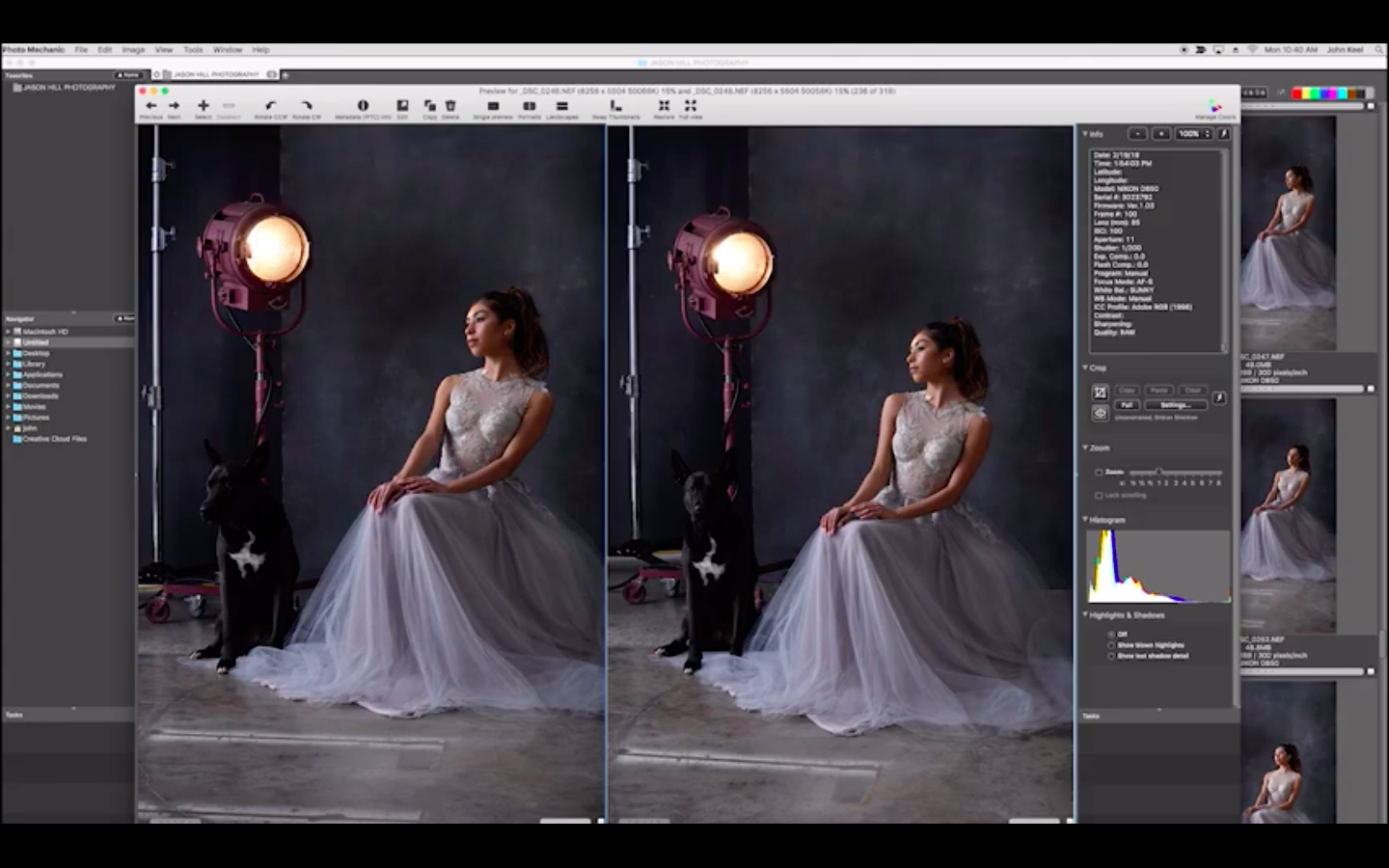
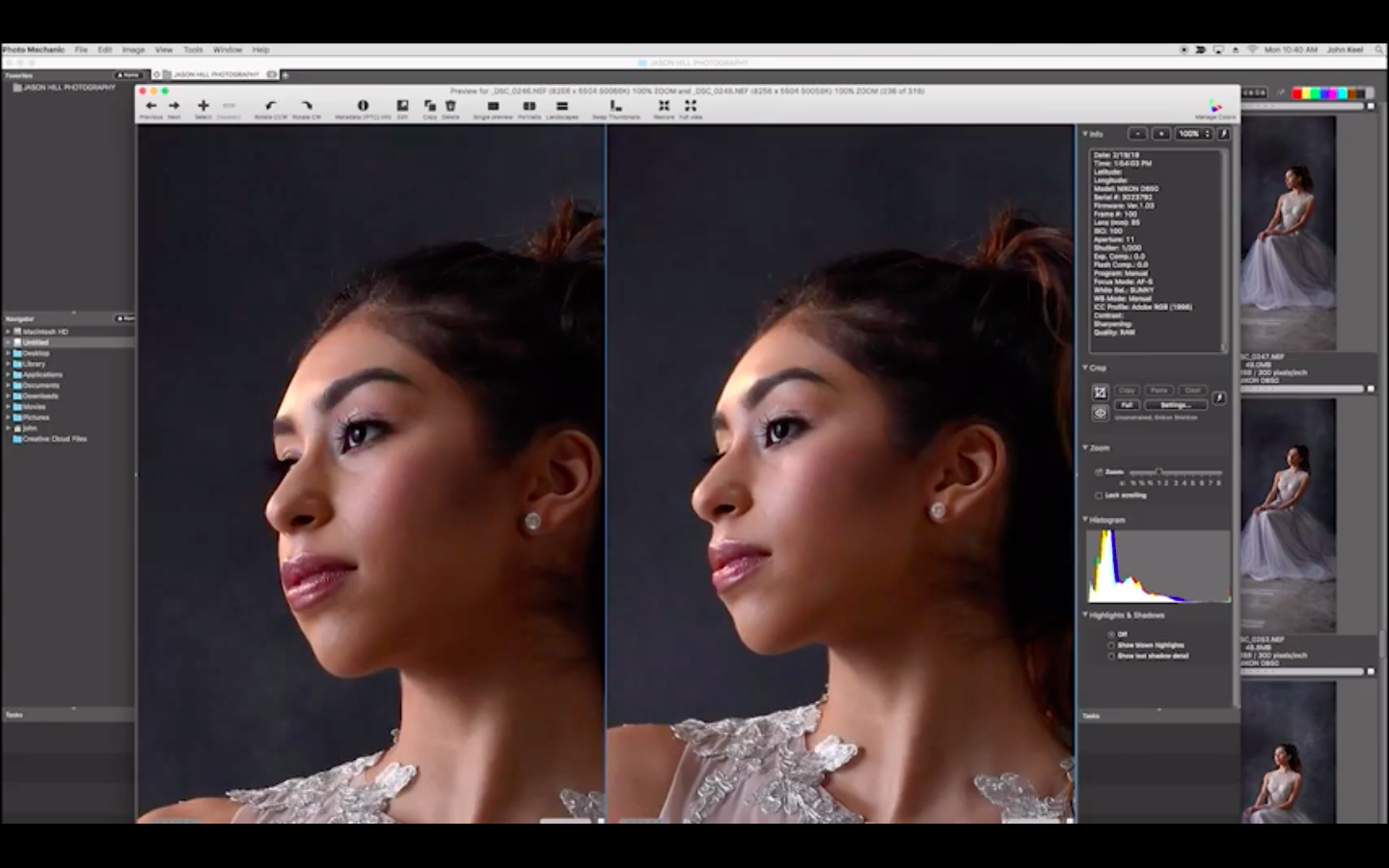
Full-screen viewing mode for detailed inspection;
Side-by-side photo comparison;
Adding tags to individual images;
Performing batch operations on large groups of photographs: renaming, resizing, sending via email, and more;
Color-labeling photographs for quick identification;
Optimizing photographs for use on the Internet;
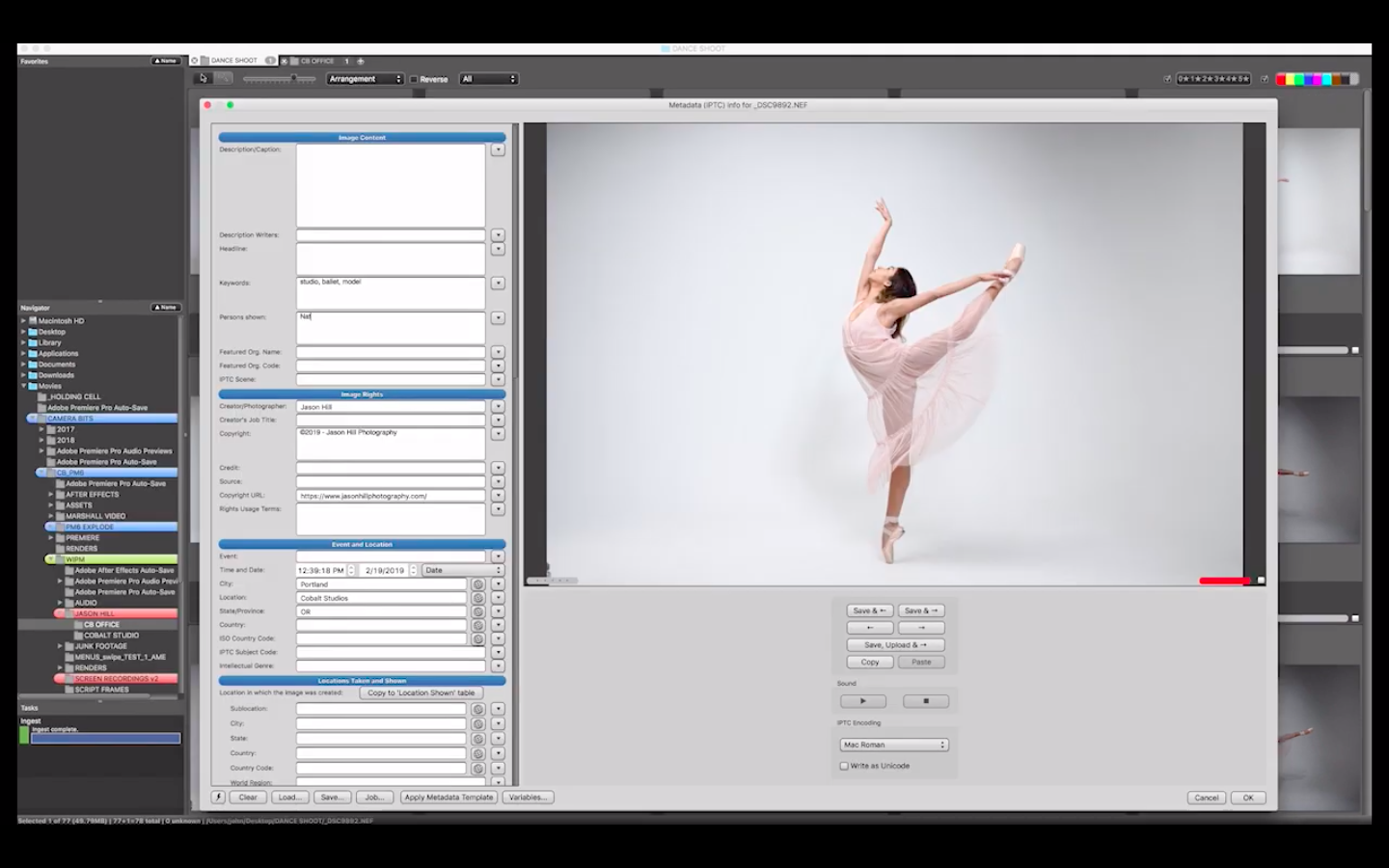
Viewing and editing metadata (description, title, keywords, event, shooting location, contact information, and more);
Viewing technical camera information (lens, shooting parameters, camera model, focus mode, white balance, and so on);
Printing photographs directly from the application;
Importing GPS coordinates into your image files;
Burning photographs to CD/DVD discs;
Uploading photographs to an FTP server directly from within the program;
Changing the date and time of photograph creation.
This is an advanced application for managing large photography collections on Mac, capable of greatly simplifying the task of organizing and handling your images. If you want to learn how to use photo mechanic, it is straightforward for beginners and equally suitable for experienced users. You can complete the photo mechanic download to start working with your collection right away.
Frequently Asked Questions
You May Also Like
Reviews & Comments
No comments yet. Be the first to share your thoughts!