
PhoneRescue for iOS

Description
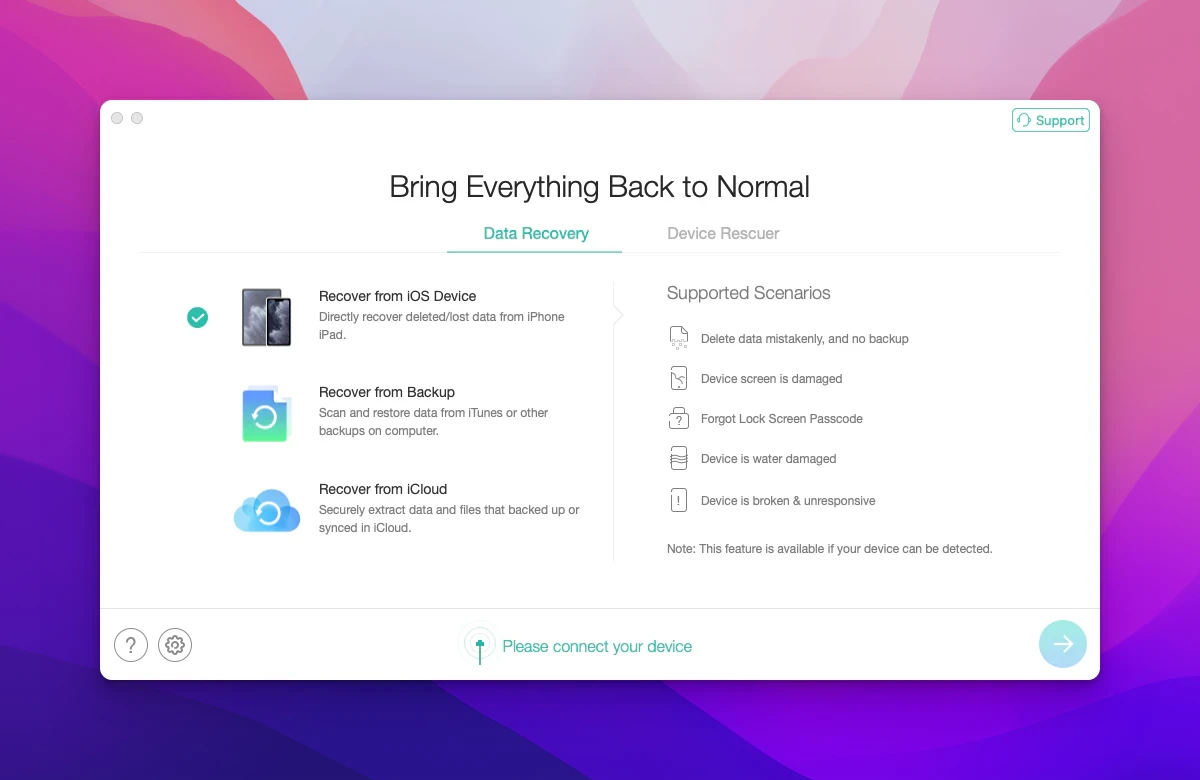
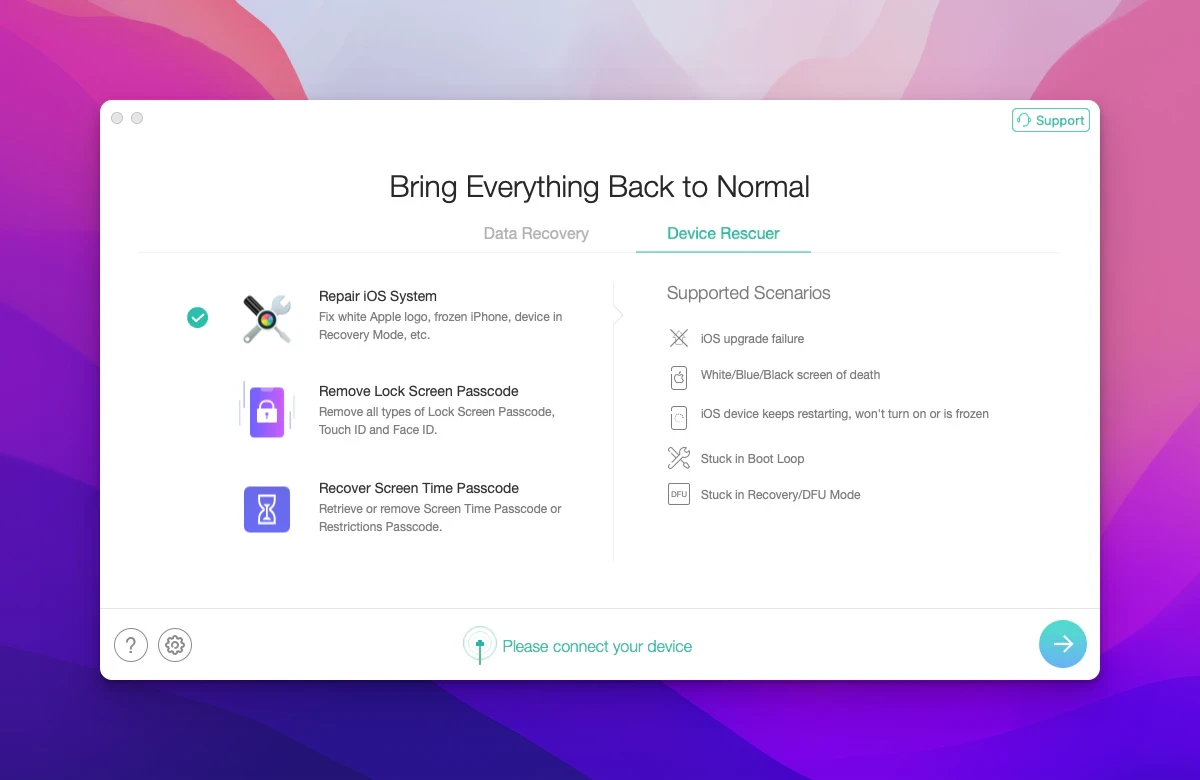
PhoneRescue for iOS is a useful application for recovering deleted data on iOS devices directly from your Mac. With its help, you can restore contacts, messages, photographs, media files, and much more that were deleted by accident, lost as a result of device damage, or compromised due to malware infections. This powerful phonerescue for ios app supports all models of iPhone, iPad, and iPod touch seamlessly. It features a convenient and intuitive interface that makes the entire recovery process straightforward for Mac users.
In total, there are 22 different types of files from various applications that can be recovered using PhoneRescue, such as contacts, call logs, SMS, notes, reminders, Safari history, photographs, music, videos, playlists, and many others. If you are worried about losing files from your iPhone or iPad, PhoneRescue for iOS is the program designed specifically for you. With this utility on your Mac, you can recover essential data from your Apple device and transfer it safely to your computer for secure storage and further use.
With PhoneRescue you can restore a wide spectrum of different file types, which is definitely the core characteristic of this application. Whether it is photographs, text messages, Safari browsing history, or call logs, among many other kinds of data, you can locate them easily here (even if they were deleted quite a long time ago). This makes phonerescue ios for mac an indispensable tool for any Apple device owner.
The simple interface also greatly assists throughout the entire process, especially when it comes to explaining clearly what the available functions are, and making it obvious what all the existing options for data recovery entail, whether from iOS devices or iTunes backups. Even though the interface is entirely in English, it is not difficult to use PhoneRescue on your Mac thanks to the well-organized icon layout and the logical arrangement of all recovery features within the application.
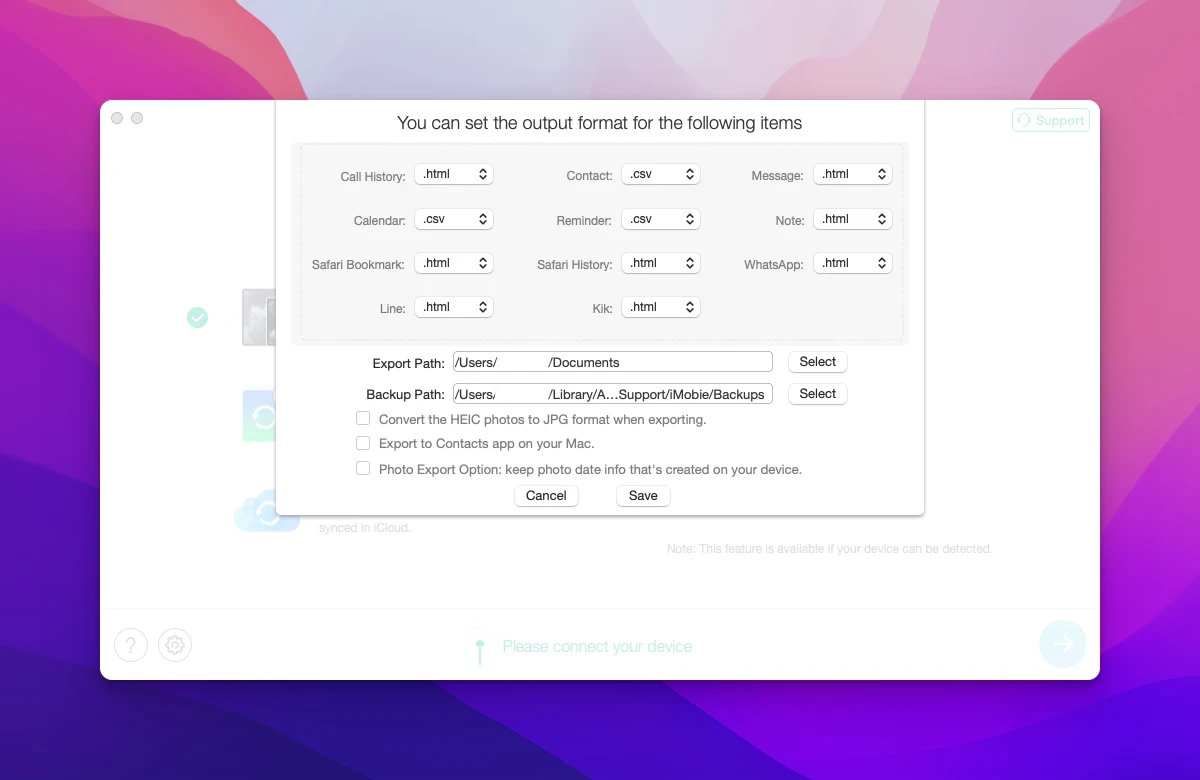
Key Features of PhoneRescue for iOS: - Recovery of lost data on iOS devices using backup copies stored on your Mac. - 3 distinct recovery modes depending on your specific requirements and situation. - Customizable search for lost data by format and storage location. - Recognizes and restores 22 types of files, including contacts, messages, voicemail, calendar entries, reminders, photographs, audio and video files, browsing history and bookmarks in Safari browser, as well as data from various third-party applications. - Preview and manual selection of recoverable data before completing the phonerescue for ios download and restoration process.
Frequently Asked Questions
You May Also Like
Reviews & Comments
No comments yet. Be the first to share your thoughts!