Performance Test Benchmark icon

Performance Test Benchmark
System monitoring , Programs

Description

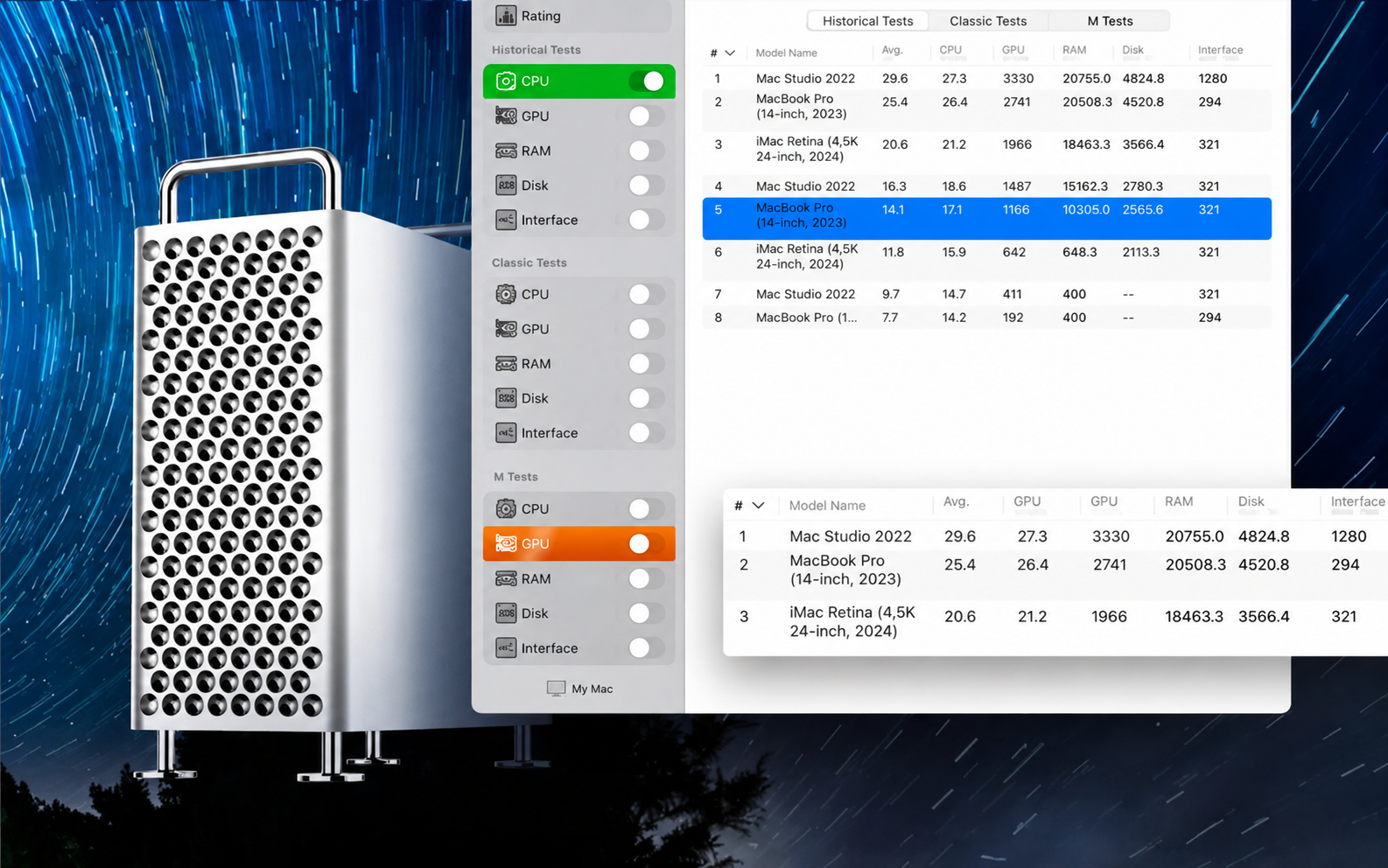
This performance test benchmark app was designed so that you could compare your Mac with other macOS-based devices and evaluate the performance and efficiency of different hardware configurations in a clear and intuitive way.

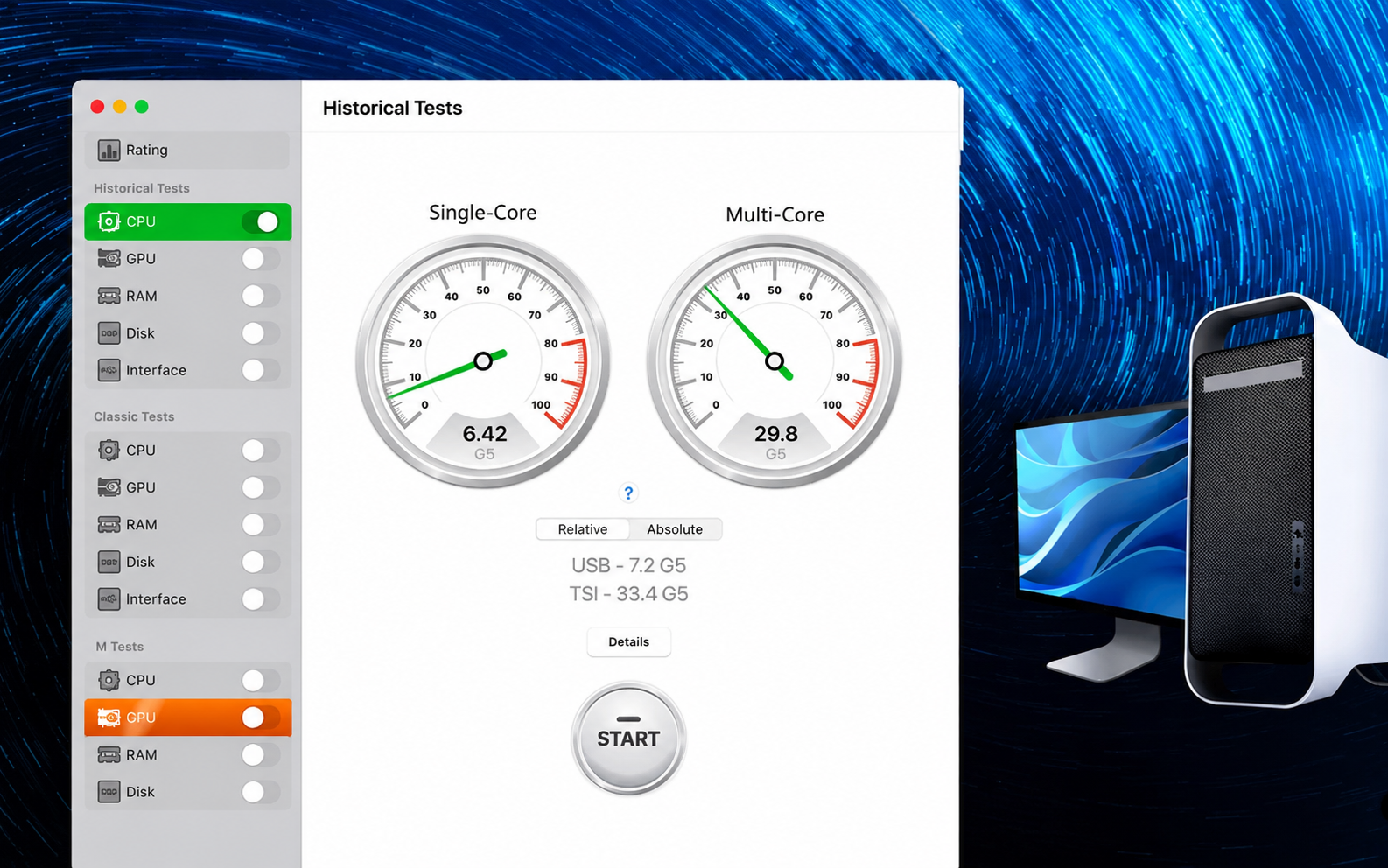
Since we are talking about the performance of 64-bit systems, we chose the very first 64-bit Apple computer as our baseline reference unit — the legendary Power Mac G5, first introduced by Steve Jobs in June 2003 at the Worldwide Developers Conference.

The Power Mac G5, built on PowerPC processors, turned out to be so powerful and energy-efficient that in the fall of 2003, a group of enthusiastic students built the System X supercomputer, which combined 1100 of these systems together. This remarkable supercomputer became a true sensation in the computing world and entered the TOP-3 of the global supercomputer ranking.

Such a result would be impossible to achieve in our time: if you were to assemble a similar configuration using 1100 top-tier 64-bit systems available today, the resulting supercomputer would not even make it into the TOP-100 of the current worldwide ranking list.

With the help of our performance test benchmark mac application, we invite you to find out how many legendary Power Mac G5 units are hidden inside your Mac computer. In addition, you will be able to use this performance test benchmark download to compare your Mac with the Mac Pro running on an Intel processor, as well as with the newer Mac devices powered by Apple's own M1 chip.


Frequently Asked Questions

Is Performance Test Benchmark free?
Please check the developer's website for current pricing information.
The program is damaged or the file isn't working? Are there other problems?
Please read the installation instructions on the Download page carefully before proceeding. Additional help can be found in our article: Errors when installing applications on a Mac.
How do I update the app? Will my activation be affected?
Official updates can break activation unless the installation guide states otherwise. Download the latest version and install it over the existing one — this typically preserves your settings and activation.
How do I get the file? The download link isn't working. What does a .torrent file mean?
For large files, using a dedicated download manager like FDM is strongly advised. Chrome or a download manager handles file hosts much better than Safari. If the file ends in .torrent, you will need a torrent client such as Transmission. Some hosting sites may be blocked in your region, so a VPN could be required.
A newer version is out. When will the site be updated?
The site administration does not create or patch software. Updates are submitted by independent contributors when ready. How soon a new build appears depends on when someone prepares and uploads it.
Can I request an application? Where do I submit requests?
Neither the administration nor the editors build or patch software themselves. You can support the project and submit app requests through donation comments.
How can I switch the interface language?
Go to System Settings → General → Language & Region → Applications → "+", pick the app, then choose your preferred language. For Adobe products, language is typically selected during installation. Most games have a language option inside their own settings menu.
What is the right way to remove an app?
Use a dedicated tool such as App Cleaner & Uninstaller for a thorough cleanup. For Adobe software, the Creative Cloud Cleaner Tool ensures a fully complete removal.
Looking for assistance?
Paid remote support is available on the site (through AnyDesk, Zoom, or Skype) to guide you through installing apps on Mac or PC.

You May Also Like


Reviews & Comments

No comments yet. Be the first to share your thoughts!