PDF Expert
Description
**Edit PDF Text on Your Mac**
Make edits to contracts and resumes, effortlessly correct typos in your text, modify images, add hyperlinks, and create a table of contents with ease using the PDF Expert app.
**Flawless and Fast Performance**
Working with documents and attachments that span 2000 pages or more is not a problem at all! PDF Expert for Mac ensures a smooth and effortless experience when handling multi-page documents thanks to its flawless page viewing mode that keeps everything running seamlessly.
**Versatile and Elegant**
A first-class PDF editor with a powerful suite of editing tools is now right at your fingertips on your Mac. Highlight text, fill out forms, and merge documents in just a matter of seconds.
*Read – Don't just read, do it comfortably with PDF Expert. Support for files of any size, active clickable links, and multiple tabs means this application truly cares about your time and overall efficiency.
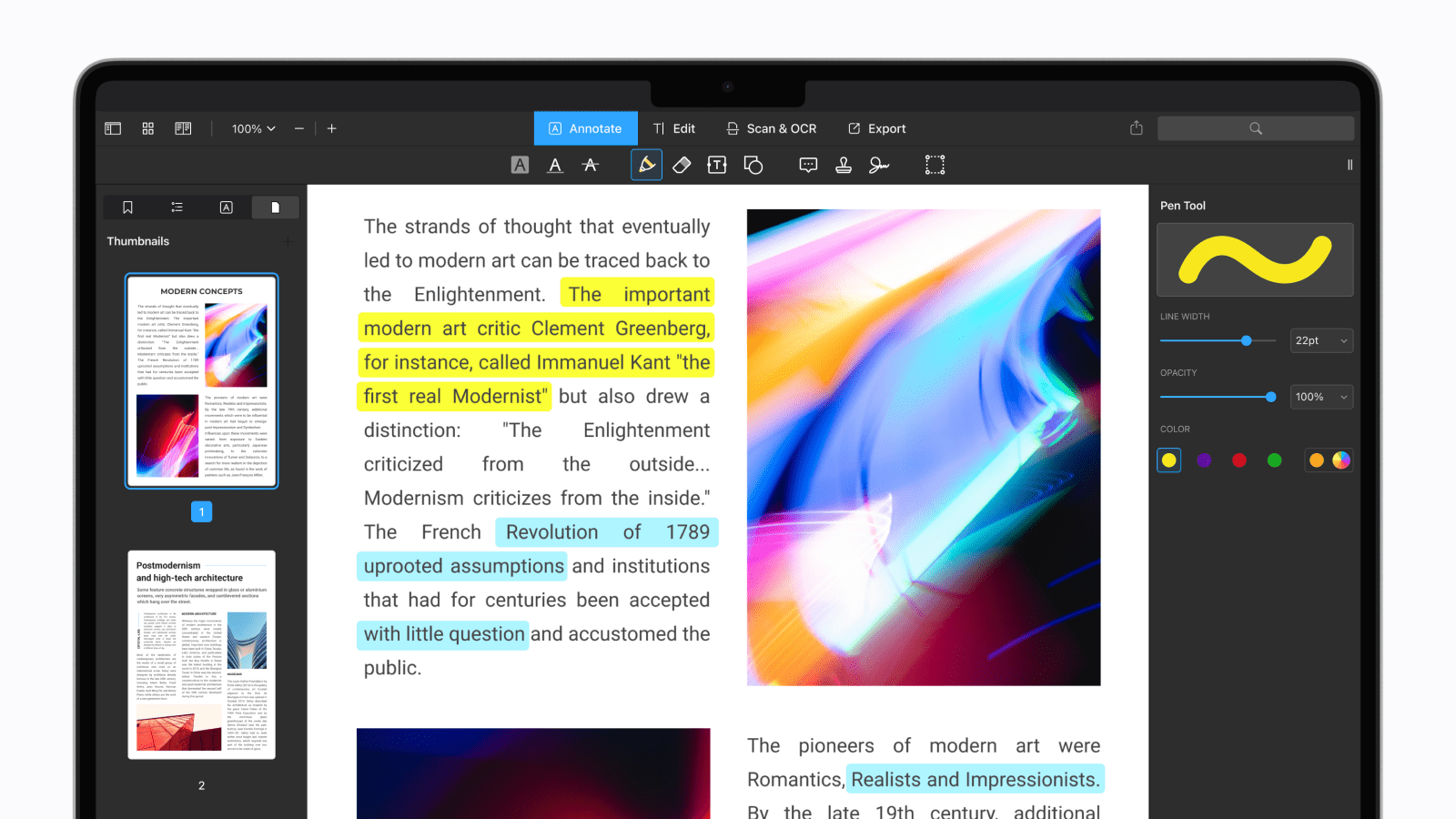
*Annotate – Easy to learn yet versatile and multifunctional annotation tools will come to your rescue when working with any PDF document on your Mac.
*Merge Files – Combining several separate documents into a single one is as simple as it gets.
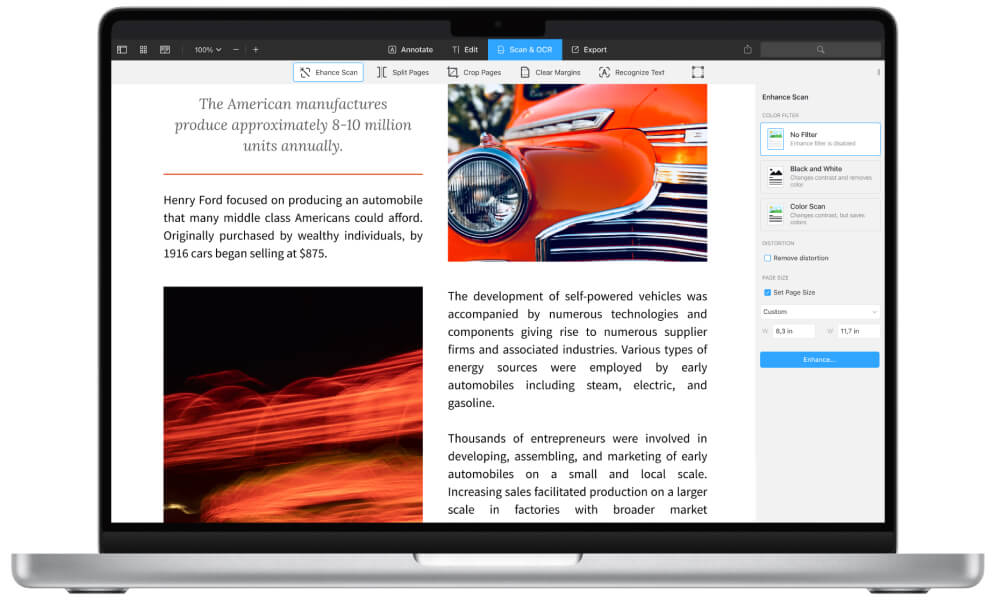
*Convert – Transform any text file format into PDF: Word, Pages, Docs, and many more!
~ This feature is available exclusively when Microsoft Word or Pages is installed on your Mac.
*Sign – Sign any forms while fully preserving their legal validity and authenticity.
*Fill Out – Now filling out a contract, signing it, and sending it to your colleagues or clients will take no more than a single minute of your valuable time.
**Quick and Simple File Sharing**
Share files with your colleagues and friends wherever you happen to be: at work or at home. Thanks to the built-in file sharing mechanism between Mac and iPad/iPhone, transferring data from PDF Expert Mac to other applications goes smoothly and quickly. If the receiving application supports the PDF format, the PDF Expert app will transfer the file without any difficulty whatsoever. Additionally, you can set a password on important documents so you never have to worry about security when exchanging data with colleagues and friends.
**Seamless Connection Between Your Mac, iPhone, and iPad**
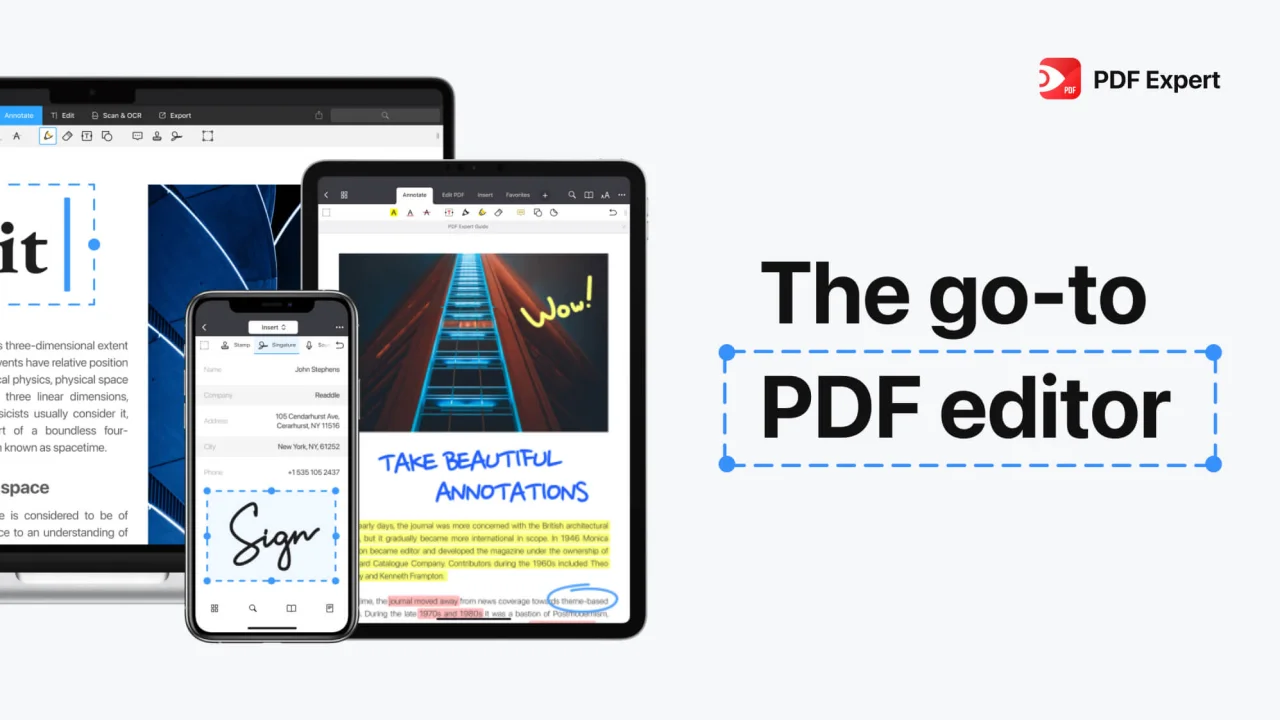
Start working on a document on your iPhone and, without closing the file, continue working on it on your Mac or iPad in PDF Expert for Mac. The Handoff mechanism provides a flawless and uninterrupted connection between all your devices within the PDF Expert ecosystem.
Frequently Asked Questions
You May Also Like
Reviews & Comments
No comments yet. Be the first to share your thoughts!