
OS Cleaner Pro - Disk Cleaner
Description
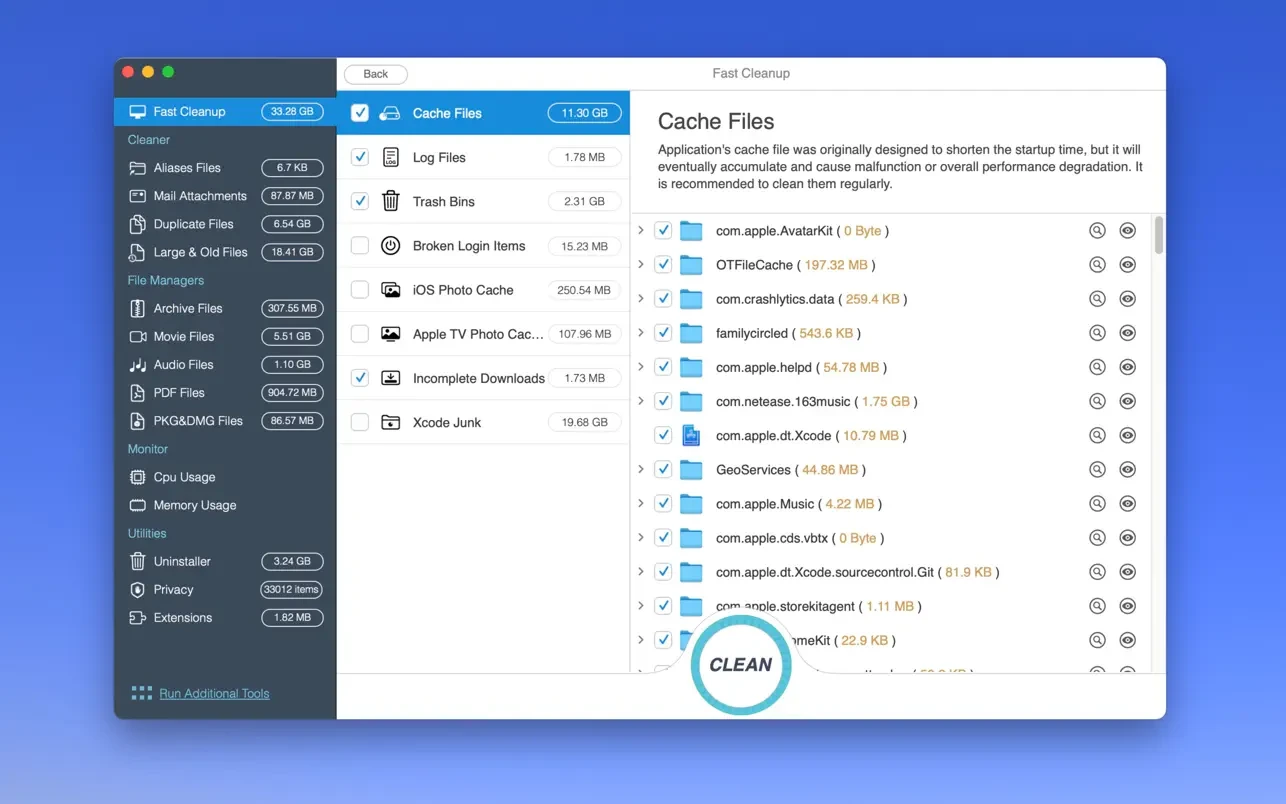
OS Cleaner Pro - Disk Cleaner scans every single inch of your Mac system, removes gigabytes of junk files with just two mouse clicks, and helps you maintain the overall health and performance of your Mac.
Scanning and Monitoring
- Scanning and listing all useless and unnecessary files on your Mac.
- Real-time monitoring of CPU usage and memory consumption.
- Quick Cleanup
Clean up your entire system to achieve maximum performance and free up a significant amount of valuable disk space on your Mac.
Additional Tools:
- Startup Items
- View all items that load at startup and all installed Services on your Mac.
- Application Browser
- Display detailed information about applications, such as copyright details, application version, application size, required operating system, and more.
- Running Applications
- Complete list of all currently running applications on your Mac.
- Empty Folders
- Clean up outdated iOS device backups, software updates, and other iTunes-related supporting data from your Mac.
- Clean up useless and unnecessary files from your system.
- Unwanted archives, movies, pdf files, pkg installers, and other similar file types.
- Unwanted aliases and broken alias files that clutter your Mac.
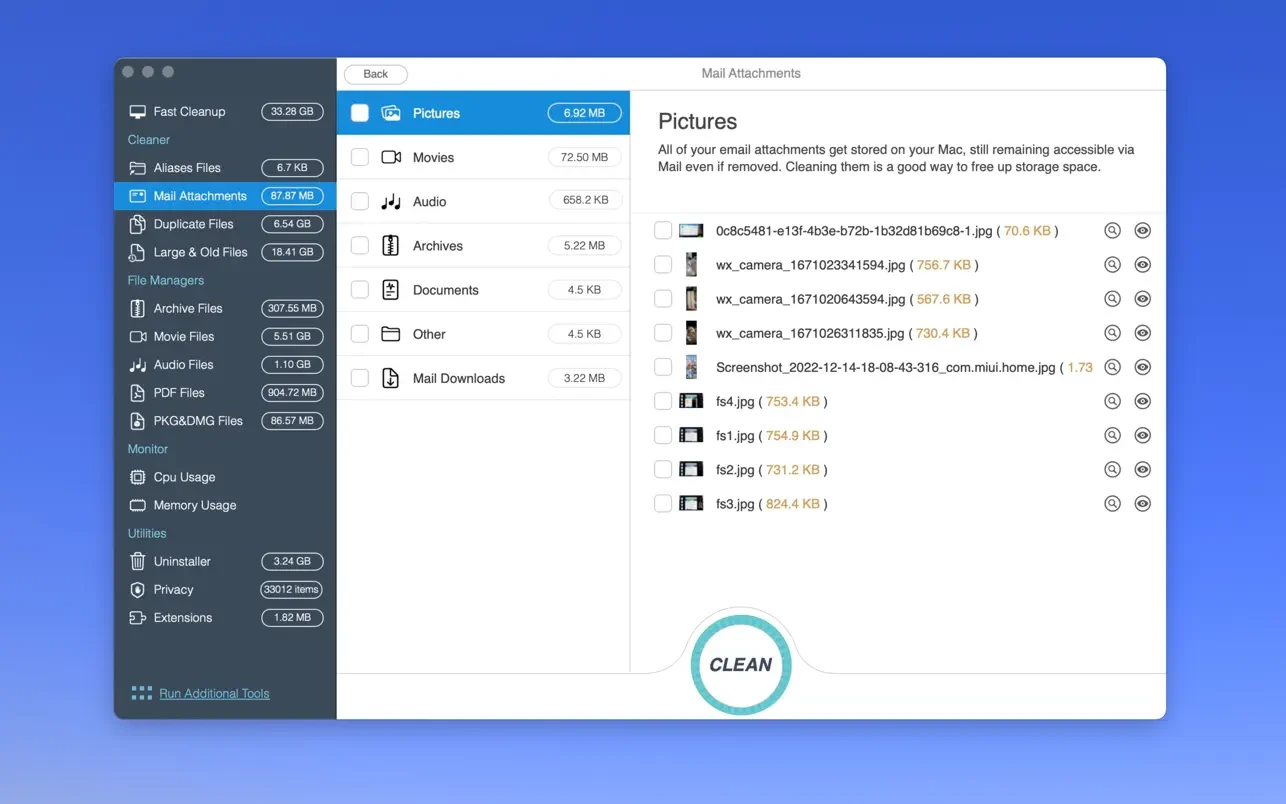
- Downloads and email attachments stored on your Mac.
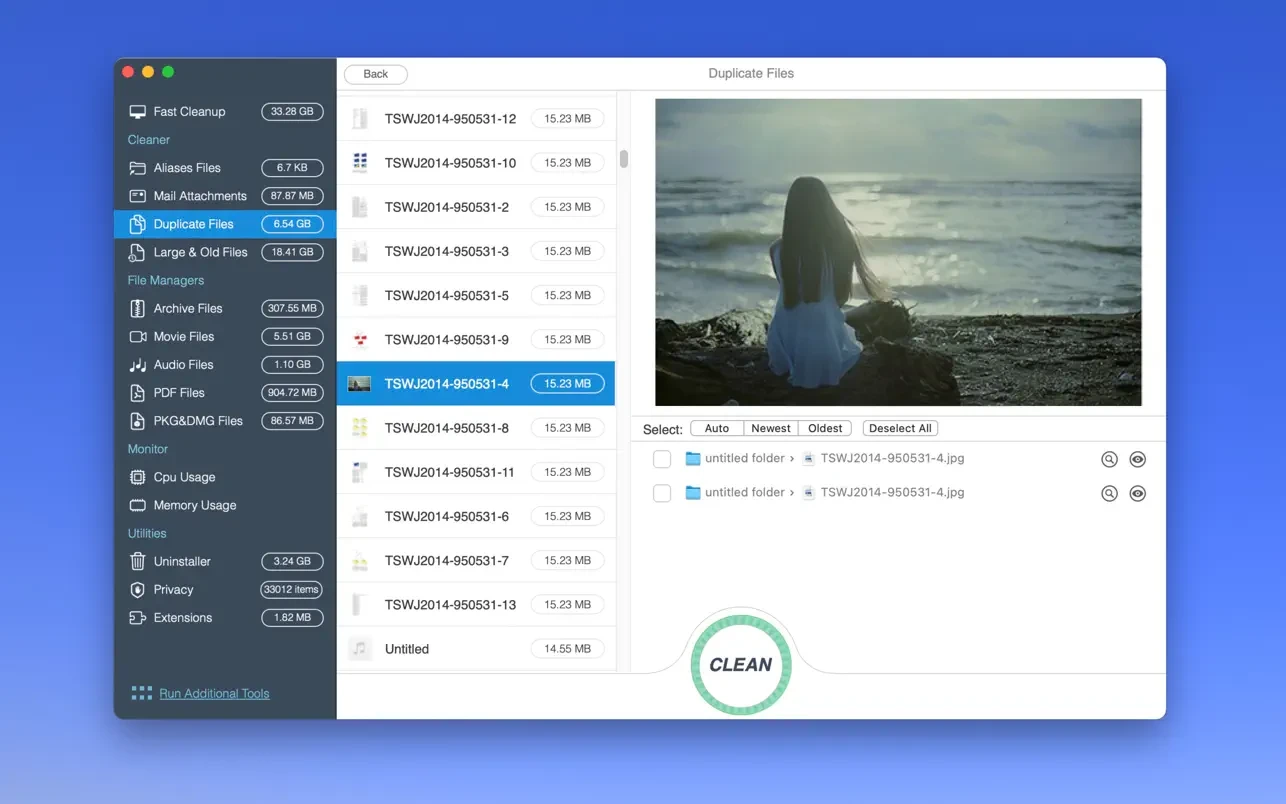
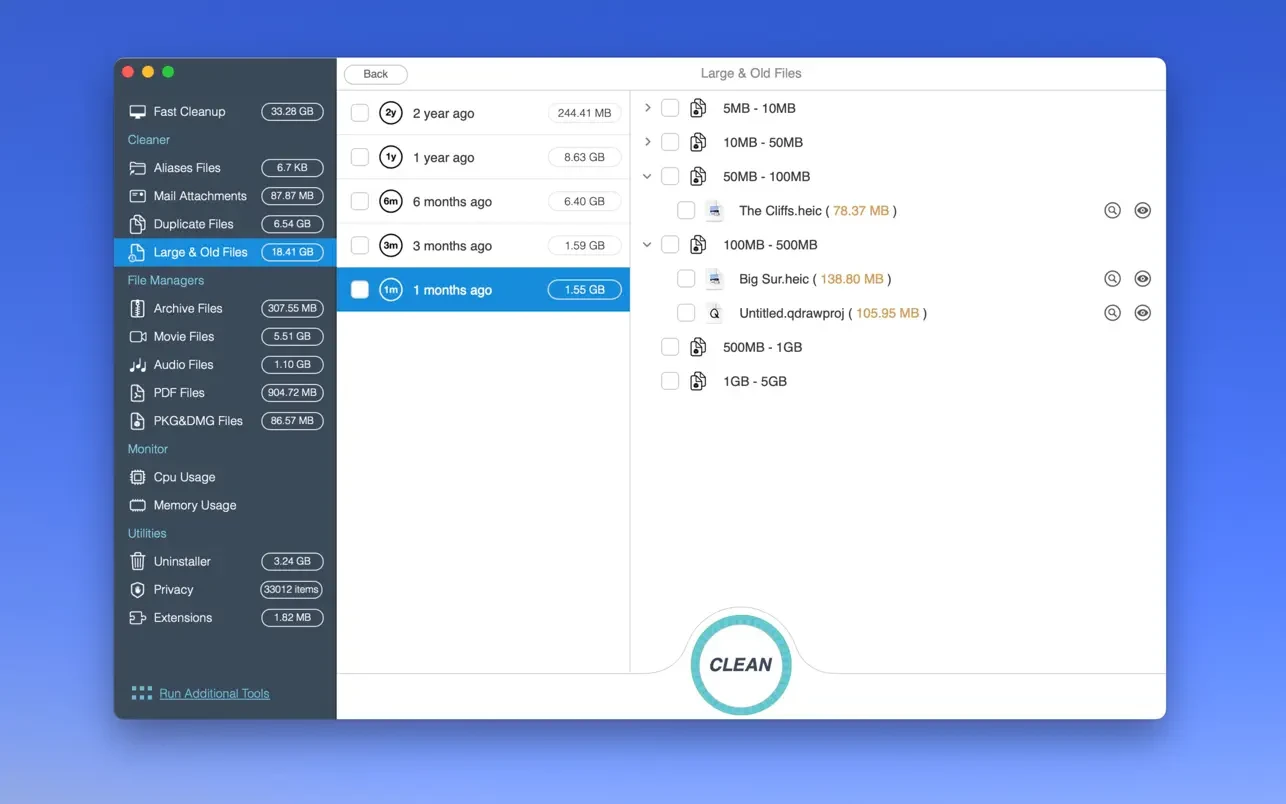
- Duplicate files, large files, and old files taking up disk space.
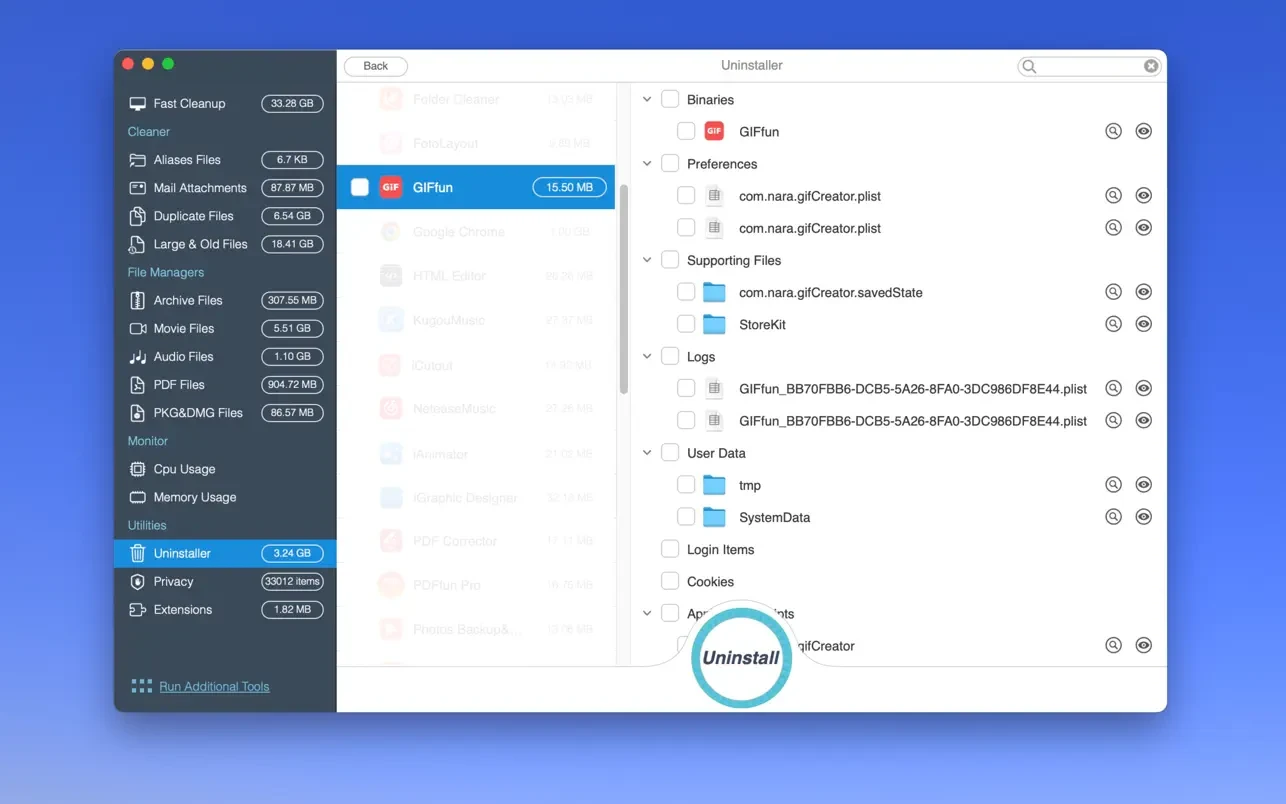
- Uninstaller (Completely removes any applications from your Mac, including all of their associated files and leftover data. Or resets applications back to their original default state). With the os cleaner pro - disk cleaner app, uninstalling is seamless.
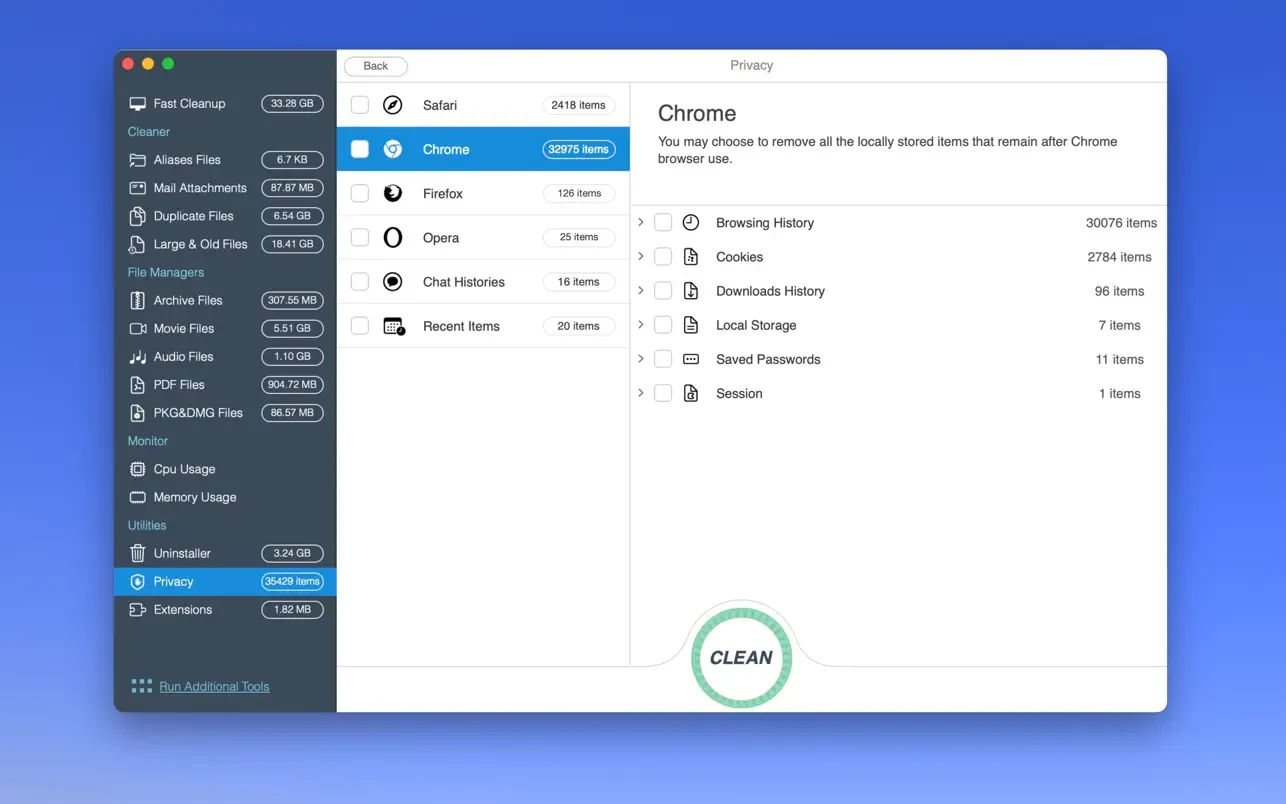
- Privacy (Easily clears chat history from Messages and instantly deletes your browsing history, as well as all traces of your online and offline activity). The os cleaner pro - disk cleaner for mac ensures your privacy stays protected at all times.
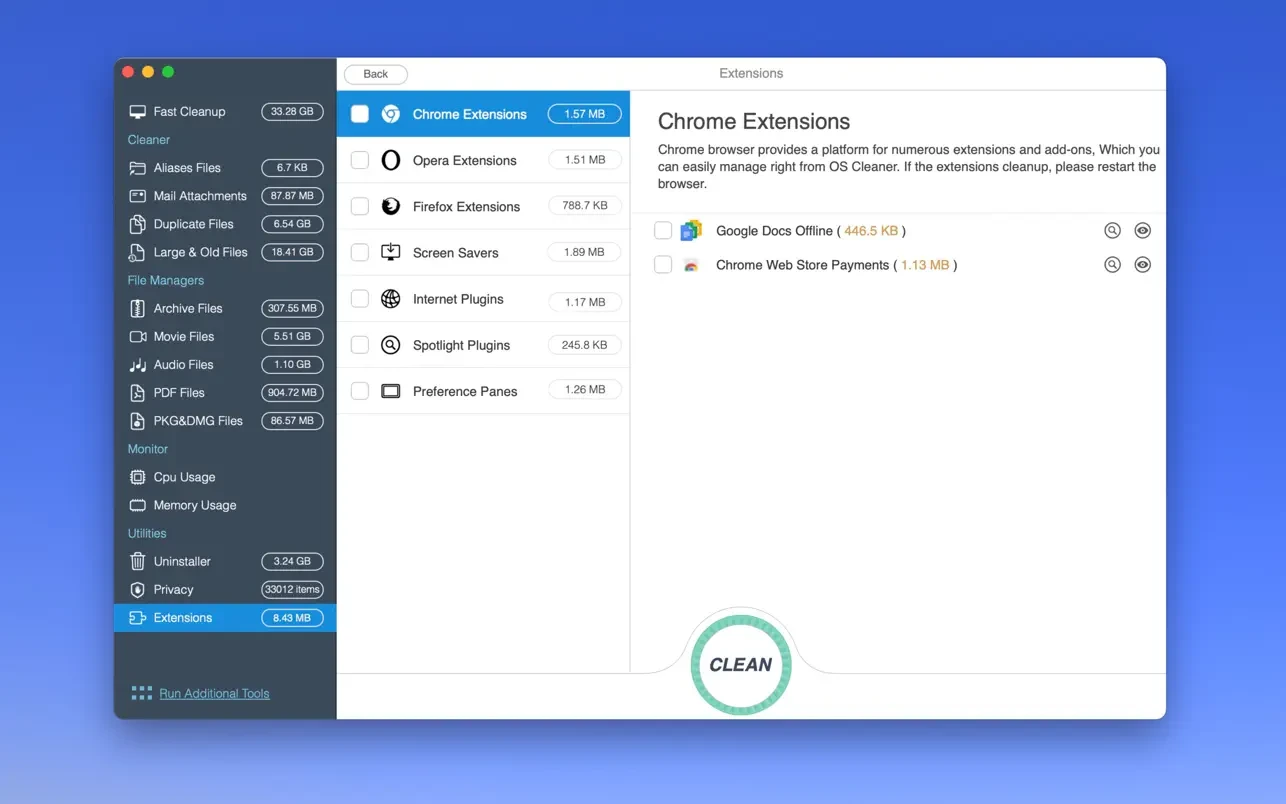
- Extensions (Safely removes all unwanted browser extensions, internet plugins, Spotlight plugins, preference panes, and screen savers from your Mac). When you os cleaner pro - disk cleaner download, you gain full control over every extension installed on your system.
Frequently Asked Questions
You May Also Like
Reviews & Comments
No comments yet. Be the first to share your thoughts!