
Nitro PDF Pro
Description
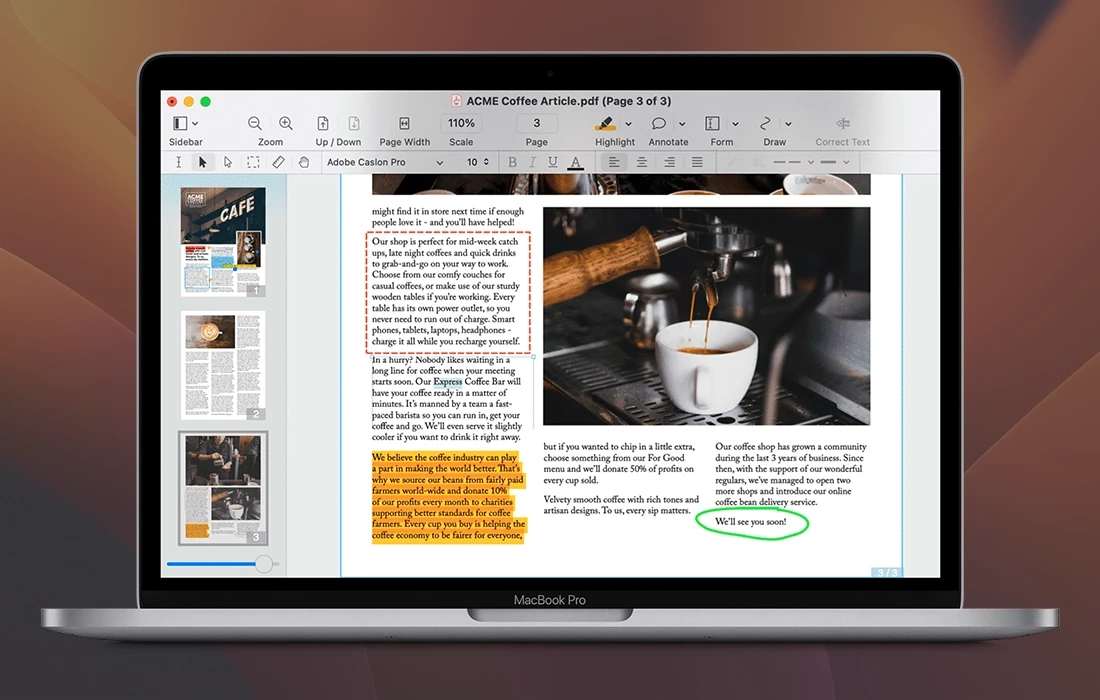
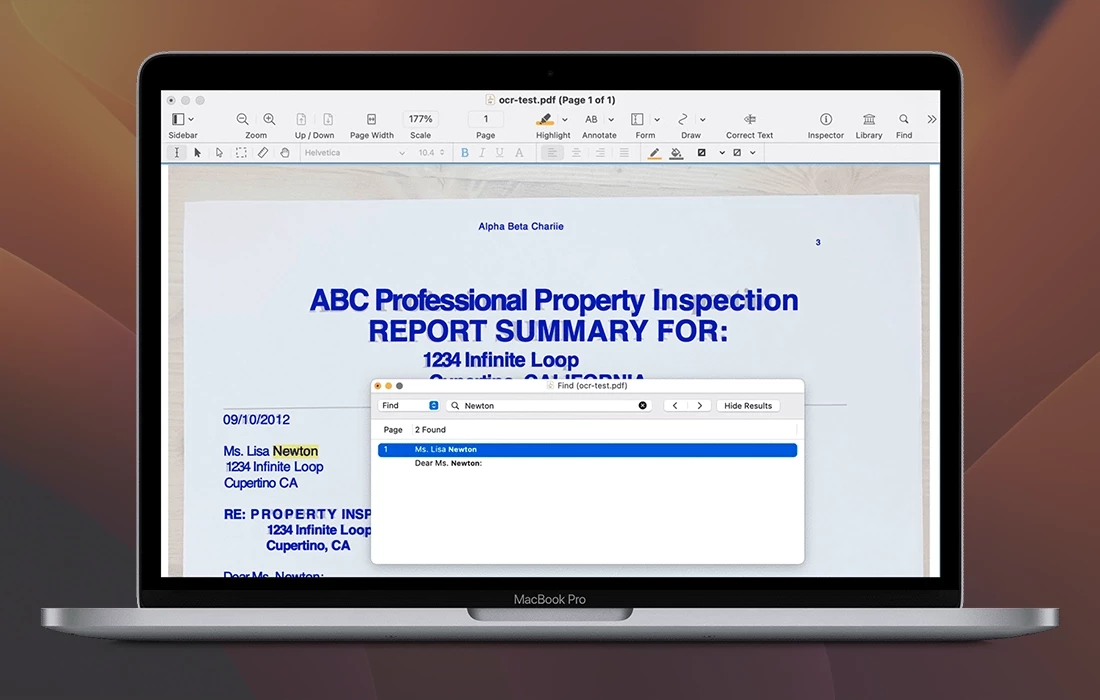
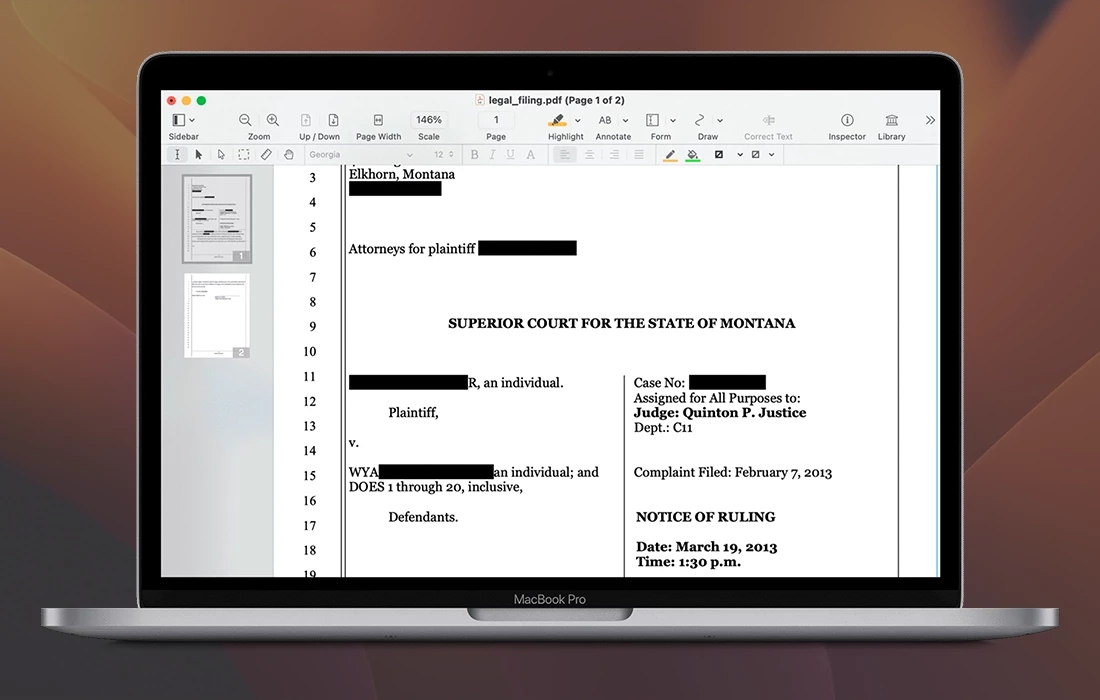
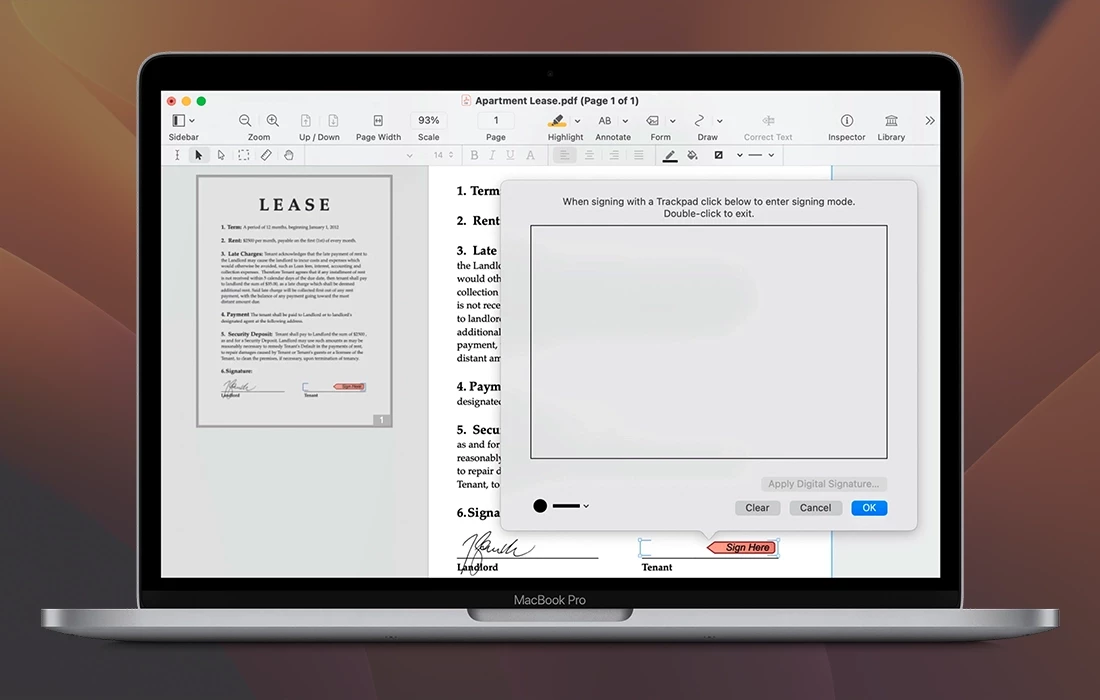
Nitro PDF Pro allows users to effortlessly edit PDF files on their Mac. Add signatures, text, and images to any document. Make corrections and fix typos with ease. Perform OCR on scanned documents to make them searchable. Fill out and create interactive forms. Export your files to Microsoft® Word, Excel, and PowerPoint directly from your desktop.
Features
- Mark up documents with highlighting, underlining, and strikethrough annotations
- Add text, images, and signatures to any PDF document on your Mac
- Correct text in the original PDF using fully editable text blocks
- Move, resize, copy, and delete images within the original PDF file
- Copy and paste rich formatted text; preserve fonts and formatting when copying from PDF files, including multi-column layouts
- Add, edit, view, and extract file attachments and file annotations from your documents
- Record and play back audio annotations for enhanced collaboration
- Add sticky notes, comments, and cloud annotations. Insert bookmarks, headers and footers, line numbers, and watermarks into your documents
- Convert websites into multi-page PDF files with fully functional hyperlinks
- Create and edit cross-platform fillable PDF forms suitable for any operating system
- Export PDF files to Microsoft® Word (.docx) while offline, and to Microsoft® Excel (.xlsx), Microsoft® PowerPoint (.pptx), and PDF Archive (PDF/A) format when connected to the Internet
- Automatically generate form fields in a non-interactive form for quick setup
- Create and edit a document's table of contents for easier navigation
- Create portfolio documents, combining and merging related files together into a single package
With nitro pdf pro mac, you get a powerful and comprehensive PDF editing suite designed specifically for macOS users. Whether you need a quick nitro pdf pro download to handle everyday document tasks or require advanced tools for professional workflows, this application delivers everything you need. Nitro pro pdf provides robust features for annotation, form creation, and seamless exporting, making it an essential tool for productivity on your Mac.
Frequently Asked Questions
You May Also Like
Reviews & Comments
No comments yet. Be the first to share your thoughts!