
Movavi Picverse
Description
Edit your images quickly and effortlessly using powerful neural network functions. Remove unwanted objects from your photos. Cut out or replace the background of any photograph. Restore old photos to their former glory. Enhance image quality manually or automatically. Reduce blur and sharpen your images with precision.
Movavi Picverse is a full-featured photo editor designed for Mac users. The application includes all the essential tools needed by both photography enthusiasts and professional editors alike. Neural network technologies combined with high-precision editing in just a matter of seconds will help you save valuable time on photo processing – Picverse Movavi handles all the painstaking work for you automatically.
Edit your photos in just a few seconds: the built-in artificial intelligence will analyze your image and select the optimal color correction settings for the best possible result.
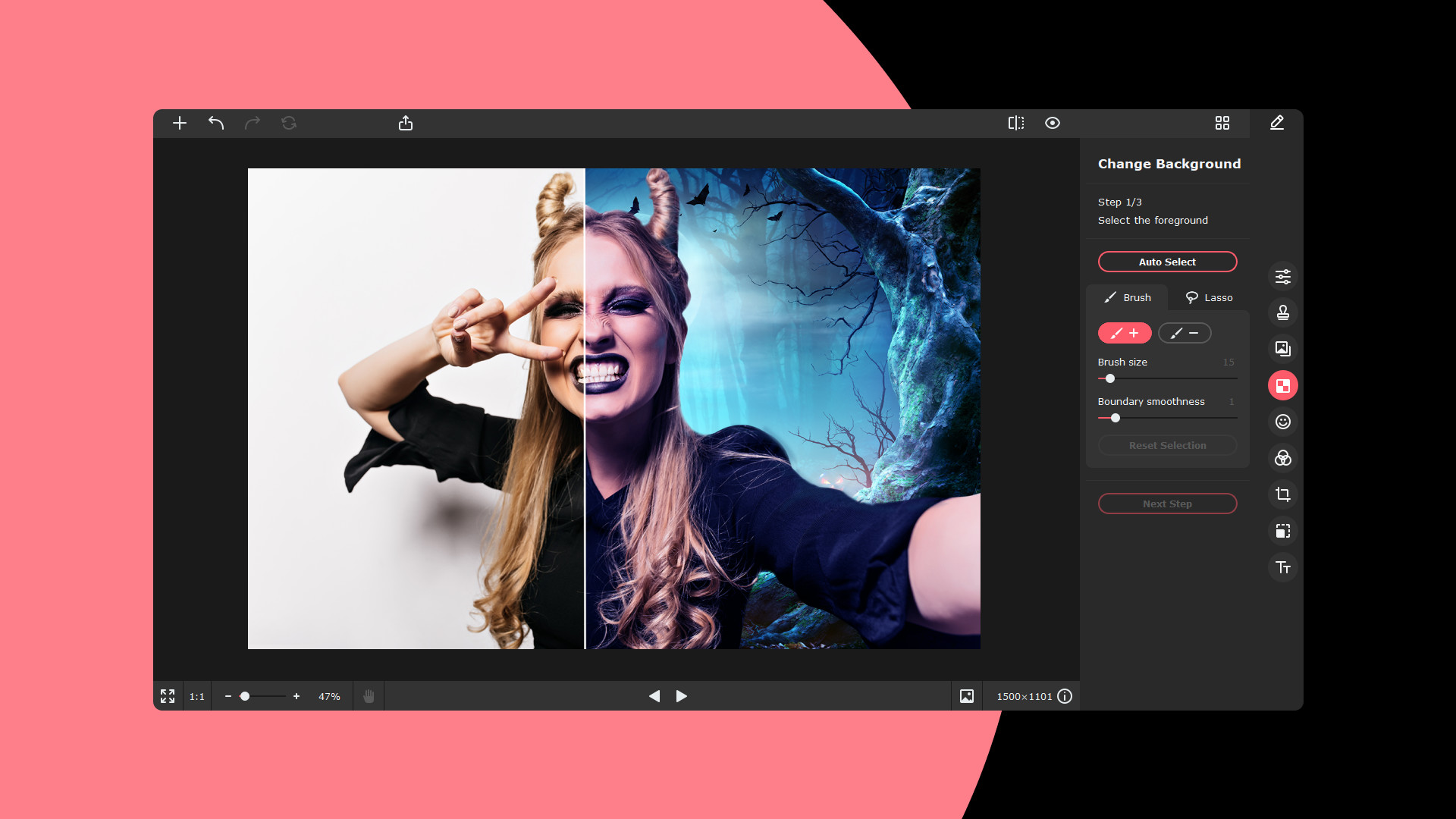
Cut out or change the background of any photograph in just a few simple clicks.
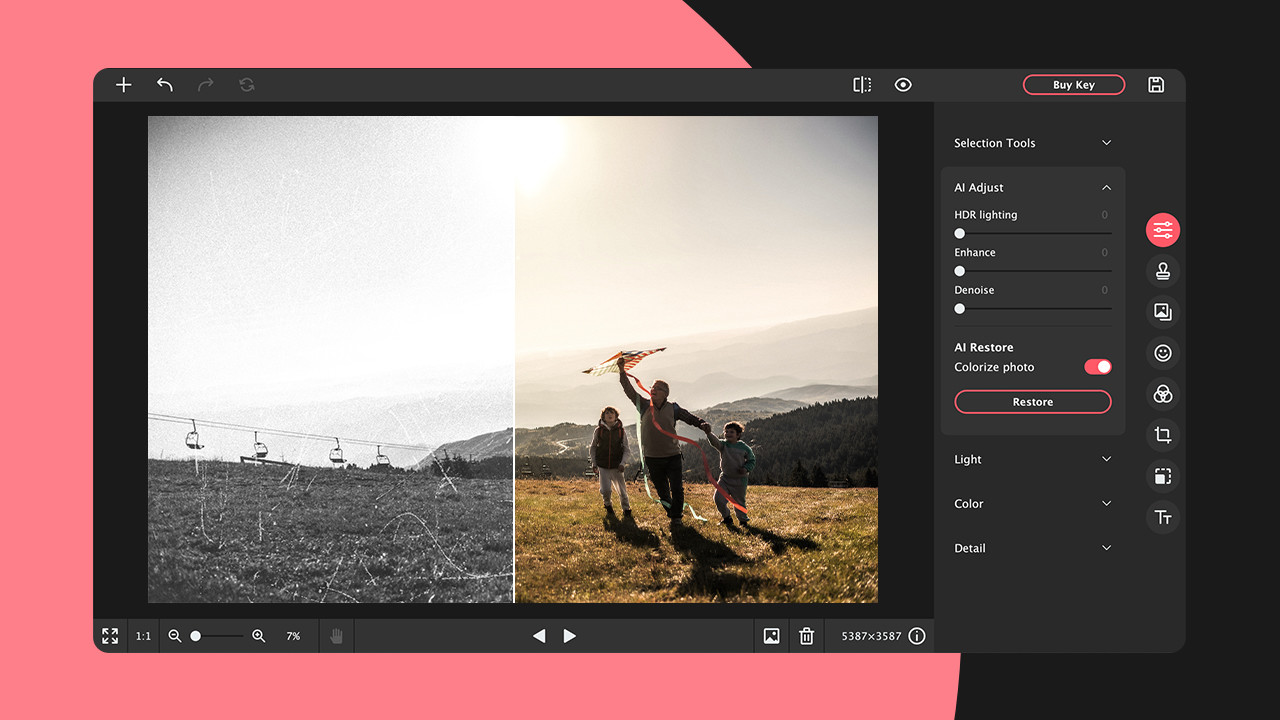
This photo editing software for Mac removes dust, cracks, and small spots from scans of old photographs with ease. If an image has yellowed over time, Picverse will restore its original colors faithfully. The application can also automatically colorize a black-and-white photograph, bringing it back to life.
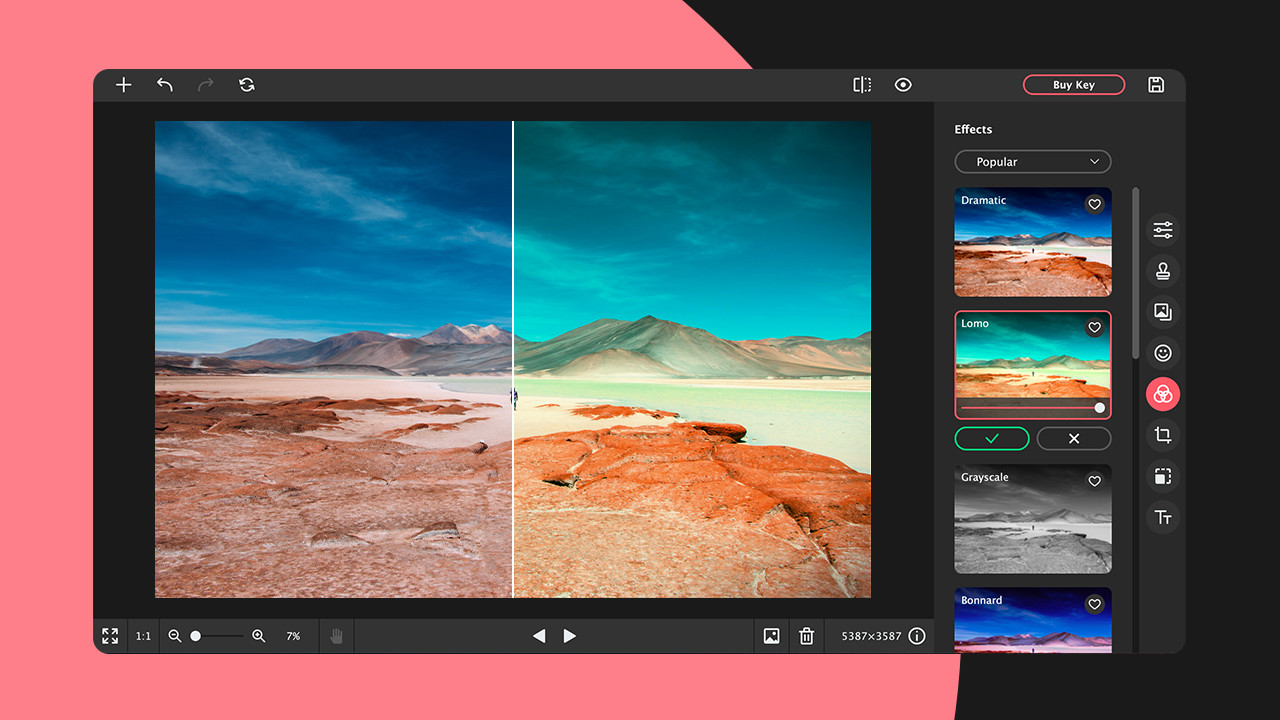
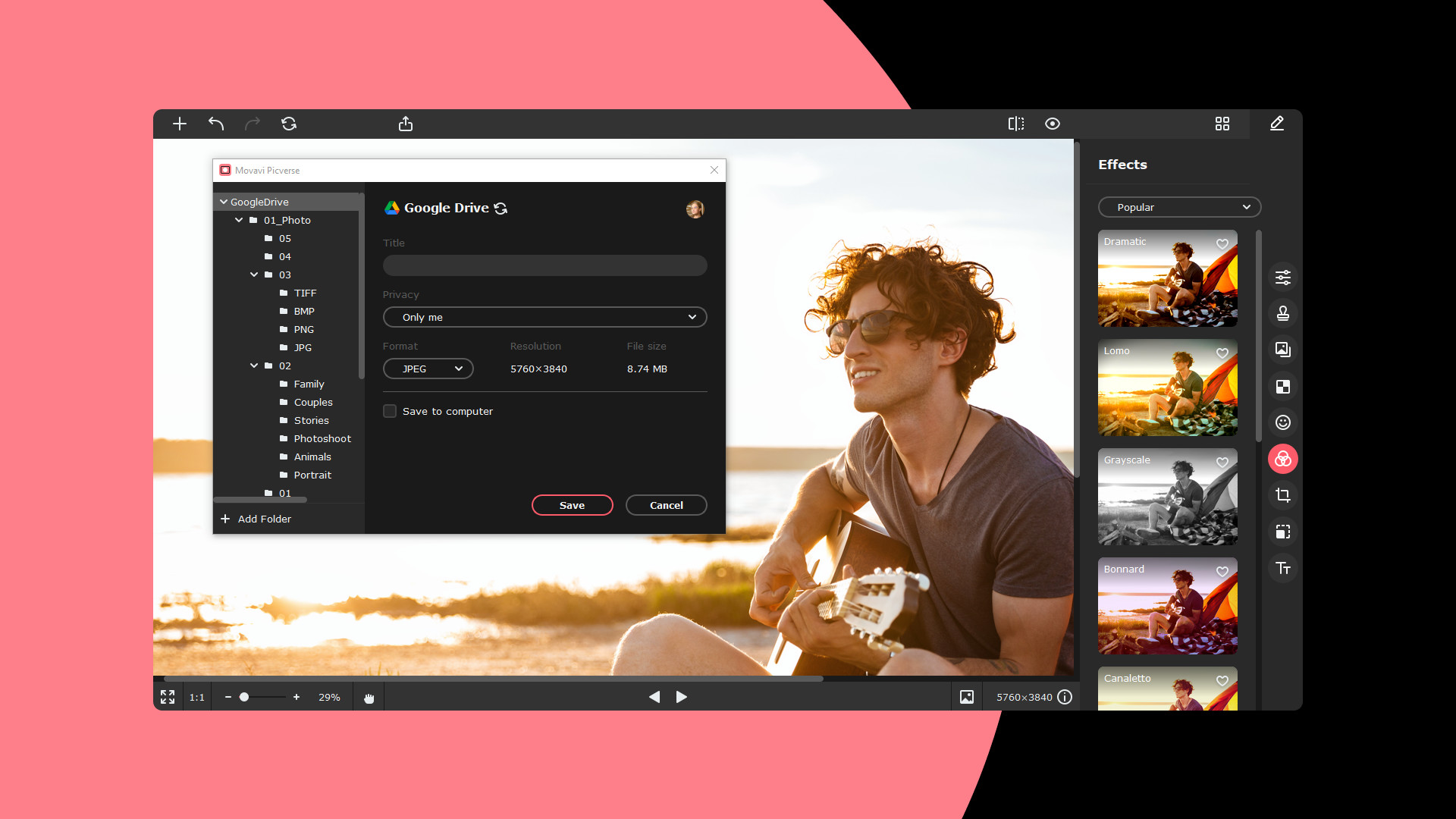
Apply a wide variety of effects and watch how the overall mood and atmosphere of your photograph transforms entirely.
Fix blurriness, bring out fine textures, and enhance sharpness. Control every single detail with this powerful image editor built specifically for Mac.
Seamlessly remove anything unwanted from your photos without leaving a trace, whether it is litter, a text overlay, or an accidental passerby caught in the frame.
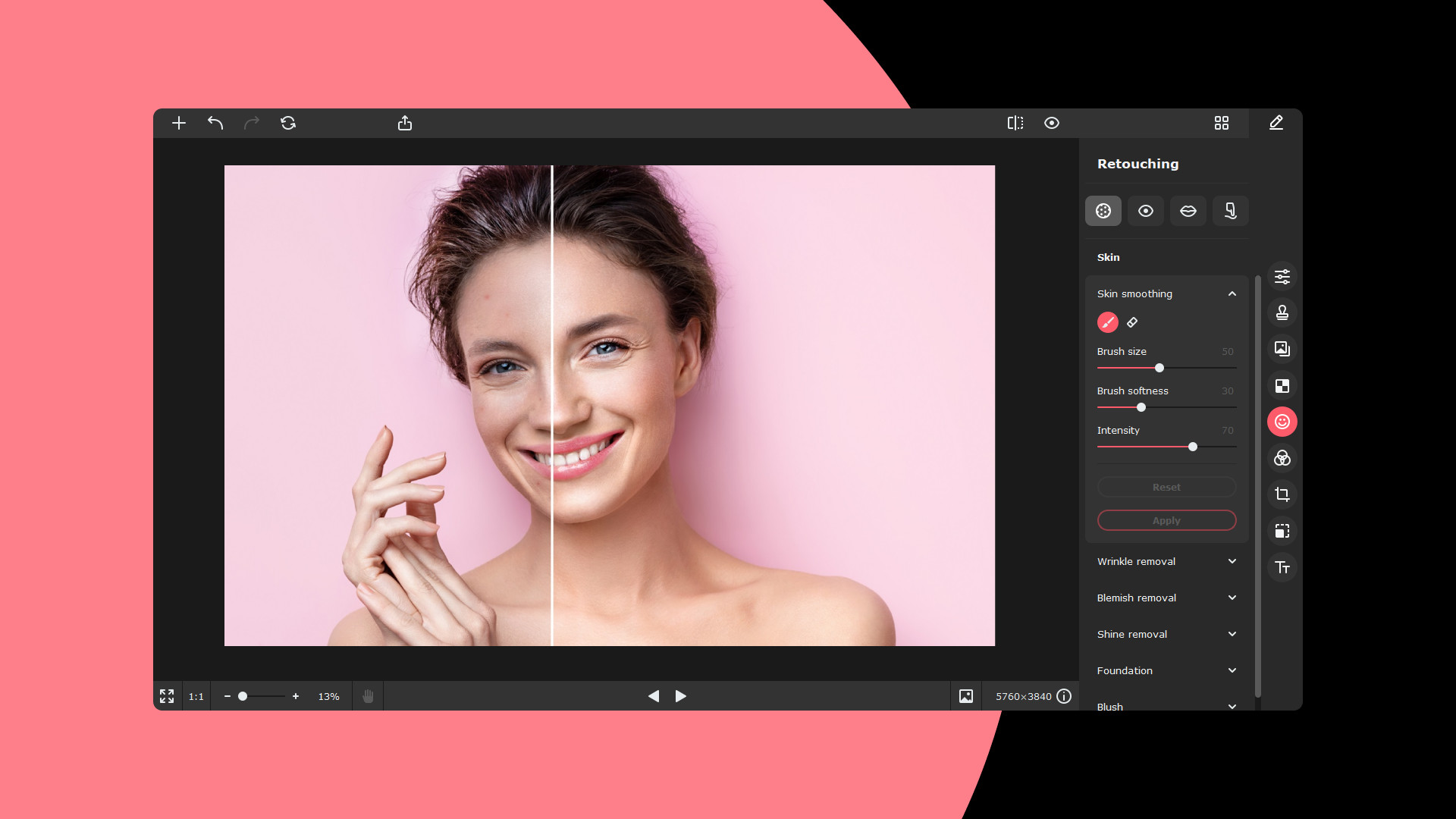
Experiment with different looks: fix any skin imperfections, change eye and hair color, and adjust the shape of your face and body for the perfect portrait.
Color Correction Settings
Set the right accents using precise color and light adjustments: white balance, HDR lighting, and many other fine-tuning options available within the application.
Noise Reduction
Suppress noise caused by incorrect camera settings and challenging lighting conditions. Achieve perfectly clean and sharp night shots every single time.
Adding Text Overlays
Customize the font style, shape, and appearance of your text. Choose from a range of formatting and decoration options to complement your photos.
RAW Support
Work directly with RAW image files: Movavi Picverse Mac edition automatically converts your RAW files into JPEG format for easy sharing and compatibility.
Basic Editing
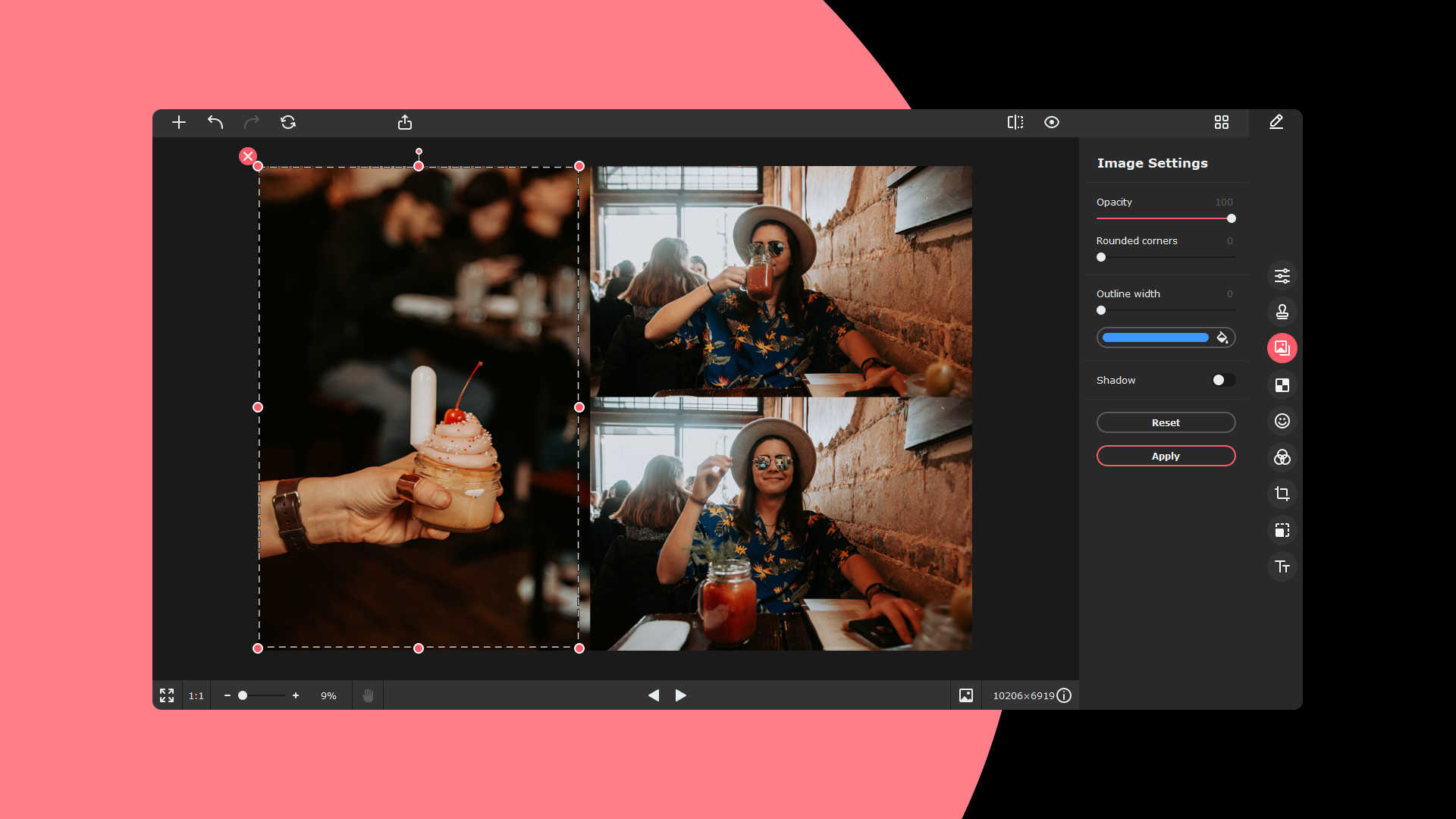
Resize, crop, flip, and rotate your photos quickly. Perform all fundamental adjustments with ease using the intuitive editing interface on your Mac.
Save Settings
Choose the desired file format and image dimensions when saving. Erase metadata for privacy or add custom comments to your files. With Movavi Picverse download, you get a complete toolkit for every photo editing need on your Mac.
Frequently Asked Questions
You May Also Like
Reviews & Comments
No comments yet. Be the first to share your thoughts!