
Description
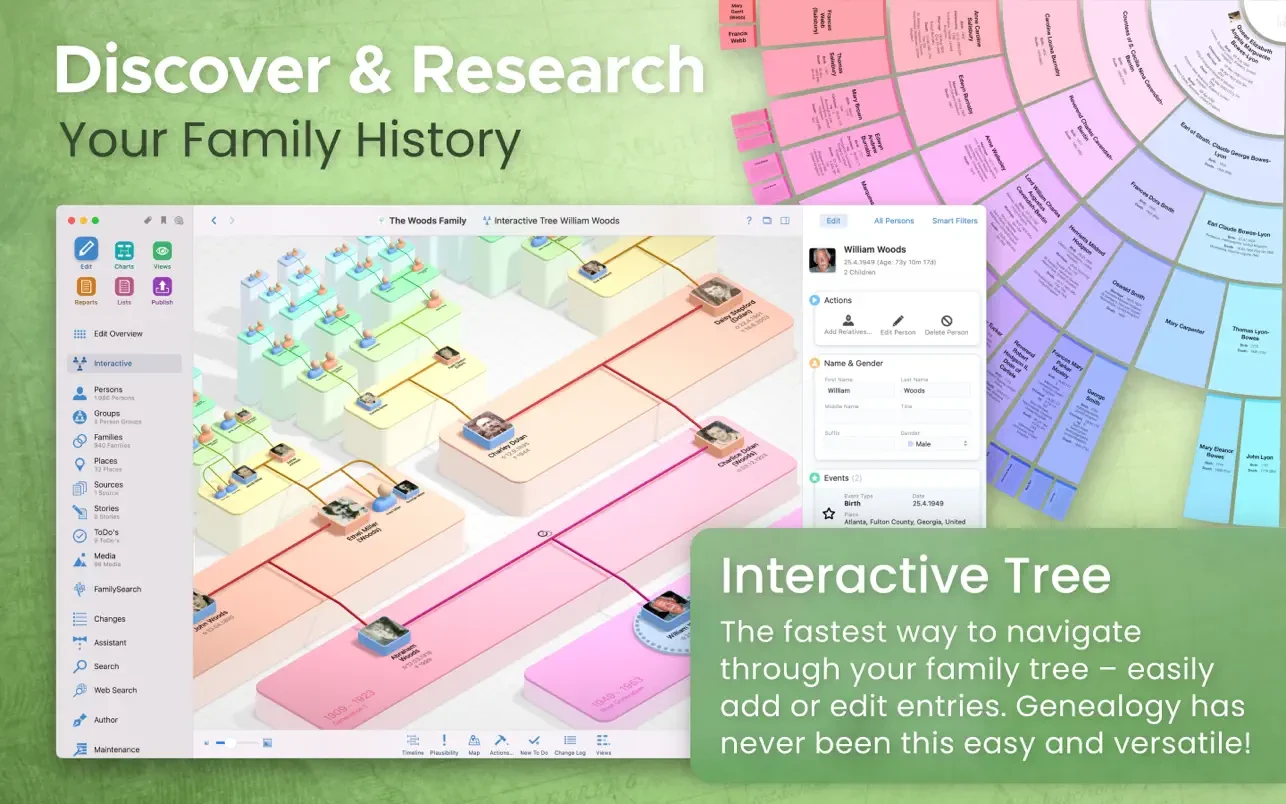
Unlock your family history! Genealogy gets a fresh start with macfamilytree 11: modern, interactive, intuitive, and fast. Explore your family tree and dive deep into the history of your ancestors to impress generations of chroniclers who came before you. Create stunning charts, evaluations, detailed reports, and beautifully designed books, navigate through an interactive family tree or a virtual 3D globe tree, and discover an entirely new perspective on genealogy research on your Mac.
MODERN GENEALOGY
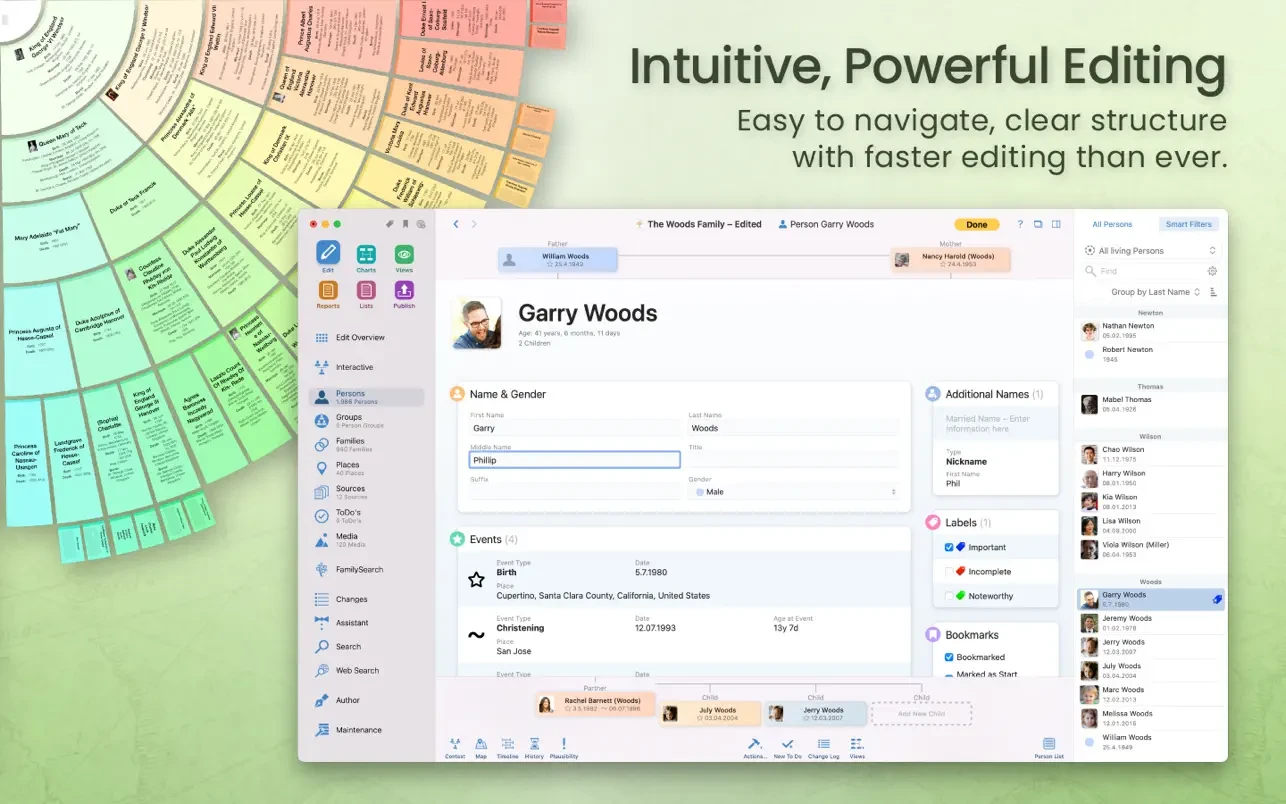
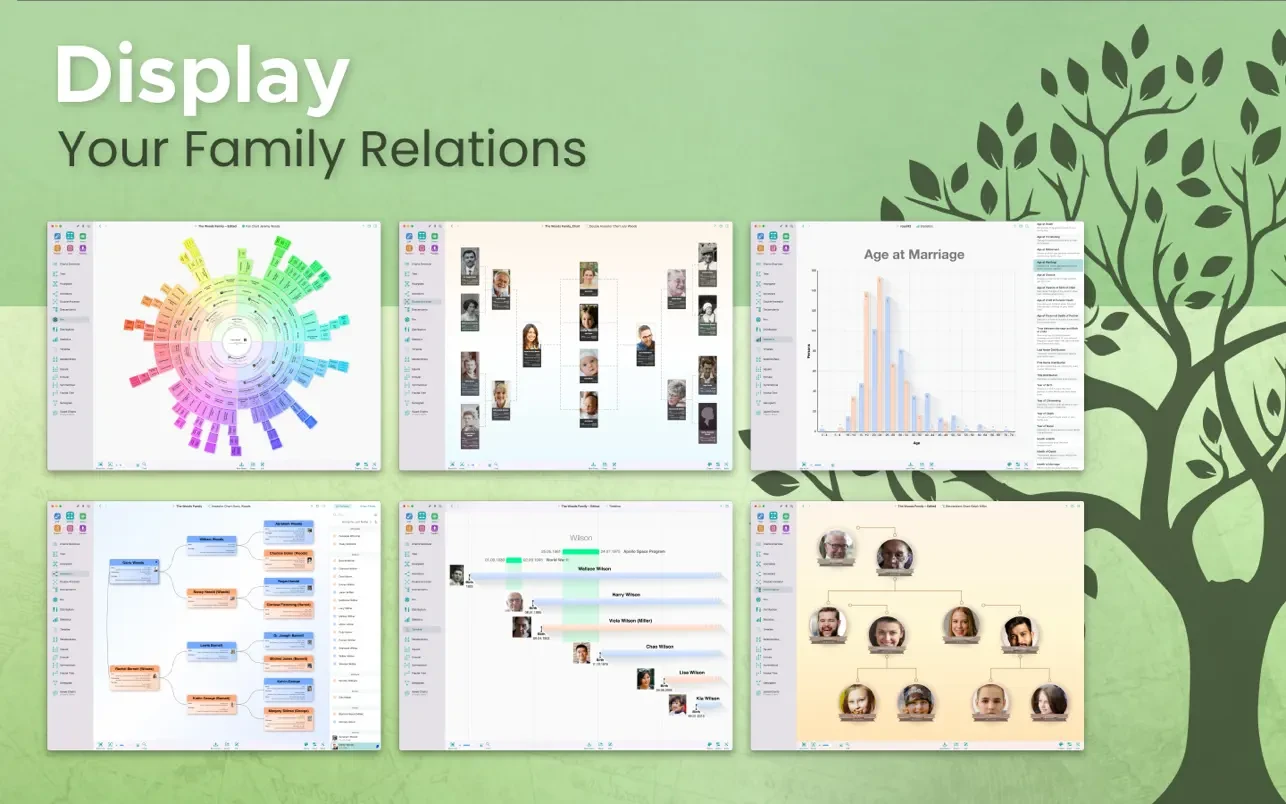
Built exclusively for Mac to take full advantage of the latest Apple technologies and frameworks A clean, intuitive, and easy-to-use interface Display your family tree: charts, reports, various views, and comprehensive lists CloudTree Sync & Share: real-time synchronization and seamless collaboration with family members Use MobileFamilyTree for iPhone and iPad to continue your genealogical research on the go (sold separately)
RESEARCH AND PUBLISHING
FamilySearch: access billions of genealogical records from around the world Web Research: search popular genealogy portals directly from within the application MacFamilyTree.com: create and publish your own family history websites Family Books: the perfect personalized gift for loved ones Import and Export GEDCOM: exchange data effortlessly with other genealogy applications Export charts and reports in a wide range of popular file formats
EXTENSIVE RANGE OF REPORTS AND LISTS
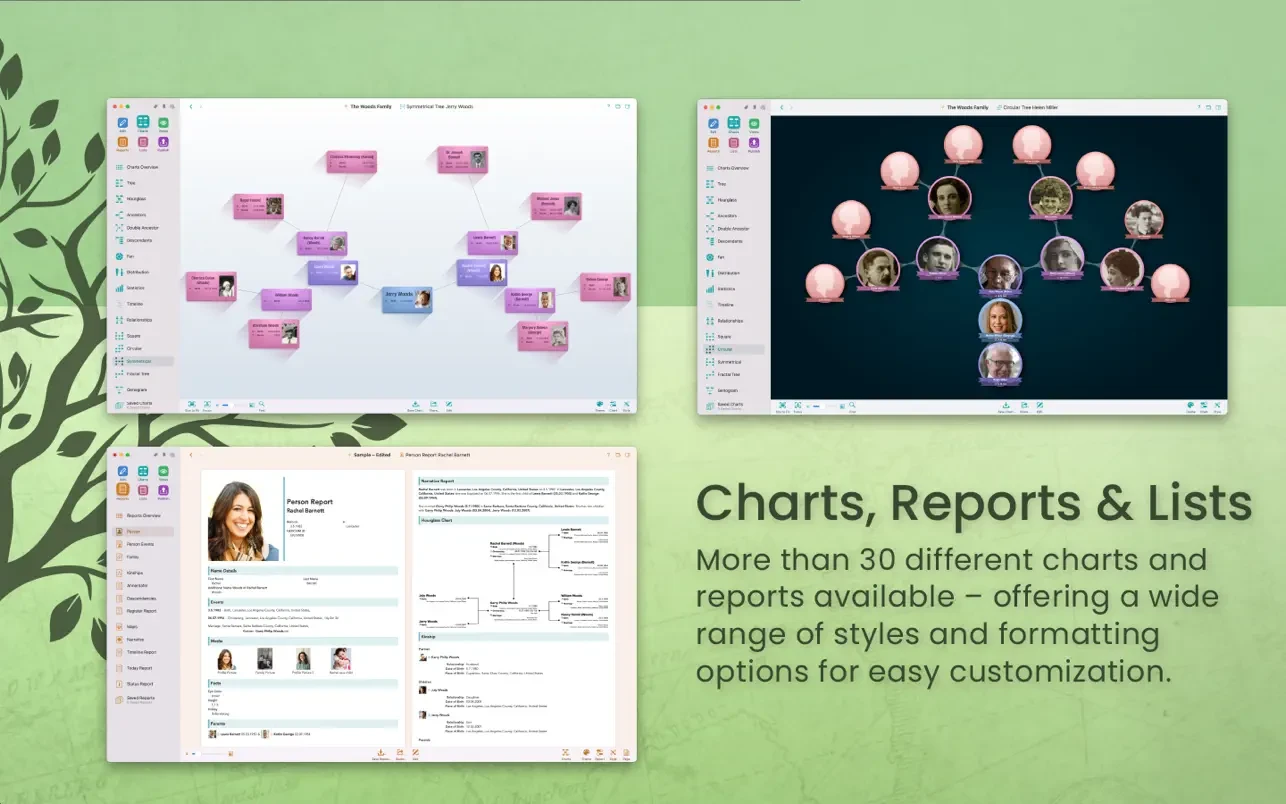
Individual, family, and kinship reports Narrative report Place list, event list, anniversary list Feature report Report map Person analysis People lists Marriage lists Reliability report Source list Descendant report
WIDE RANGE OF CHARTS AND VIEWS
Hourglass chart Ancestor chart Timeline Double ancestor chart Virtual globe and statistical maps Name distribution table Fan chart Relationship chart Genogram chart
HIGH LEVEL OF DATA PRIVACY
Your data is stored locally on your Mac ... ... or encrypted and securely saved in iCloud You decide what happens with your personal data Password protection for your published website Individuals and records can be hidden from any export
REDESIGNED USER INTERFACE
When you macfamilytree 11 download mac, you get a modern and visually refined appearance A more logical and well-organized structure With macfamilytree 11 mac, everything is simpler, more comfortable, and more convenient to use
Frequently Asked Questions
You May Also Like
Reviews & Comments
No comments yet. Be the first to share your thoughts!