iMazing
Description
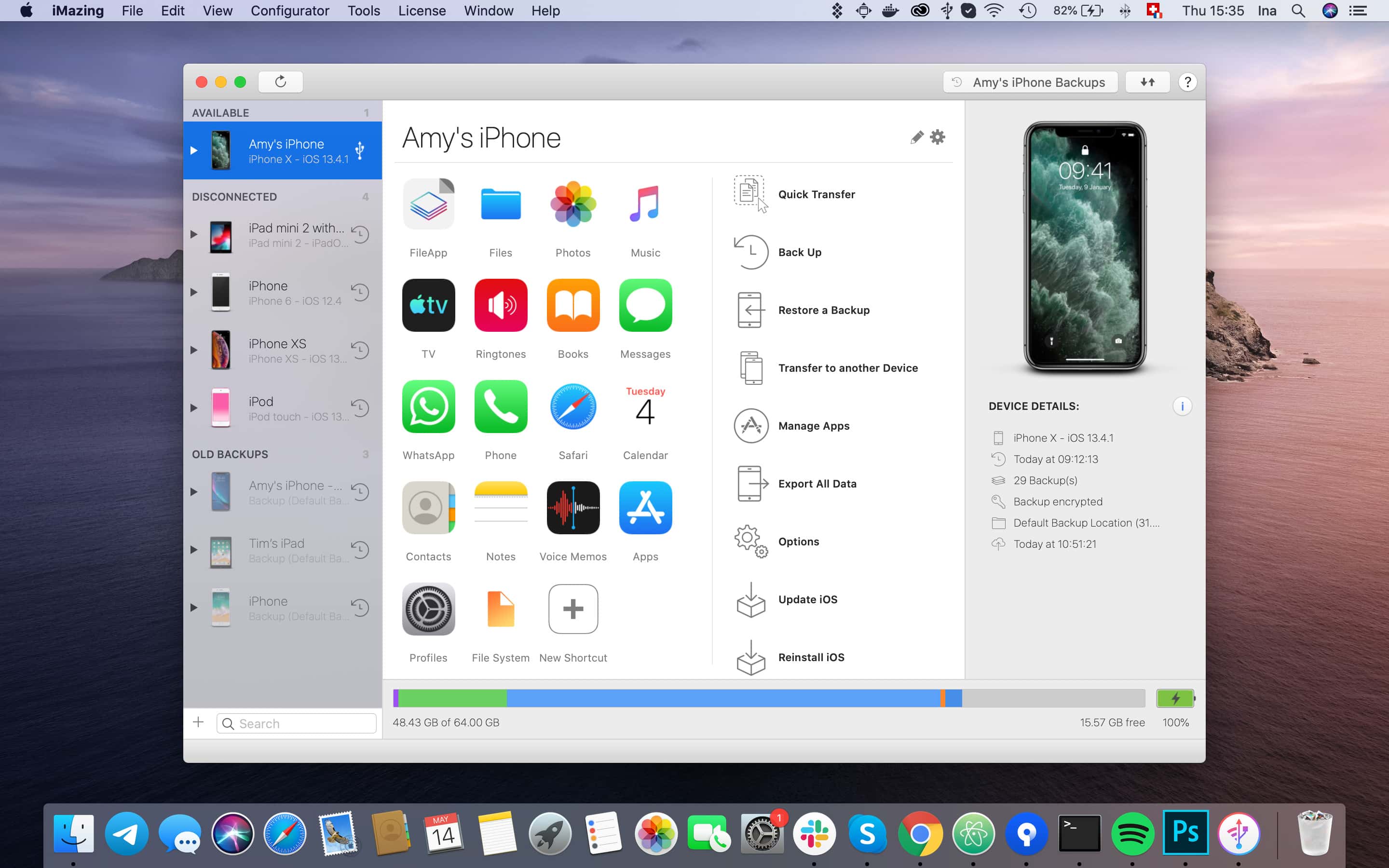
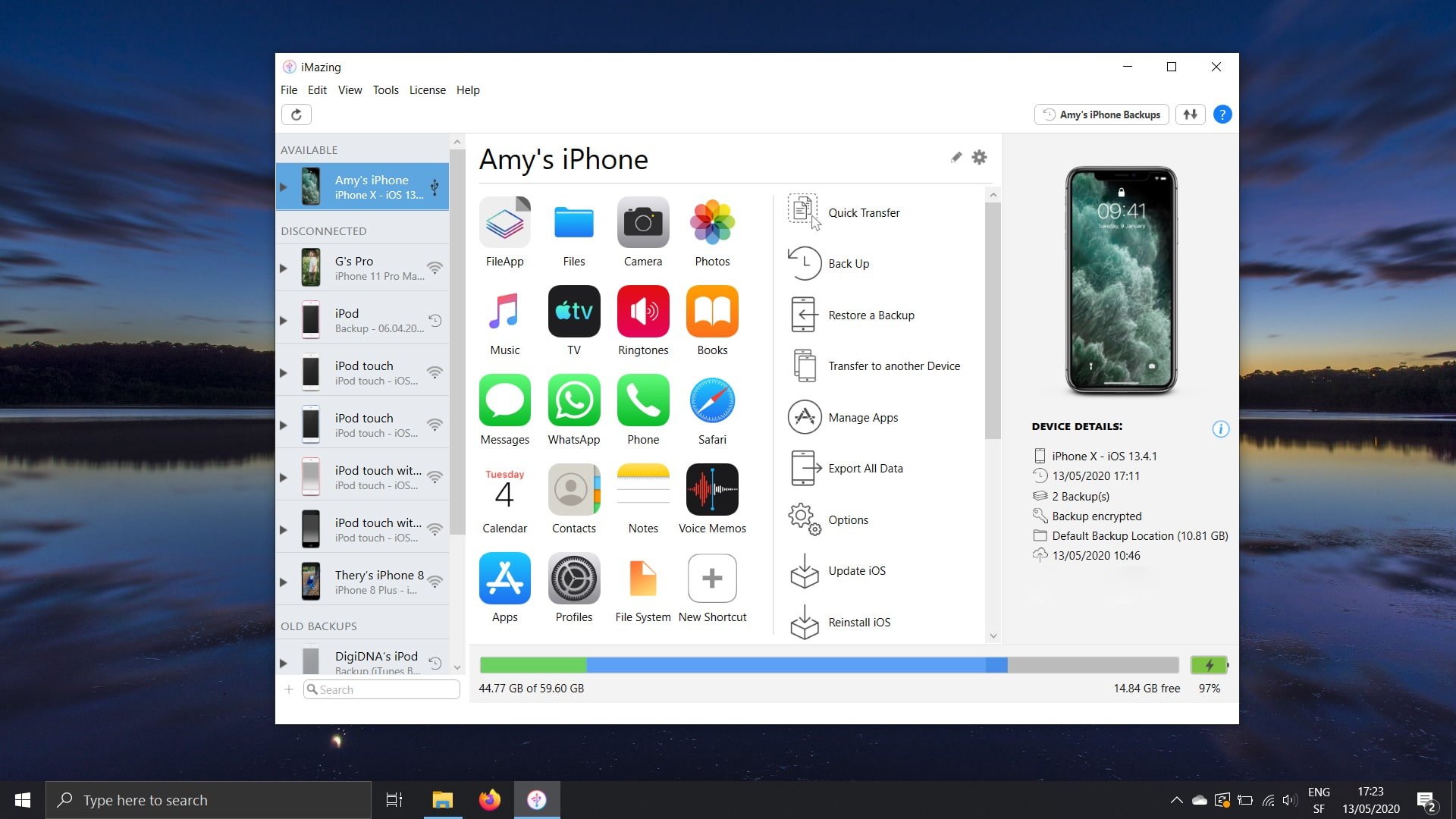
Transfer music, messages, files, and data to other devices with ease. Back up your iPhone, iPad, and iPod touch data securely and efficiently. Reliability, power, and convenience in one solution. iMazing is the best iOS device management application for Mac.
It's more than iTunes. It's iMazing.
Transfer apps and data from your old iPhone or iPad to a new one — completely or selectively. Migrate your data with robust protection and flexible configuration options. No iTunes or iCloud required. The iMazing app gives you full control over every step of the migration process.
The refined backup technology built into iMazing ensures you never have to worry about the privacy and security of your iOS data. Is iMazing safe? Absolutely — it is the best solution for automatic wireless backups of your iPhone and iPad data directly to your Mac or PC, keeping everything encrypted and protected.
Quickly copy music and media files from your Mac to any iOS device and back again without relying on iTunes at all.
Customize your iPhone ringtones and notification sounds to match your personal style! With iMazing, it's easy, fun, and completely straightforward to set up.
Fast and convenient import of books (ePub and PDF) into the Apple Books app and export them back to your computer. Synchronize your entire library with your Mac or Windows machine effortlessly.
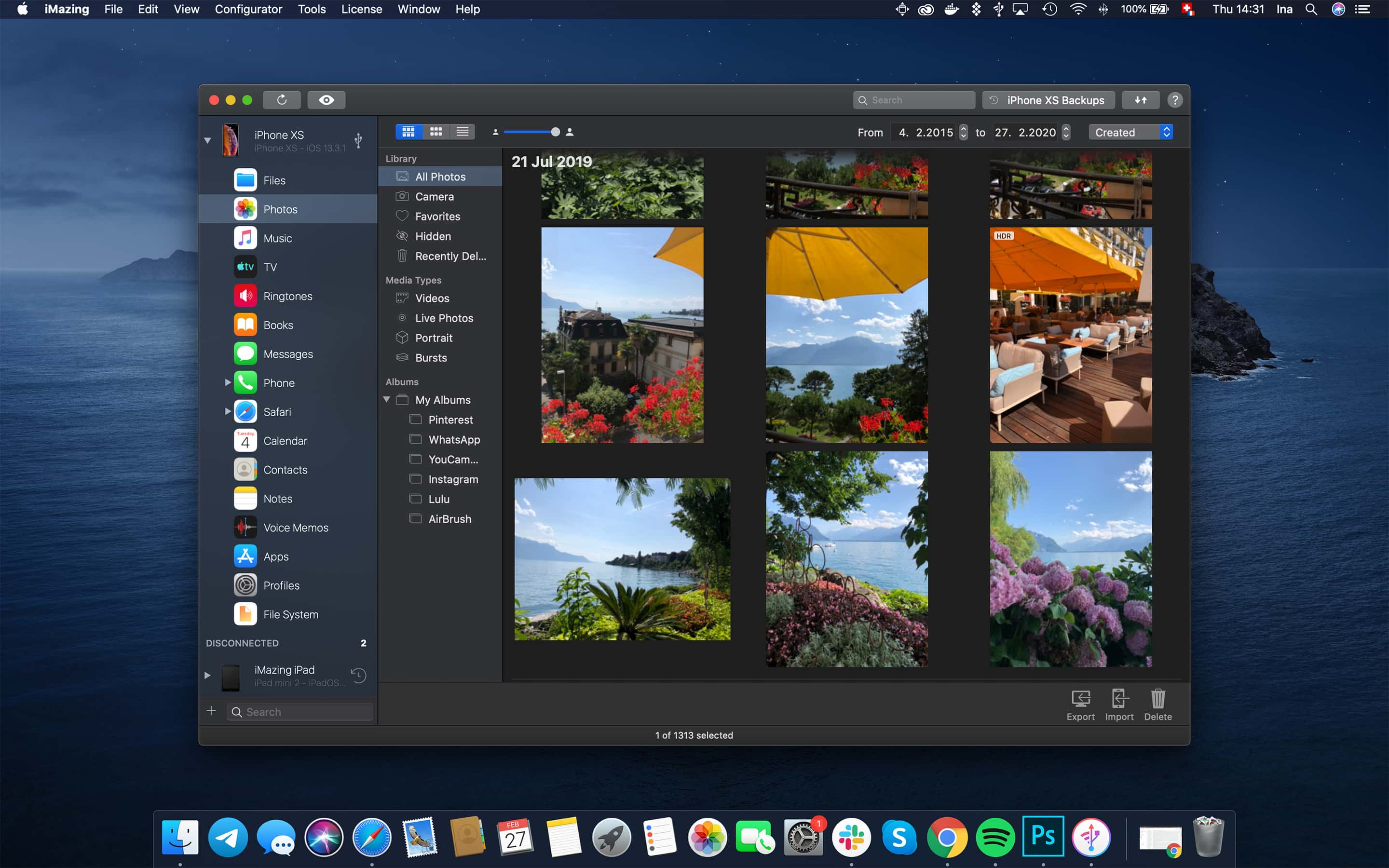
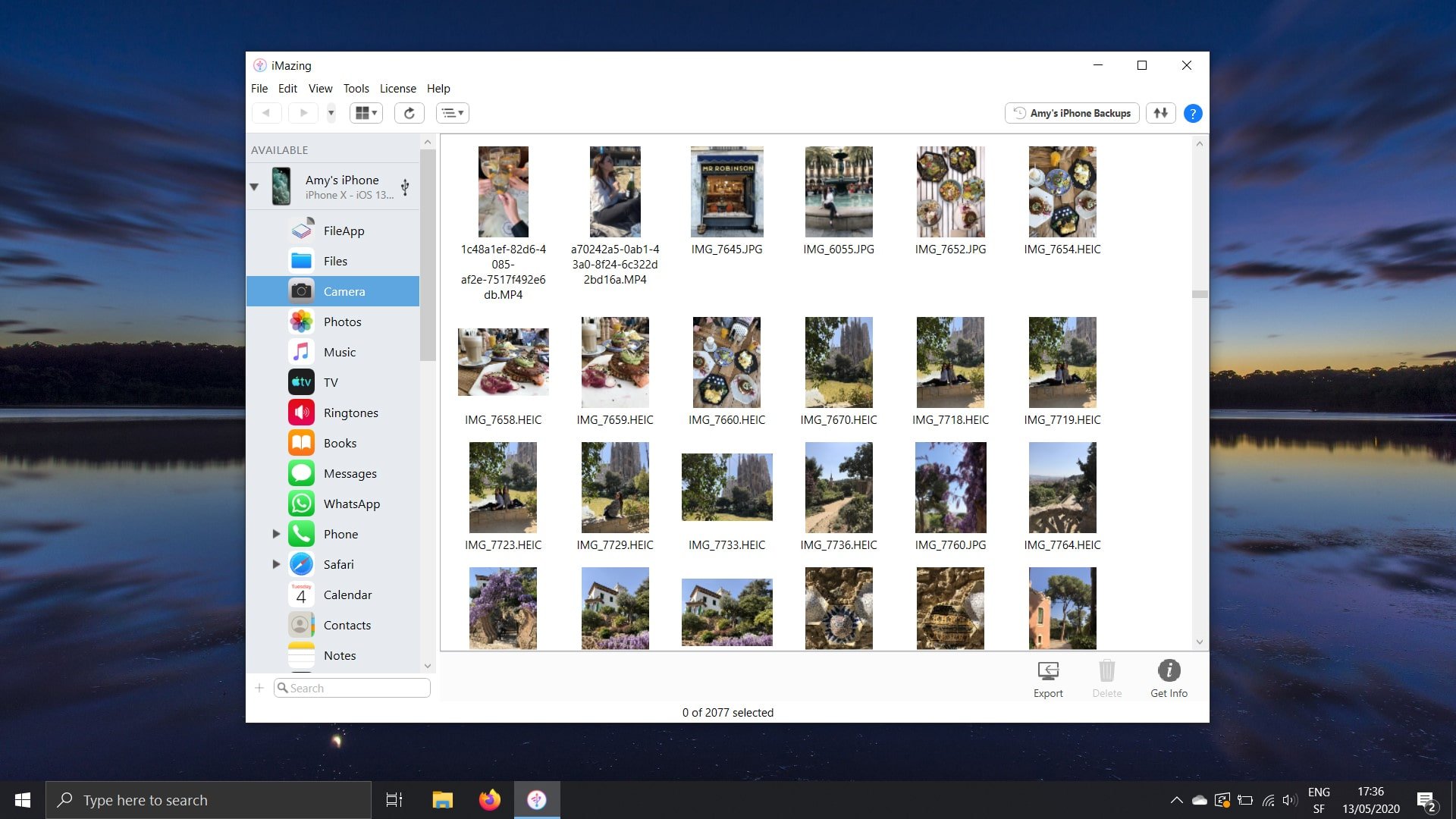
Effortless export of photos and videos without iCloud or iTunes. Access them from your Mac via USB or Wi-Fi connection. Reliable backup ensures your memories stay safe. The iMazing HEIC converter also lets you convert HEIC images to widely compatible formats like JPEG or PNG.
Flexible management of iOS applications. Download apps (.ipa) to your computer and transfer them to iOS devices. Export and restore documents, app settings, and game progress scores.
Thanks to the new iMazing "Quick Transfer" feature, copying music, photos, movies, text documents, and files from your Mac to your iPhone or iPad has never been easier or more convenient than it is right now.
Transfer Safari bookmarks from your iPhone or iPad to your Mac without iCloud. Back up your reading lists for safekeeping. Extract browser history from any existing backup.
Copy text messages and received attachments from your iPhone to your computer or to a brand new phone. Save and print important conversations for your personal records and documentation.
Transfer WhatsApp messages and attachments to a new iPhone seamlessly. Print important conversations and save them securely on your Mac or PC for future reference.
Convenient export of call logs in CSV format. Save voicemail messages as audio files with the ability to listen to them on your Mac or PC whenever you need.
Copy contacts from your iPhone to your Mac — bypassing iTunes and cloud storage services entirely. Quickly transfer groups of contacts to your iPhone. Merge multiple address books into one unified list.
Conveniently transfer calendars from your iPhone to your Mac. Export all calendars or selected events to your computer in ICS or CSV format. Restore lost calendar data from any available backup copy.
Transfer notes and voice recordings from your iPhone and iPad to your computer and view or listen to them at any moment you wish. With iMazing, working with data from the iOS Notes and Voice Memos apps becomes simple, intuitive, and effortless.
Use your iPhone, iPad, or iPod as a portable flash drive. Import documents into mobile applications and back to your computer without iCloud or iTunes. Connect via Wi-Fi or USB. Available for Mac and Windows platforms.
Work with the file system and data from iPhone and iPad backups on your Mac. Modify and restore any files — even those stored within encrypted backup copies.
Designed specifically for system administrators, developers, and advanced users. Enhanced connectivity options, comprehensive backup capabilities, and detailed diagnostics for mobile devices.
Frequently Asked Questions
You May Also Like
Reviews & Comments
No comments yet. Be the first to share your thoughts!