
IconJar
Description
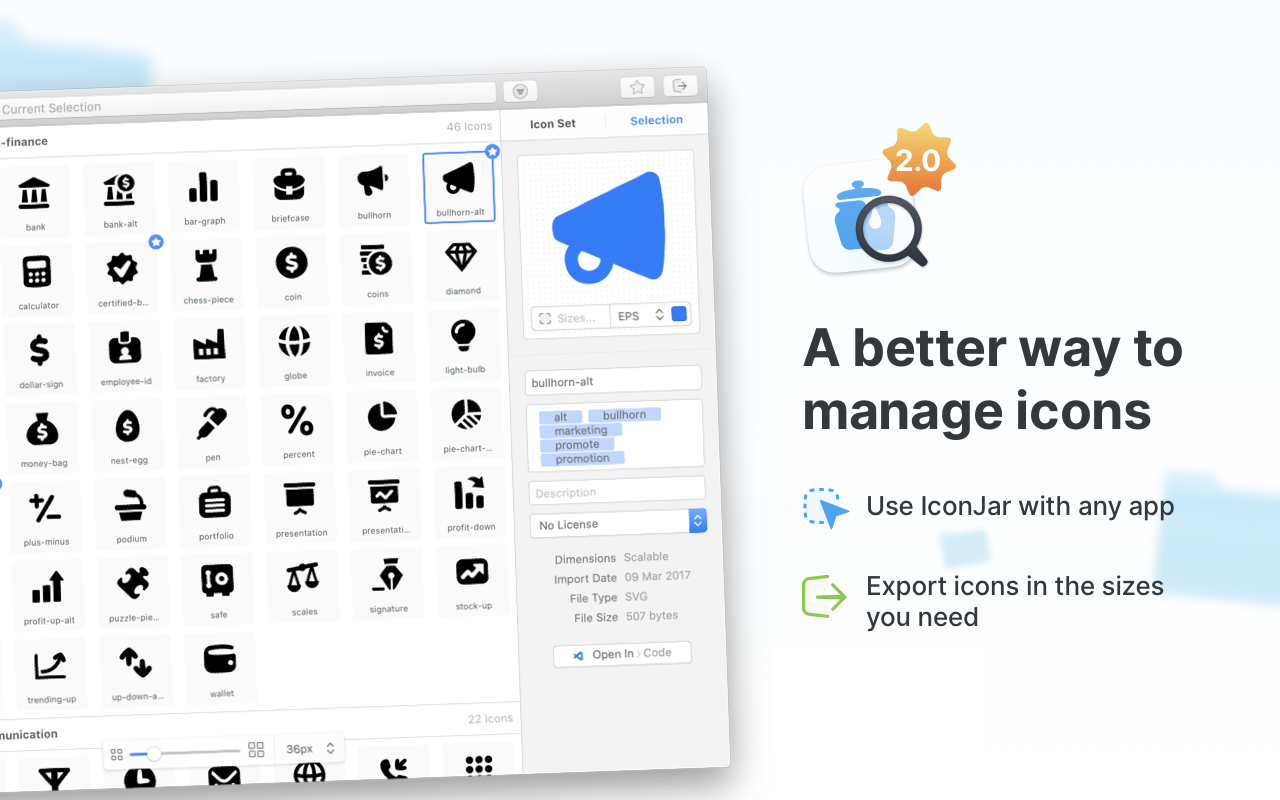
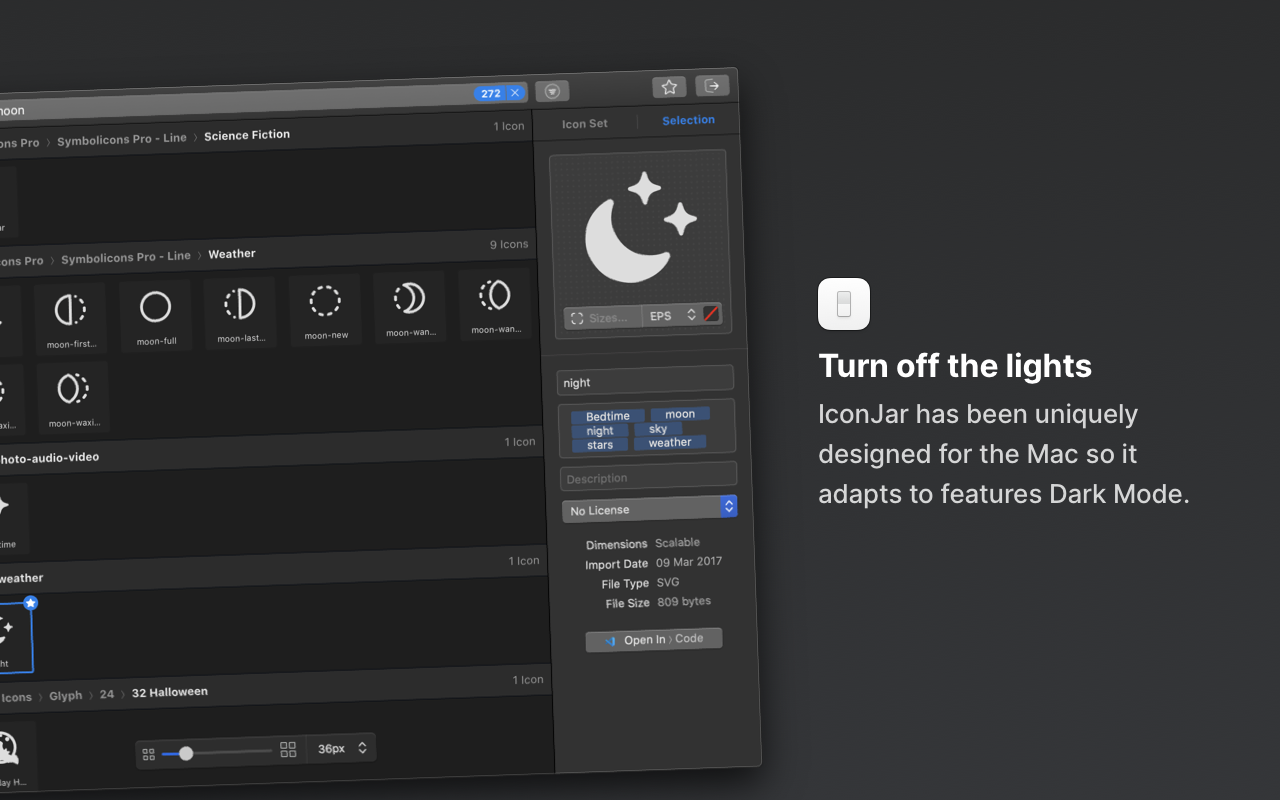
IconJar is a versatile icon management tool for Mac, used by designers and developers across the globe. Search, organize, preview, and extract icons within a single application, instead of creating countless folders to store your growing collections. The iconjar app is fully optimized for Dark Mode and comes with comprehensive support for SVG and font-based icons.
Beautifully Organized Icon Sets
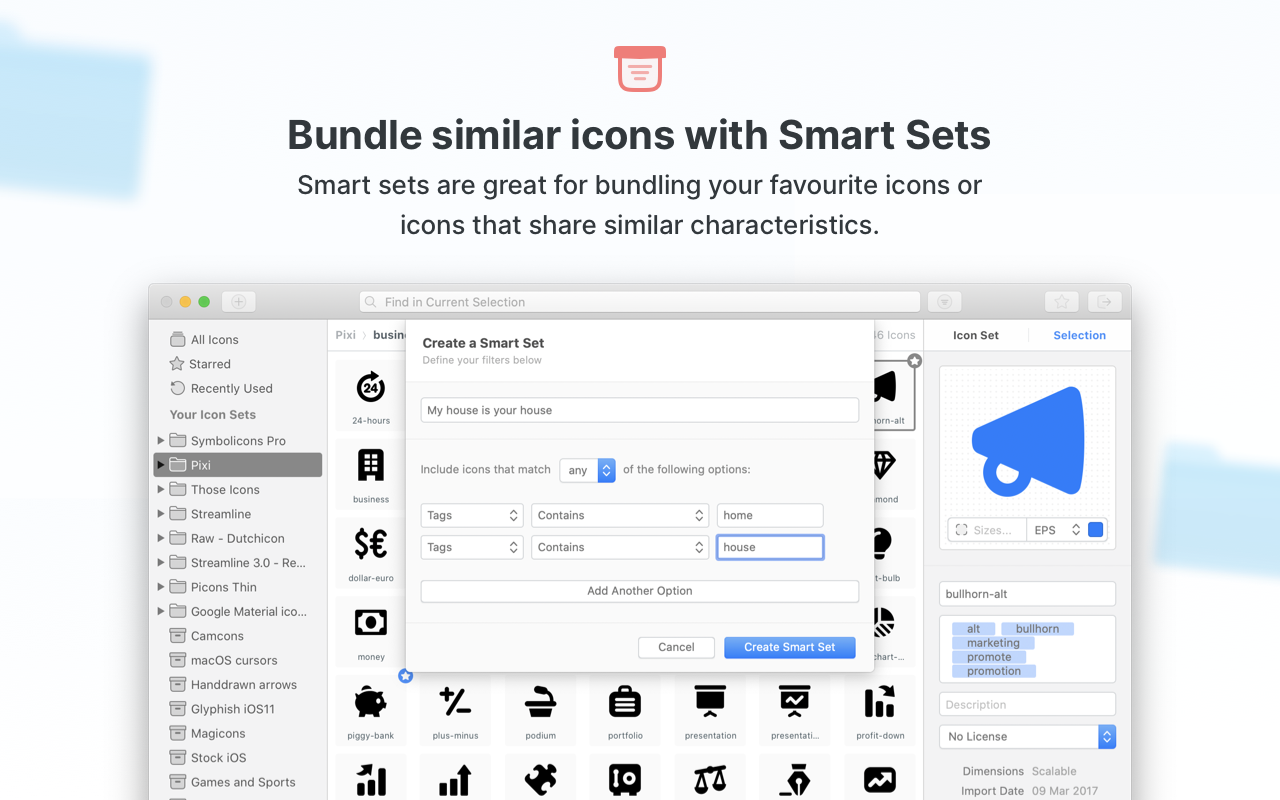
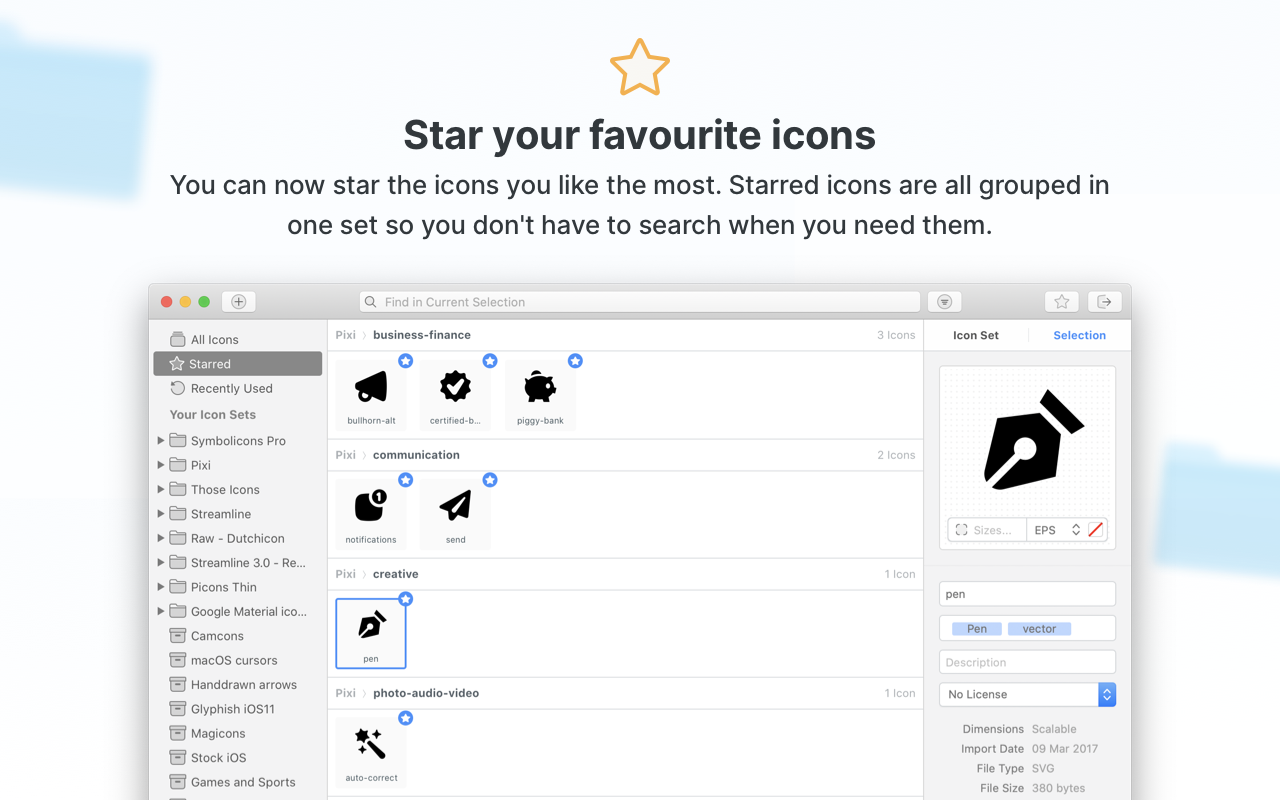
This professional organizer will transform your newest icon sets into a neatly arranged collection on your Mac. Browse through curated icons contributed by talented designers from around the world, or import your own directly from Sketch. Keep all of the essential sets you need right at your fingertips.
Unified by File Type
IconJar simplifies the workflow of every designer and developer by offering its own native file format, iconjar.file, which includes built-in options for tagging and licensing. There is no need to explain how to distribute icons — there is one reliable and universally recognized method that every user already knows and trusts.
Quicklook for Preview and Navigation
IconJar features a convenient preview option accessible through Quicklook on Mac, so you never have to open each image individually just to check its contents. Browse through your icons, run a quick search, and get exactly what you need. No fuss and no unnecessary hassle whatsoever.
Export Icons in Any Format You Need
Help your beautifully crafted icons become part of the bigger world. The export function in IconJar works flawlessly: select the icons you need, set the desired dimensions, and export them to PNG, TIFF, WebP, GIF, SVG, or JPEG format. To streamline your workflow even further, you can take advantage of the built-in export presets.
Drag and Drop Icons Directly onto Applications with QuickDrag
Take your productivity to the next level by instantly dragging icons onto your applications — the iconjar mac tool handles icons of any size, color, and format with ease. Thanks to the QuickDrag feature, IconJar works perfectly in combination with applications that do not natively support SVG, making your design process seamless.
Keep Your Icon Sets Constantly Updated
If you have a set of application icons that looks a little outdated or old-fashioned, you can quickly update them all at once, or just refresh a few individual elements. Check all of the icons that require replacement in a single glance. You can also edit descriptions and metadata for your icons after the iconjar download — all new information will be applied instantly and without delay.
Frequently Asked Questions
You May Also Like
Reviews & Comments
No comments yet. Be the first to share your thoughts!