
Commander One PRO
Description
Missing a powerful dual-panel file manager on your Mac? You no longer have to. With the commander one pro app, an outstanding alternative for macOS, you can seamlessly navigate between your files using two separate panels. Enjoy convenient search capabilities, a built-in file archiver, an FTP client, and a whole range of other incredibly useful features designed for your Mac workflow.
A Superior Alternative to Finder
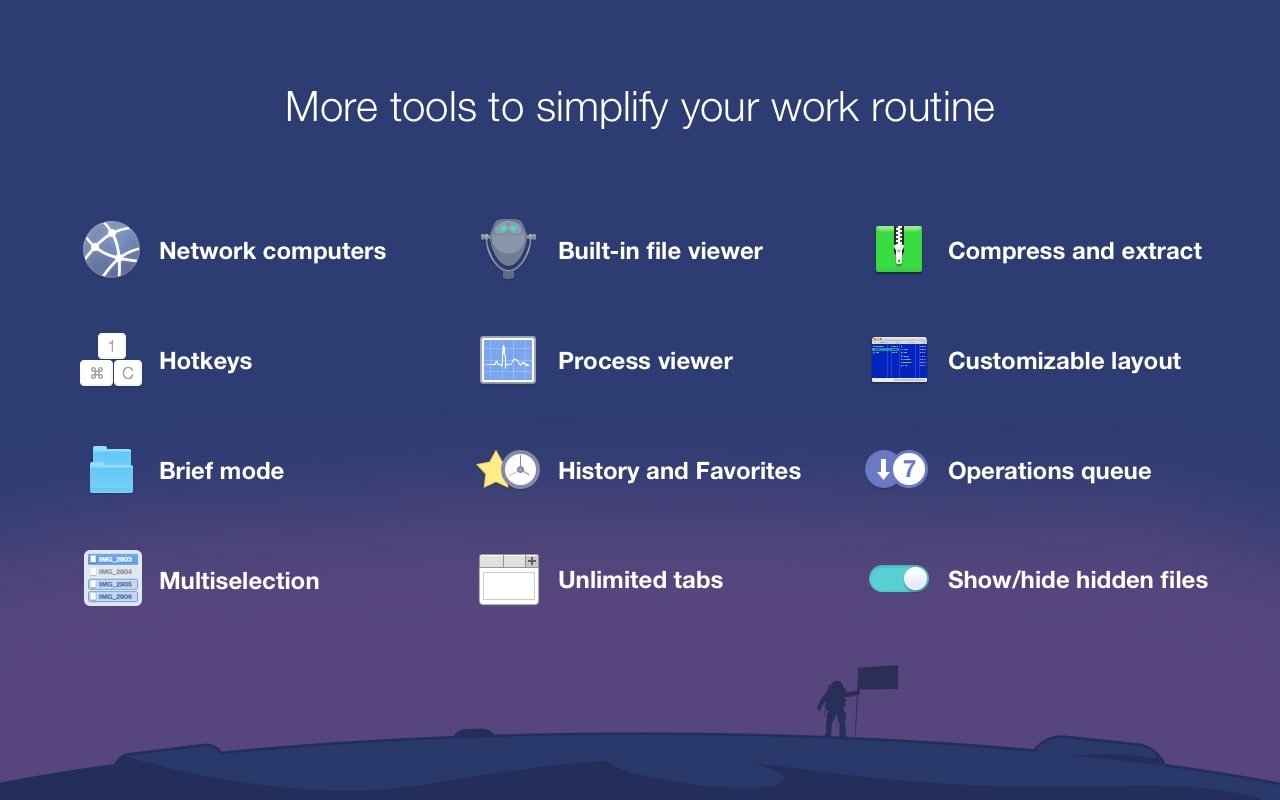
Commander one pro for mac significantly enhances every capability that Finder offers. You can use it to work with files simultaneously in two panels, assign custom hotkey shortcuts, or reveal and browse hidden files with ease. Additionally, the application allows you to enable Brief Mode, which provides a streamlined way to view and manage multiple files at the same time within a single workspace.
Search with RegExp
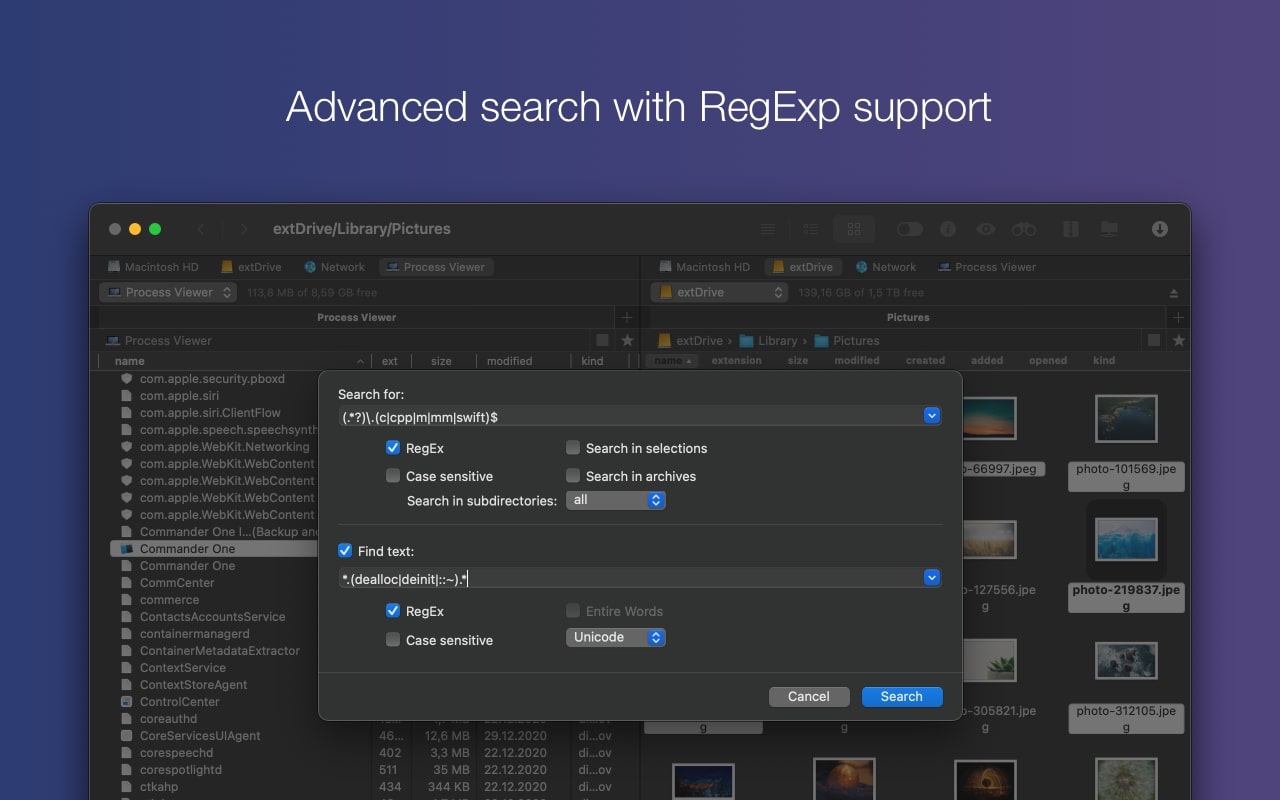
Advanced search for advanced file management on your Mac: search by file content or with Spotlight integration, use regular expressions for pinpoint accuracy, and track down files located inside archives. You can fine-tune and adjust all of the search parameters directly within the commander one pro pack search window without switching between different settings.
Clouds and Network Servers Together
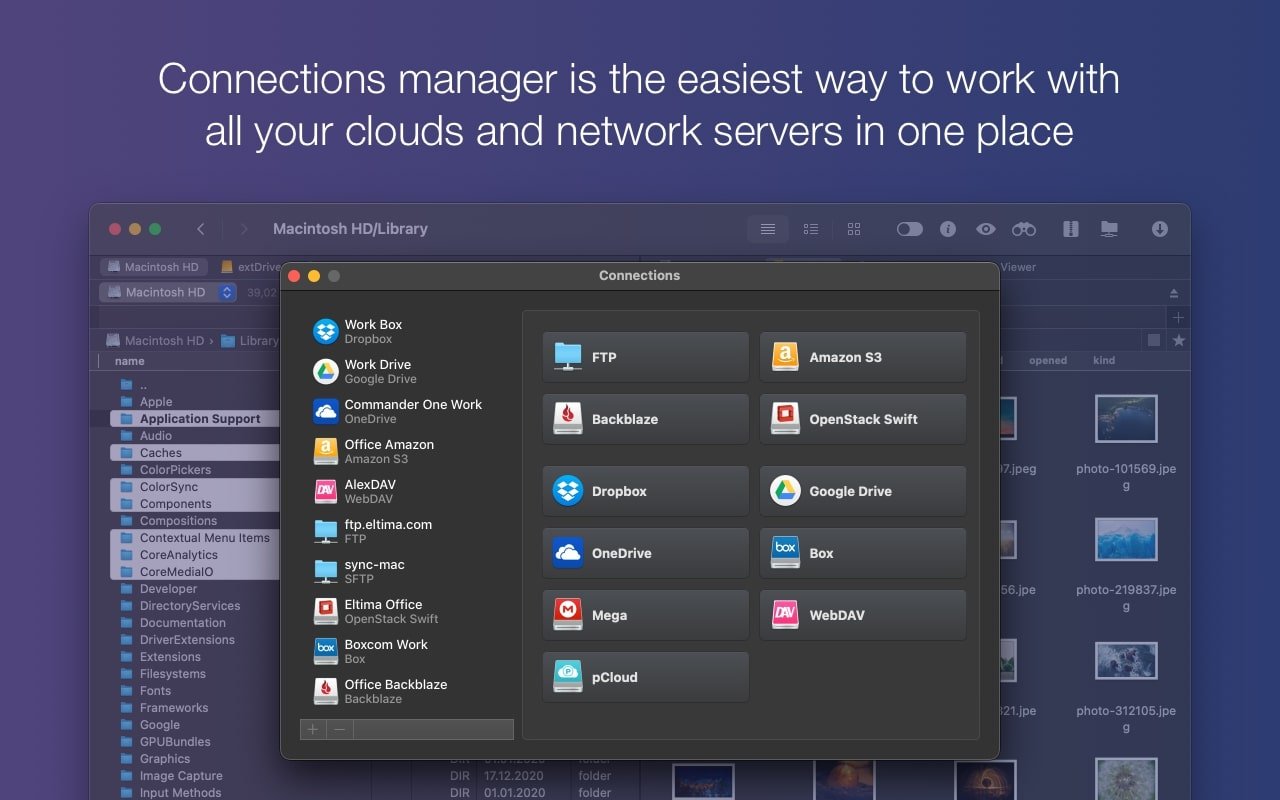
Flexibly manage your files across cloud storage accounts and network servers directly from within the application on your Mac. Commander One features a built-in FTP client for establishing connections to any remote server. You can also mount and open any number of your favorite cloud storage accounts inside the app — from Dropbox and Google Drive all the way to Amazon S3, and even more services beyond that.
Access Content from Any Device
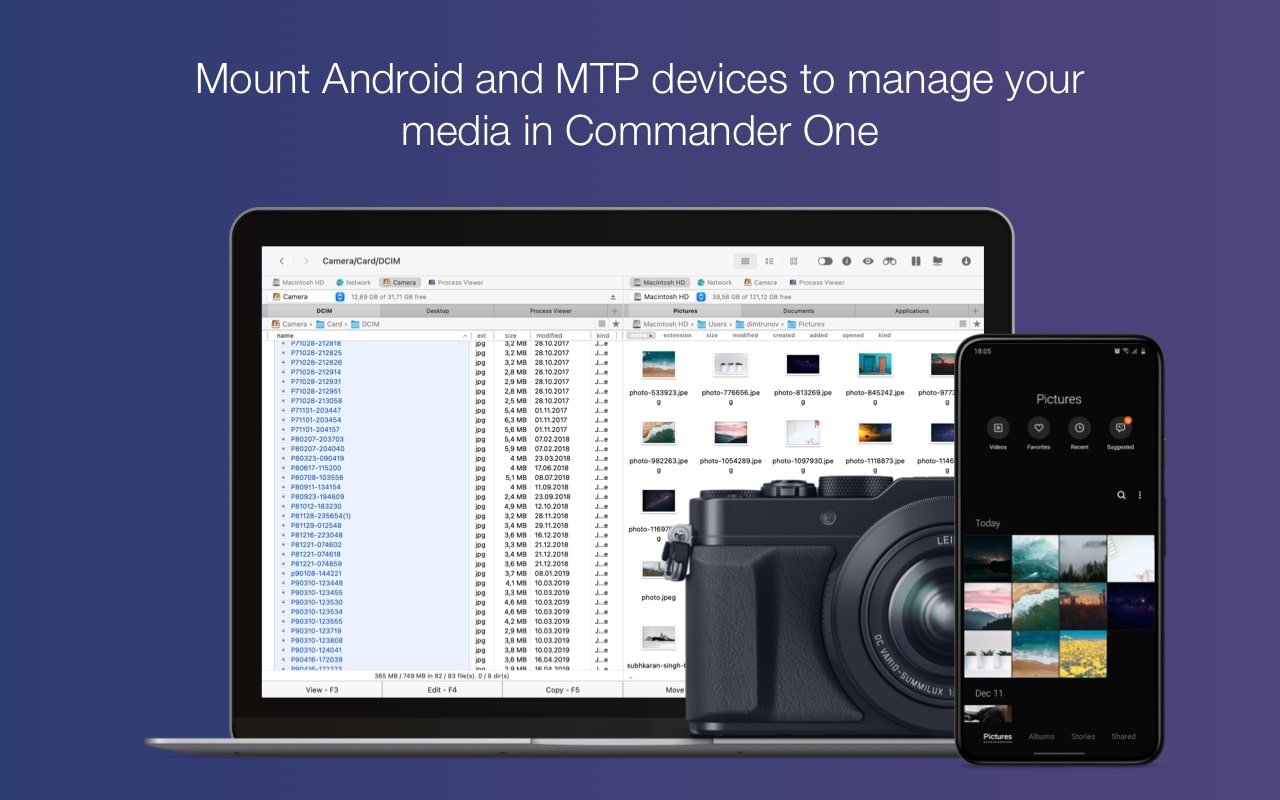
The application fully supports iOS, MTP, and Android file transfers, which means you can use it to manage content saved virtually anywhere. Connect any device to your Mac — whether it is an iPad, an Android phone, or a digital camera — and commander one pro will present it as an external drive, giving you instant and convenient access to all of its files.
The All-Powerful Archiver
Commander One is also the best archiver that can extract and unpack any file you need — you will never have to switch to third-party applications again. It works seamlessly with ZIP, RAR, TBZ, TGZ, and 7z formats on your Mac. Spoiler: a compression feature is on its way, which will allow you to perform thorough searches through packed and compressed files directly inside the application.
Control All Processes
Monitor any active process running on your Mac using the dedicated Process Viewer function in Commander One. You can observe everything that is happening in one convenient and unified window, access detailed information about each individual process, and terminate any of them with just a single click whenever needed.
Frequently Asked Questions
You May Also Like
Reviews & Comments
No comments yet. Be the first to share your thoughts!