CodeRunner 4
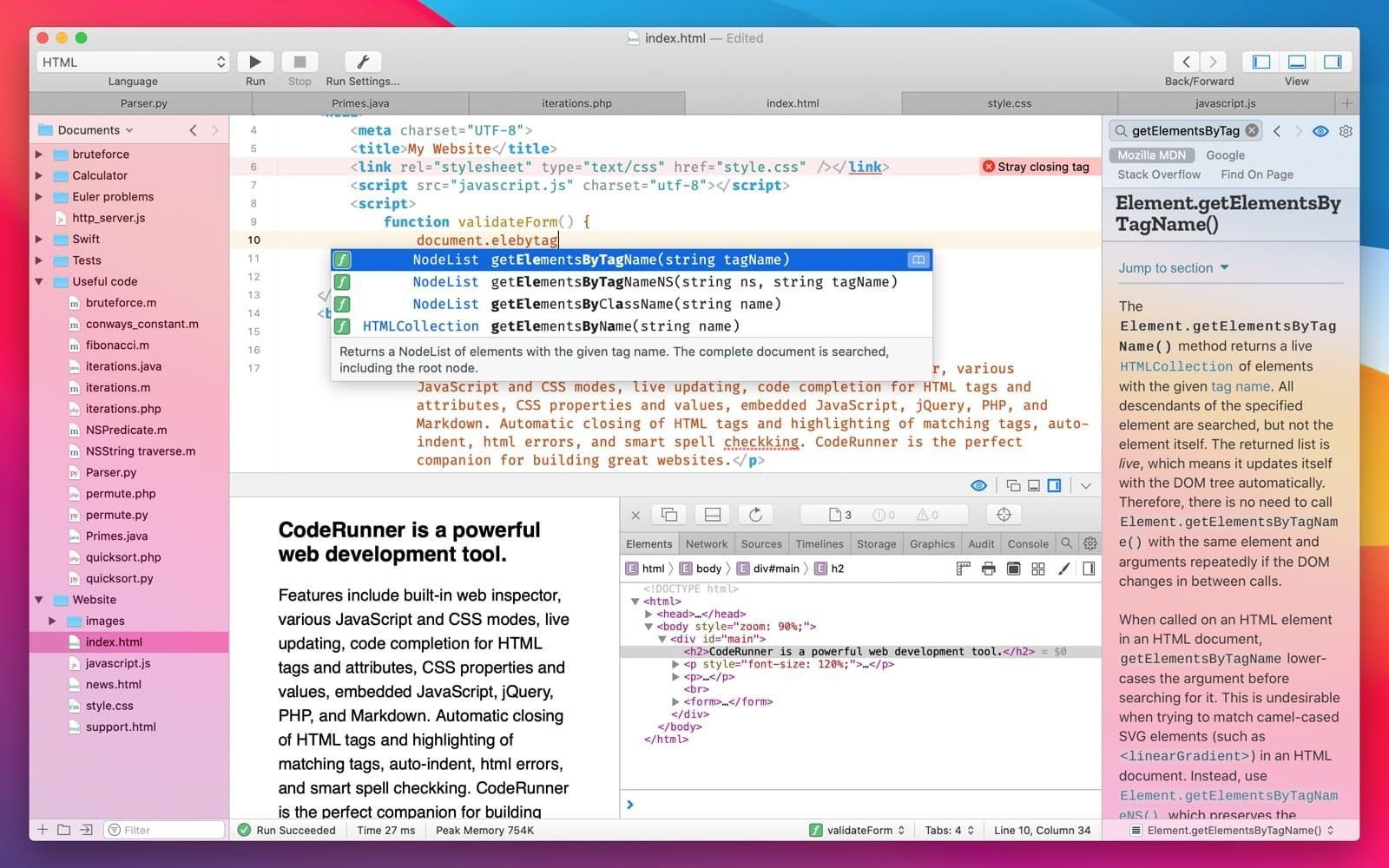
Description
Simplify the creation of your applications on Mac with a lightning-fast code editor. Write, run, and quickly debug code in a single application featuring outstanding support for more than 25 programming languages. Enhance your workflow by leveraging 230 syntax highlighting markers, essential IDE functions, a documentation sidebar panel, fully personalizable settings, and dark/light appearance themes. The coderunner 4 app is a full-featured alternative to any traditional text editor, and on top of that, it is highly regarded by developers for its clean, minimalist interface and an impressive collection of appealing features designed for macOS.
Code Smarter
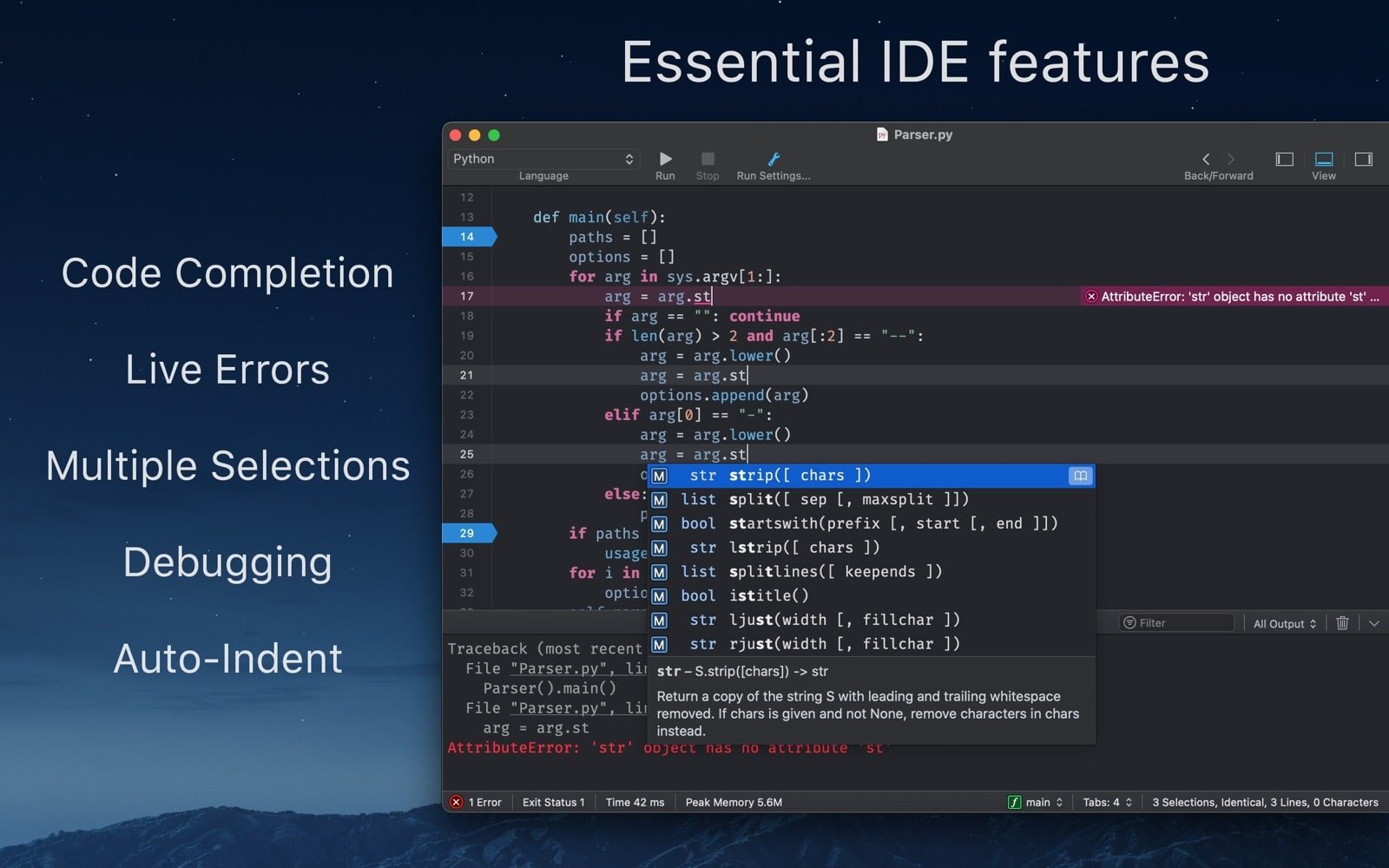
Get your code up and running faster than ever before. CodeRunner 4 elevates code completion, automatic indentation, and bracket matching to an entirely new level on your Mac. Its intelligent auto-complete function does not merely finish lines of code but also suggests complete templates for writing entire functions with ease. Quickly switch between multiple tabs, drag and reorder them however you prefer, or hide them entirely whenever they are not needed for your current task.
Beautify Your Code
Keep your errors in check with the help of more than 230 syntax highlighting markers — all of them updated according to the latest language specifications and offering fully customizable colors. Select any word or symbol, and with just a single keyboard shortcut click you can view and edit the local color range instantly. Watch as the active line becomes highlighted, and even the whitespace characters get neatly organized within it. Switch between dark and light themes at any moment, or choose a custom appearance to create exactly the visual style you desire on your Mac.
Fine-Tune Every Setting
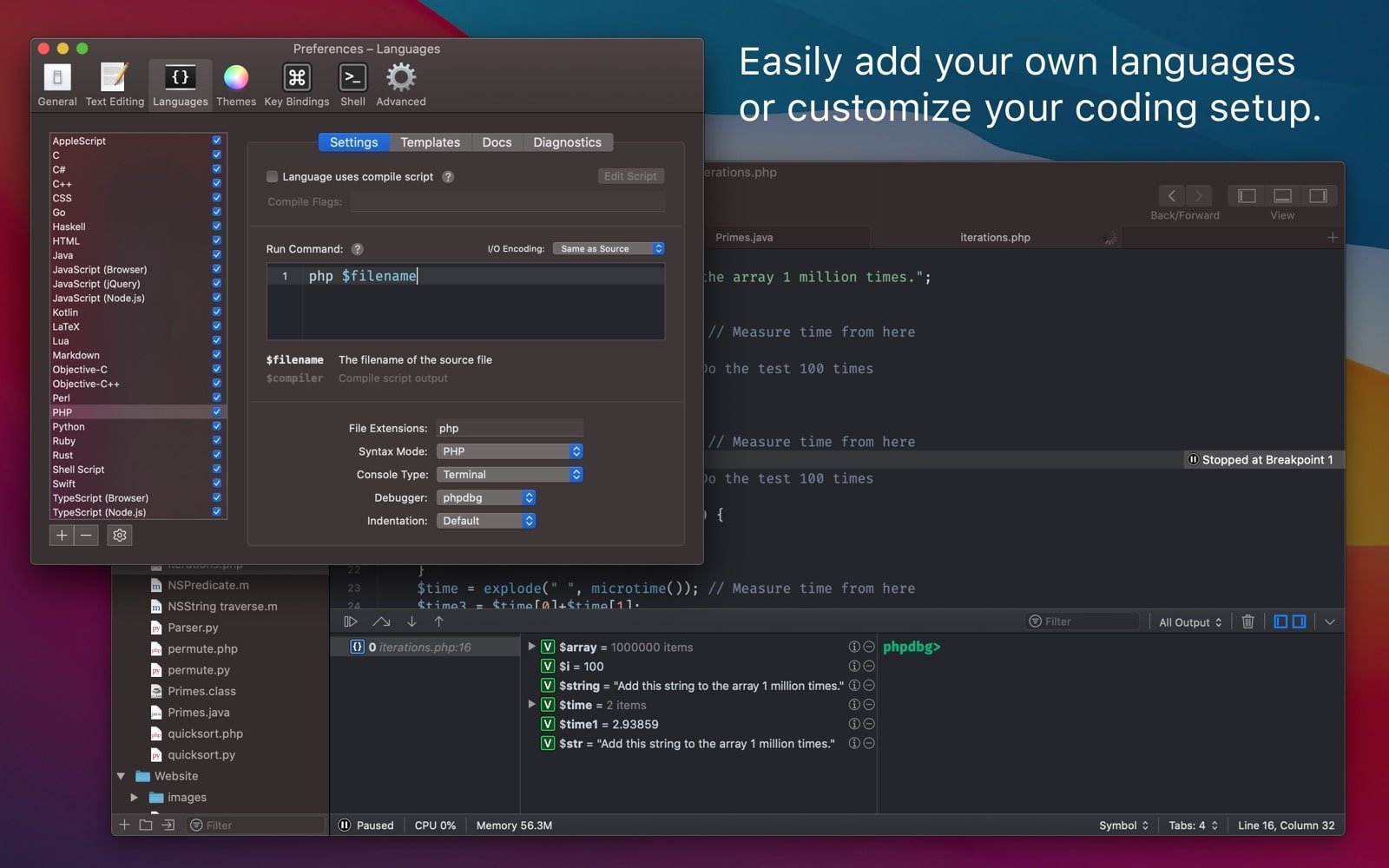
Configure the way mac coderunner 4 works to match your exact preferences and needs. Do you dislike auto-closing brackets, indentation on new lines, or syntax highlighting? Simply turn them off in the dedicated preferences editor. Is auto-completion getting in the way of your custom functions? Temporarily disable it while you are working on specific tasks. You can even turn off auto-save during your experimental coding sessions. Let CodeRunner work entirely for you and your unique workflow.
Debug Like a Breeze
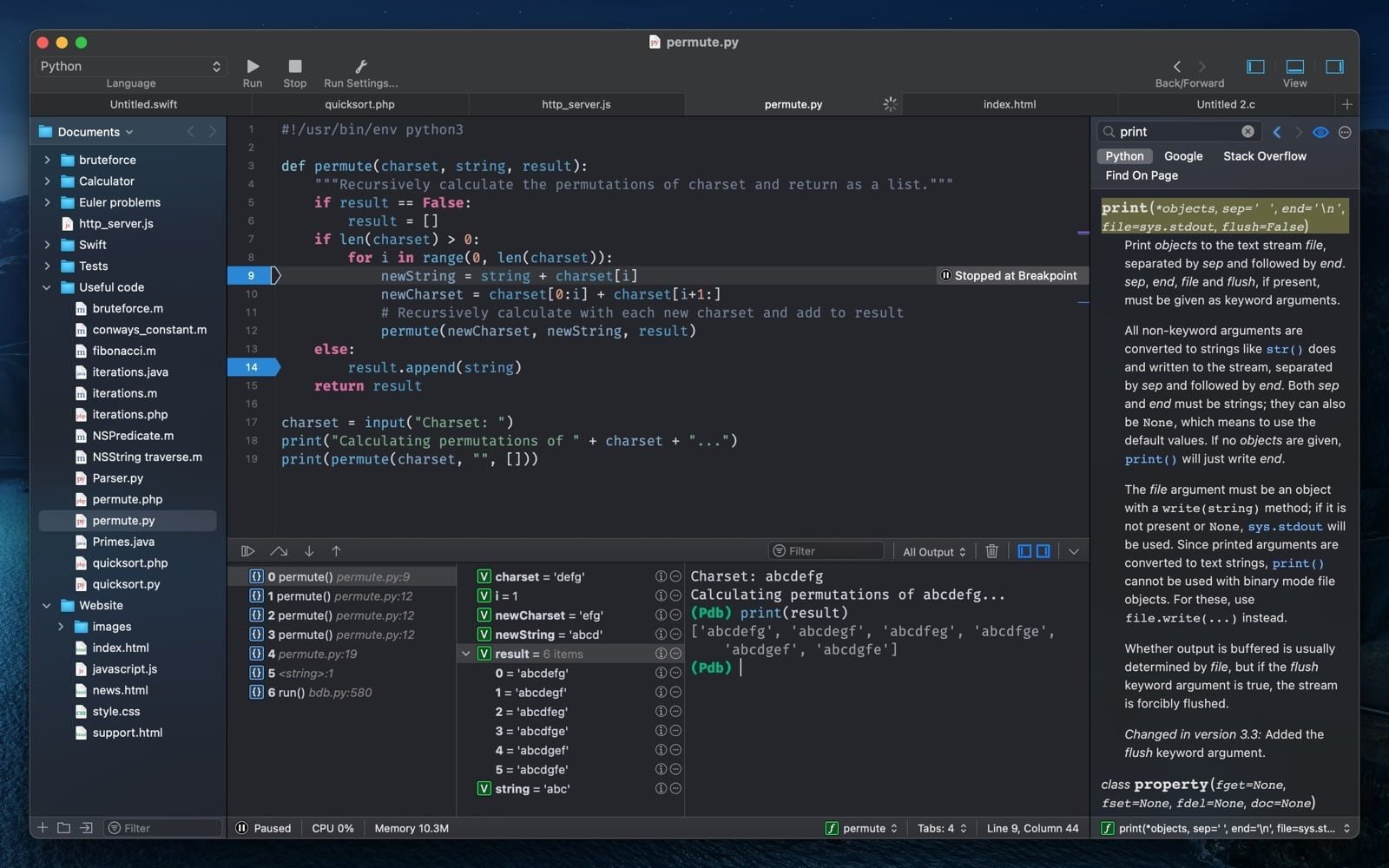
Produce consistently high-quality code by utilizing powerful and helpful debugging tools built right in. For quick debugging sessions, use the integrated web inspector or add your own JavaScript and CSS with straightforward, simple run modes. Toggle PHP output between the terminal and the web mode for effortless side-by-side comparison. Set breakpoints at any location, explore the call stack in detail, view and edit variables on the fly, and navigate through your entire codebase in the blink of an eye.
Instant Document Search
Open online documentation for any programming language without ever leaving the application on your Mac. The new informational sidebar panel in CodeRunner lets you look up functions, methods, classes, and other symbols right on the spot. You can even add your own custom documents as a search source, allowing you to spend far less time switching between different applications, while dedicating significantly more attention and focus to writing beautiful, well-structured code.
Use Any Language
When you download coderunner 4 for mac, it speaks your language, so you can dive straight into your work without any interruptions or obstacles. Choose from more than 25 fully supported languages, including AppleScript, C, C++, C#, Go, Haskell, HTML/CSS, Java, JavaScript, Kotlin, LaTeX, Lua, Markdown, Node.js, Objective-C/C++, Perl, PHP, Python, Ruby, Rust, Shell Script, Swift, and TypeScript. You can even add your own custom languages using a simple command entered directly in the terminal.
Frequently Asked Questions
You May Also Like
Reviews & Comments
No comments yet. Be the first to share your thoughts!