
Clip Studio Paint
Description
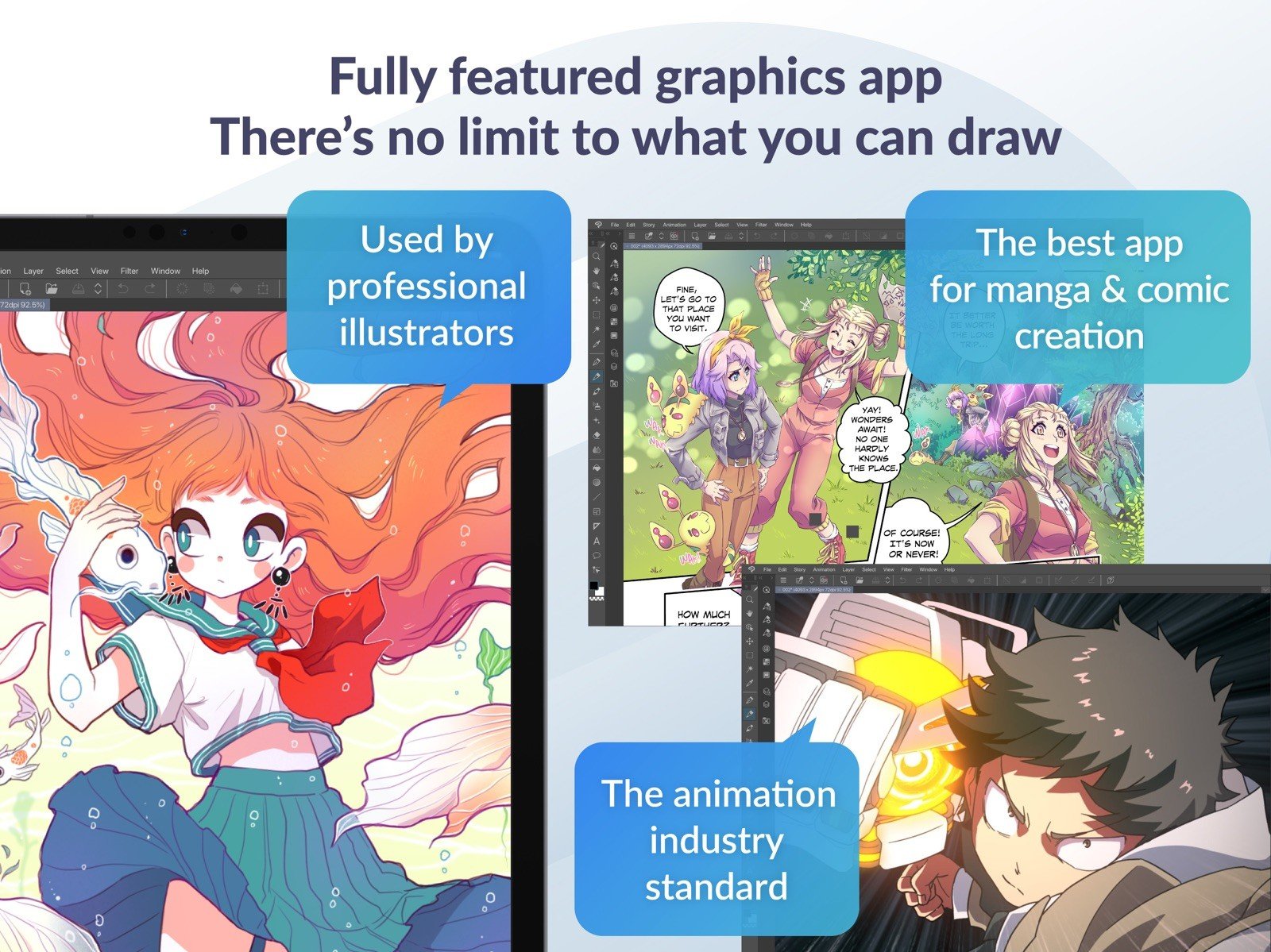
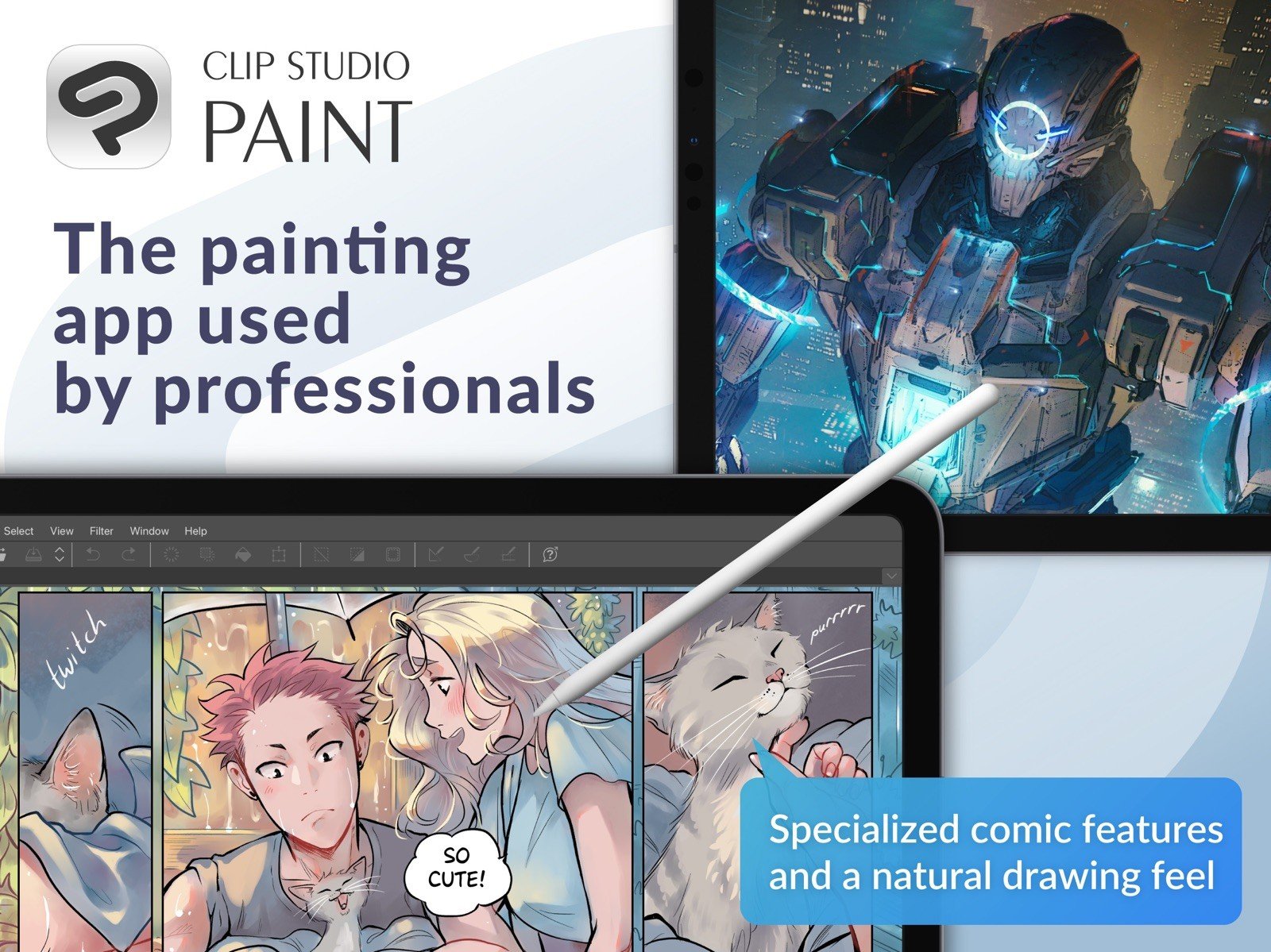
Clip Studio Paint is the world's leading software for creating comics and manga on Mac, offering powerful tools for digital creativity. It is designed both for artists who want to enhance and refine their traditional pen-and-paper illustrations and for those who wish to complete the entire manga and comic creation process digitally on their Mac. Sketching, inking, and coloring comics and manga has never been easier or more intuitive than it is now.
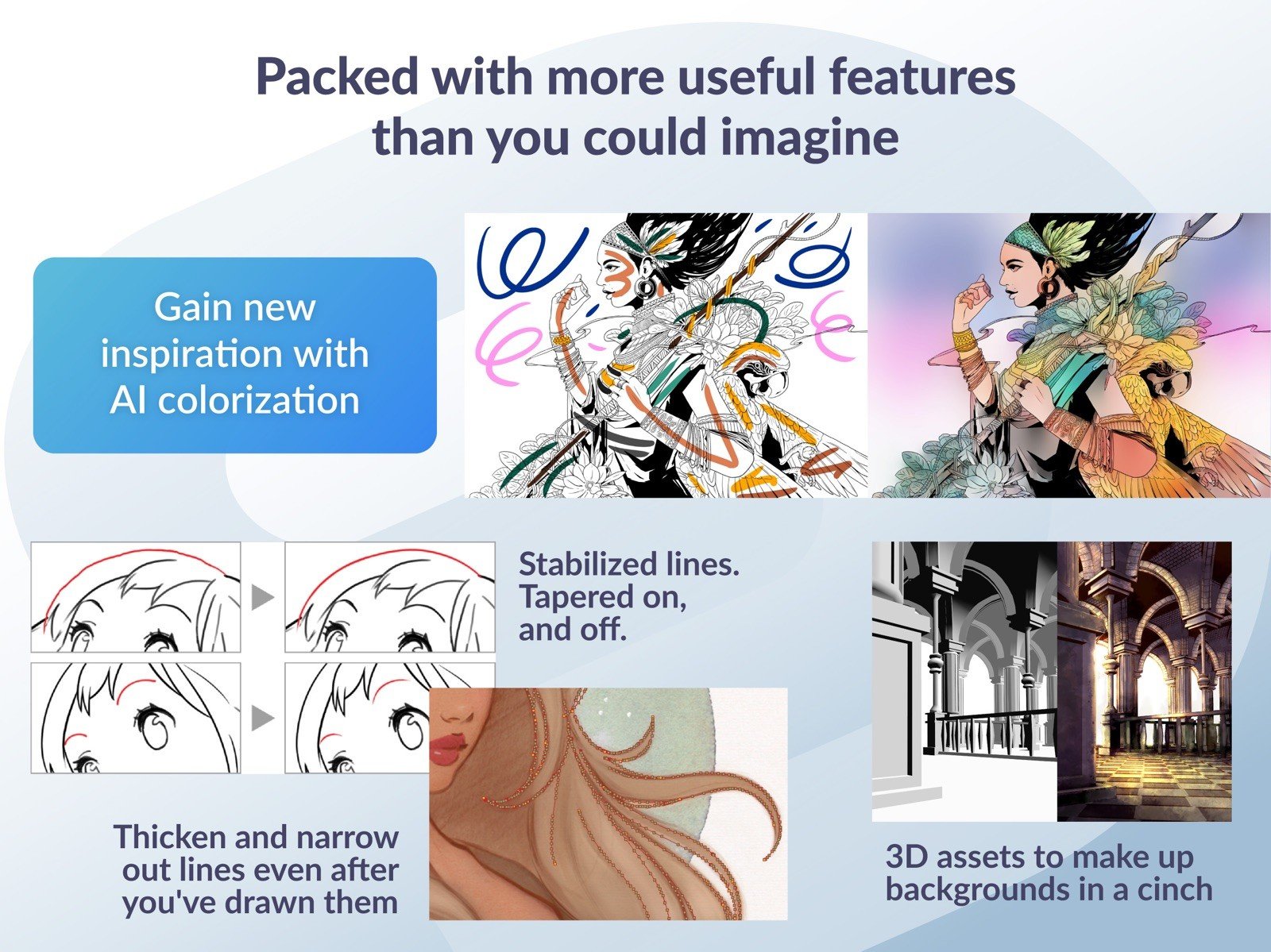
A key improvement introduced in Clip Studio Paint EX is the redesigned user interface, which provides even faster and more convenient access to essential tools and features on your Mac. The developers have also placed special emphasis on expanded workspace customization options. Artists can create their own custom surface textures and experiment with various brush shapes and sizes to achieve unique results. Users are offered more convenient and powerful tools for coloring black-and-white sketches, along with an enhanced Air Brush tool that delivers superior results. Extended support for vector graphics and three-dimensional objects also deserves special mention as a standout capability. At the core of the product lies a new 64-bit technology engine optimized for Mac. Owners of modern Mac computers will be able to fully appreciate the support for large amounts of RAM and multi-core processors.
Here is what this software can offer you on Mac:
• Full graphic tablet support. Pen pressure sensing functions and vector mapping will give you a truly unique experience, as the drawing process becomes as close as possible to working on real paper with traditional tools.
• Compatibility. If desired, you can use objects created in other manga creation applications in your workflow, and then save the result in any file format you need for subsequent additional processing and editing.
• Cel technology, which allows you to create the illusion of movement using individual cel pages and transparent sheets, which is undoubtedly an extremely useful and valuable feature for animation work.
Features:
• Cel animation support (frame-by-frame animation)
Also known as frame-by-frame or traditional animation, this technique makes an object or character appear to move on its own on your Mac screen. The artist can draw individual cels (frames), which act as transparent sheets that can be layered, and create the illusion of movement when the series of cels is played as a continuous sequence.
• Animation timeline
The timeline provides granular control over timing and display adjustments to create fluid movement of the animations on Mac.
• Light table function
The light table illuminates pages, rendering them semi-transparent and making it easier to use multiple layers for reference, which is ideal for creating in-betweens (transitions between cels), and clean-line art for cels and illustrations.
• Onion skin display
Onion skinning is a technique used in creating animated cartoons and editing movies to see several cels at once, allowing the animator or editor to determine how to create or adjust an image based on the previous image in the sequence.
• Multiple export options
Drawings and animations can be exported as sequential images, GIFs, and movie formats directly from your Mac.
• Clip Studio Paint EX Features
Formerly known as Manga Studio, Clip Studio Paint EX includes all of the features found in Clip Studio Paint PRO, professional story creation tools, as well as other special features, that make it the ultimate illustration tool for serious comic, manga and graphic artists working on Mac.
• Coloring
Powerful coloring tools make this application your all-in-one manga and comic creation solution on Mac. Choose from an abundance of preset colors, create custom color sets or blend colors naturally as if you were mixing them with your own fingers using the color blend options.
• Pens, Pencils, Brushes & Tools
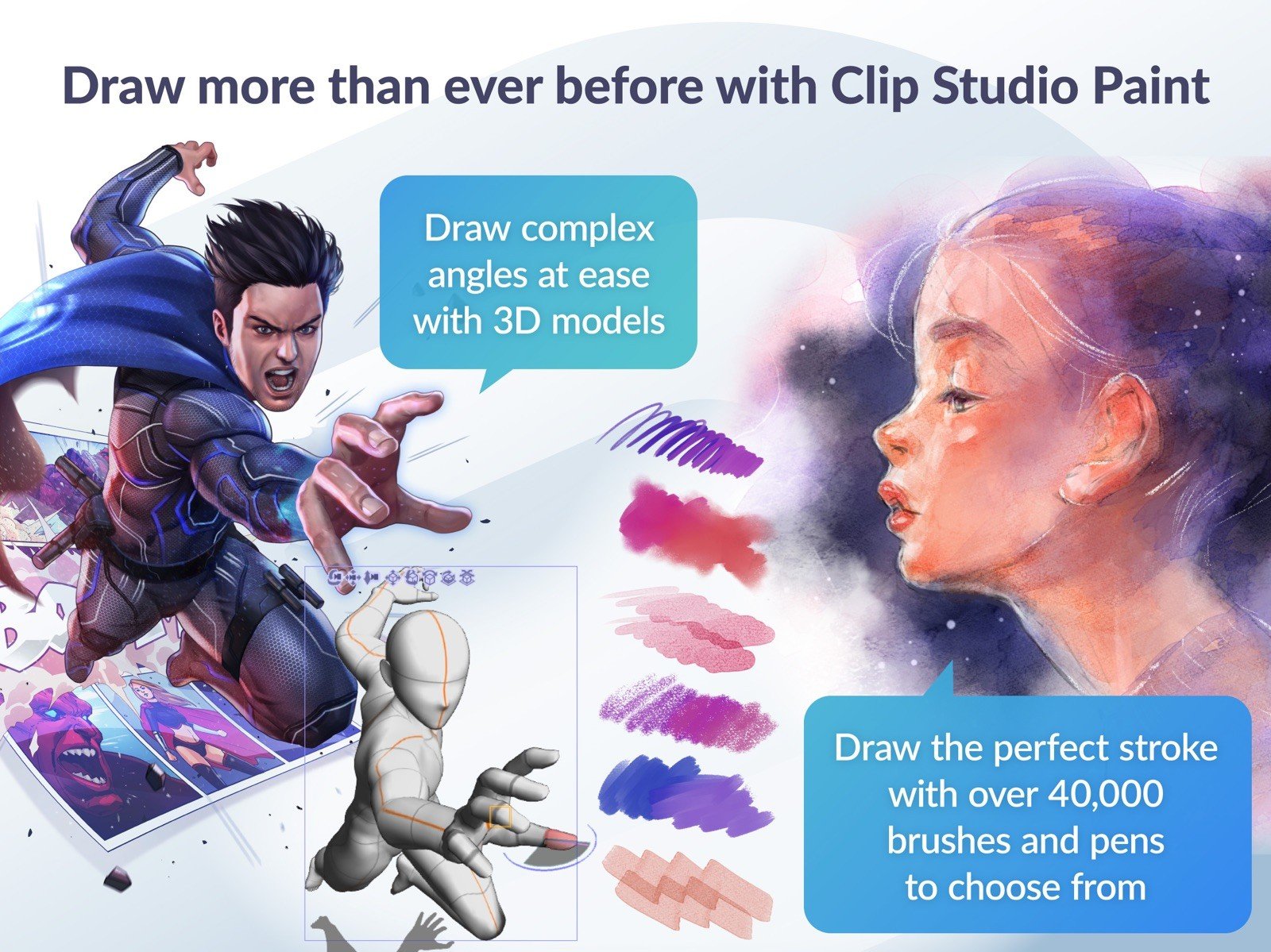
Create original sketches using your mouse or draw naturally with a pen tablet connected to your Mac. Draw using a suite of familiar tools including pens, pencils, brushes and selection tools. With vector mapping technology and smart pen pressure sensing, this software gives you the incredible sensation of drawing on paper.
• Panels
Save time by easily adding and customizing panels for your pages or create panels of all shapes and sizes using Bezier curves on your Mac.
• Advanced Brush Effects
Simulate real work brushes with the new dedicated air brush which allows multiple air brush effects. Use the tone brush to create and share a wider array of visual effects on Mac.
• Vector Tools
The Vector Toolkit allows maximum flexibility, speeds up production and gives you the ability to view the centerline of vectors, making spotting trouble areas in need of smoothing a breeze. Coupled with the vector snapping tools, artists are now able to achieve exactly the lines they want.
• New Advancements
Speed up your workflow on Mac with amazing advancements that include new layer effects like screen, overlay and multiply, and even brushes can now have effects of their own.
• Templates
Design with attention to detail and save time on tedious projects with tons of ready-to-use page template options available on Mac.
• Importing & Exporting
This application imports and exports to common file formats including layered PSD files on Mac. Resize with no loss in quality whatsoever. After you complete your clip studio paint download, all format options become available immediately.
• 3D Options
The EX edition now offers support for 3D objects and figures, allowing for reference and background materials on Mac. Manipulate 3D objects directly on the screen or use preset poses. Drag and drop other 3D objects onto the canvas with ease.
• Compatibility
Backwards compatibility allows you to import all of your Manga Studio 4 EX and 4 Debut files including your .CPG page files and your .CST story (project) files into the PRO or EX editions on Mac.
• Text
Advanced text features allow adjustments to letter and word spacing, mixing of fonts, anti-aliasing, italics and underline options, line spacing and many more typographic controls.
• Faster Than Ever
64-Bit Architecture and Multi-Core CPU Support makes the application faster than ever on Mac, with the capability to handle high definition and multiple layer art projects even more smoothly and efficiently.
• Perfect for Comic Illustration
Adobe Photoshop has become the standard drawing and illustration tool, used in many industries, but it will not only cost you more, it is primarily a photo editing tool. Photoshop simply doesn't have the tools and features that are ideal for comic illustration on Mac, but this application does.
• Multiple-Page Story Layout
Create your whole story with the Multiple-Page Story Layout on Mac. This allows manga and comic artists to streamline their creative process and easily access their story files in one convenient area (EX only).
Frequently Asked Questions
You May Also Like
Reviews & Comments
No comments yet. Be the first to share your thoughts!