
AIMP
Description
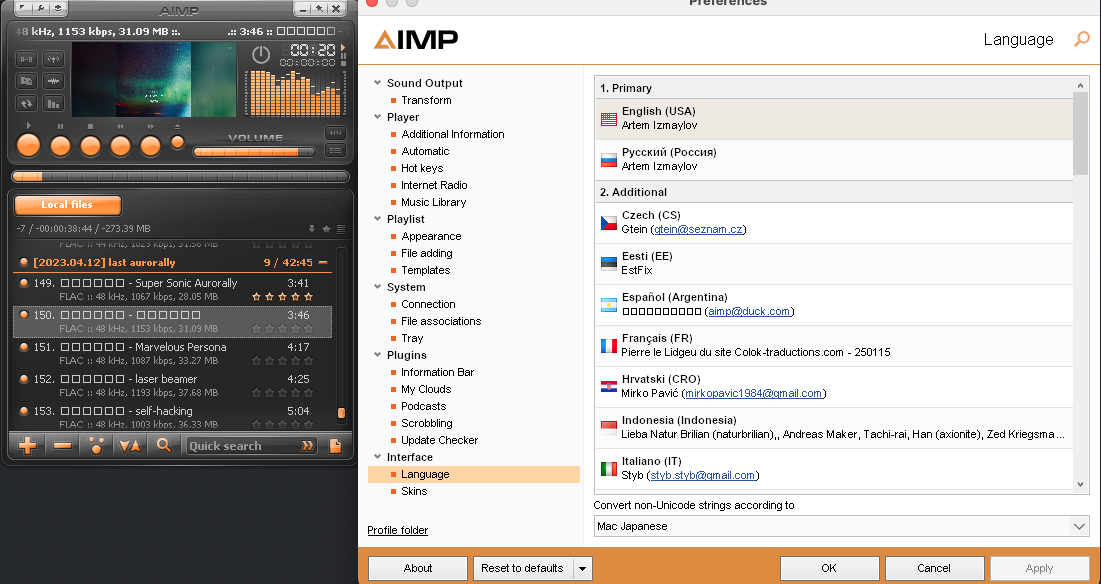
AIMP is a lightweight and high-performance audio player now available on Mac, known for its exceptional efficiency and support for an extensive range of audio formats. This aimp music player delivers superior sound reproduction, flexible interface customization, and a wealth of additional features, including a tag editor, audio converter, and internet radio support. AIMP is often compared to Winamp, but it stands out thanks to its minimal system resource consumption and modern feature set, making it an excellent choice for Mac users seeking a powerful audio solution.
Key Features:
• Multi-Format Playback: Support for CDA, AAC, AC3, APE, DTS, FLAC, IT, MIDI, MO3, MOD, M4A, M4B, MP1, MP2, MP3, MPC, MTM, OFR, OGG, OPUS, RMI, S3M, SPX, TAK, TTA, UMX, WAV, WMA, WV, XM, DSF, DFF, MKA, AA3, AT3, OMA, WebM, MPEG-DASH (YouTube). 18-Band Equalizer: Precise sound control with 32-bit processing and effects (reverb, flanger, chorus, pitch, tempo, echo, bass, amplifier, voice removal).
• Internet Radio: Playback and recording of radio streams in APE, FLAC, OGG, WAV, WV, WMA, MP3 formats directly on your Mac.
• Music Library: Automatic indexing, playback statistics, and smart playlist support for effortless music organization.
• Tag Editor: Support for ID3, MP4, Vorbis Comments (OGG, FLAC), with batch renaming functionality and integration with online databases.
• Audio Converter: Convert files between formats with multi-threaded processing support for faster performance on Mac hardware.
• Playlists: Support for M3U, M3U8, XSPF, PLS, CUE, with bookmark functionality and crossfade capabilities.
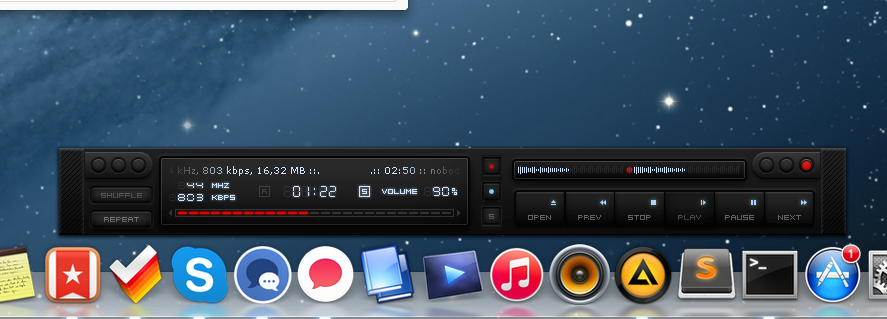
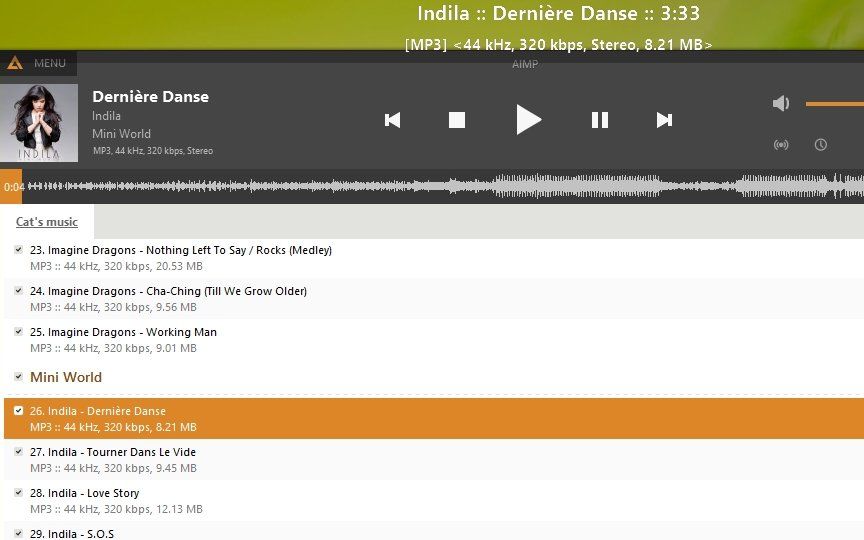
• Interface Customization: Skin support (available on DeviantArt), scalable GUI, light, dark, and black themes that blend seamlessly with the macOS environment.
Additional Functions:
• Volume normalization (ReplayGain, peak normalization) for consistent listening levels.
• VST plugin and DSP effects support for advanced audio processing.
• Hotkey and gesture control for convenient hands-free management on Mac.
• Automatic computer shutdown by timer. Get aimp for download and enjoy aimp for mac to experience top-tier audio playback on your macOS system.
Frequently Asked Questions
You May Also Like
Reviews & Comments
No comments yet. Be the first to share your thoughts!