
ABBYY FineReader PDF
Description
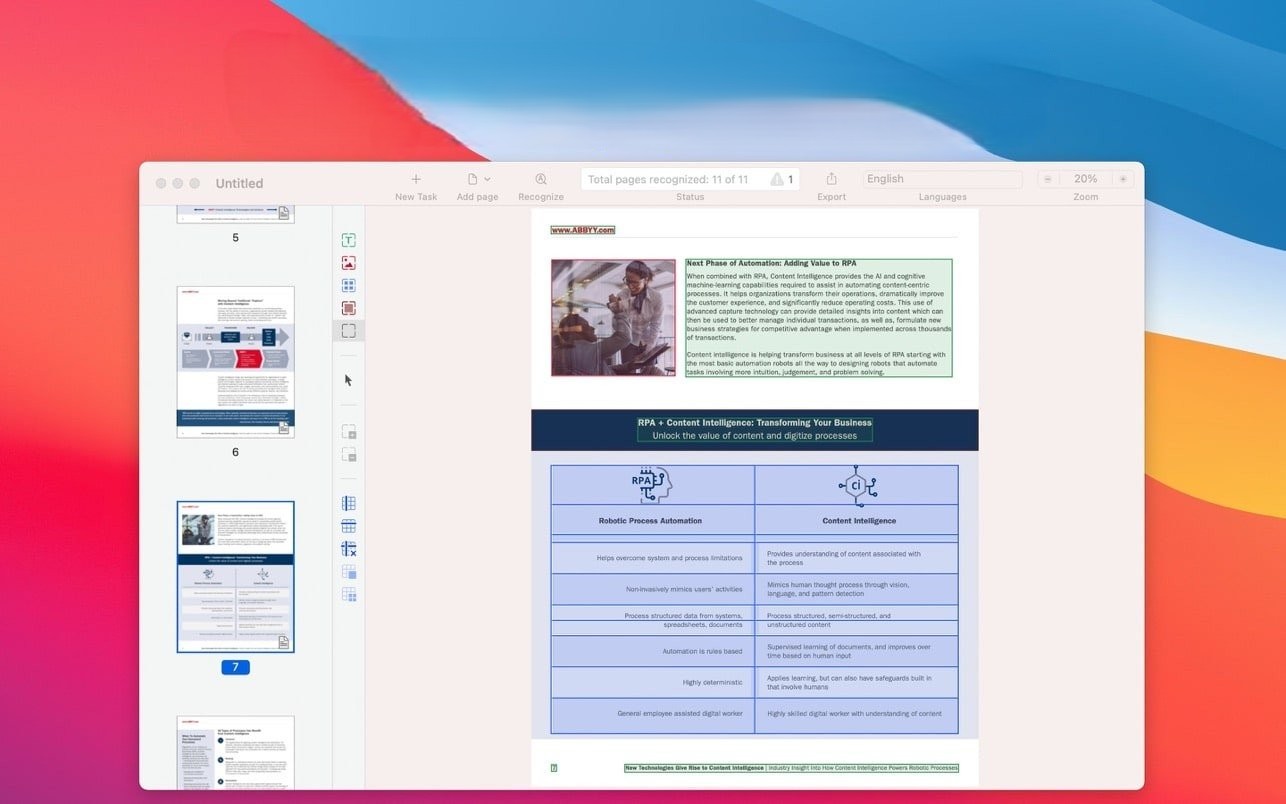
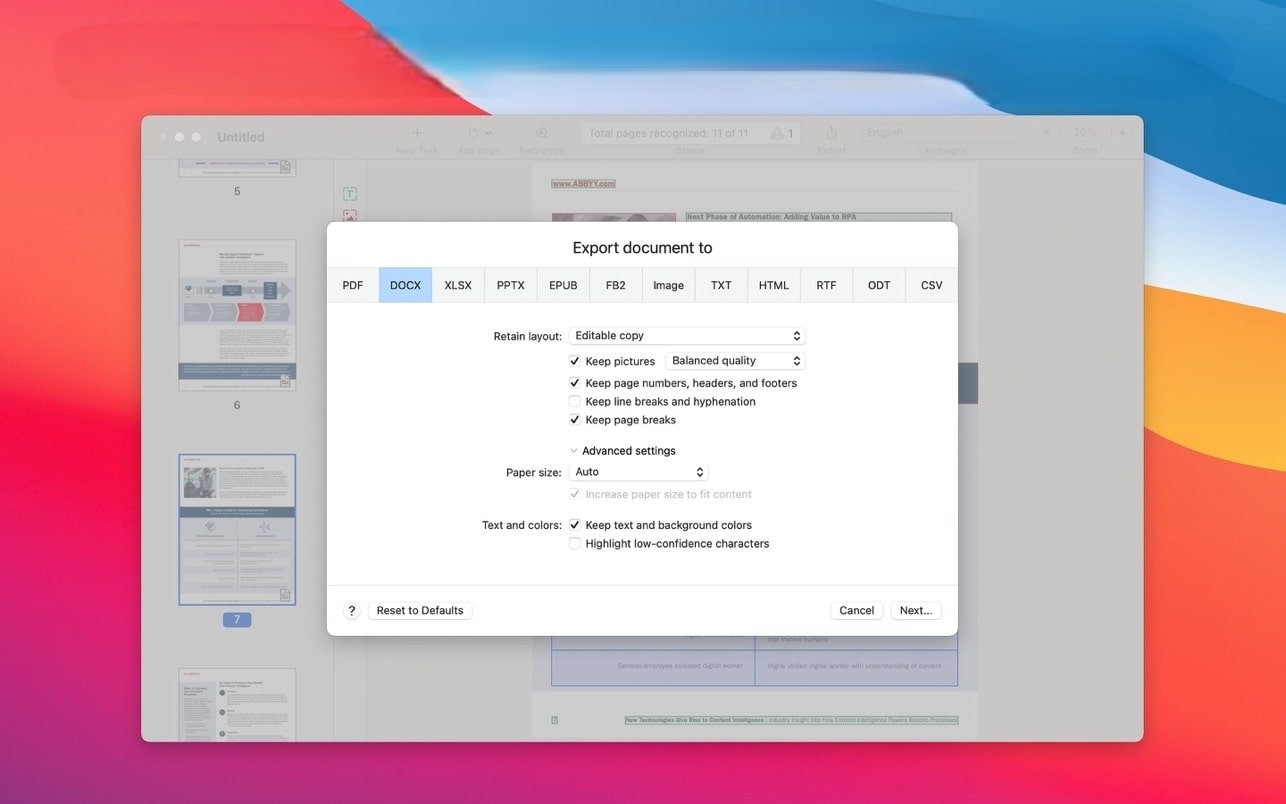
Convert scans, paper documents, and PDF files quickly and conveniently on your Mac. Digitize them into DOCX, XLSX, RTF, ODT, and other editable formats with unmatched accuracy and precision.
ABBYY FineReader PDF for Mac simplifies working with both paper-based and electronic documents, even when the text within them is not searchable. The latest abbyy finereader pdf ocr recognition technologies combined with a modern, intuitive interface help you rapidly extract content from any document and make your everyday document tasks simple, efficient, and comfortable on macOS.
KEY FEATURES
• Extract, reuse, and edit content from paper documents, scans, and PDF files by converting them into fully editable formats such as DOCX, XLSX, RTF, ODT, and many others.
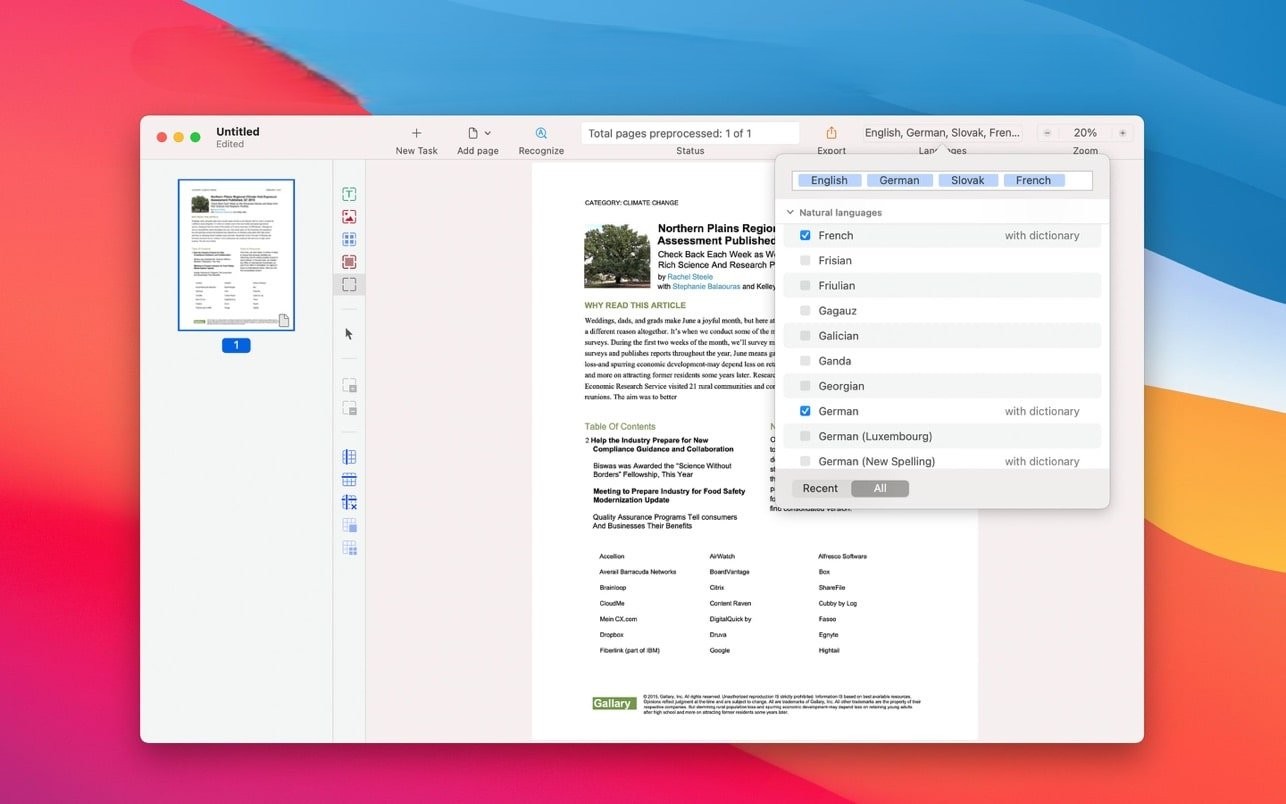
• Recognition support for 198 languages for truly global document processing.
• Digitize your documents into various PDF types on your Mac:
• Searchable PDF with full-text search capability,
• PDF/A for reliable long-term archival storage,
• PDF/UA for universal accessibility compliance.
• Protect your PDF files by applying a strong password.
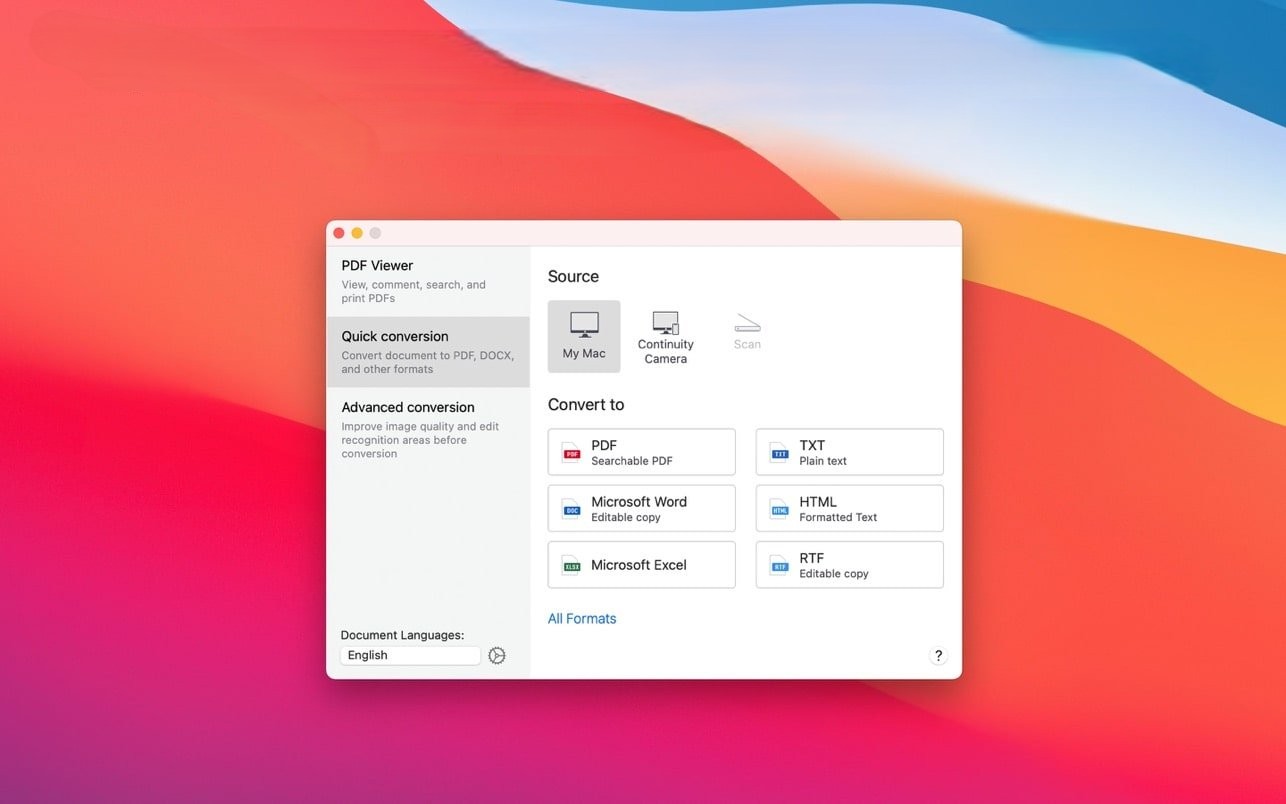
• Take full control over document conversion: choose a quick conversion scenario to digitize documents in just a couple of clicks, or use the advanced conversion mode to manage and fine-tune every step of the entire process.
• Digitize documents without a dedicated scanner: capture documents directly from your iPhone® or iPad® into abbyy finereader pdf for mac using Continuity Camera, or import previously taken photos and images for seamless conversion and processing.
• View, read, and print PDF documents using the built-in, feature-rich PDF viewer on your Mac.
• Dark mode support for comfortable reading and reduced eye strain during nighttime work sessions.
• Full support for Apple M1 processor (via Rosetta 2) ensuring smooth and stable performance on modern Mac hardware.
POPULAR USE CASES
• Edit texts and tables that are "locked" inside PDF files, scanned images, or paper-based documents.
• Reuse valuable information: extract text fragments for further quoting, easy copy/paste operations, and professional translation work.
• Secure your digital documents with reliable password protection.
• Create fully searchable PDF archives for efficient document management and retrieval.
• Create electronic books for convenient reading on the go from any source material.
• Edit documents captured on your mobile device directly on your Mac computer.
WHO WILL BENEFIT FROM THIS TOOL
After abbyy finereader pdf download and installation on your Mac, this tool becomes indispensable for anyone who works with paper documents, scans, and PDF files on a daily basis. FineReader PDF is especially in high demand across the following industries and professional fields:
• Legal services and law firms
• Government and public sector organizations
• Education and academic institutions
• Manufacturing and industrial enterprises
• Translation and localization services
• Research organizations and scientific institutions
BENEFITS FOR YOUR PERSONAL PRODUCTIVITY
• Easy and instant access to information from paper documents, scans, and PDF files on your Mac.
• Fast and highly accurate document digitization with truly outstanding recognition precision.
• Seamless use of images captured with iPhone, iPad, or a connected scanner device.
• Reliable availability of digital document copies in the universally compatible PDF format.
BENEFITS FOR YOUR BUSINESS
• ABBYY is a recognized market leader in intelligent information processing and a trusted, dependable provider of document workflow solutions worldwide.
• Progressive volume discount system based on the number of purchased licenses.
• Perpetual license option with a convenient one-time payment available for your organization.
BENEFITS FOR IT PROFESSIONALS
• Simple and straightforward installation process on Mac systems.
• Quick and easy user onboarding and training with minimal learning curve.
• Reliable and responsive customer support from the dedicated ABBYY team.
Frequently Asked Questions
You May Also Like
Reviews & Comments
No comments yet. Be the first to share your thoughts!