
3DCoat
Description
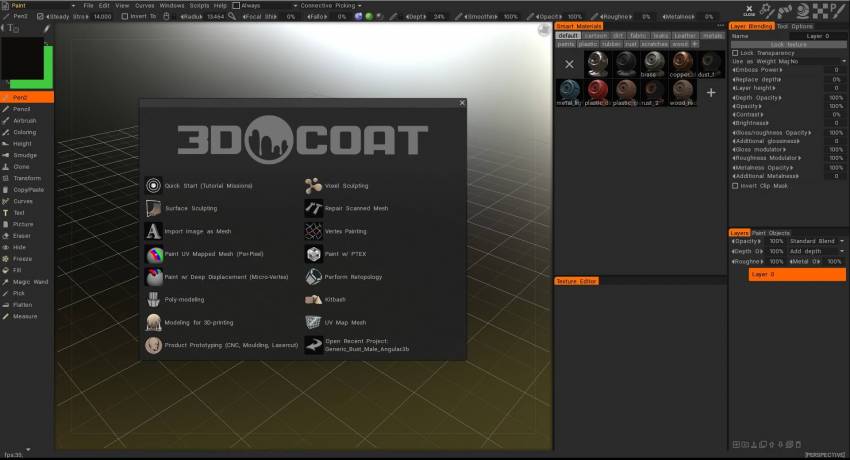
3DCoat — a professional commercial application for Mac designed for modeling various organic objects and rough low-polygon 3D models; it provides an extensive set of instruments that allow users to create detailed sculptures by adding topology, generate UV maps, interactively texture model surfaces, render static scenes, and produce turntable animation of models. With 3dcoat mac, artists gain access to a powerful creative environment right on their desktop.
Some key capabilities:
Voxel Sculpting technology that lets you start building models without worrying about topology at all;
The application features excellent integration with Adobe Photoshop, which greatly assists during the texturing workflow process;
The program allows you to separate textures into individual layers, making it much easier to apply and manage effects;
Full support for navigation and control using 3DConnexion three-dimensional manipulator devices;
Layers contain depth, color, and specularity channels. You can disable or enable any of these channels independently and apply various effects to them — displacement, transparency, contrast, depth multiplication, and more;
You can paint through UV space just as easily as painting directly on 3D models. Nearly all available tools support this functionality;
Each pen offers multiple channels — color, depth, specular, and eraser for precise control;
You can fill regions using gradient and spherical fill options for smooth transitions;
Image correction filters with real-time 3D preview of the resulting adjustments;
Text can be applied directly onto model surfaces. Text follows along a spline path, and you can even write text wrapping around the entire object seamlessly;
Drawing is possible not only with a brush but also using contour, rectangle, or ellipse shape tools;
Rendering capabilities include anti-aliasing, global illumination settings, depth of field, and soft shadows. A customizable scene background can utilize gradient fills or imported images.
Easy Texturing and PBR:
- Support for microvertex painting, per-pixel painting, and Ptex painting methods
- Physically Based Rendering (PBR) with an HDRL-enabled viewport for accurate material preview
- Smart materials with easy and intuitive customization options
- Multi-layer painting support. Popular blending modes available. Layer grouping functionality included.
- Seamless full integration with Adobe Photoshop
- Texture resolutions supported up to 16k for maximum detail
- Fast computation of Ambient Occlusion and Curvature maps
- A rich and comprehensive toolset for any painting task and beyond..
Digital Sculpting
- Core features of voxel (volumetric) sculpting on Mac:
- No topology limitations whatsoever. Sculpt freely as if working with real clay
- Complex boolean operations. Rapid and efficient kit-bashing workflow process
- Traditional surface sculpting gives you powerful capabilities such as:
- Adaptive dynamic tessellation (Live Clay) for real-time mesh refinement
- Dozens of fast and dynamic sculpting brushes for detailed work
- Boolean operations producing clean and crisp hard edges
- Model preparation and optimization for 3D printing output.
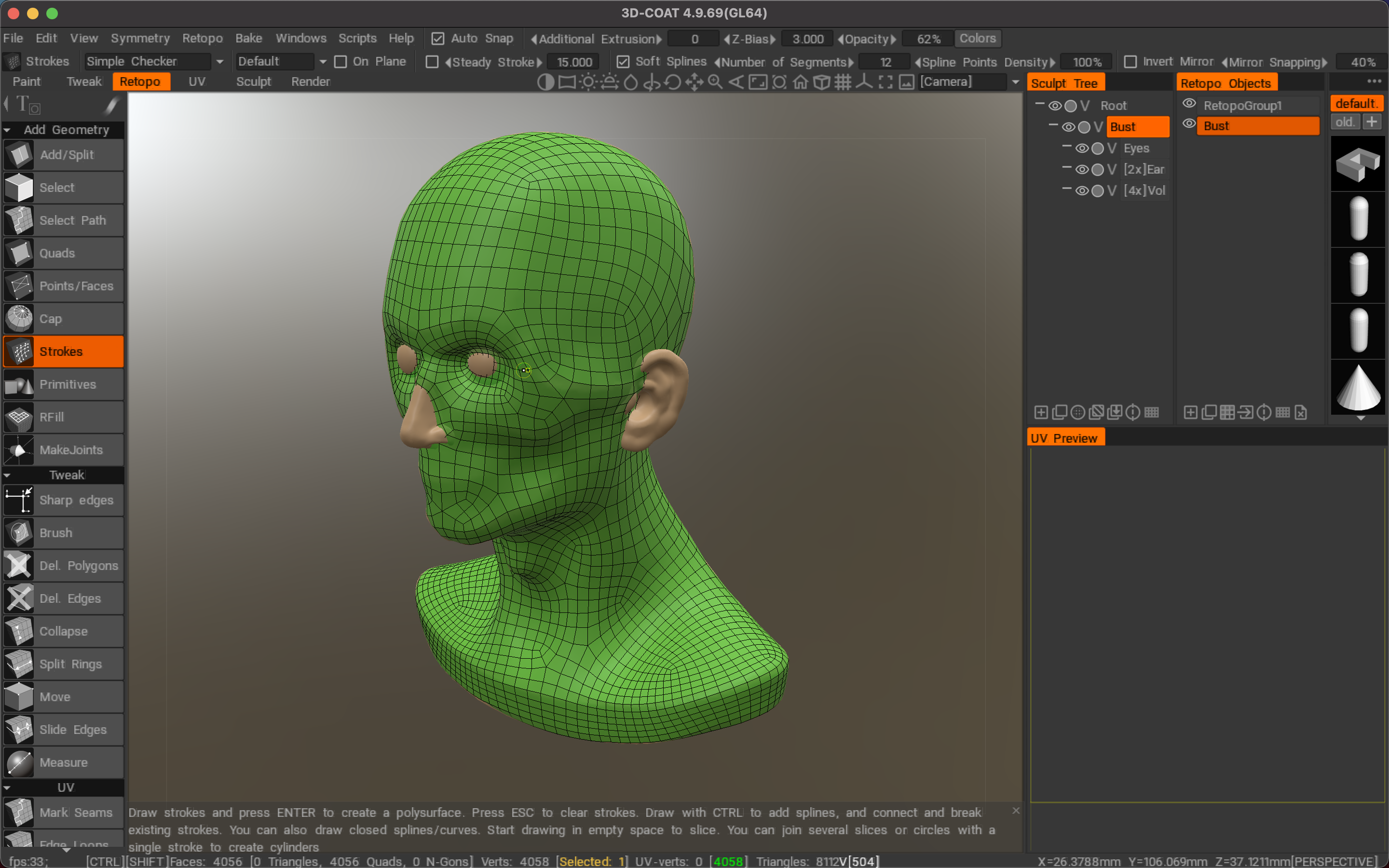
Outstanding Retopology Toolkit
- Auto-retopology (AUTOPO) with configurable polygon count and triangle settings
- Fast and easy-to-learn manual retopology toolkit for precise mesh control
- Ability to import a reference mesh specifically for the retopology workflow
- Use your existing low-polygon mesh as the retopology target mesh directly
- Retopology groups with a color palette system for convenient management and organization
- Extensive range of baking settings and configuration options available
- And many other additional capabilities and possibilities...
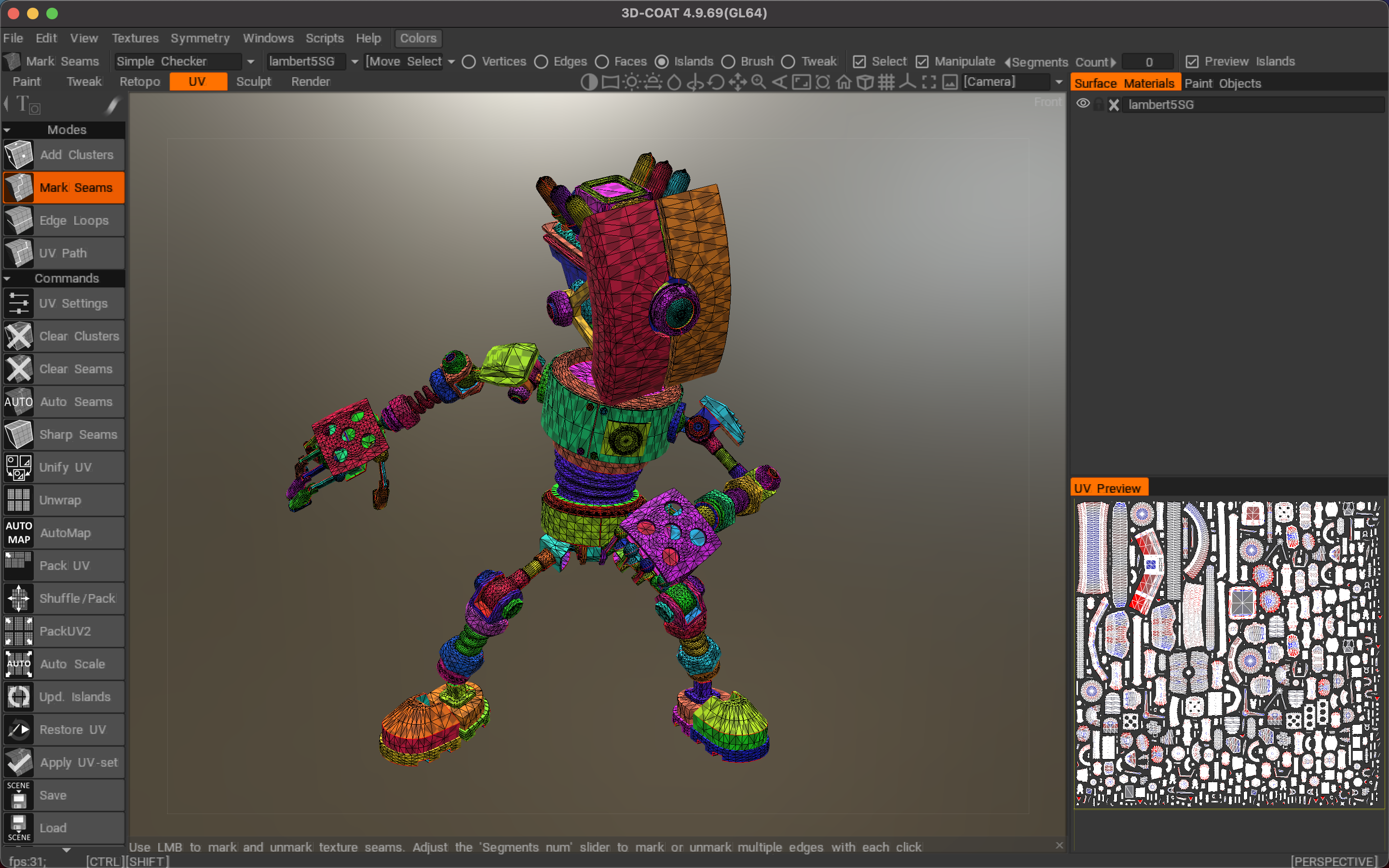
Fast and Simple UV Mapping
- Professional-grade toolkit for creating and editing UV sets on your Mac
- Native Global Uniform (GU) unwrapping algorithm for optimal results
- Full support and management of multiple UV sets within a single project
- Support for ABF, LSCM, and Planar unwrapping algorithms for flexible workflow
- Individual island correction and adjustment tools for fine-tuning UV layouts
- When you 3dcoat download for your Mac system, you get a UV mapping experience that is fast, easy, and truly enjoyable to use. Explore the 3dcoat download for mac option to begin sculpting and texturing today.
Frequently Asked Questions
You May Also Like
Reviews & Comments
No comments yet. Be the first to share your thoughts!