
WolfQuest: Anniversary Edition
Description
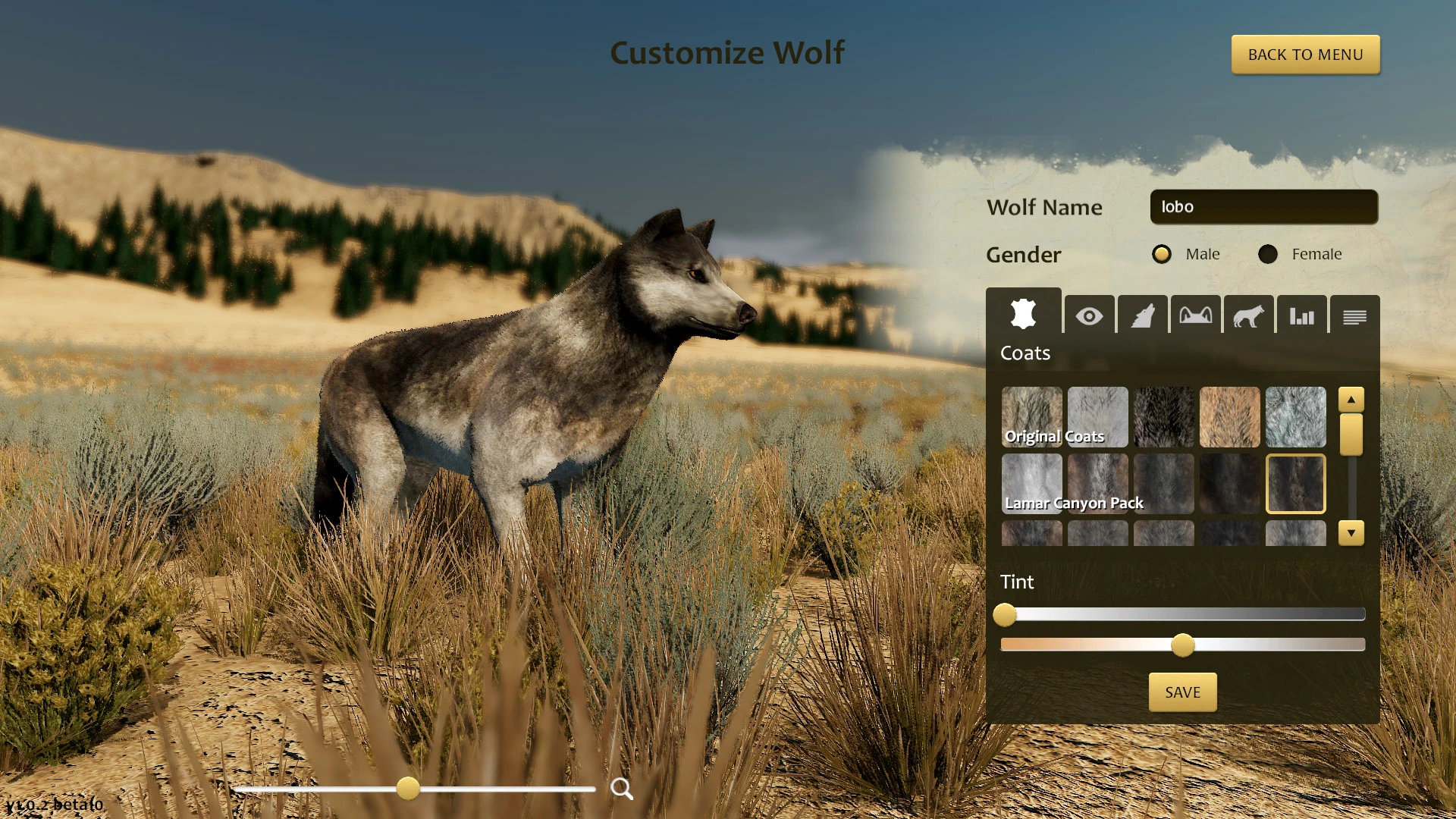
You are a young grey wolf. Born in the Northern Range of Yellowstone National Park, you learned the ways of the wolf in your family pack. Now you are setting out on your own — to explore vast wilderness, hunt for prey, find a mate, establish your territory, and raise your very own family on Mac.
EMBARK ON A QUEST FOR SURVIVAL
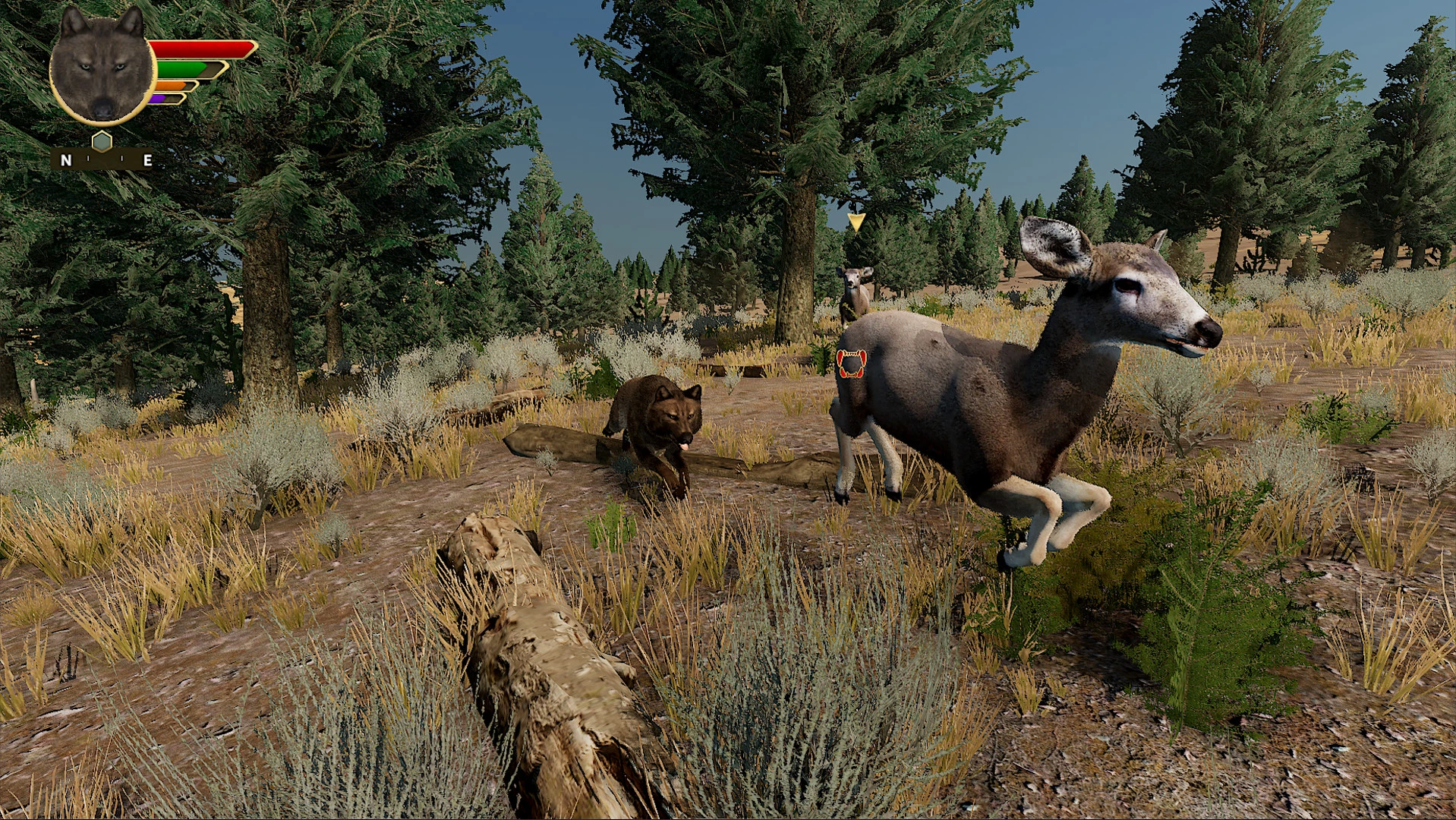
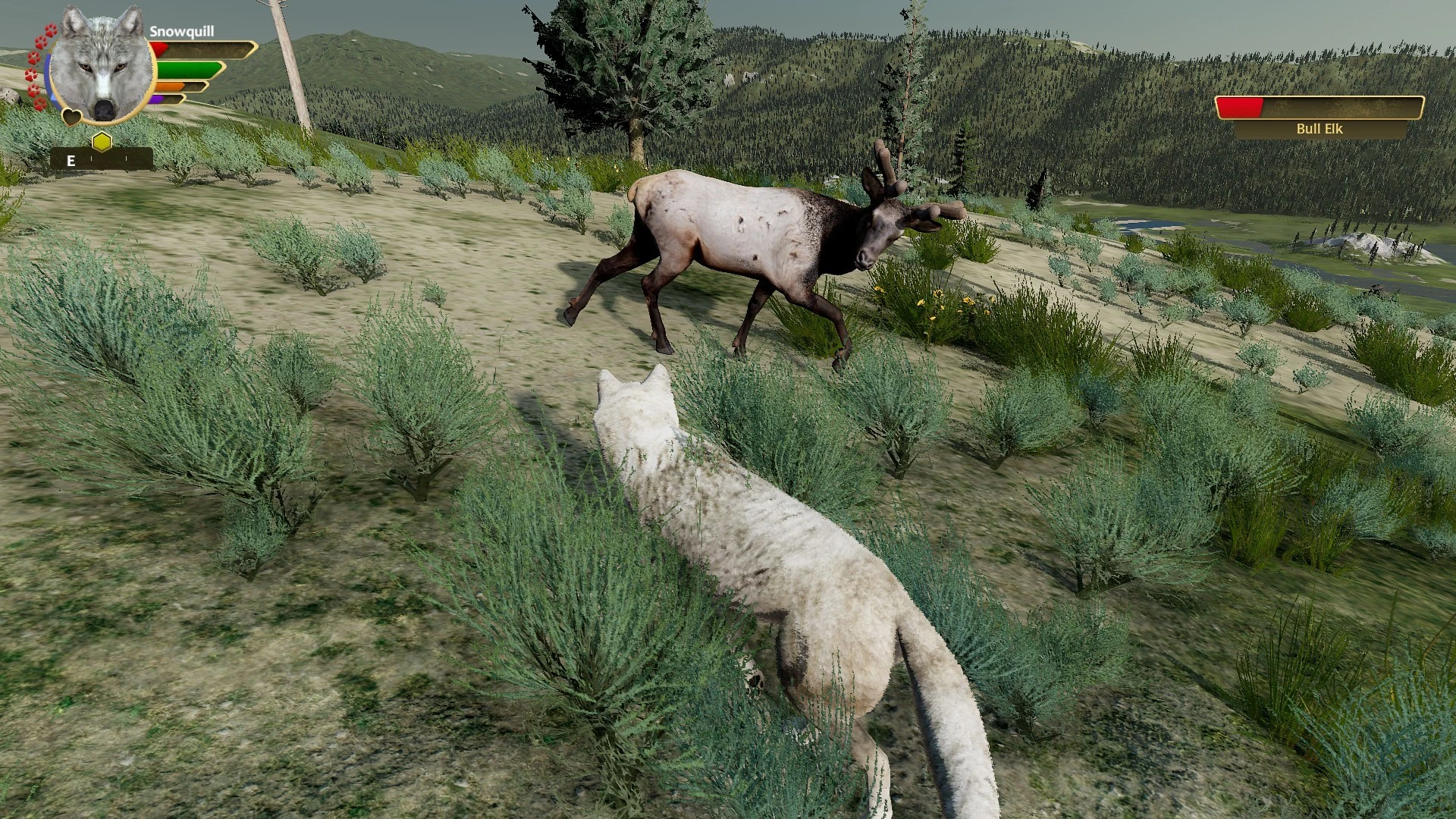
Your quest begins on the slopes of Amethyst Mountain. Here you will need to test your hunting skills against elk, elk calves, and mule deer. Once you become a skilled and experienced hunter, you will be able to find another wolf who will become your lifelong companion and mate.
Then together you will journey to Slough Creek, a stream that cuts through the mountains north of the Lamar Valley, to establish your territory, build a den, and raise your offspring. You must feed them, play with them, protect them from deadly competitors, and lead them on an epic journey across the landscape to your summer home. Will your small family pack manage to survive and thrive in this unforgiving wilderness?
DISCOVER YELLOWSTONE NATIONAL PARK
In wolfquest anniversary edition, the Northern Range of Yellowstone National Park is realistically recreated — the "Serengeti of North America," where herds of elk and other ungulates roam across sagebrush steppe meadows, alpine forests, and magnificent mountain ridges, all beautifully rendered on your Mac screen.
But beware of rival wolf packs that patrol their territories and look upon strangers with hostility and aggression. The wild landscape is full of other dangers as well: grizzly bears, cougars, and coyotes — all of them compete fiercely with you for territory and food resources.
REALISTIC ECOLOGY AND GAMEPLAY
WolfQuest: Anniversary Edition raises the bar for realistic and accurate ecological gameplay, and you can experience it all when you get wolfquest anniversary edition download for your computer:
-Live the life of a wild wolf, watching year after year as your pups grow up and eventually disperse to find their own paths.
-Realistic herds of elk roam the land, along with moose, mule deer, beavers, and other prey animals available to hunt.
-Other wolf packs maintain and fiercely defend their territory from intruders — such as you and your growing family.
-Grizzly bears, cougars, coyotes, and other predators will contest your kills and vigorously defend their own catches.
-Wolves communicate with each other using natural body language actions and authentic vocalizations.
-Dynamic family-oriented courtship mechanics allow you to choose the most suitable mate for your pack.
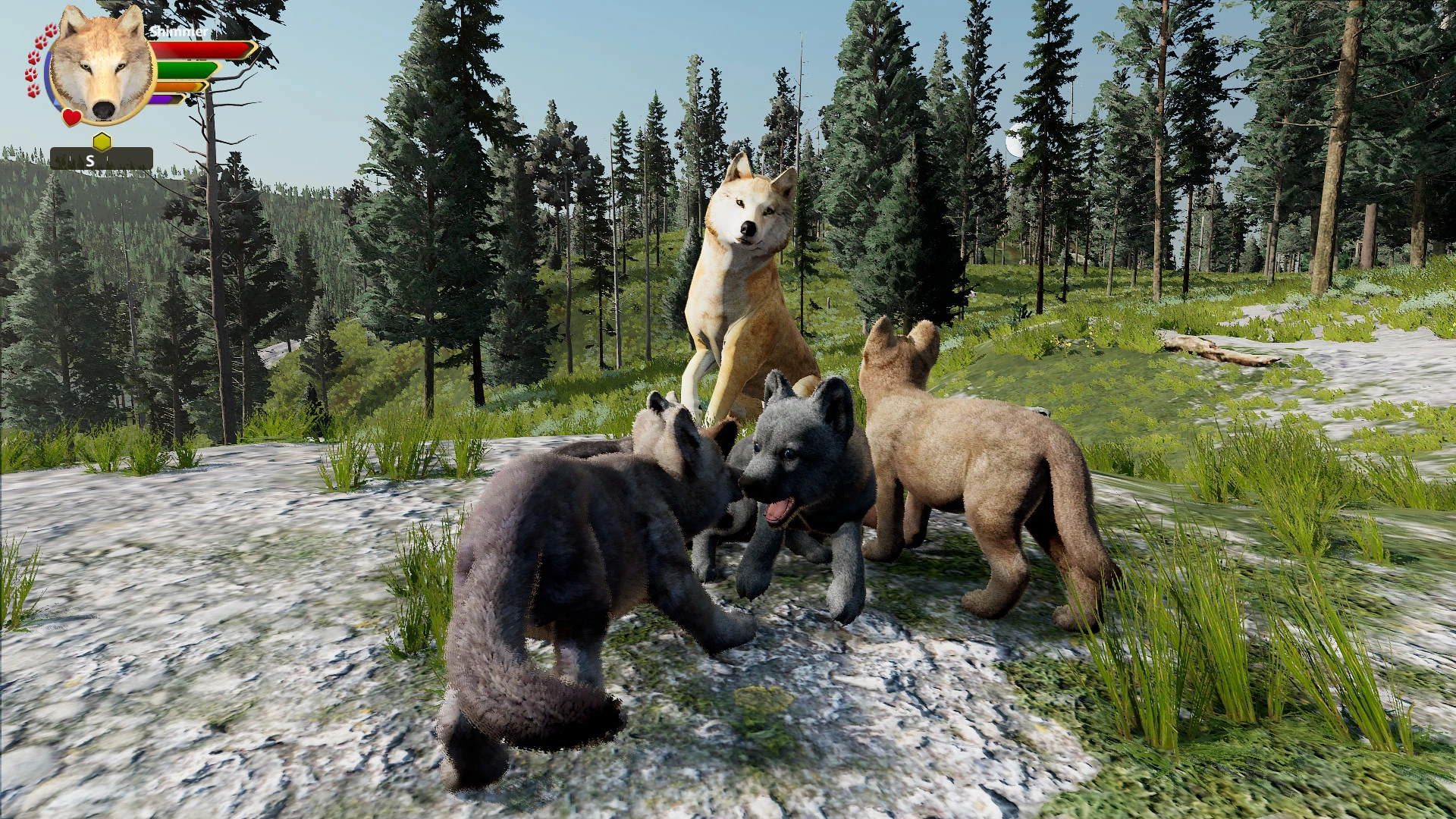
-Adorable wolf pups that play with each other, as well as with your wolf and your mate, bringing your den to life.
-Expansive wilderness maps (nearly 50 square kilometers) faithfully depict the Northern Range of Yellowstone in stunning detail.
-An innovative Age Perks system models the arc of life (and death) of a wild wolf from youth to old age.
-In the optional Iron Wolf mode, you can live on the edge: your very first death becomes your last — no second chances.
-Dynamic day/night cycles, changing weather patterns, and shifting seasons immerse you deeply in the wilderness.
-Over 100 achievements to unlock, plus collectible items scattered throughout the world. wolfquest anniversary edition mac delivers the full experience right on your desktop.
Frequently Asked Questions
You May Also Like
Reviews & Comments
No comments yet. Be the first to share your thoughts!