Total War: MEDIEVAL II – Definitive Edition
Description
Total War: MEDIEVAL II – Definitive Edition is the ultimate version of the product with all expansions included, where you will take on the role of a conqueror on Mac, repelling countless attacks from the surrounding nations eager to claim your lands. Over a thousand hours of immersive gameplay await behind the endless waves of your armies, unleashed upon the disciplined ranks of your enemies in spectacular real-time battles.
Kingdoms is the expansion that reveals the state of affairs across distinct regions of the world. You will lead your troops to fight for independence and freedom in the Americas, seize control of the coastline surrounding the British Isles, defend cities and an entire civilization from the onslaught of enemies descending from the far north while playing as representatives of the Northern States, and also demonstrate your military might across the Middle East. All 4 campaigns introduce new units, compelling narrative twists, and unique characters who possess distinct personalities, undeniable charisma, and thoughts entirely their own.
This strategy game on Mac provides a comprehensive set of tools for achieving global domination with your chosen nation in medieval 2 total war definitive edition:
• Build and fortify your cities. The number and quality of structures directly influence the morale of your people. The further technological progress advances, the more essential life-sustaining buildings and facilities will appear throughout your city territory;
• Diplomacy, religion, alliances. If you have pushed too far into enemy territory and realize that you simply cannot prevail on your own, then forging an alliance with another state will come to your aid, or perhaps seeking the blessing and support of the Pope himself;
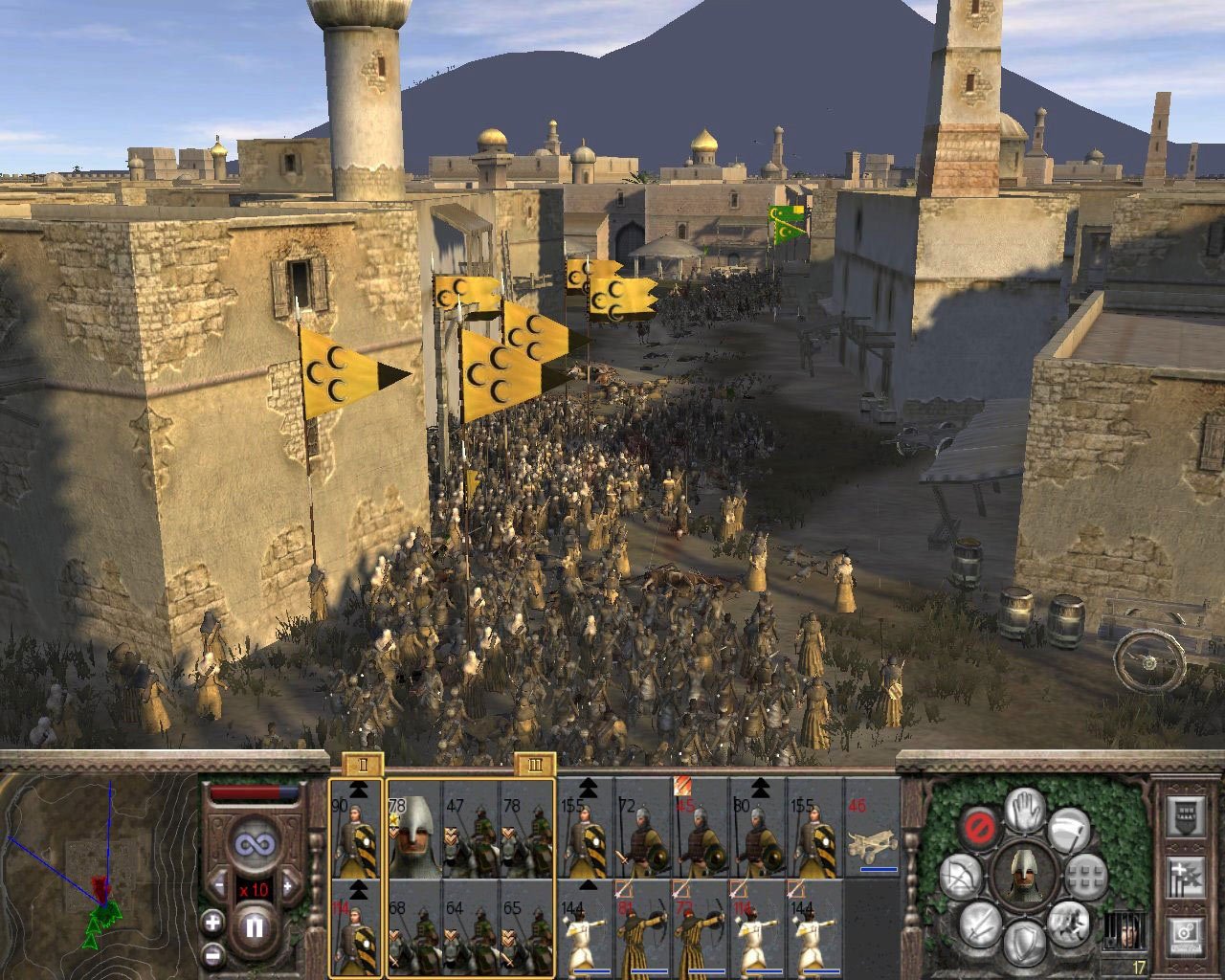
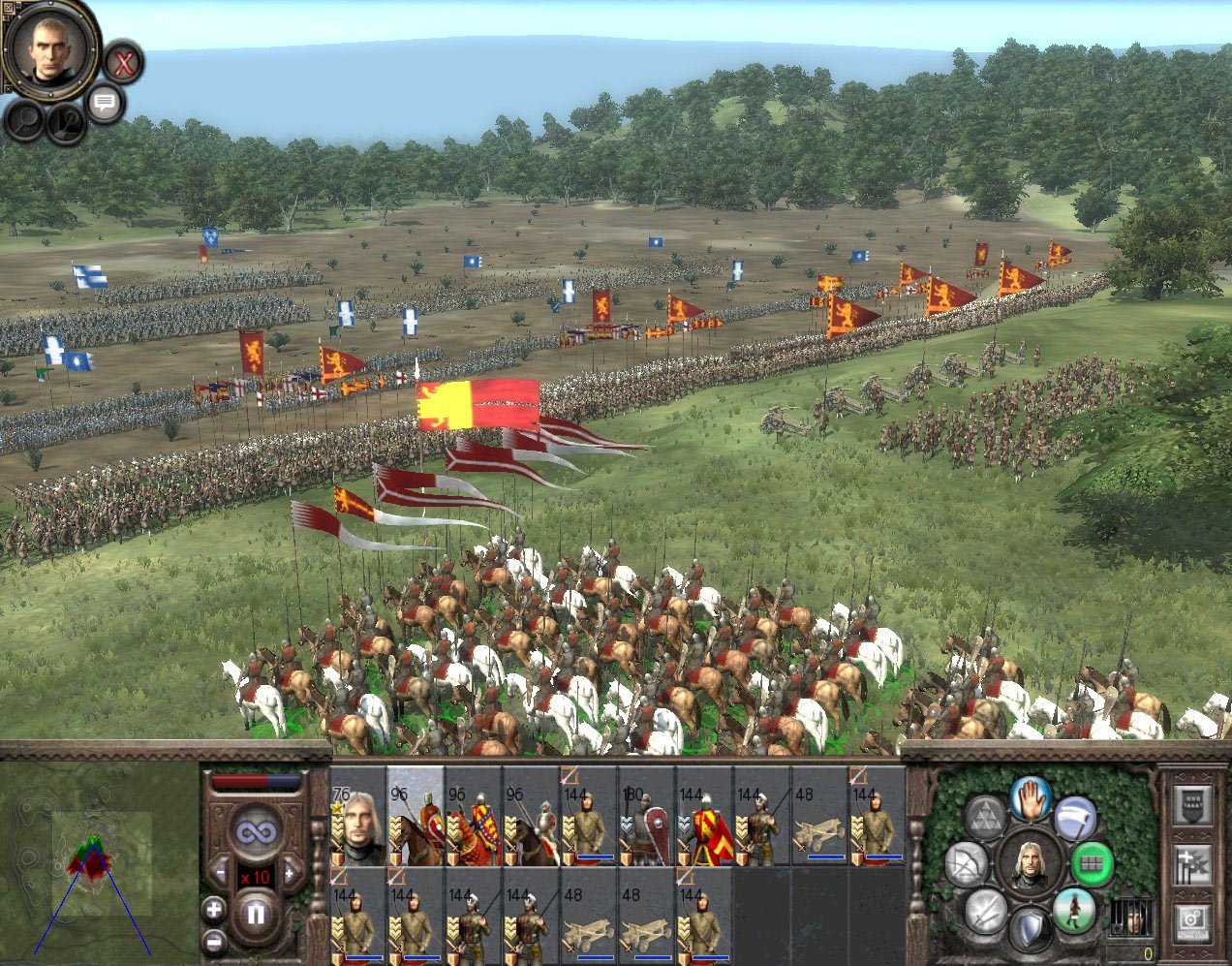
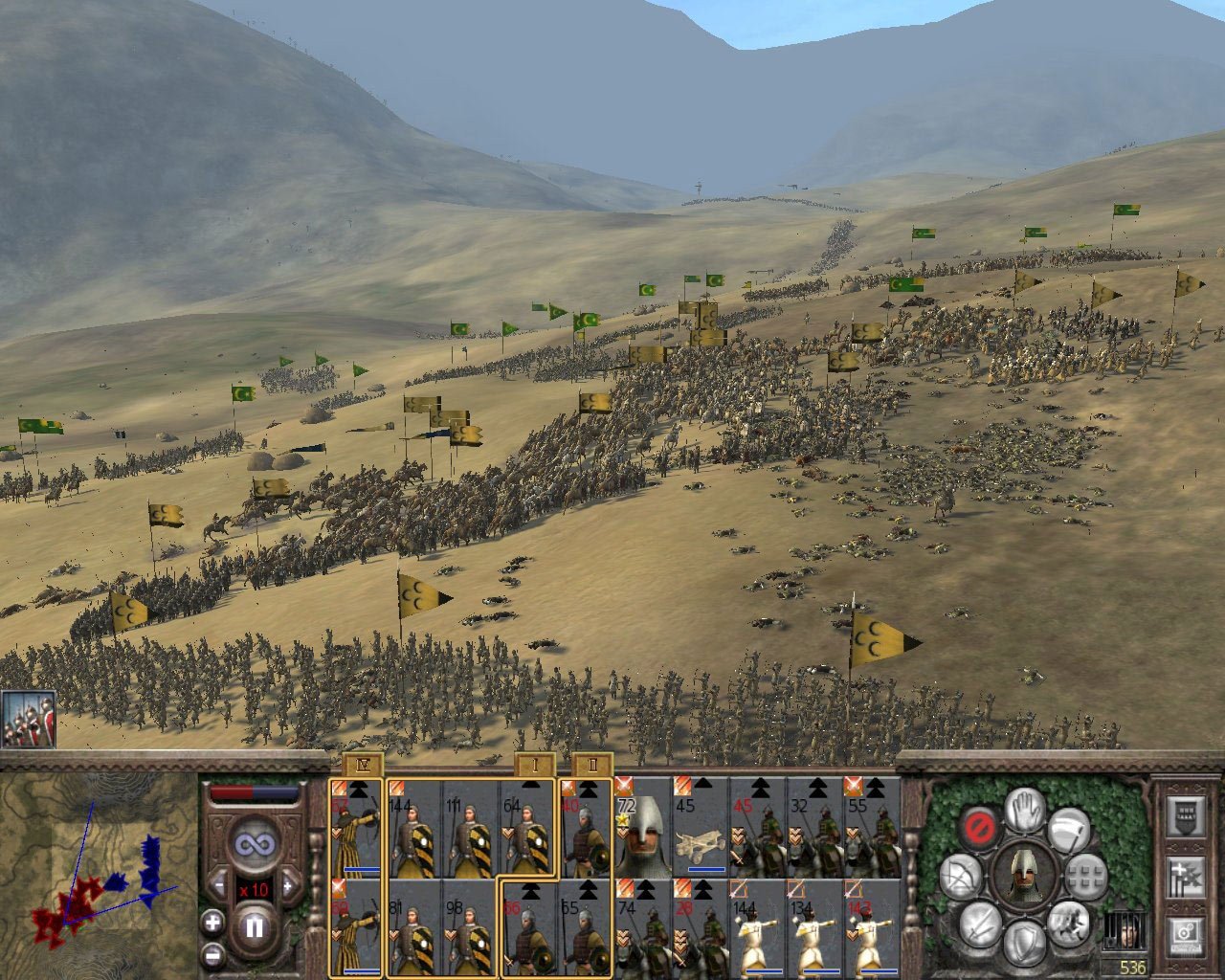
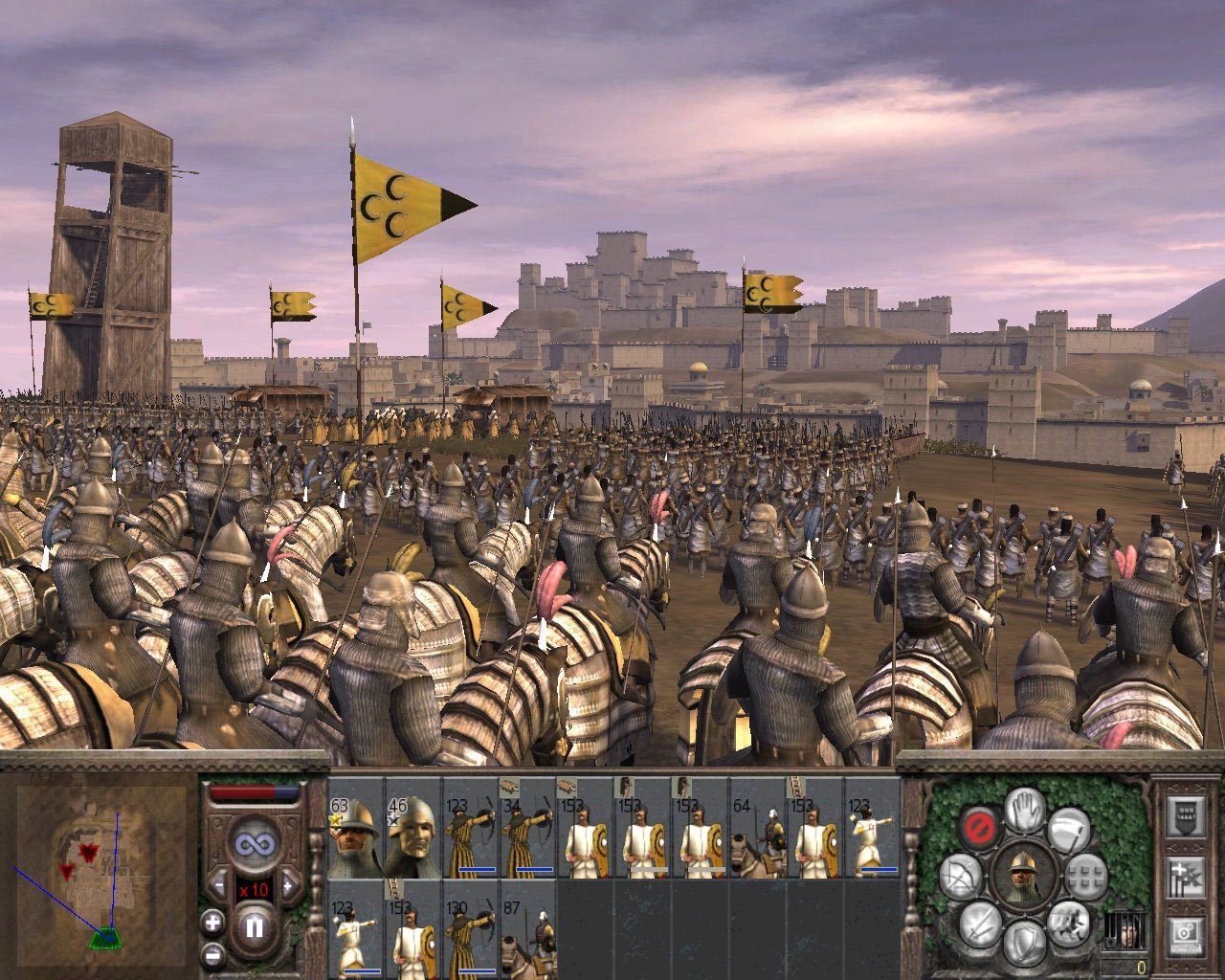
• Your forces can be Christian or Muslim, depending on the nation you have selected. The total number of soldiers on the battlefield reaches up to 10,000. You can recruit a massive army, divide them into specialized squads, and utilize the battle editor to craft your ideal strategy. Bring the full weight of your tactical superiority crashing down upon your foes with total war medieval ii definitive edition on your Mac.
The expansion unlocks 4 brand-new campaigns before you, featuring ten new soldier divisions, 13 playable factions, 9 agents designed for extracting profit within foreign states, up to 50 new structures and buildings, an enormous number of previously unavailable territories, and a multiplayer mode incorporating all of the above. Experience total war medieval 2 mac with every feature optimized for macOS, and enjoy total war: medieval ii – definitive edition as the complete medieval strategy package on your desktop.
Frequently Asked Questions
You May Also Like
Reviews & Comments
No comments yet. Be the first to share your thoughts!