Project Zomboid
Description
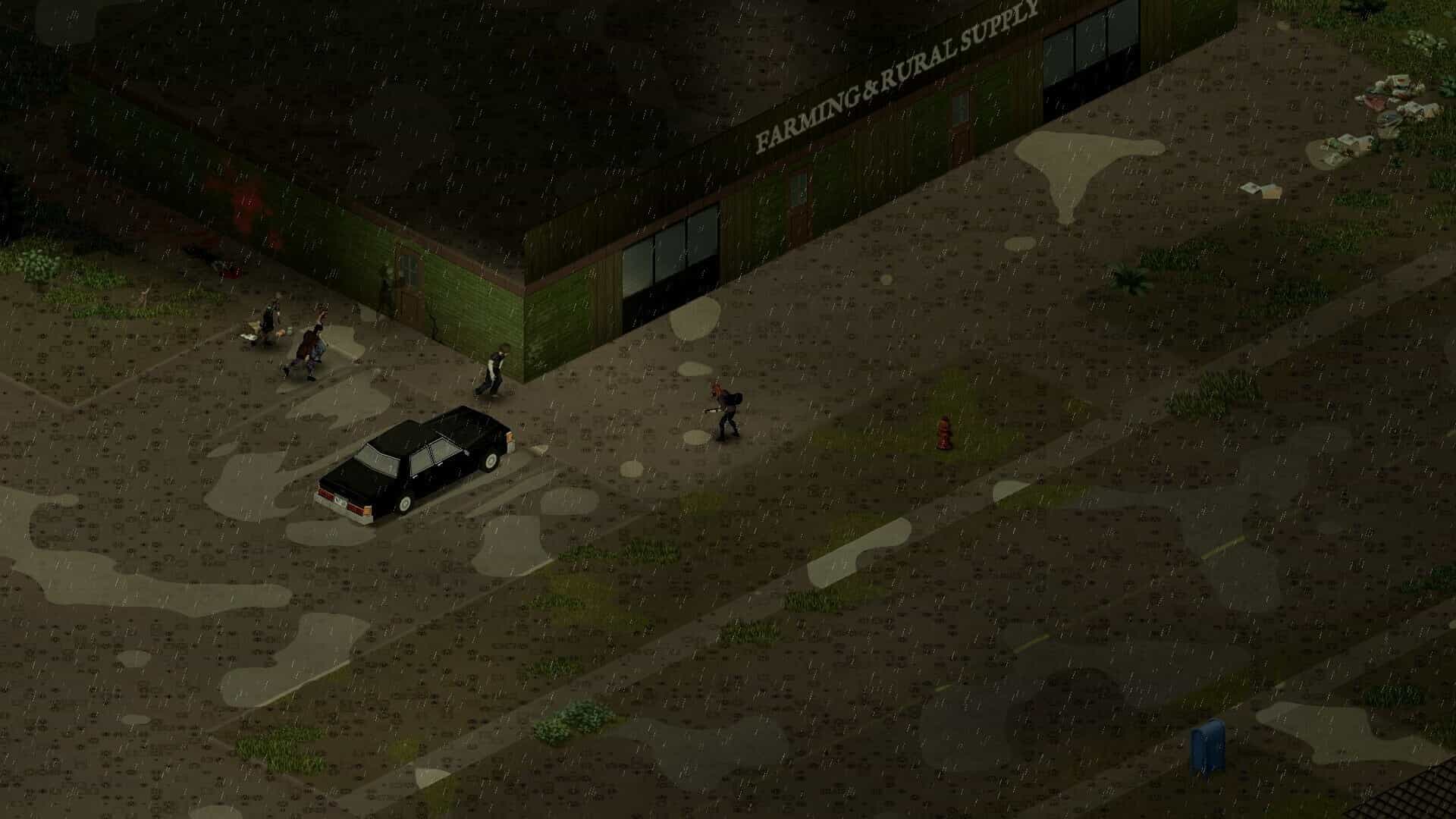
Project Zomboid is an open-world zombie apocalypse simulator built for Mac. Your fate here is already sealed: you are doomed. The only real question is how exactly you are going to die.
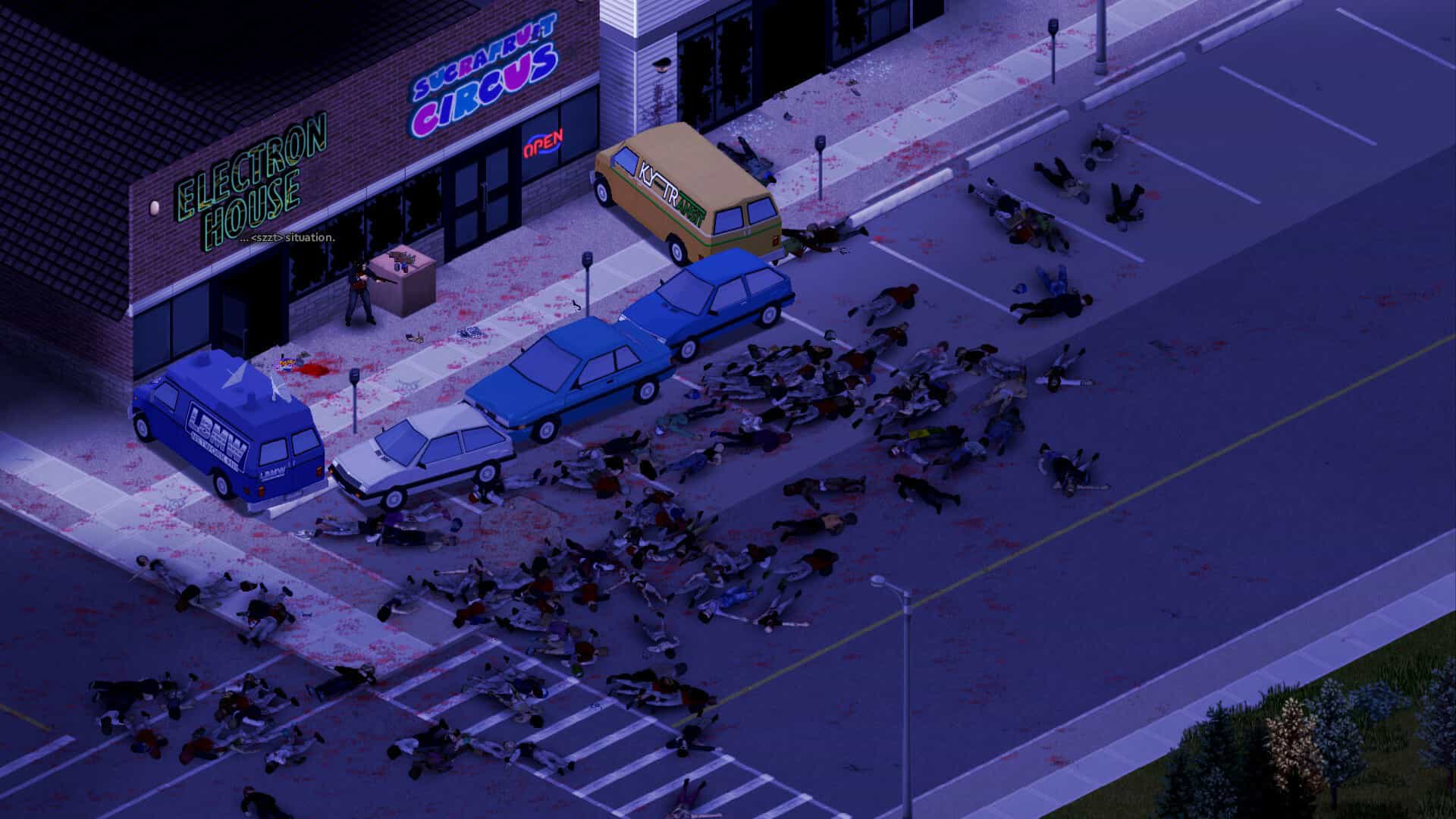
A handful of surviving residents from two sleepy little towns are forced to scavenge for food every single day, loot abandoned buildings, build fortifications, and scrape by however they can: zombies are literally everywhere, no help is coming from anywhere, and all you can rely on is your own two legs and your wits. The project zomboid game delivers a brutally immersive experience right on your Mac.
Already available in this version:
- Hardcore open-world survival simulation set in a world completely overrun by the walking dead, perfect for your Mac setup.
- Online multiplayer with full support for custom user-hosted servers.
- Local cooperative mode for up to 4 players using split screen functionality.
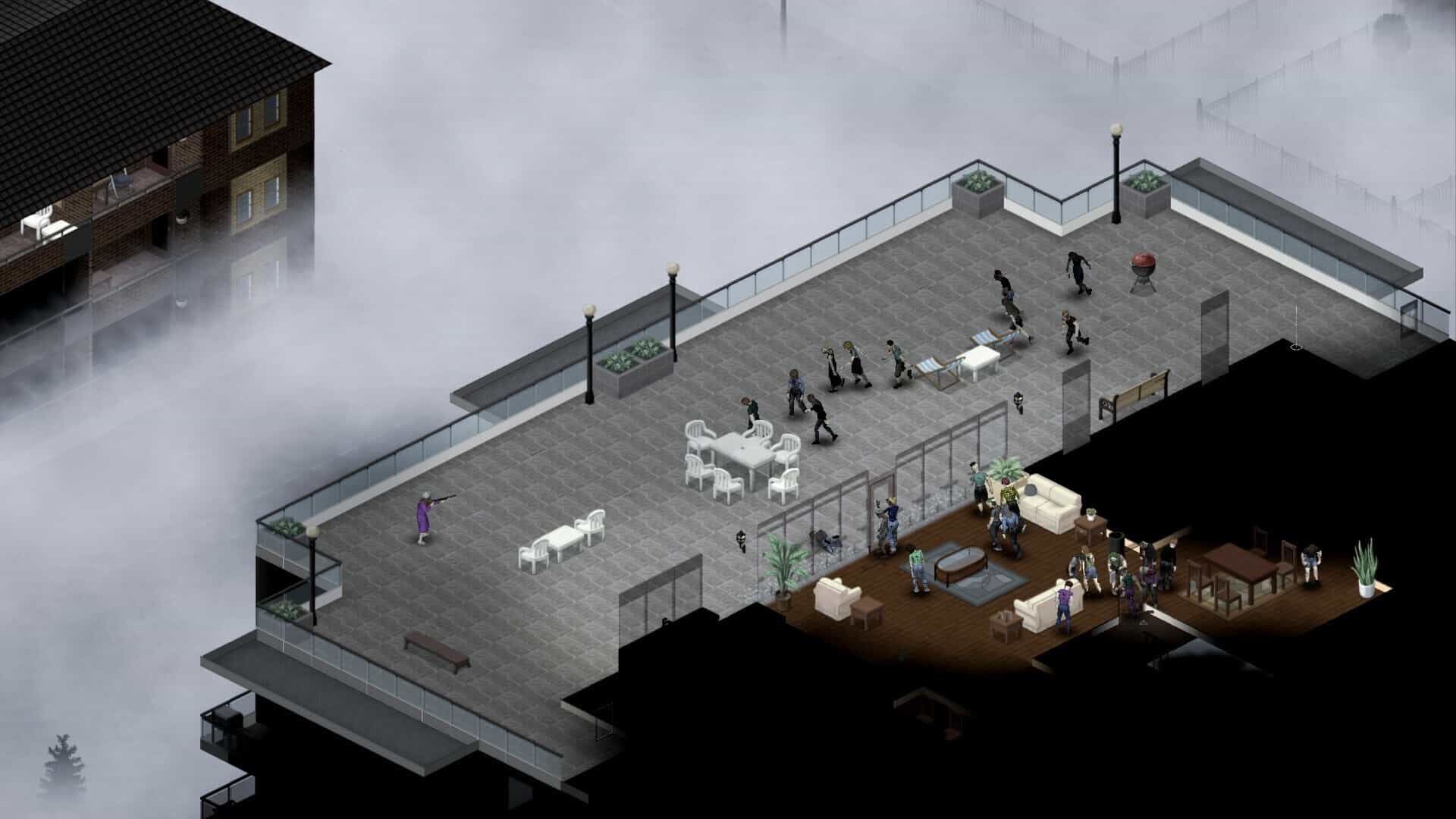
- Detection system and dynamic lighting mechanics: zombies can both see and hear you clearly.
- Stay hidden in the shadows, try to keep quiet at all times, turn off all lights at night, and at the very least, make sure you cover your windows with sheets and curtains.
- A vast and expansive landscape to explore, with terrain that feels remarkably reminiscent of the scenery right outside your own window. Explore freely, settle down, survive as long as possible. And be sure to check out the community mapping project by Blindcoder.
- Use a wide variety of tools, craft weapons and barricades, cook meals and prepare food. And if you manage to learn woodworking skills and how to chop down trees – you can even construct an entire fort and hide inside it from the relentless zombie hordes.
- Find creative ways to cope with hunger, thirst, illness, boredom, and crippling depression.
- Night follows day in an endless cycle. Power grids are unreliable and will eventually fail. Zombies shamble and wander everywhere around you. Winter is approaching fast. Nature is steadily reclaiming everything.
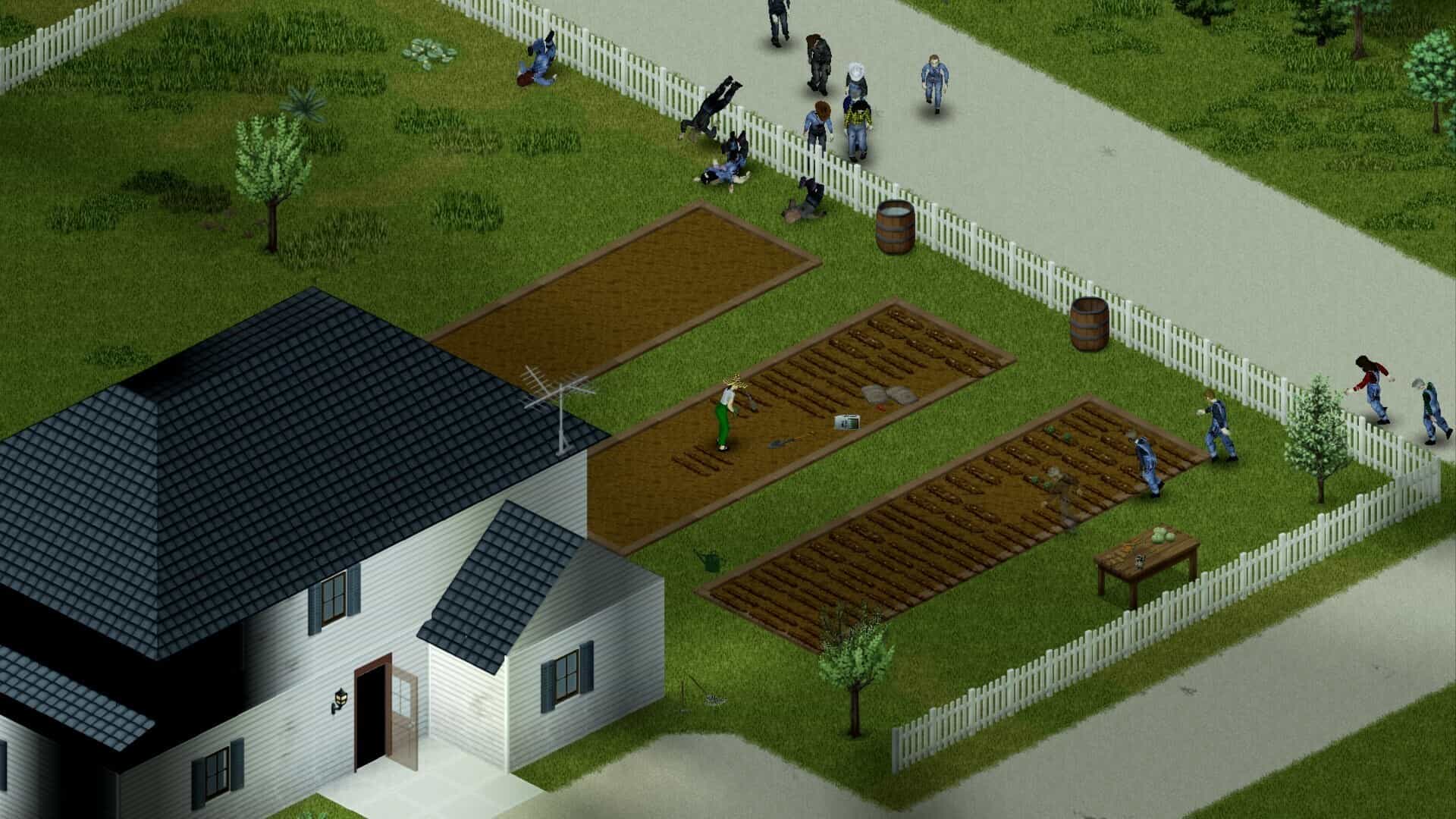
- Farming, trapping wild animals, cooking elaborate meals, and deep character customization – your skill progression depends entirely on how you choose to spend your precious time.
- Classic slow-moving zombies that do not run (unless you have specifically selected that particular option in the settings menu).
- Hauntingly atmospheric original music composed by Zach Beever.
- In addition to the core survival modes: brutal challenge scenarios and a special "Last Man Standing" mode for the truly brave.
- Full mod support for endless community-created content.
- Xbox controller support on Windows [other controllers may work with manual configuration; in the current Mac version, gamepad support is not yet available]. Consider a project zomboid mac download to experience the game on Apple hardware.
Planned for future updates:
- The return of the PZ Stories mode, a truly one-of-a-kind tutorial experience that actively wants you dead at every turn.
- Encounters with a diverse cast of NPCs within a dynamic meta-game system that transforms every single playthrough and experience in Project Zomboid into your own deeply personal adventure and unique narrative.
- Continuously expanding territories and explorable areas surrounding the base towns and cities.
- An advanced wilderness survival system where animals also hunt each other and actively forage for their own food sources.
- Even more items, crafting recipes, weapons, and compelling gameplay elements to discover. Get your project zomboid download today and start surviving on Mac.
Frequently Asked Questions
You May Also Like
Reviews & Comments
No comments yet. Be the first to share your thoughts!