
Of Blades & Tails

Description
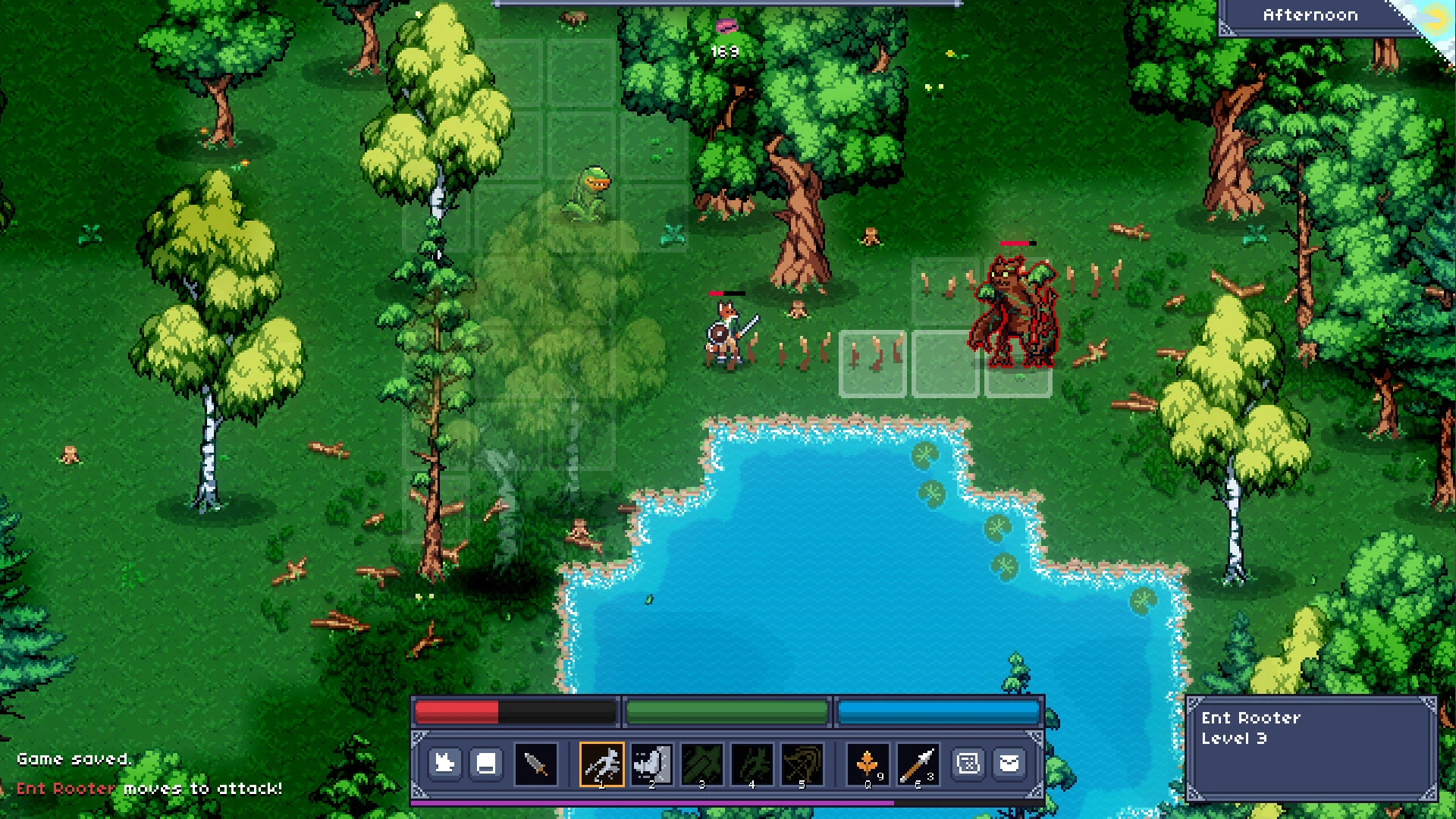
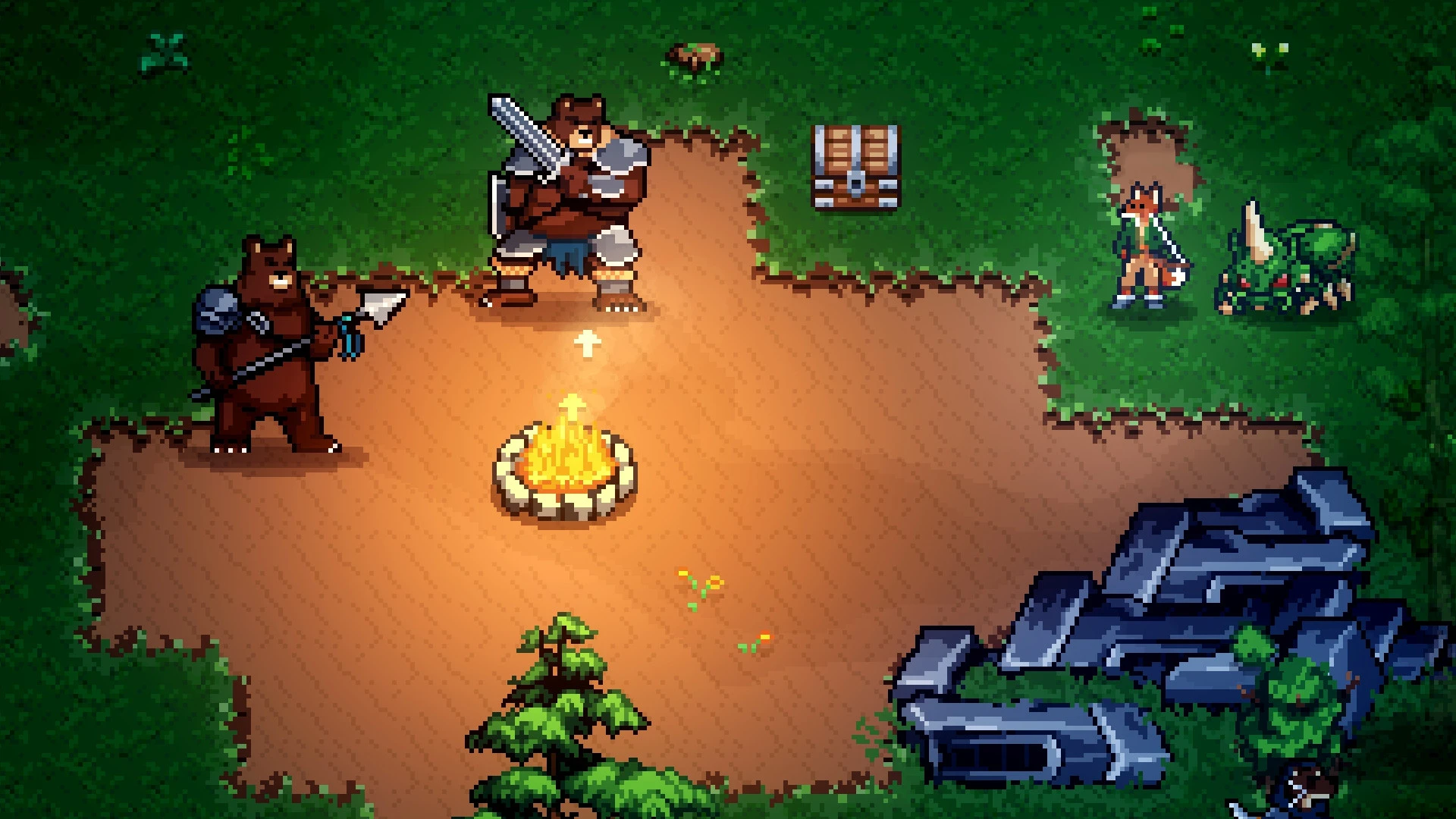
Of Blades and Tails is a turn-based RPG with dynamic and engaging gameplay that nonetheless rewards a thoughtful and strategic approach. A fantastic land awaits you on Mac, inhabited by diverse tribes of sentient animals. Your hero is Rake, a resourceful and clever member of the fox tribe. A chain of tragic and unexpected events pulls you into a true adventure, the outcome of which matters deeply to all the peace-loving inhabitants of the land. To gather enough strength to fight against the growing evil, you must leave your home village behind and set out to wander the wide world beyond.
The gameplay of Of Blades & Tails is reminiscent of classic hack and slash games like Diablo and turn-based RPGs such as Tales of Maj'Eyal or Stoneshard. However, there is no permanent death in the game. The goal is to deliver a comfortable and fun action-RPG experience on your Mac. The game world draws deep inspiration from the classic adventure quest Inherit the Earth.
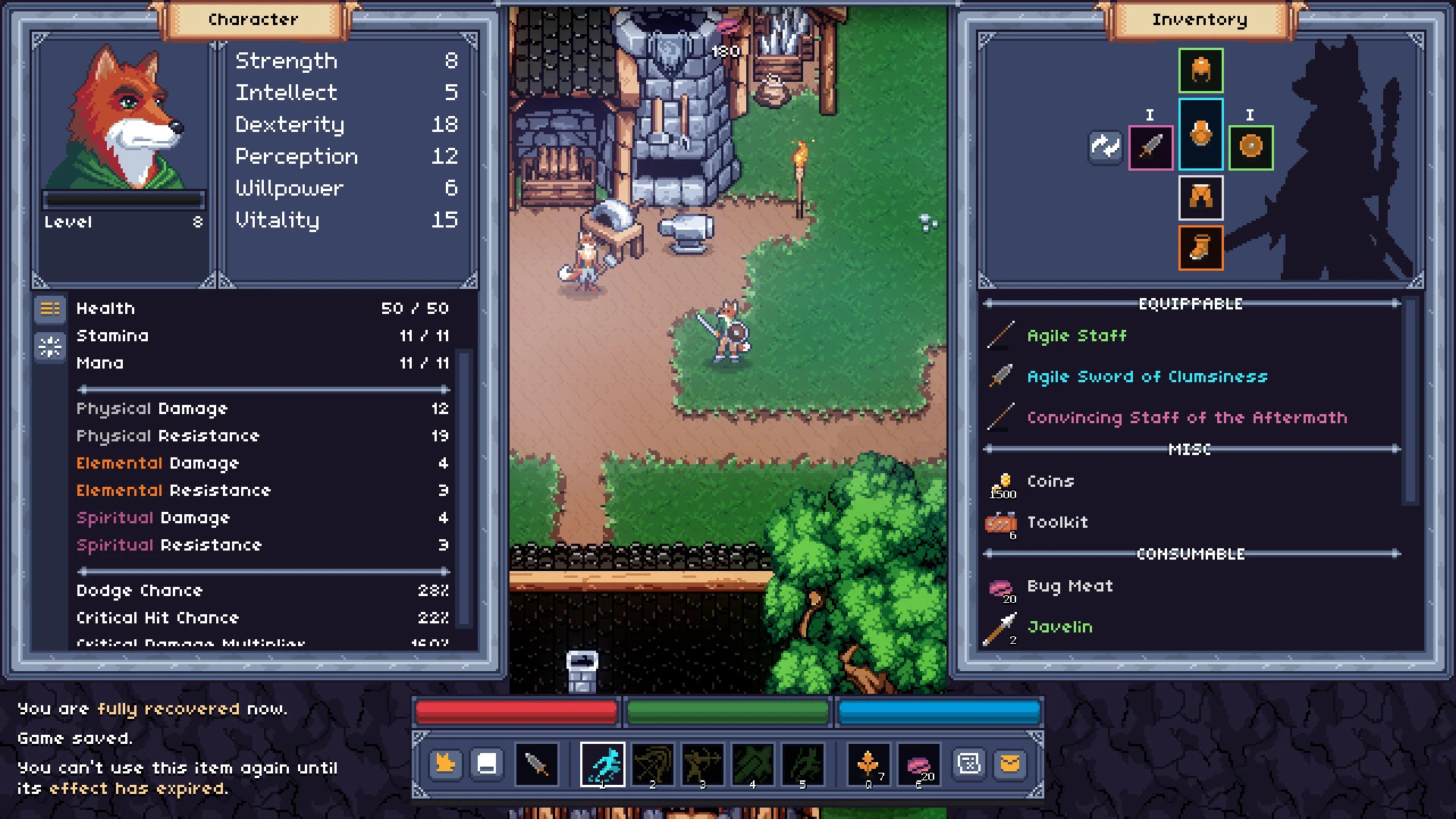
As you progress through your adventures, you will gain experience and unlock new powerful abilities. Not all inhabitants of this world are friendly toward you. Some will share valuable information and useful tips, others are interested only in trade and barter, while the rest may outright attack you on sight. To gain a decisive advantage in battle, upgrade your equipment and gather helpful resources that can be found scattered throughout the world. Get the of Blades and Tails download to enjoy all of this on your Mac.
Features:
-Turn-based combat that allows you to act quickly or carefully choose your strategy depending on the situation-Numerous locations to visit and explore across a vast open world-A unique universe of intelligent animals brought to life in a vibrant pixel art style-Procedural generation of dungeons and caves for endless replayability-A main storyline and various engaging side quests to discover-A classless character development system with a wide variety of available abilities-Equipment with different properties and unique items with special powers-Hunting gigantic insects and searching for herbs and other useful resources throughout the land-Various enemy types with special skills that will require thoughtful tactical decisions-Organizations you can join to gain access to advanced skills and exclusive items-Trading with rats and other enterprising animals across the world-Game modes for those who prefer a more relaxed or a more challenging gameplay experience on of Blades and Tails Mac-...and even more content is coming in the future!
Frequently Asked Questions
You May Also Like
Reviews & Comments
No comments yet. Be the first to share your thoughts!