
Description
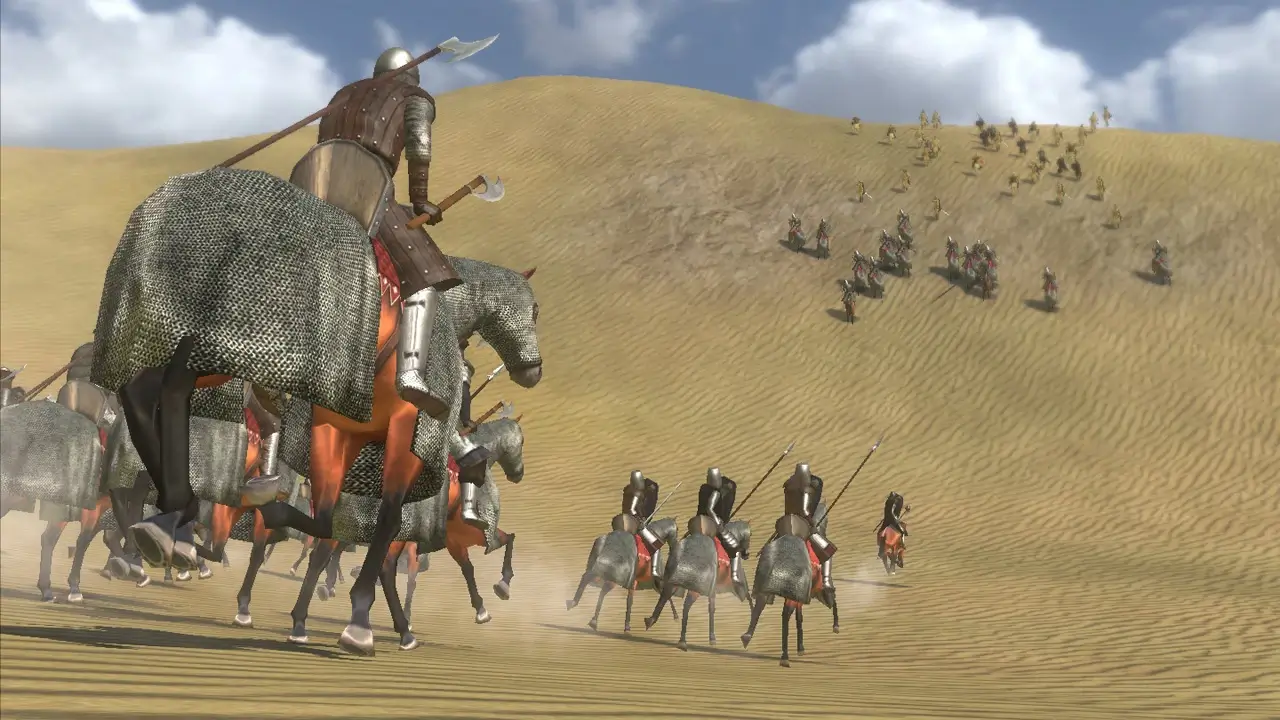
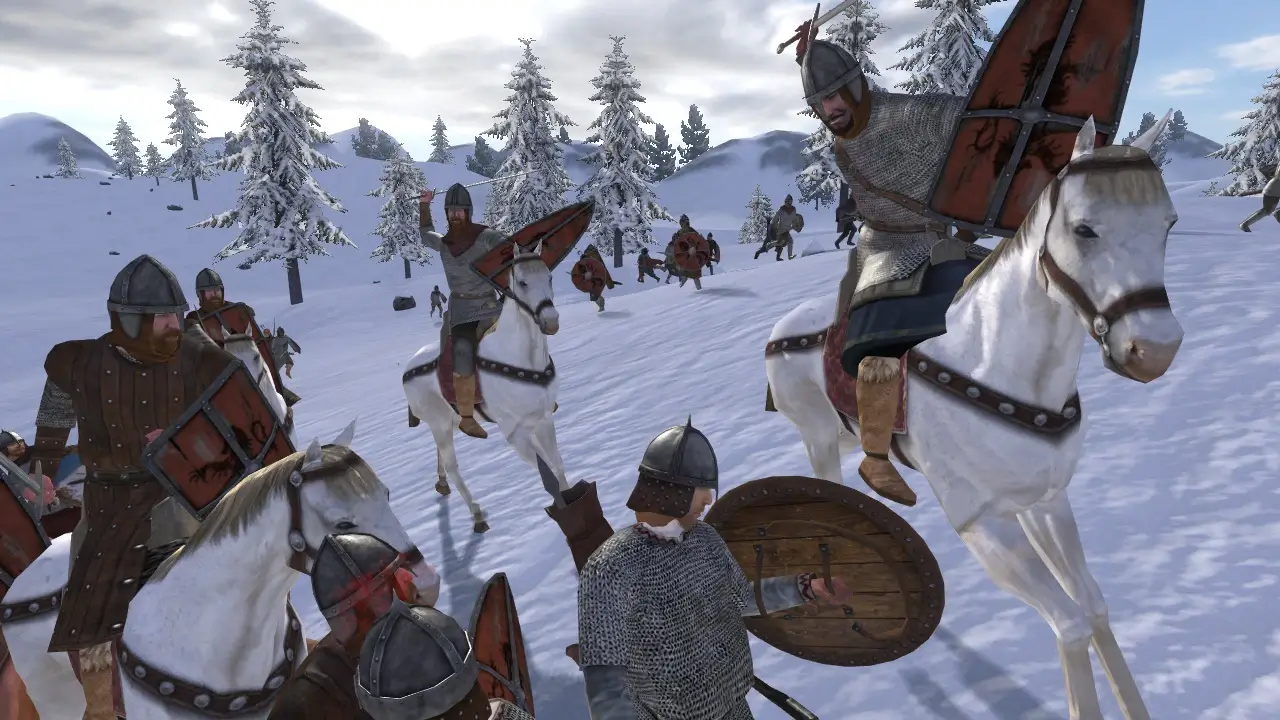
An endless war is tearing the kingdom apart – the time has come to gather your own band of brave warriors and join the fight. Lead your forces into battle, expand your territories, and stake your claim to the ultimate prize: the throne of Calradia! When you get mount and blade warband download for Mac, you unlock a vast medieval world full of conquest, diplomacy, and glory.
Complete graphical overhaul: HDR rendering support, FSAA, depth of field, soft particles, tone mapping, and many other visual effects have been added to enhance the experience on your Mac
Brand-new models featuring increased detail and high-quality textures that bring every character and environment to life
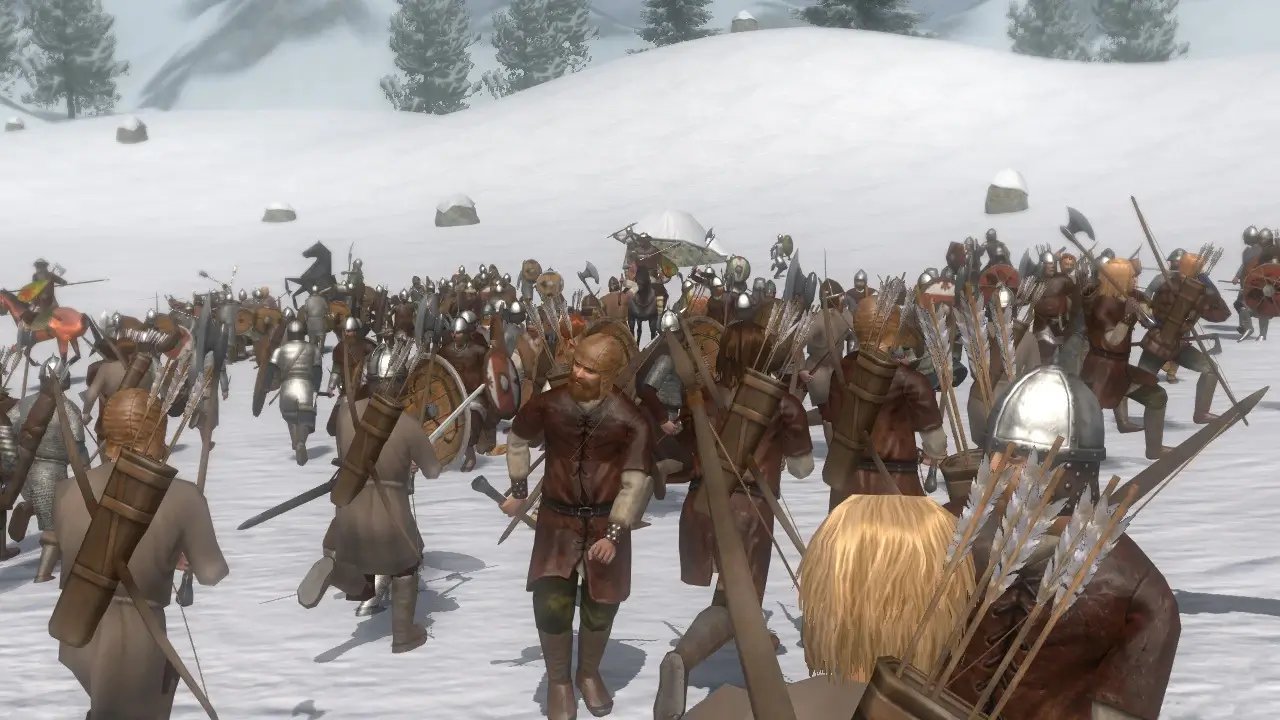
Online battles supporting up to 200 players at once. Multiplayer modes include: Deathmatch, Team Deathmatch, Capture the Flag, Conquest, Battle, and Siege
During the campaign, you can establish and lead your own faction, persuading other lords to rally under your banner and swear allegiance to your cause
Turn your battle companions into loyal vassals by granting them fiefs and lands across the realm
The opportunity to arrange a marriage with a noble lady – whether for love or for political advantage. Try to win her heart through your valor on the battlefield or through the art of poetry
Enhanced troop morale and discipline system: if their fighting spirit drops too low, soldiers will throw down their weapons and flee from the battlefield in panic
Pick up any ammunition scattered across the battlefield and use it as your own supply to keep fighting
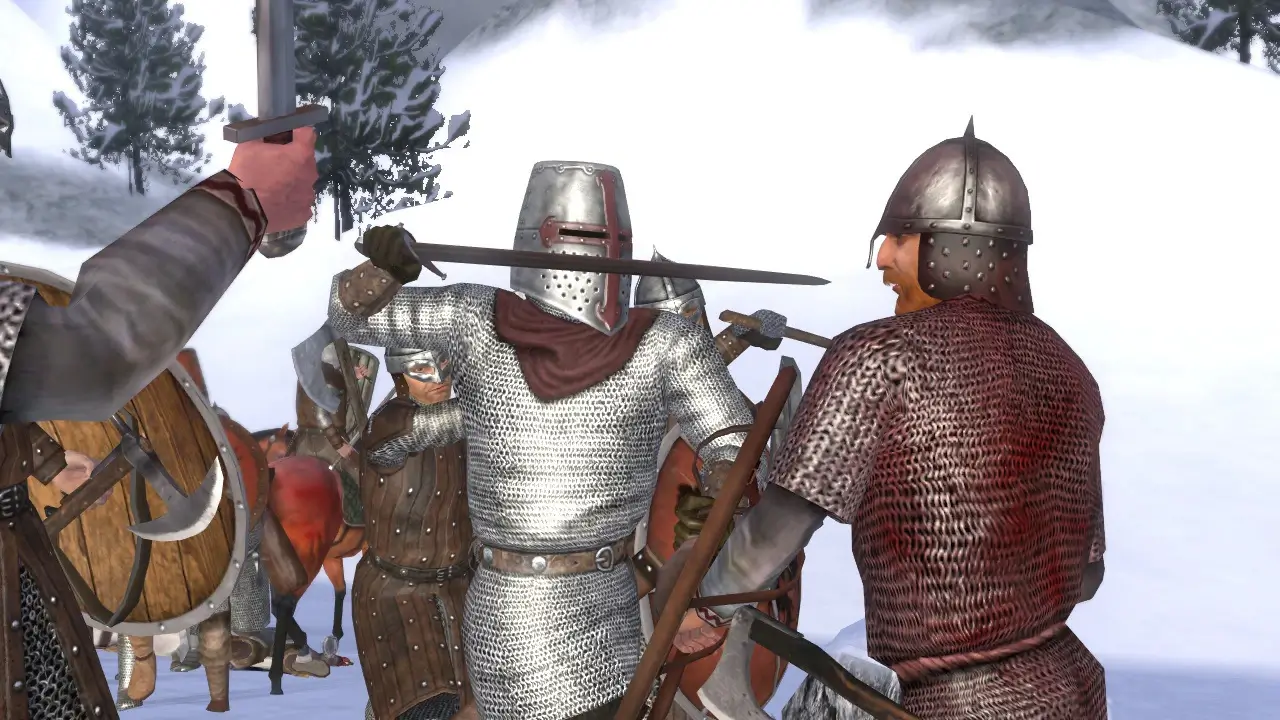
All-new combat animations created using professional motion capture technology for a more realistic feel
Numerous combat system improvements in mount and blade warband mac: your shield blocks incoming arrows even when you have not actively raised it to defend yourself
The ability to participate in online matches on randomly generated or custom-built maps designed by the community
Multiplayer equipment system: earn gold by fighting against opponents and completing various objectives during matches
The option to use throwing weapons in close-quarters melee combat: if an enemy gets too close, wield your throwing spear as a thrusting pike
Spend your earned gold on more powerful and effective equipment – thanks to the carefully crafted game balance in Mount & Blade: Warband, battles always remain exciting and engaging, and neither side ever gains an obvious advantage over the other
Frequently Asked Questions
You May Also Like
Reviews & Comments
No comments yet. Be the first to share your thoughts!