
Kingdom Rush icon

Kingdom Rush

Strategies , Games

Description

Get ready for a thrilling adventure where you will use towers and powerful spells to defend your kingdom from hordes of orcs, trolls, evil sorcerers, and other vile creatures on your Mac!

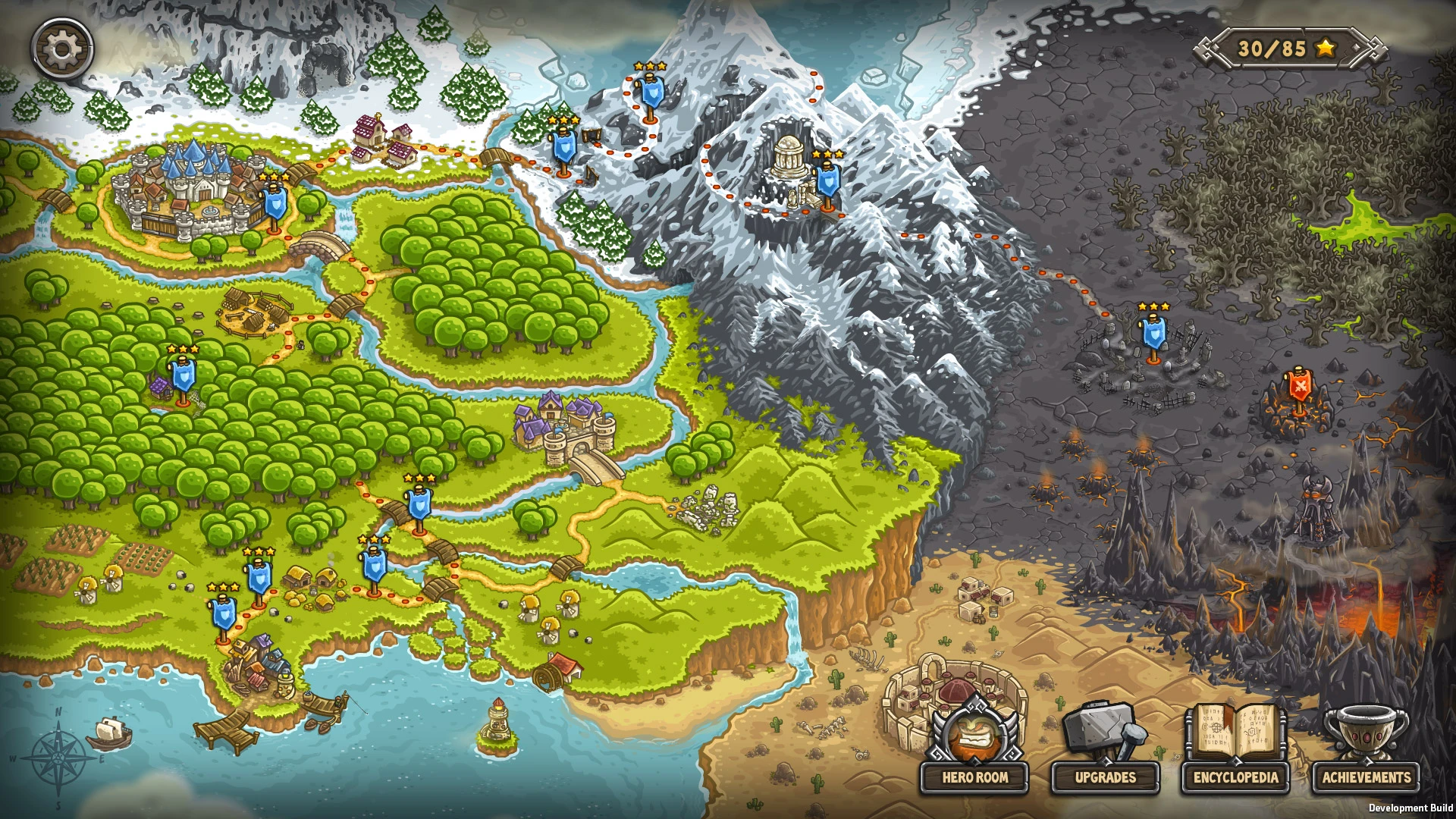
Fight through forests, mountains, and deserts, adapting your defensive strategy to every situation by utilizing various upgrades and tower abilities! Rain fire upon the heads of your enemies, call in reinforcements, command your troops, hire elven warriors, and battle legendary monsters to protect the kingdom from the forces of darkness! Kingdom Rush delivers an unforgettable tower defense experience right to your Mac desktop!

GAME FEATURES:

-Epic defensive battles that can keep you engaged and entertained for many hours on end!

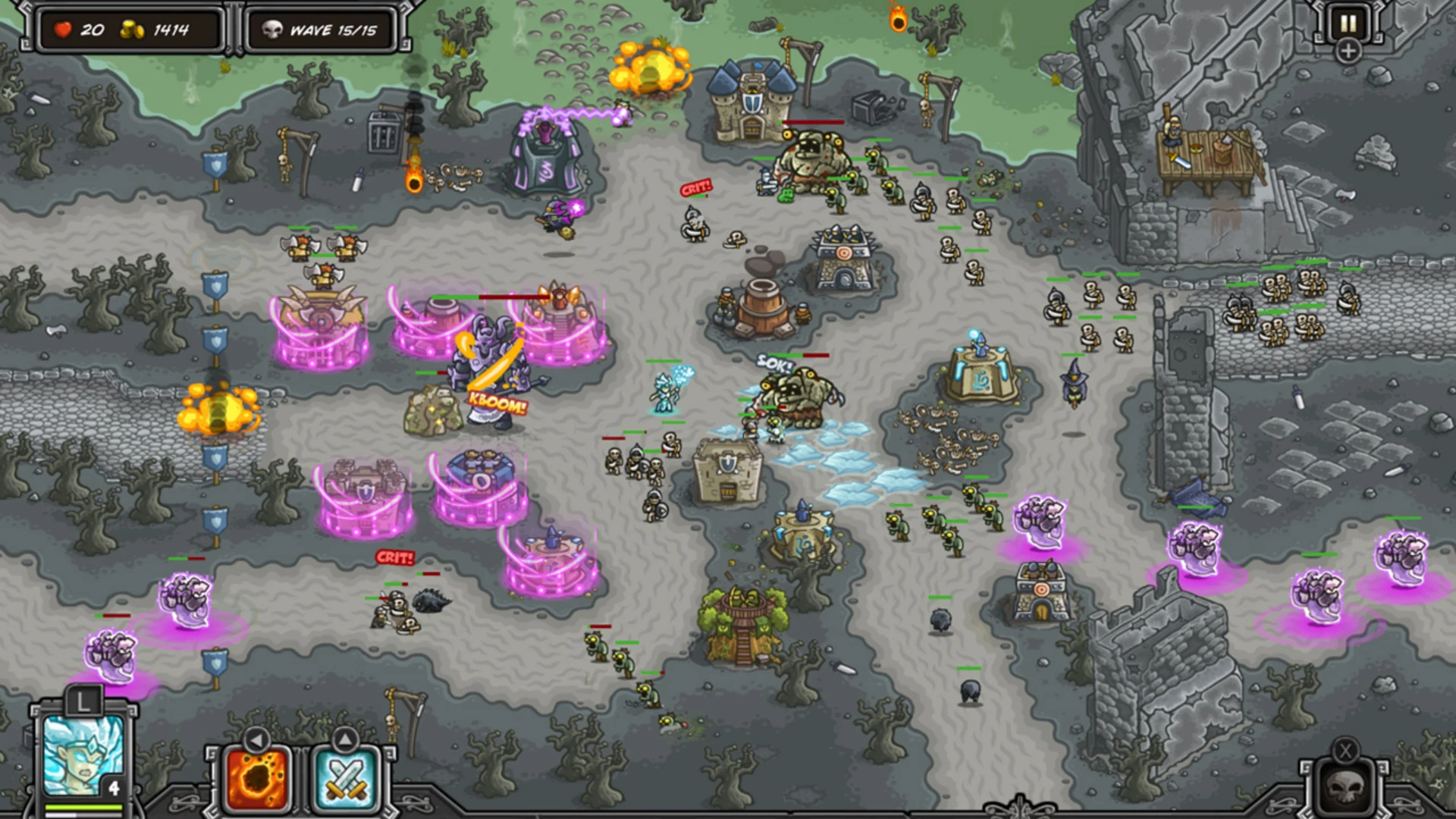
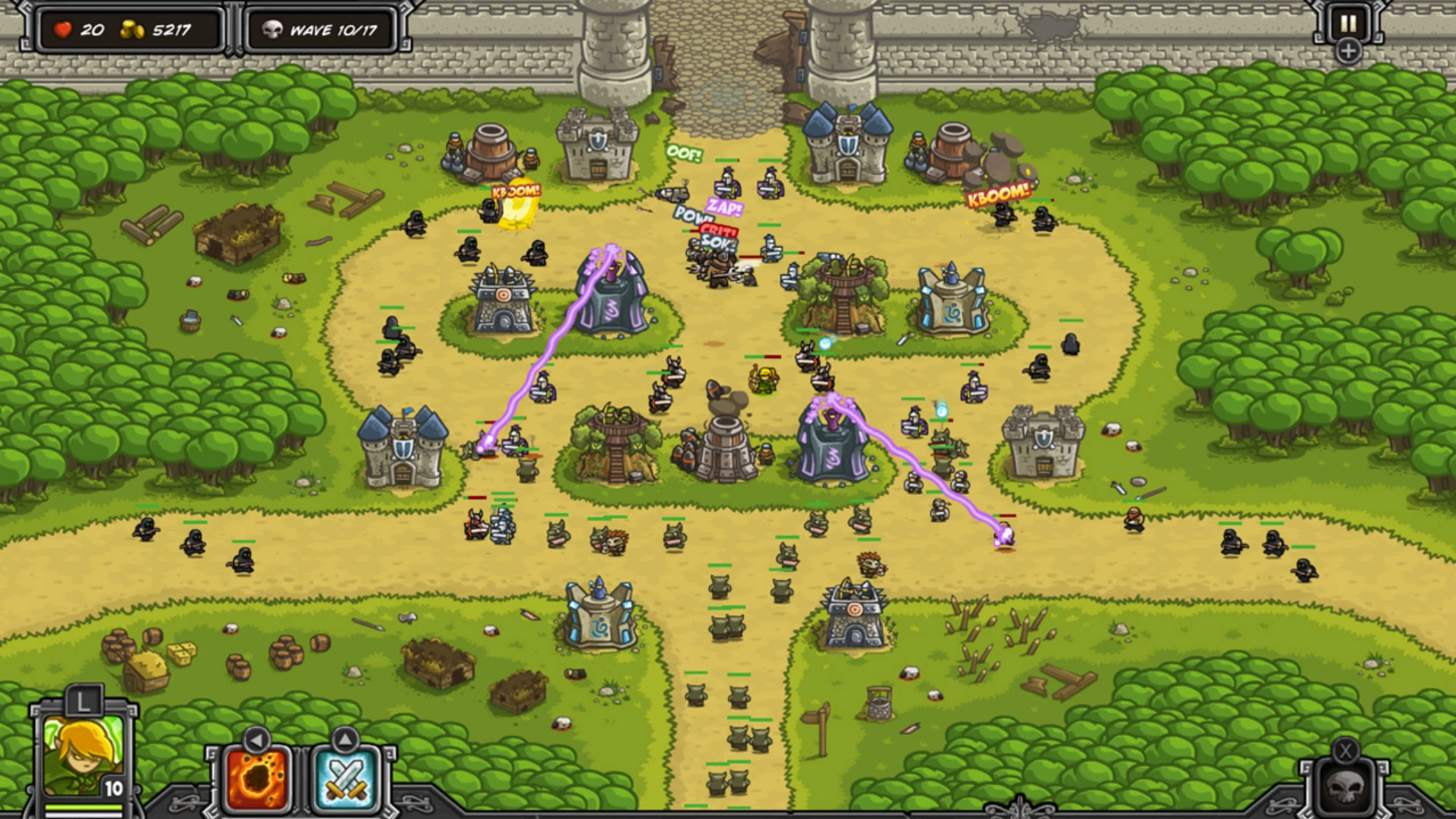
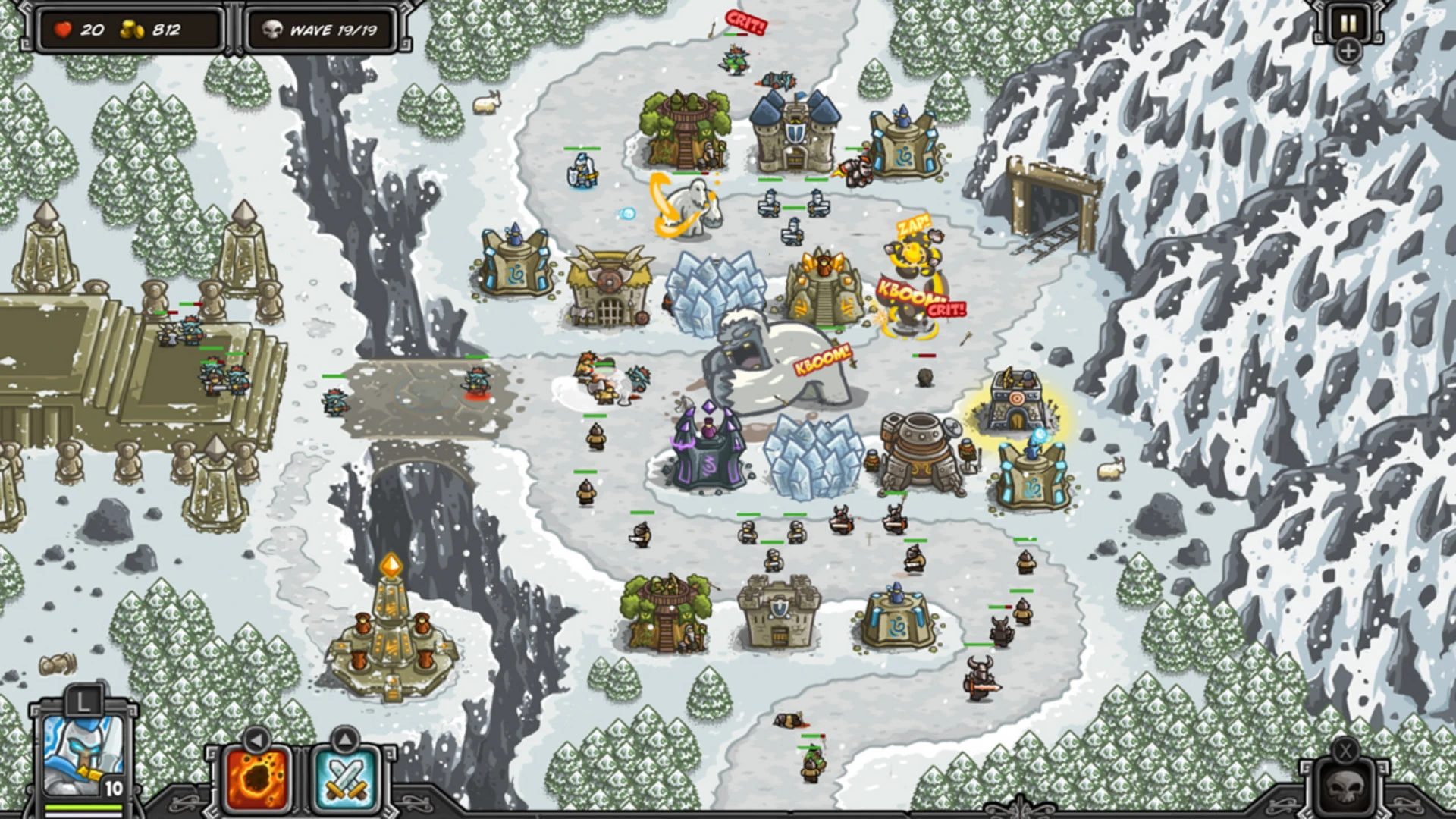
-Command your troops, sending them into beautifully animated battles on the battlefield!

-8 specialized tower upgrades will help you change and refine your strategy! Mighty barbarians, cunning mages, woodland brotherhood archers, and many more units await you in this kingdom rush game.

-More than 18 unique tower abilities! Your sorcerers can summon earth elementals and transform your enemies into harmless creatures!

-Over 61 different enemies with unique skills and abilities, ranging from lowly goblins all the way to fearsome demons (beware of the mountain trolls)!

-Intense, never-before-seen boss fights that push the tower defense genre to exciting new heights!

-13 heroes to choose from: pick your champions and develop their unique abilities and powers!

-Long hours of captivating gameplay and more than 70 achievements to unlock and collect

-Additional game modes that will challenge your tactical skills and strategic thinking to the limit.

-Built-in encyclopedia featuring detailed descriptions of all towers and enemies. After you complete your kingdom rush download, enjoy exploring every detail. Get your kingdom rush mac download today and dive into this amazing experience!


Frequently Asked Questions

Is Kingdom Rush free?
Please check the developer's website for current pricing information.
The program is damaged or the file isn't working? Are there other problems?
Please read the installation instructions on the Download page carefully before proceeding. Additional help can be found in our article: Errors when installing applications on a Mac.
How do I update the app? Will my activation be affected?
Official updates can break activation unless the installation guide states otherwise. Download the latest version and install it over the existing one — this typically preserves your settings and activation.
How do I get the file? The download link isn't working. What does a .torrent file mean?
For large files, using a dedicated download manager like FDM is strongly advised. Chrome or a download manager handles file hosts much better than Safari. If the file ends in .torrent, you will need a torrent client such as Transmission. Some hosting sites may be blocked in your region, so a VPN could be required.
A newer version is out. When will the site be updated?
The site administration does not create or patch software. Updates are submitted by independent contributors when ready. How soon a new build appears depends on when someone prepares and uploads it.
Can I request an application? Where do I submit requests?
Neither the administration nor the editors build or patch software themselves. You can support the project and submit app requests through donation comments.
How can I switch the interface language?
Go to System Settings → General → Language & Region → Applications → "+", pick the app, then choose your preferred language. For Adobe products, language is typically selected during installation. Most games have a language option inside their own settings menu.
What is the right way to remove an app?
Use a dedicated tool such as App Cleaner & Uninstaller for a thorough cleanup. For Adobe software, the Creative Cloud Cleaner Tool ensures a fully complete removal.
Looking for assistance?
Paid remote support is available on the site (through AnyDesk, Zoom, or Skype) to guide you through installing apps on Mac or PC.

You May Also Like


Reviews & Comments

No comments yet. Be the first to share your thoughts!