Age of History 3
Description
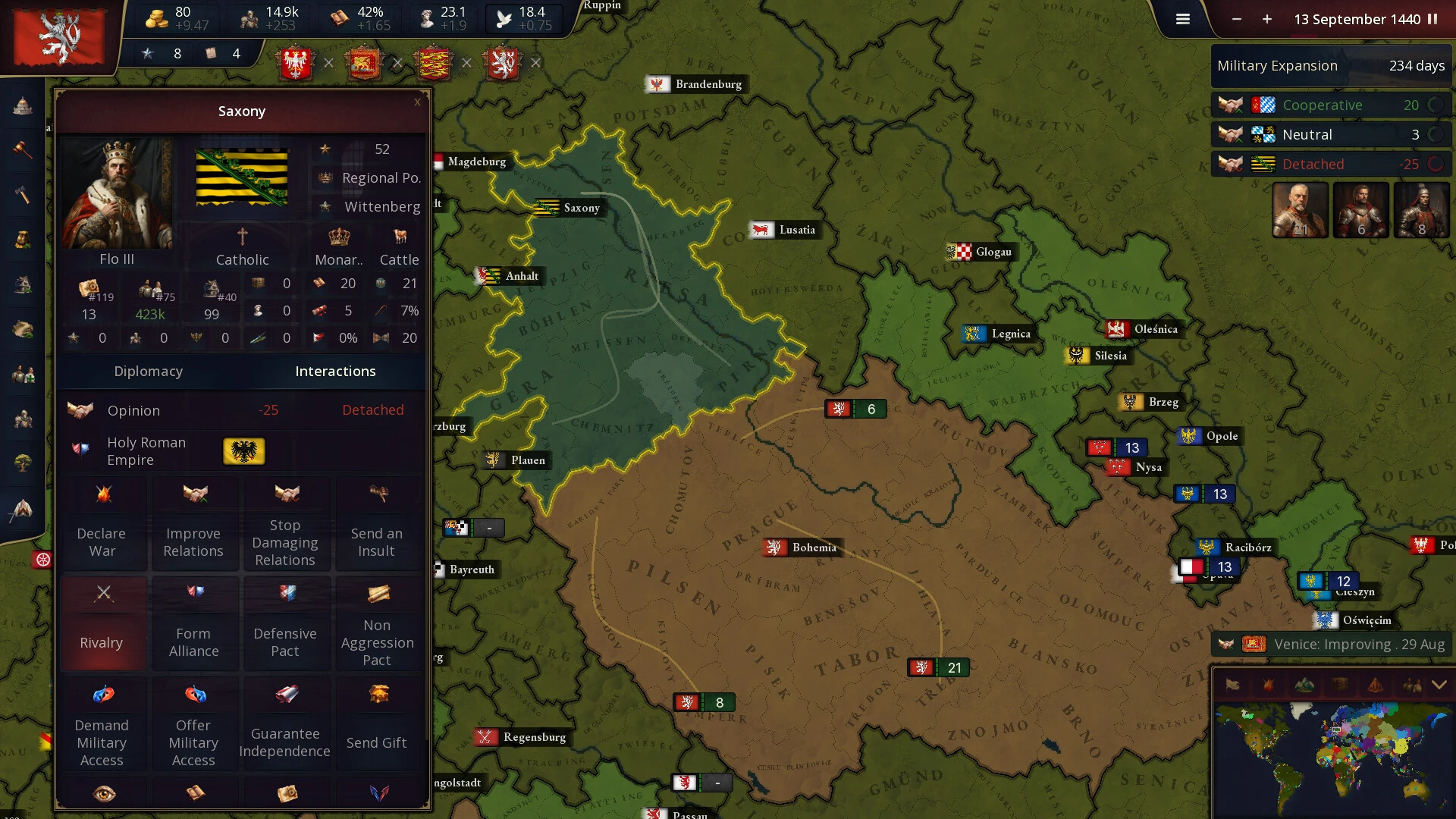
Embark on an epic journey with the Age of History 3 game, which takes you through the vast chronology of human history right on your Mac. From the dawn of civilization to the kingdoms of the distant future — play as diverse civilizations, from dominant empires to small tribal nations.
Technologies
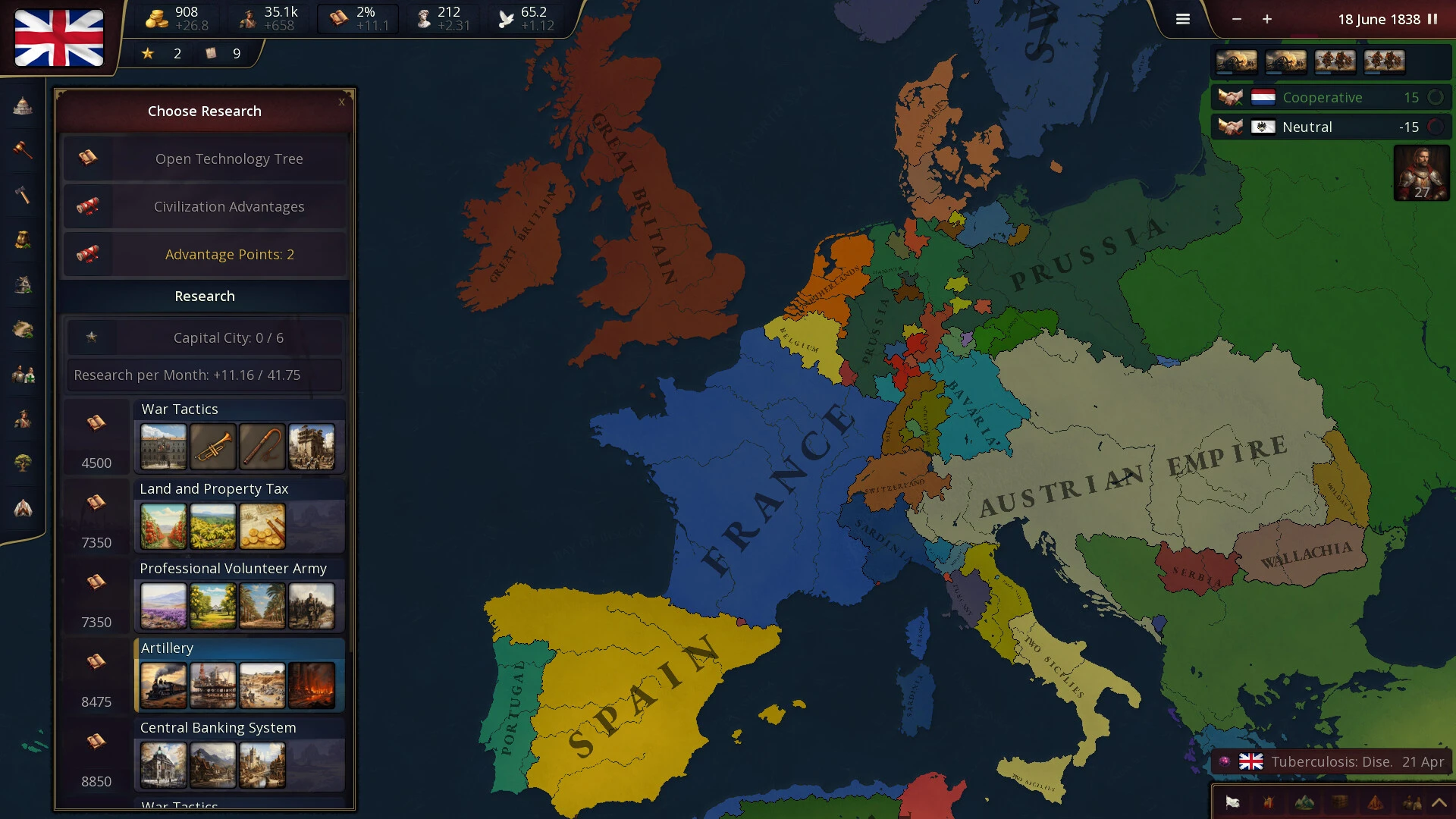
Progress through the technology tree, unlocking increasingly advanced buildings and powerful units to enhance your civilization. Each technological breakthrough opens up new possibilities, reflecting the evolution and growth of your civilization throughout the entirety of history. The Age of History 3 download for Mac gives you full access to this deep progression system.
Army Composition
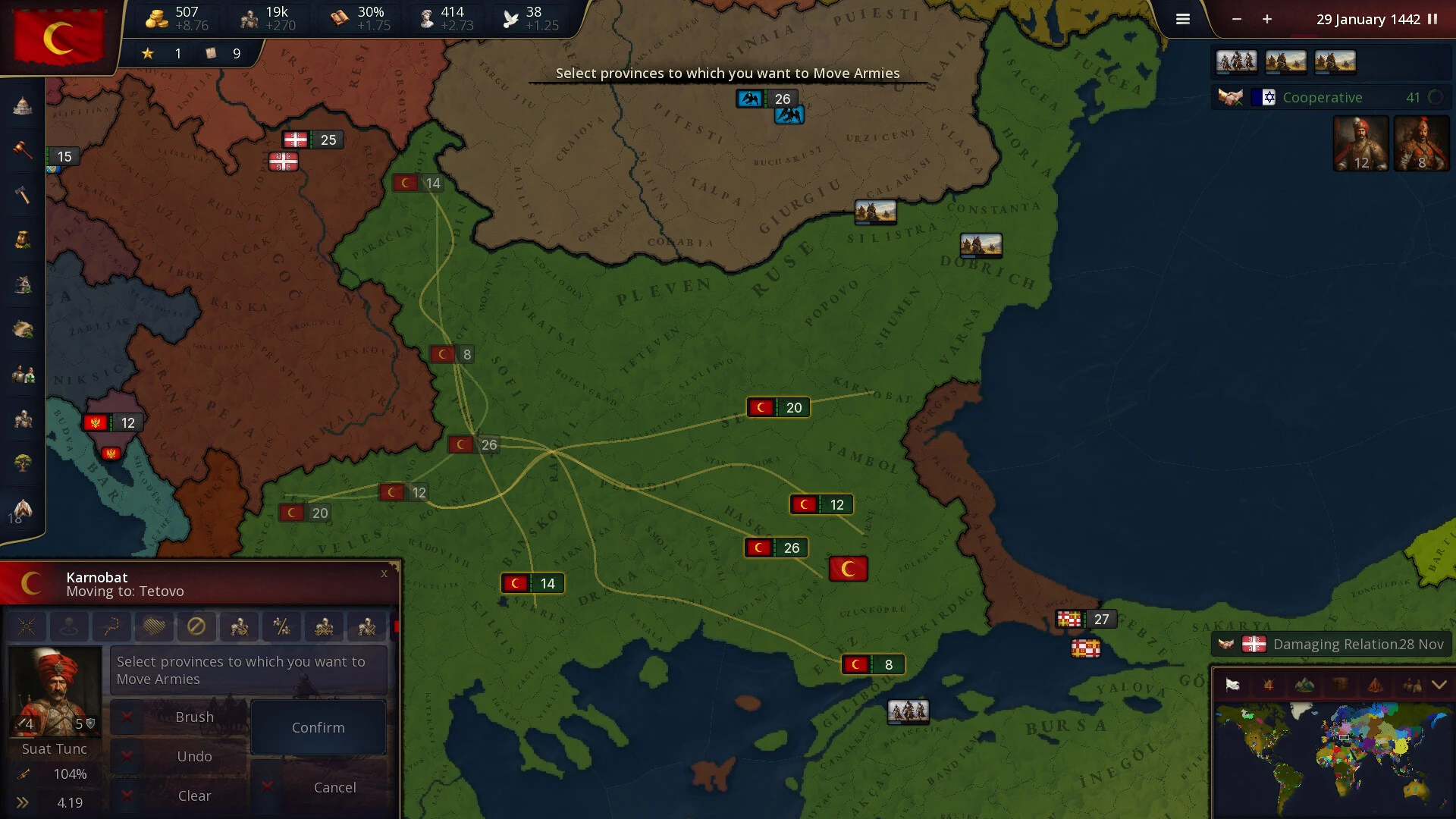
Choosing units for the first and second lines is critically important. First-line units must be resilient and capable of engaging in direct combat, while second-line units should provide support, ranged attacks, or fulfill specialized roles on the battlefield.
With more than 63 unit types at your disposal, you have a tremendous variety of army compositions available, offering diverse and rich strategic possibilities for every scenario.
New Combat System
Each day, the frontline units of both armies engage in combat with the enemy's frontline units, provided they are within attack range. Simultaneously, second-line units also participate in the battle, attacking the enemy's frontline forces if those units fall within their operational range.
Combat results in casualties, troop retreats, and a decline in overall morale.
Manpower
Manpower represents the number of individuals fit for military service within a civilization. It is a crucial resource used for recruiting new troops and reinforcing existing armies, embodying a civilization's capacity to wage war and defend itself on your Mac.
Manpower reserves replenish over time, reflecting natural population growth and recovery from previous military engagements and conflicts.
Since manpower supplies are restored gradually over time, players must carefully plan their military campaigns with consideration for both current and future manpower availability. Playing age of history 3 mac demands thoughtful long-term strategic planning.
Features:
-Council, advisors, and generals
-More than 90 unique buildings
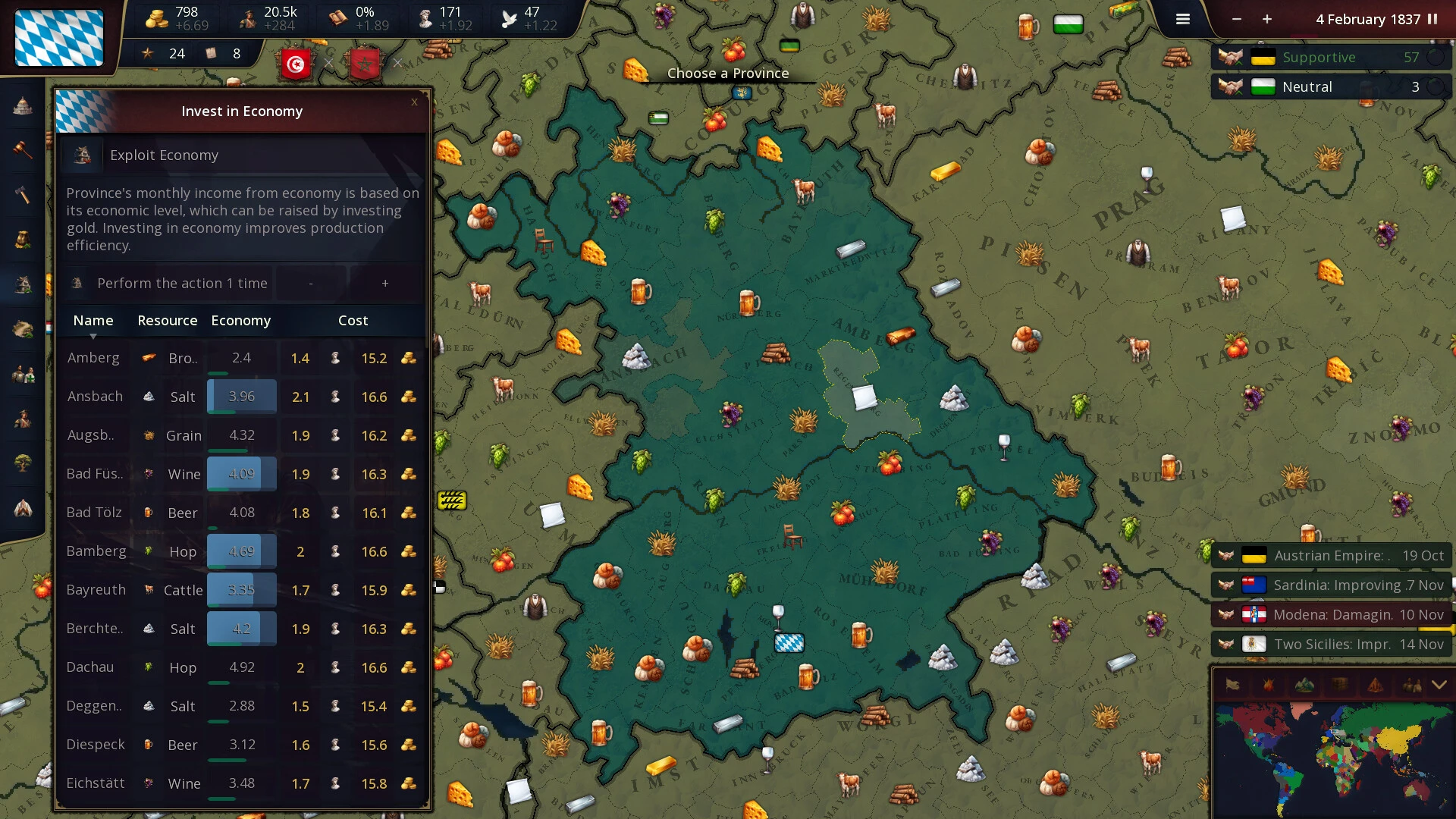
-A more developed and complex economy
-48 resources, each providing unique bonuses to the largest producers
-Civilization legacies and distinct advantages
-Laws and reforms
-Religions
Frequently Asked Questions
You May Also Like
Reviews & Comments
No comments yet. Be the first to share your thoughts!